Key Takeaways
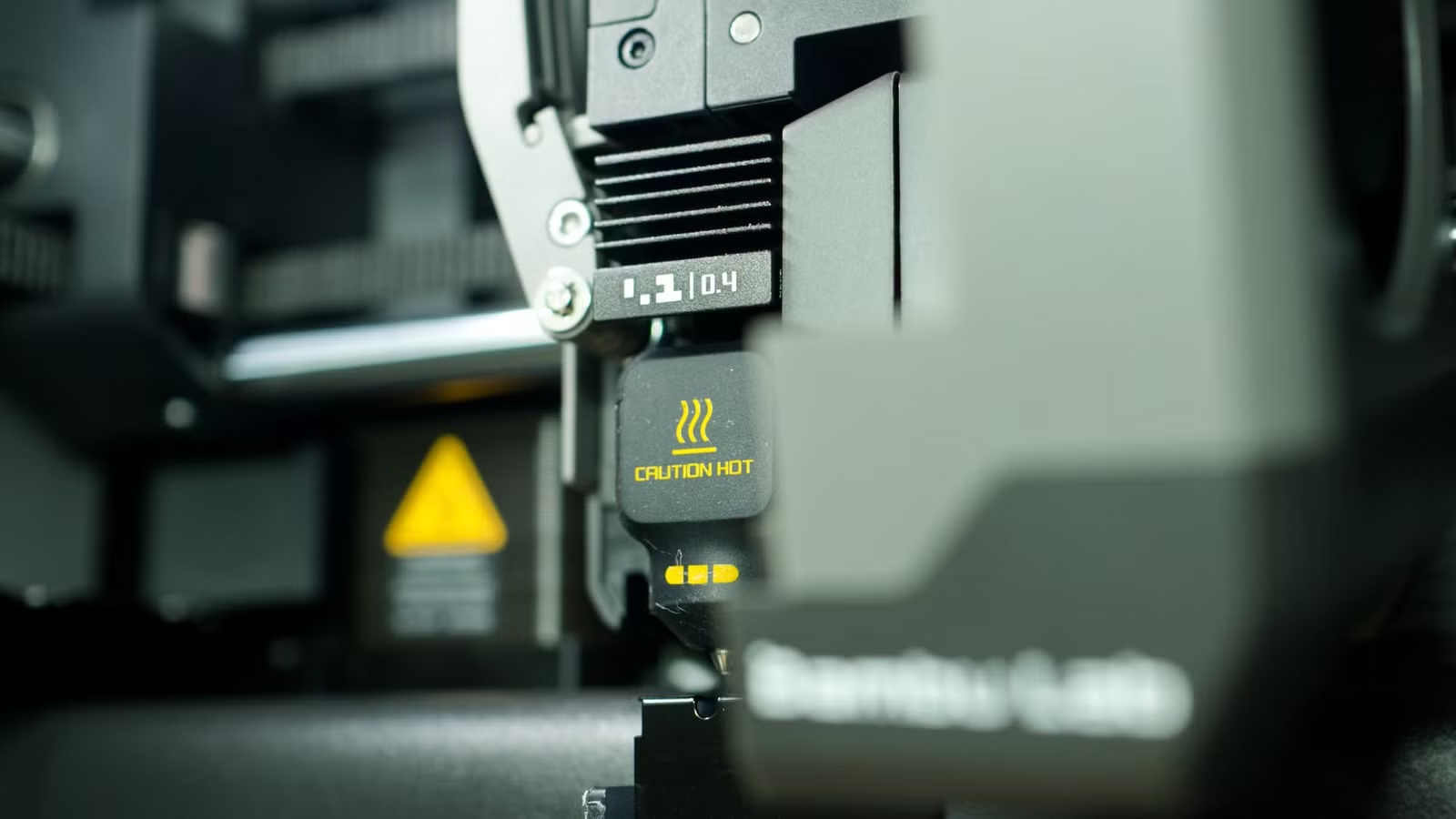
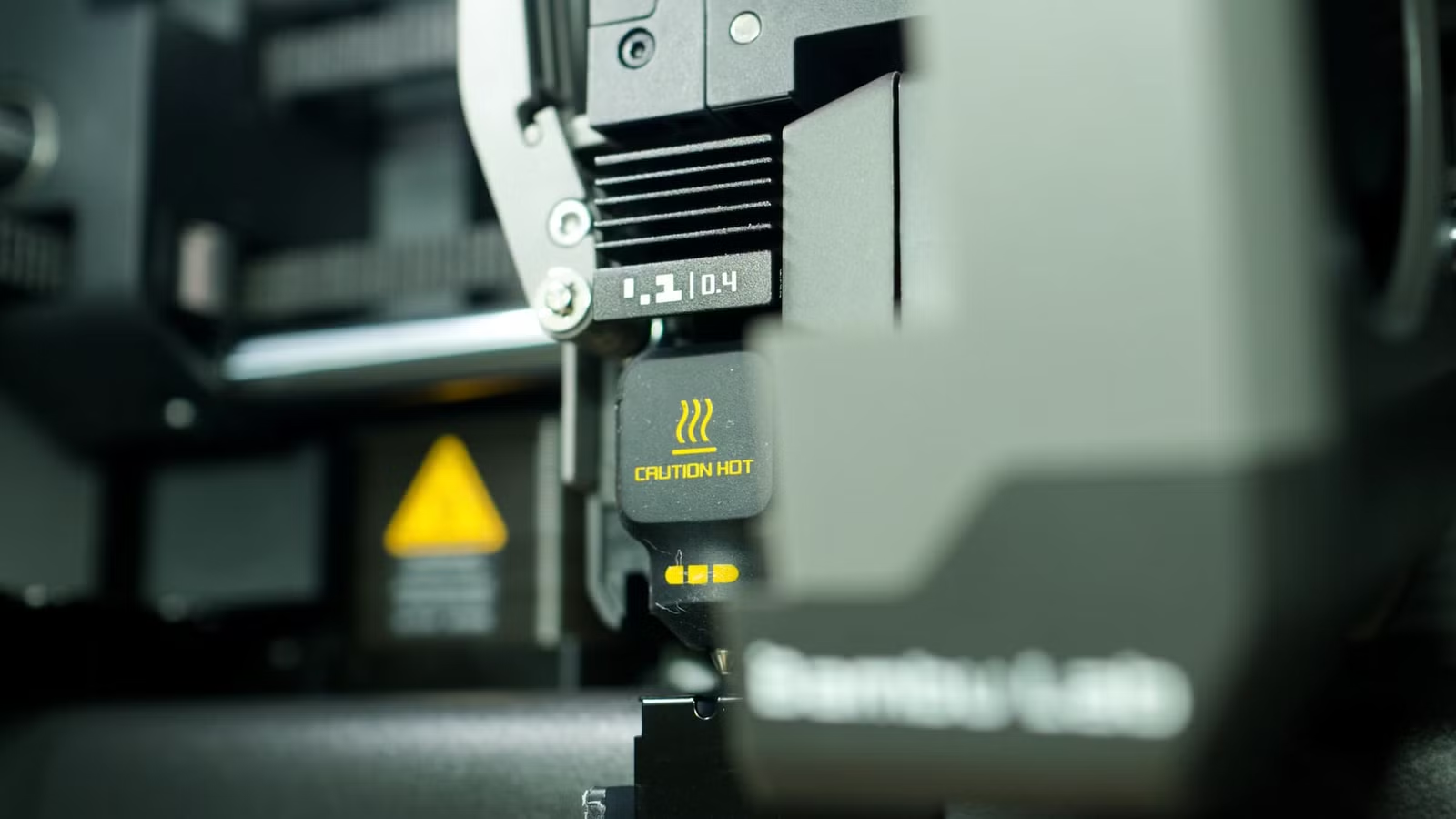
- 3D printer nozzles reach 200°C to 300°C, causing severe burns on contact
- Ultrafine particles under 100nm can penetrate lungs and enter the bloodstream
- Sharp tools and flying plastic fragments create injury risks during post-processing
Your 3D printer is not a household appliance. It is a miniature factory that melts plastic at temperatures capable of causing third-degree burns, releases particles small enough to enter your bloodstream, and runs unattended for hours with enough electrical current to start a fire. Most hobbyists treat these machines too casually.
As 3D printing has become more accessible, the gap between consumer convenience and industrial risk has widened. Most consumer-grade printers lack the safety enclosures, air filtration, and thermal protection found in professional equipment. Understanding what can go wrong is the first step toward printing safely.
1. Post-Processing Injuries Are Common
The print coming off your bed is rarely the finished product. Removing support structures, trimming brims, and cleaning up stringing requires tools. Flush cutters are standard, but many users reach for craft knives without thinking twice.
Applying pressure with a blade or snipping a stubborn support sends sharp plastic fragments flying in unpredictable directions. A shard in the eye is not hypothetical. It happens. Safety glasses should be standard equipment in any printing workspace.
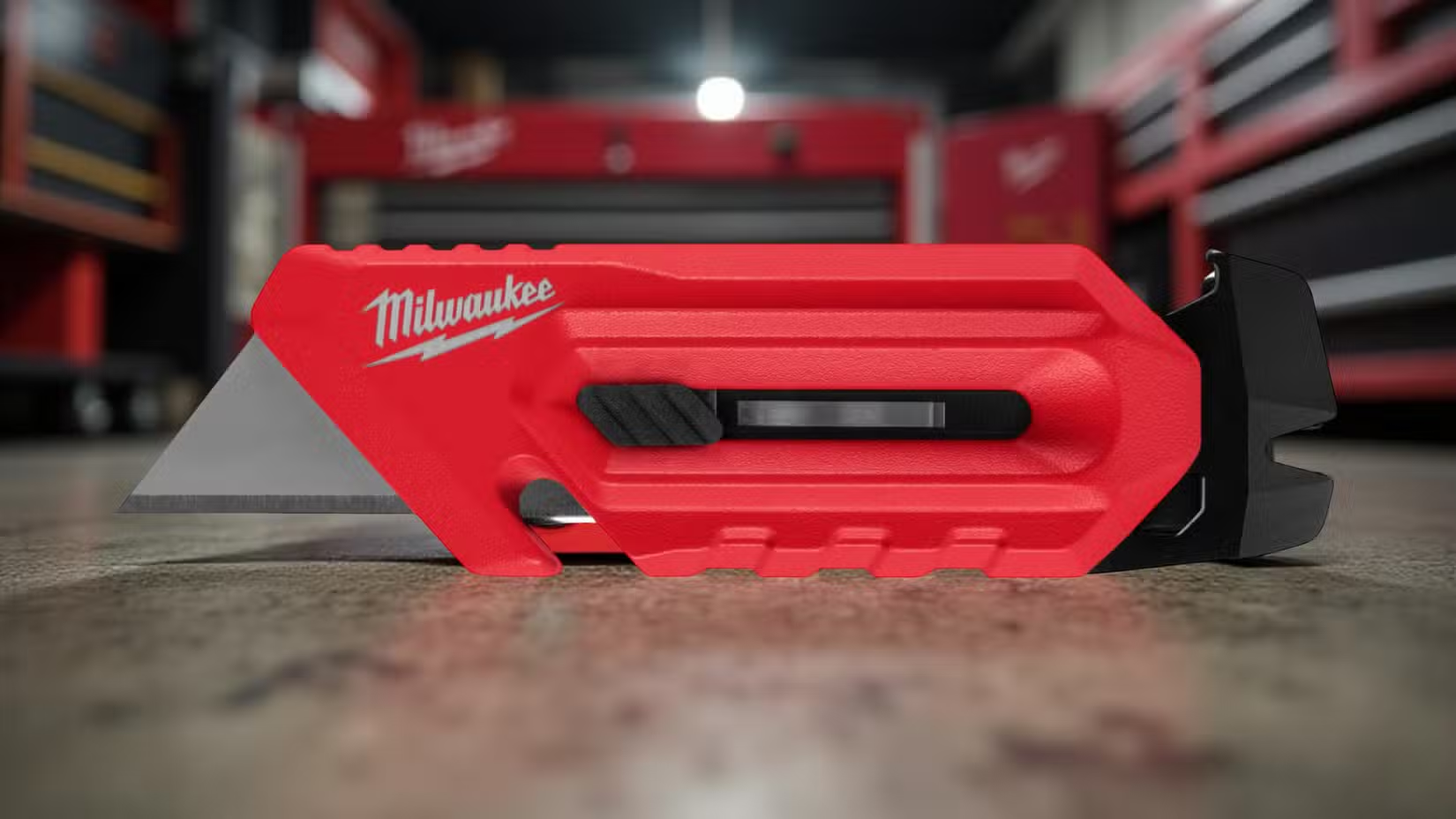
Keep your blades sharp. Dull knives require more force, which increases the chance of slipping. Always cut away from your body. This is basic workshop advice, but excitement over a fresh print makes people careless.
2. Burn Hazards Are Severe
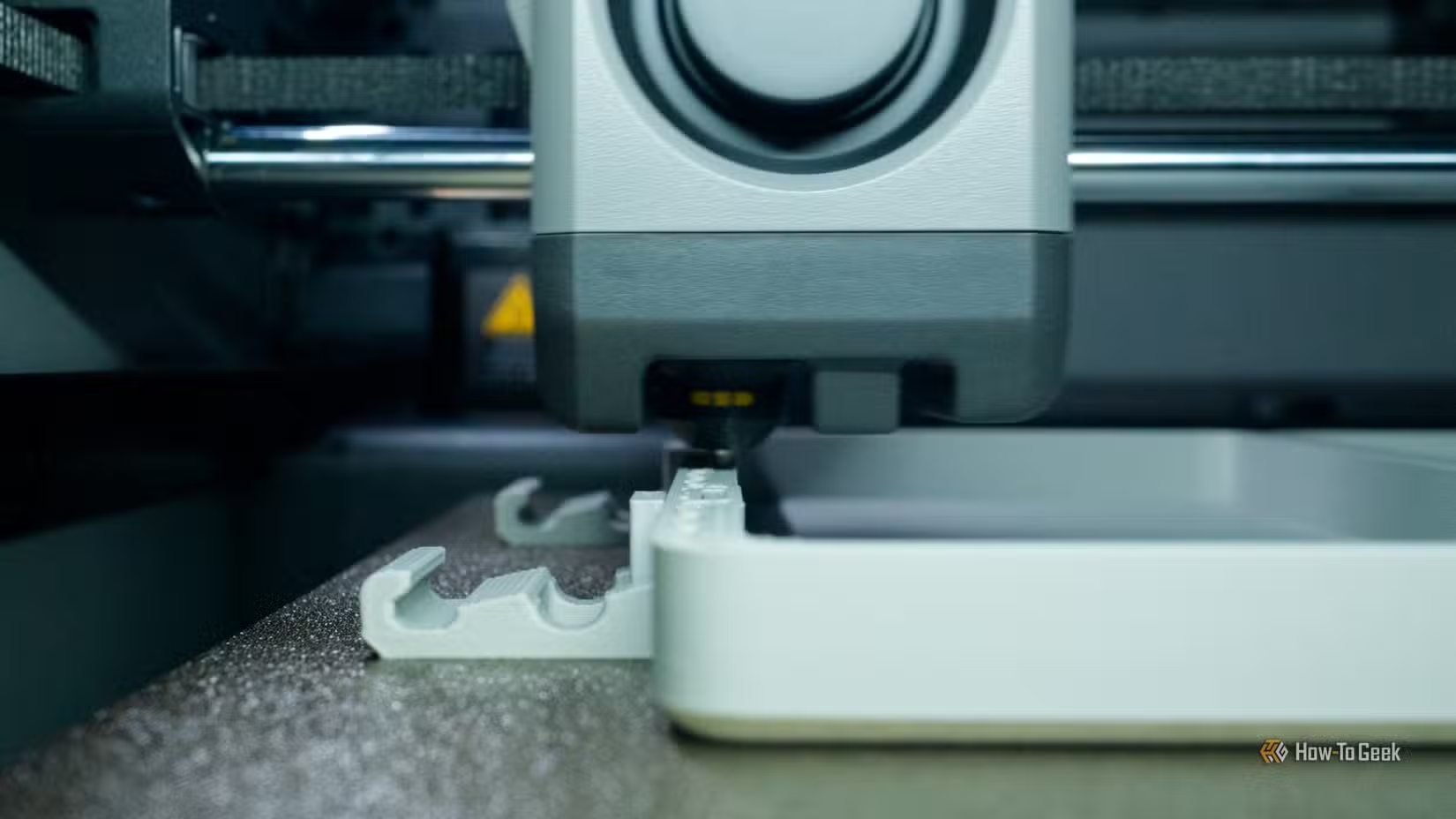
A standard 3D printer nozzle operates between 200°C and 300°C. For context, water boils at 100°C. At 200°C, skin contact causes immediate tissue damage. At 300°C, you are looking at serious burns that may require medical attention.
Heated beds add another danger zone. Many run at 60°C to 110°C depending on the material. That is hot enough to burn, especially with prolonged contact. Develop a habit of treating the entire print area as a no-touch zone while the machine is running or cooling down.
3. Toxic Fumes and Ultrafine Particles
Melting plastic releases volatile organic compounds (VOCs) and ultrafine particles (UFPs). PLA, often marketed as safe, still emits particles. ABS is worse. PETG falls somewhere in between. Resin printers using UV-cured materials introduce entirely different chemical exposure risks.
Ultrafine particles under 100nm are the real concern. Particles this small pass through lung tissue and enter the bloodstream. Long-term health effects are not fully understood, but respiratory irritation, headaches, and allergic reactions are common short-term complaints in poorly ventilated spaces.
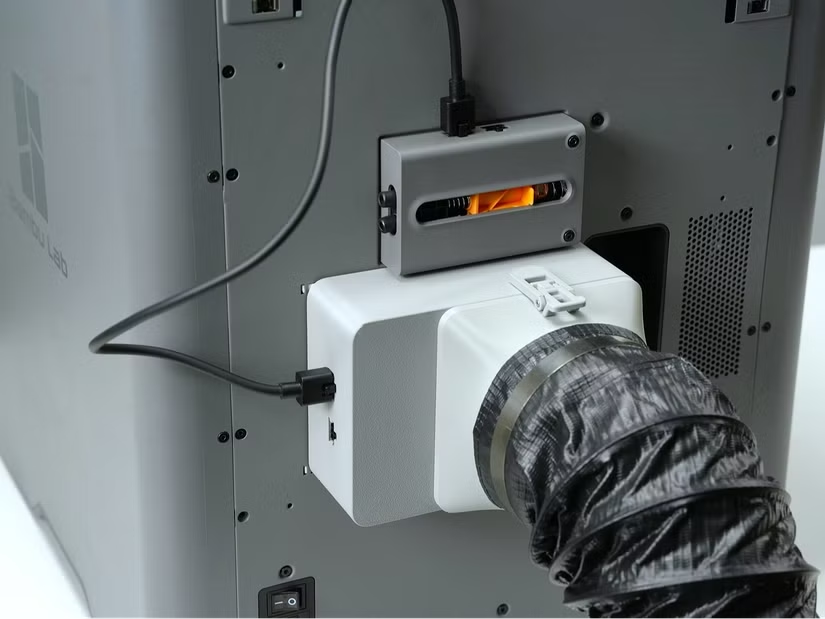
The debate in the 3D printing community centers on whether HEPA and activated carbon filtration is necessary or whether room ventilation is sufficient. Experienced users consistently recommend active filtration, especially for enclosed spaces or multi-hour prints. At minimum, crack a window and run a fan.
4. Fire Risk Is Real
3D printers run hot components for extended periods, often unattended. A nozzle clog can cause heat buildup. A loose wire can arc. A failed thermistor can let temperatures spiral out of control. Budget printers from unknown manufacturers may lack thermal runaway protection entirely.
Reddit's r/3Dprinting forum is filled with cautionary tales. Users share photos of melted enclosures, scorched print beds, and worse. The "fire and forget" mentality, leaving a printer running overnight or while away from home, is how small problems become house fires.
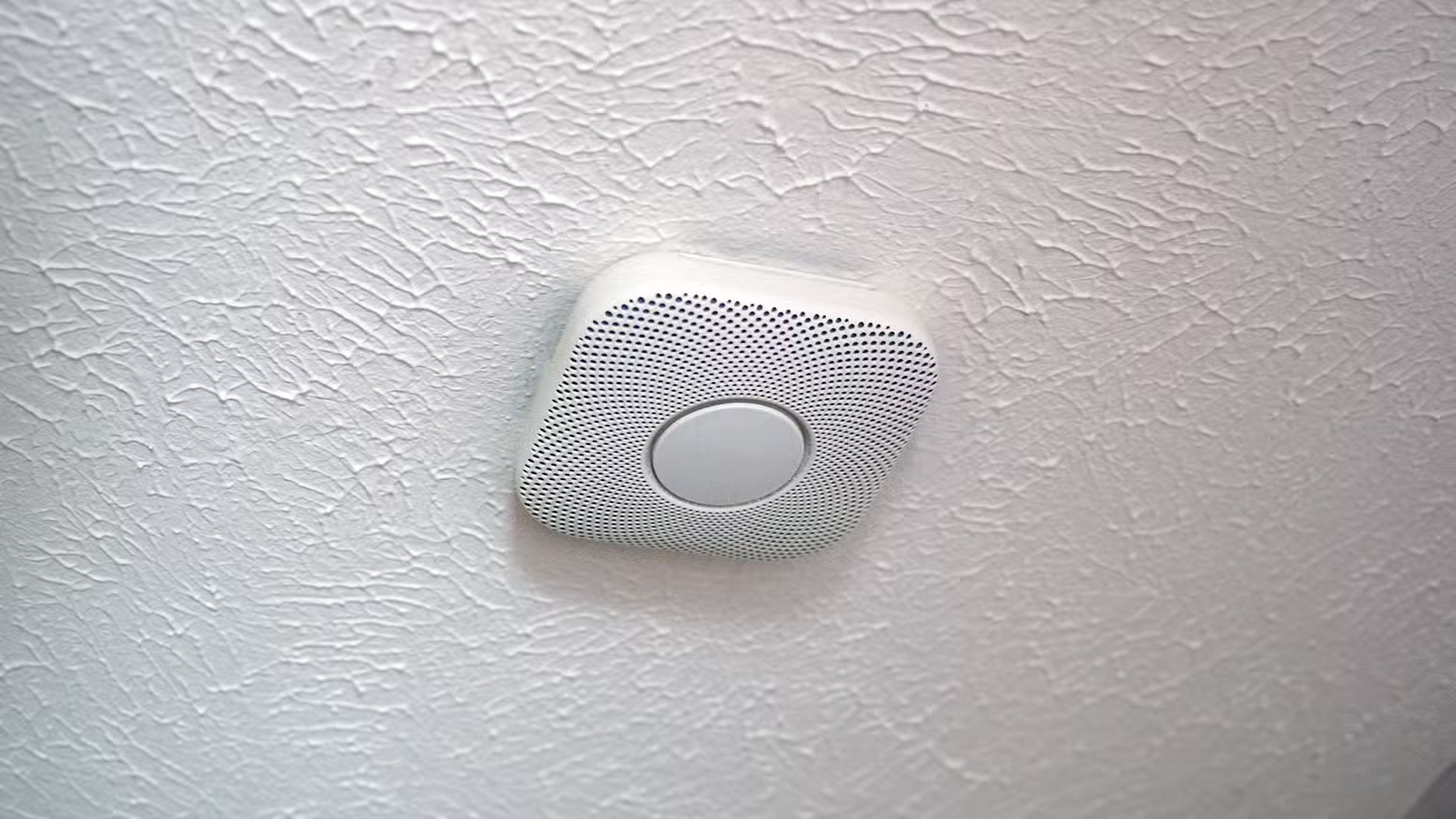
Before running any printer unattended, verify it has thermal runaway protection enabled in firmware. Consider a smoke detector in the same room. Some users install smart plugs that can cut power remotely if they see something wrong on a camera feed.
5. Electrical Hazards
Modifying a 3D printer is part of the hobby for many users. Upgrading heated beds, swapping power supplies, or installing new hotends involves working with mains voltage. A mistake here is not just expensive. It can be fatal.
Even without modifications, cheap printers sometimes arrive with questionable wiring. Inspect connections before first use. Look for loose terminals, undersized wire gauges, and missing strain relief. If you are not comfortable evaluating electrical safety, find someone who is.
6. Mechanical Hazards
Moving parts on a 3D printer can trap fingers, hair, or loose clothing. This is less dramatic than a burn or fire, but pinch injuries happen. Stepper motors have enough torque to hurt. Keep hands clear while the machine is in motion.
Some printers use belts under tension. Others have lead screws that can trap anything inserted into the mechanism. Children and pets should be kept away from operating printers. An enclosed machine is safer than an open-frame design if you share space with curious hands or paws.
Mitigation Checklist
- Wear safety glasses when handling finished prints or using cutting tools
- Never touch the nozzle or heated bed during or immediately after printing
- Ensure adequate ventilation or use HEPA/carbon filtration, especially for ABS or resin
- Verify thermal runaway protection is enabled before unattended printing
- Install a smoke detector in your printing area
- Inspect electrical connections on new or modified machines
- Keep children and pets away from operating printers
Logicity's Take
Frequently Asked Questions
Is PLA filament safe to print without ventilation?
PLA is safer than ABS, but it still emits ultrafine particles. Ventilation is recommended for any filament, especially during long prints or in small rooms.
How hot does a 3D printer nozzle get?
Standard consumer printers reach 200°C to 300°C depending on the material being printed. This is hot enough to cause severe burns on contact.
Can a 3D printer start a fire?
Yes. Thermal runaway, electrical faults, and overheated components have caused fires. Printers should not run unattended without thermal protection and nearby smoke detection.
What safety equipment do I need for 3D printing?
At minimum: safety glasses for post-processing, ventilation or air filtration, a smoke detector, and heat-resistant gloves if you frequently handle hot components.
Are cheap 3D printers dangerous?
Budget printers from unknown manufacturers may lack thermal runaway protection and proper electrical safety features. Inspect wiring and verify firmware safety settings before use.
Need Help Implementing This?
Source: How-To Geek
Manaal Khan
Tech & Innovation Writer
Produced with AI assistance and reviewed by the Logicity editorial team. Learn more in our Editorial Policy.