Key Takeaways
- Rooftop solar typically pays for itself within 10 years, then generates free electricity for another 20
- Smart thermostats can cut heating costs by 10-12% and cooling by 15% annually
- Water shut-off valves may seem expensive until a burst pipe costs you $10,000 in repairs
The budget smart home conversation starts with $15 plugs and $10 bulbs. That's fine for getting started. But the upgrades that actually change how you live, and save you real money, cost hundreds or thousands of dollars. Here are five big-ticket investments that justify their price tags.
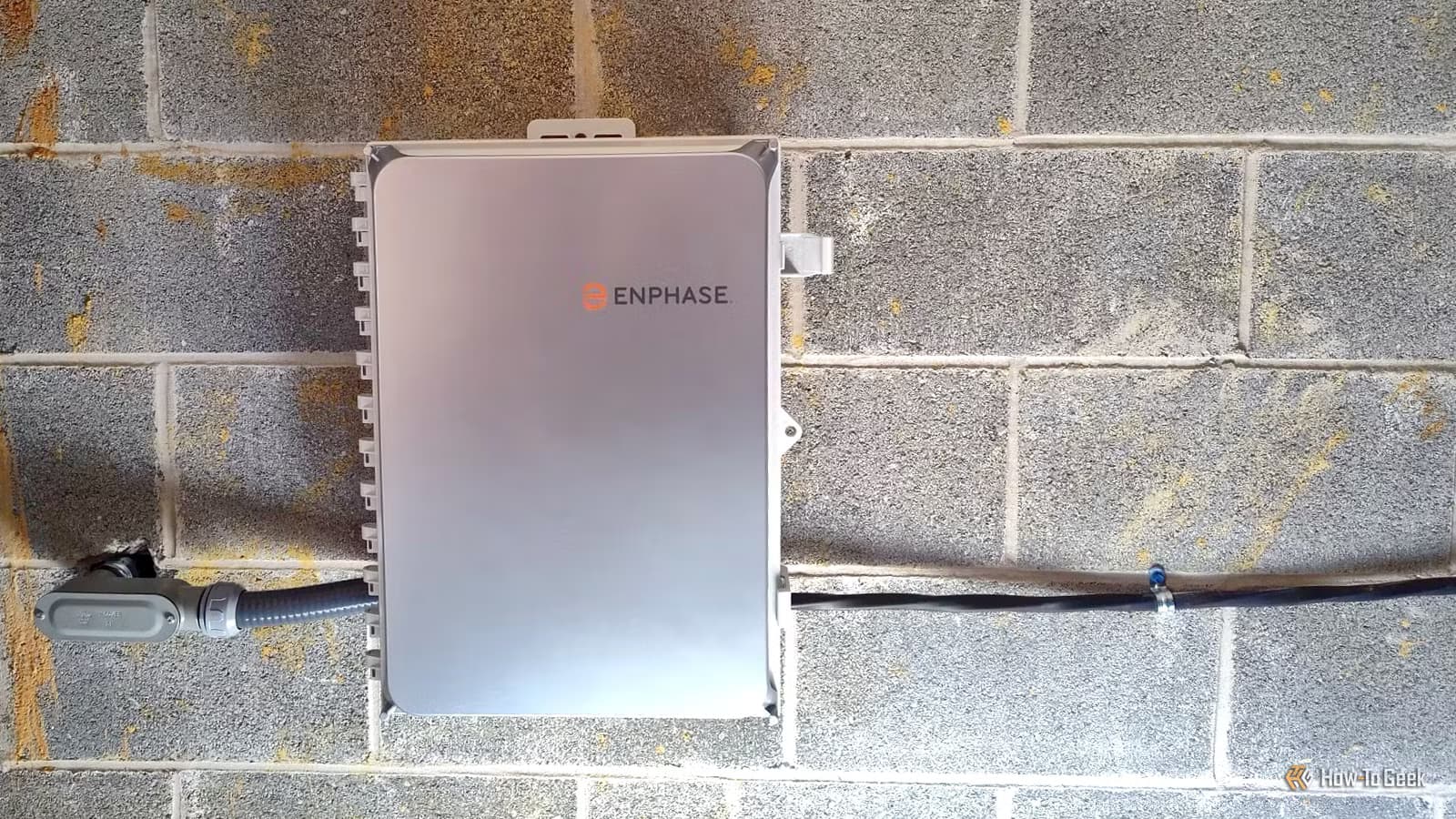
Rooftop solar with energy monitoring
Solar panels are the rare home upgrade that literally pays for itself. The math is straightforward: most residential systems break even within 10 years through energy bill savings. After that, you're generating free electricity for another 15 to 20 years before the panels need replacement.
The smart home angle makes solar even more valuable. Connect your system to Home Assistant or Apple Home, and you can build automations that use surplus generation. The most practical example: an EV charger on a high-load smart plug that only runs when your panels are producing more than your house consumes. You charge your car for free during peak sunlight hours.
Energy monitoring also enables notification-based control. Rather than fully automating everything, you can receive prompts on your phone when conditions favor running the dishwasher, dryer, or pool pump. This hybrid approach works well for people who want the savings without surrendering all control to algorithms.
Smart heating and cooling control
HVAC is typically a home's largest energy expense. Automating temperature control can cut heating costs by 10-12% and cooling by 15% annually, according to Energy Star. The implementation depends on your existing setup.
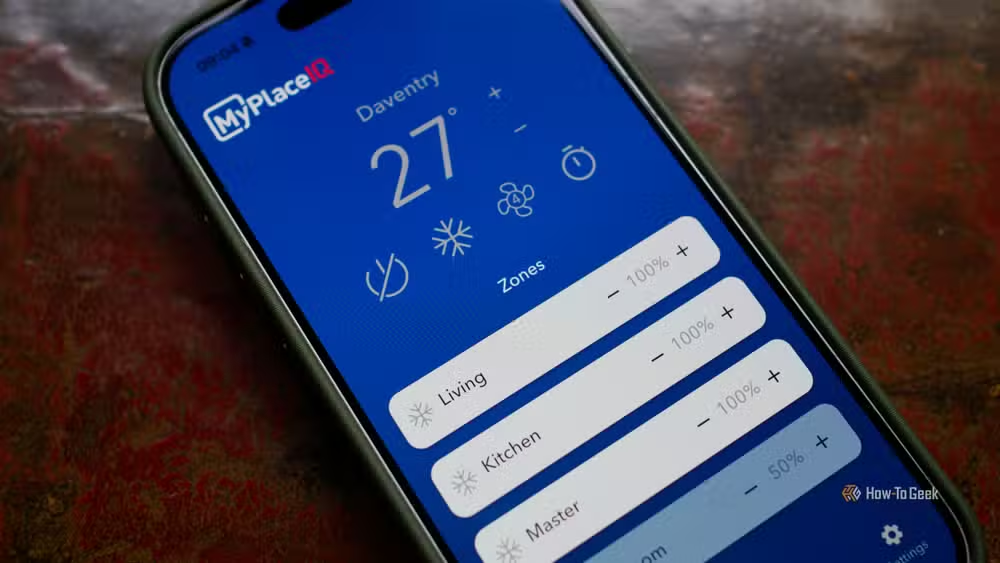
For central HVAC systems, a smart thermostat like the Ecobee or Nest is the obvious starting point. If you have split-system head units in each room, infrared proxies give you app control without rewiring. Homes with radiators can add smart valve controls to each unit for room-by-room scheduling.
Temperature sensors scattered throughout the house complete the picture. Zoned systems especially benefit here. You can heat the bedroom at night while leaving the living room cold, or vice versa during the day.
Tim Brookes, senior editor at How-To Geek, added a wireless controller to his central air installation last year. The Home Assistant integration added about $500 to the quote. Now he automates heating and cooling based on solar generation, time of day, and whether anyone is actually home. The system also handles winter tasks like preventing pipes from freezing and summer ones like cooling the house for pets left alone.
Water shut-off valves
This one feels unnecessary until it isn't. A burst pipe can cause $10,000 or more in water damage within hours. A smart shut-off valve linked to leak sensors can stop the flow automatically before you even know there's a problem.
The value proposition is pure insurance. You might never use it. But if your water heater fails at 3 AM while you're traveling, the difference between a wet floor and a destroyed basement comes down to whether water kept flowing for eight hours.
Some home insurance policies offer discounts for smart water monitoring, which can offset part of the installation cost over time.
Smart locks and security systems
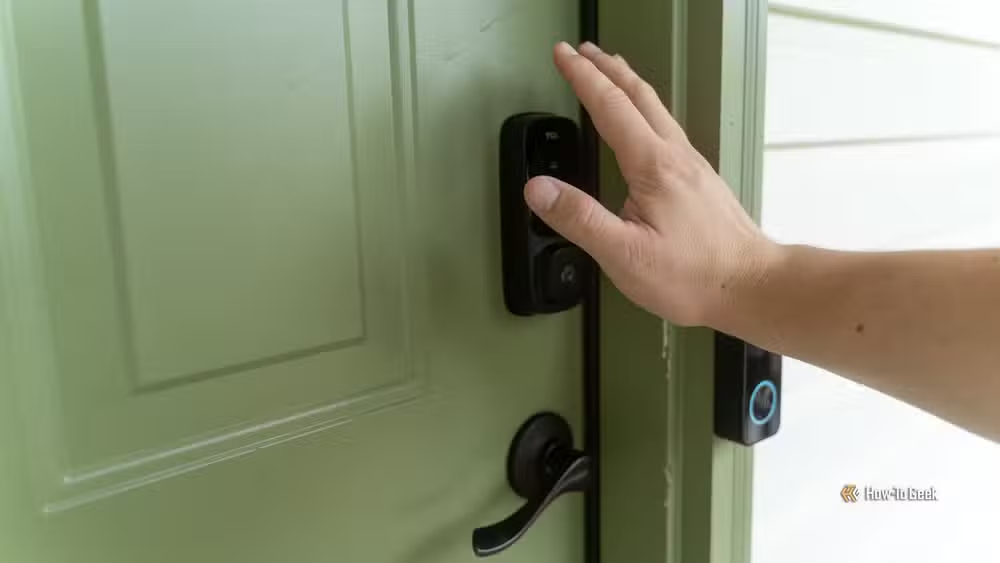
Smart locks solve a specific annoyance: keys. You can let in the dog walker, the cleaner, or the kids without copying physical keys or hiding one under a rock. Temporary codes expire automatically. Entry logs tell you who came and went.
The security benefits are real too. Good smart locks are harder to pick than cheap deadbolts, and the audit trail makes it obvious if someone has been entering without permission. Insurance discounts for integrated security systems, sometimes as high as 15%, help justify the upfront cost.
Professional-grade networking equipment
Consumer mesh routers work fine for streaming Netflix. But a house full of smart devices, especially cameras and sensors that need reliable low-latency connections, exposes the limits of $200 networking hardware.
Enterprise-grade equipment like Ubiquiti's UniFi line offers VLAN segmentation, which lets you isolate IoT devices from computers holding sensitive data. The dashboard gives you real-time visibility into which devices are hogging bandwidth. Power over Ethernet simplifies camera and access point installations by eliminating separate power supplies.
This upgrade matters most if you're running Home Assistant, multiple cameras, or dozens of sensors. The reliability difference is noticeable. Devices that dropped off cheap routers every few days stay connected.
Picking your first big investment
Start with whatever problem irritates you most. High electric bills point toward solar. Freezing winters or brutal summers make HVAC control the priority. Older plumbing makes leak protection urgent. There's no universal right answer.
The common thread is that each of these upgrades either saves money over time, prevents expensive disasters, or both. Unlike a $30 smart plug that just adds convenience, these investments have measurable financial returns.
Logicity's Take
The smart home market has split into two tiers: cheap gadgets that automate minor tasks and serious infrastructure that changes your home's economics. Most coverage focuses on the former because it's accessible. But the real story is that solar, HVAC, and water management systems now integrate with consumer platforms like Home Assistant. You get professional-grade capability without proprietary lock-in. That wasn't true five years ago.
Frequently Asked Questions
How long do rooftop solar panels take to pay for themselves?
Most residential systems break even within 10 years through energy bill savings. After that, they continue generating free electricity for another 15-20 years before needing replacement.
Do smart thermostats actually save money?
Yes. Energy Star estimates smart thermostats reduce heating costs by 10-12% and cooling costs by about 15% annually, averaging around $131 in yearly savings.
Are smart water shut-off valves worth the cost?
If you ever experience a burst pipe, they pay for themselves instantly. Water damage from a single incident can exceed $10,000. Some insurers also offer discounts for smart water monitoring.
What's the best smart thermostat for home automation?
The Ecobee Smart Thermostat Premium offers excellent ecosystem compatibility with Home Assistant, Apple Home, and other platforms. It includes remote sensors for multi-room temperature monitoring.
Why would I need enterprise networking equipment at home?
Consumer routers struggle with dozens of IoT devices. Enterprise equipment like Ubiquiti UniFi offers VLAN segmentation for security, better reliability, and Power over Ethernet for simpler camera installations.
More strategies for getting better ROI from home tech investments
Need Help Implementing This?
Planning a smart home infrastructure upgrade? Logicity covers the tools, platforms, and integration strategies that matter. Subscribe to our newsletter for weekly guides on home automation, energy monitoring, and connected devices that actually deliver ROI.
Source: How-To Geek
Manaal Khan
Tech & Innovation Writer
Produced with AI assistance and reviewed by the Logicity editorial team. Learn more in our Editorial Policy.






