Key Takeaways
- Makita's 18V cut-out saw handles 984 ft of drywall on a single 4.0Ah battery charge
- The 16-gauge nibbler makes precision cuts in sheet metal without grinding or heat distortion
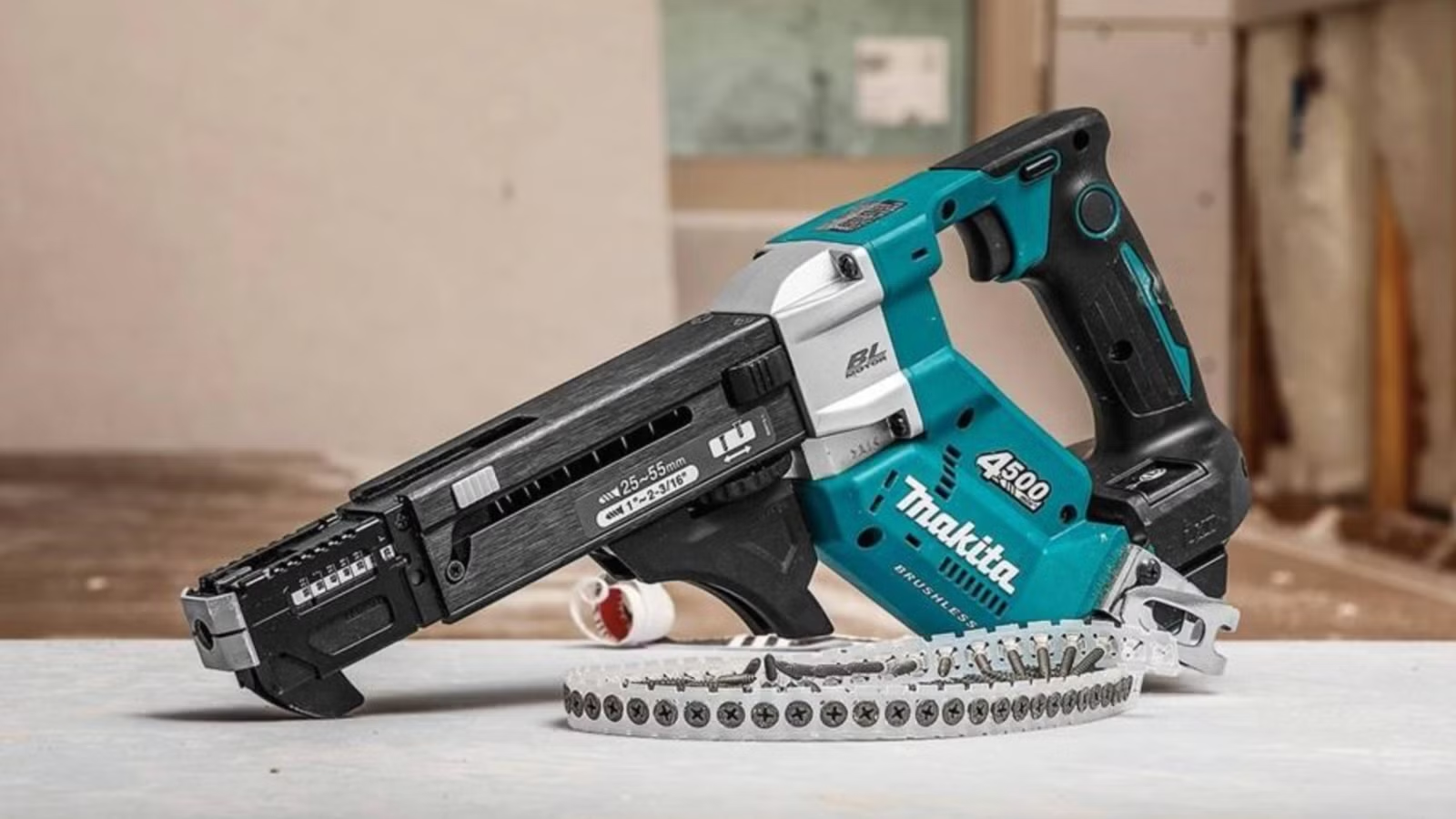
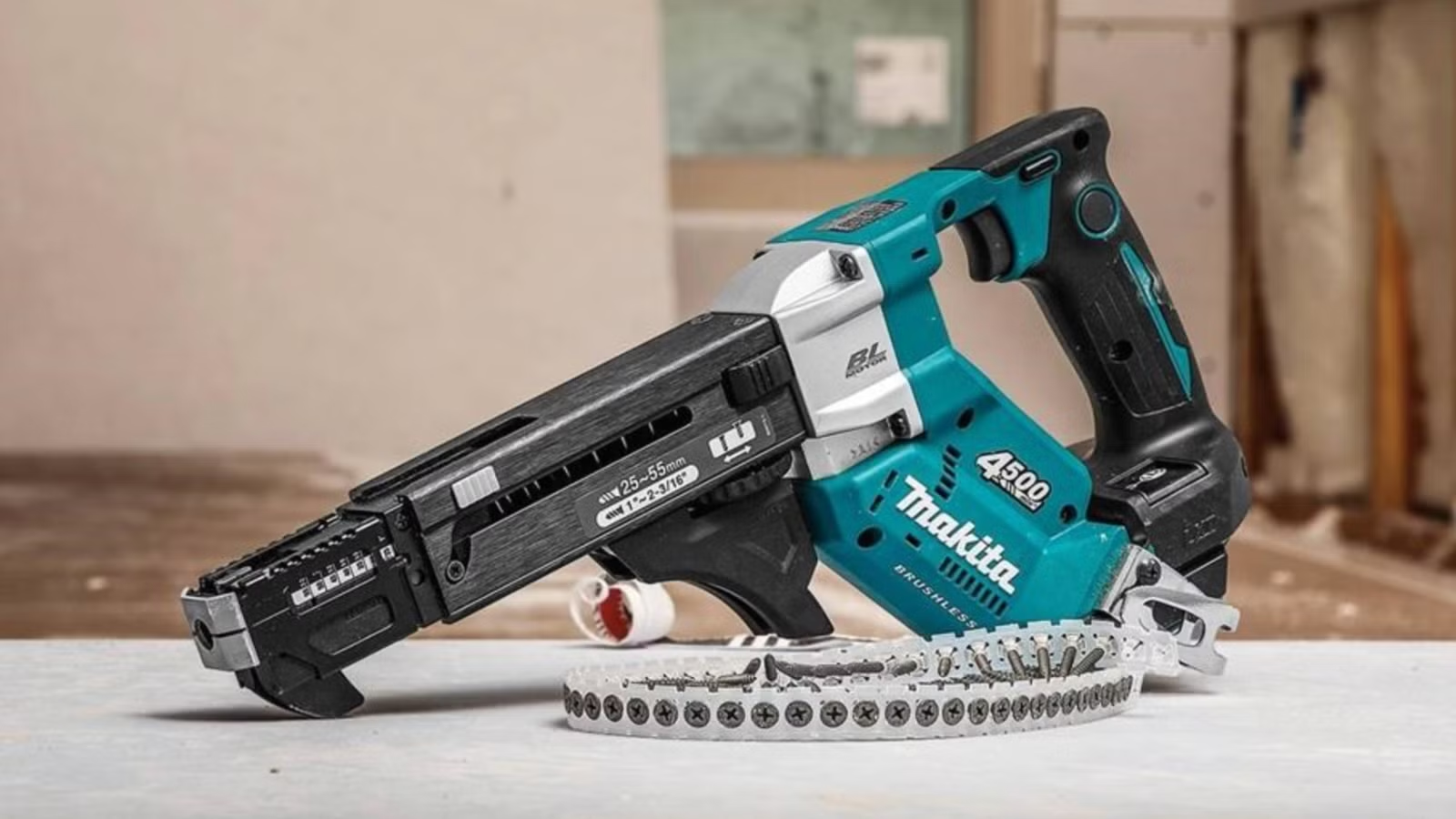
- The autofeed screwdriver drives collated screws continuously, eliminating repetitive hand motions
Makita has built a catalog of over 350 power tools. Most DIYers own the basics: an impact driver, a circular saw, maybe a reciprocating saw. But the company makes plenty of specialty tools that fly under the radar.
These tools target specific jobs. They won't replace your drill. They will, however, cut significant time off repetitive tasks like hanging drywall, cutting sheet metal, or driving hundreds of screws.
18V LXT Cordless Cut-Out Saw
Drywall work involves cutting dozens of openings for outlets, switches, and fixtures. The Makita 18V LXT cut-out saw is built specifically for this job. Its short-stroke blade gives you precise control in vertical and overhead positions.
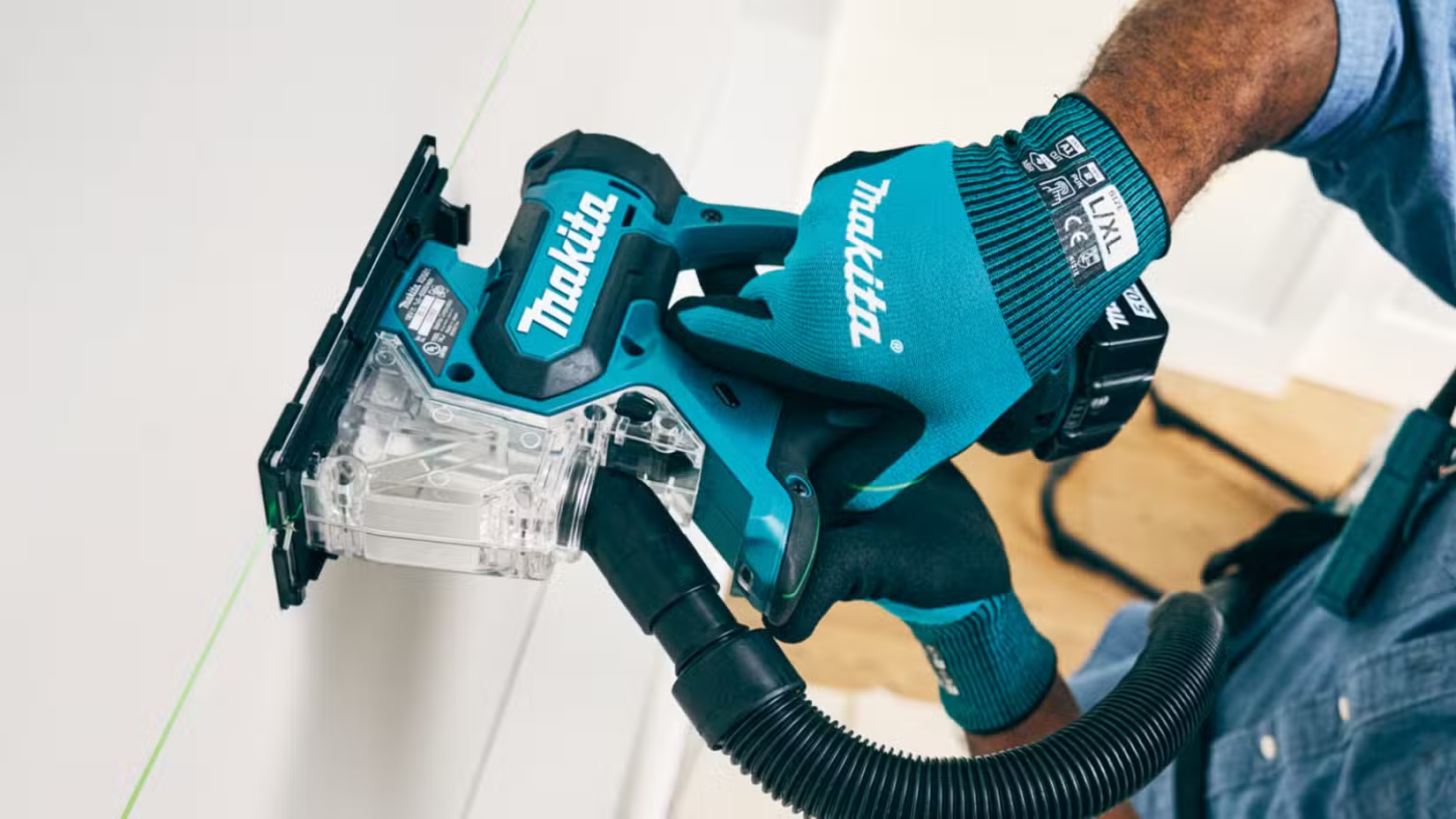
Makita claims it will cut up to 984 feet of half-inch drywall on a single 4.0Ah battery charge. The built-in dust collector keeps your cut line visible. An LED light helps in dark stud bays. At $279 from Home Depot, it's a serious time-saver for anyone doing remodel work or hanging board professionally.
16-Gauge Speed Nibbler
If you've never used a nibbler, the concept sounds strange. Instead of cutting or grinding, a nibbler takes tiny bites out of sheet metal. Each bite removes a small crescent of material. The result is a clean, precise cut without the heat distortion you get from grinding.
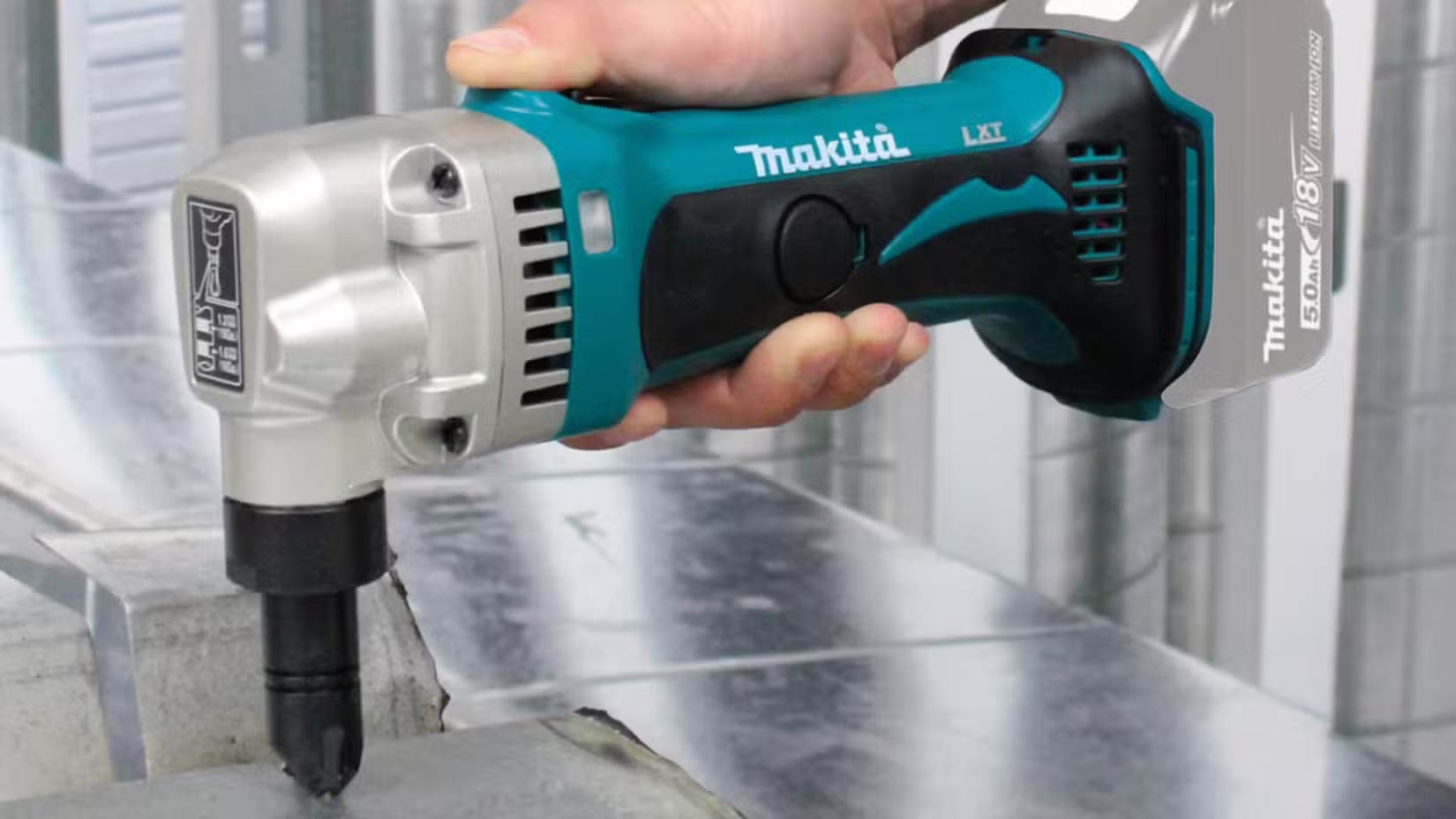
HVAC technicians and metalworkers use nibblers constantly. For DIYers, it's useful for automotive work, custom ductwork, or any project involving aluminum or mild steel sheet. The Makita 16-gauge nibbler runs on the same 18V LXT batteries as the rest of the lineup.
Autofeed Screwdriver
Hanging drywall or decking means driving hundreds of screws. The Makita autofeed screwdriver uses collated screw strips. You press the nose against the work surface, pull the trigger, and the tool feeds and drives screws continuously.
This eliminates the repetitive motion of grabbing a screw, positioning it, and driving. Professional drywall crews have used corded autofeed guns for decades. The 18V battery-powered version brings that speed to cordless toolkits.
Why These Tools Matter
Specialty tools like these only make sense if you do the specific job they target. A nibbler is useless if you never work with sheet metal. An autofeed screwdriver won't help much if you only hang one sheet of drywall a year.
But for repetitive tasks, the time savings compound fast. Cutting fifty outlet openings with a cut-out saw takes a fraction of the time versus a jab saw. Driving a thousand deck screws with an autofeed gun saves your wrist and your schedule.
The practical advantage of Makita's 18V LXT system is battery compatibility. If you already own LXT tools, these specialty additions slot in without buying new chargers or batteries.
Logicity's Take
Frequently Asked Questions
Are Makita LXT batteries compatible across all 18V tools?
Yes. All Makita 18V LXT tools use the same battery platform. A battery from your drill works in the nibbler, cut-out saw, or autofeed screwdriver.
Is a nibbler better than a grinder for sheet metal?
For precision cuts, yes. Nibblers don't generate heat, so there's no warping or discoloration. They also produce cleaner edges that don't need deburring.
How much do collated screws cost for the autofeed system?
Collated screws cost more per unit than loose screws. The tradeoff is speed. For high-volume fastening, the time savings outweigh the material cost increase.
Does the cut-out saw work on materials other than drywall?
Yes. Makita rates it for plywood and other shallow-cut applications. The blade depth limits it to thin materials.
Need Help Implementing This?
Source: How-To Geek
Huma Shazia
Senior AI & Tech Writer
Produced with AI assistance and reviewed by the Logicity editorial team. Learn more in our Editorial Policy.