Key Takeaways
- Ubuntu Server offers the best documentation and community support for VM beginners
- Alpine Linux uses just 130MB, making it ideal for resource-constrained containers
- Debian's stability means VMs can run for years without reboots or crashes
Running Linux in a virtual machine remains the safest way to test software, host home services, or experiment with new operating systems without risking your primary system. But the distro you pick matters more in a VM than on bare metal. Virtualization always comes with a performance tax, so a bloated desktop environment can turn a capable host into a sluggish mess.
The solution is matching your distro to your actual workload. A containerized microservice stack needs different resources than a headless media server or a desktop sandbox for testing applications. Five distributions stand out for VM deployments, each optimized for a different use case.
Why Ubuntu Server dominates headless VM deployments
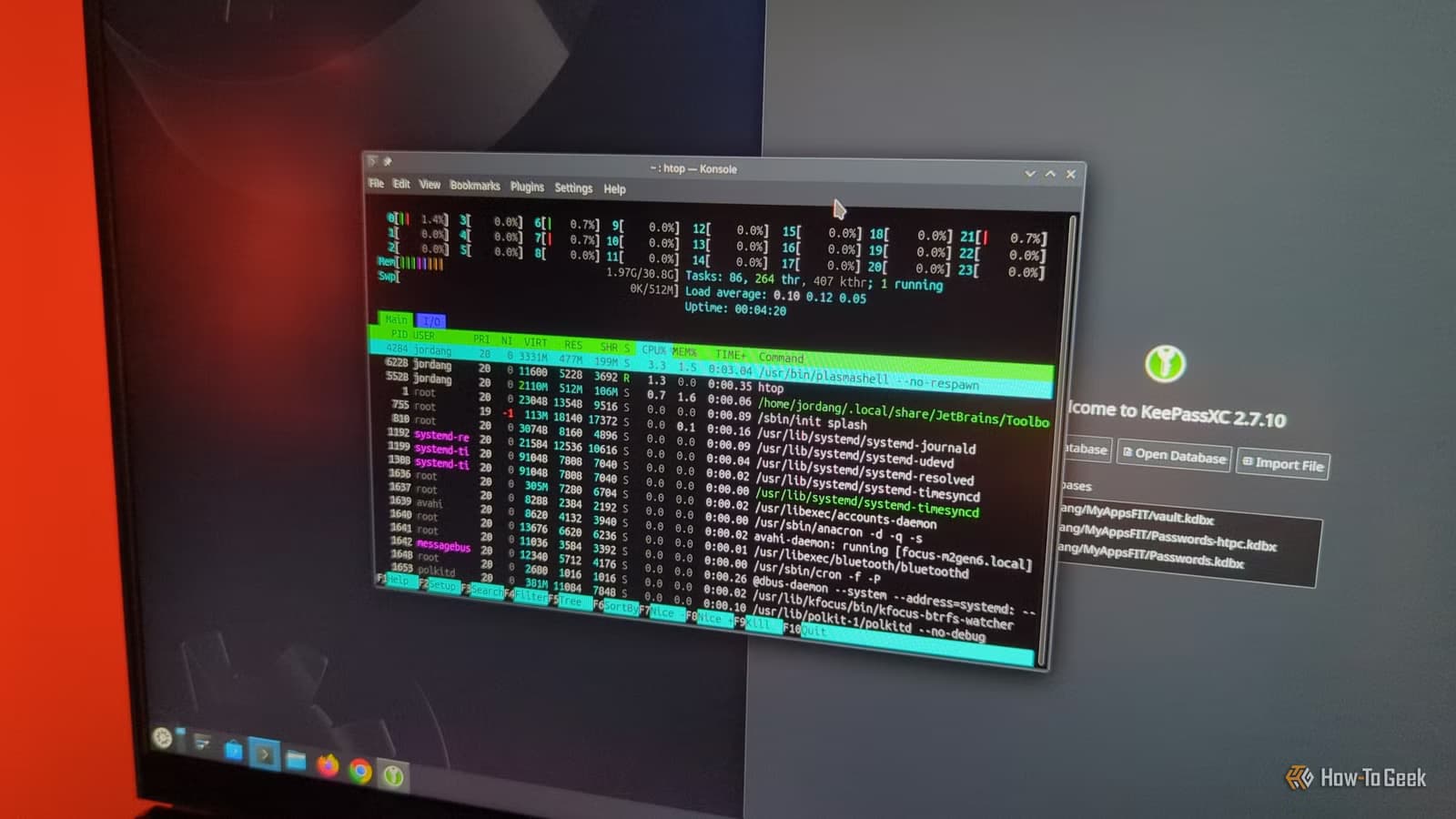
Ubuntu Server strips out the desktop environment from standard Ubuntu, leaving a lean installation that boots quickly and consumes minimal RAM. The real advantage is community support. Because Ubuntu powers so many production servers, you can find tutorials and Stack Overflow answers for nearly any problem you encounter.
The LTS releases fit server workloads well. You set up a VM, configure your services, and leave it running for years with only periodic security patches. No chasing the latest kernel or worrying about breaking changes during upgrades.
Ubuntu Server does carry more overhead than truly minimal distros. But that extra weight means most dependencies come pre-installed. You spend less time hunting down prerequisites and more time deploying services. For beginners or anyone running common applications like Jellyfin, NextCloud, or game servers, Ubuntu Server is the pragmatic choice.
When Debian makes more sense than Ubuntu
Debian is Ubuntu's upstream parent, and it prioritizes stability over freshness. Updates arrive slowly by design. A Debian VM can run for years without needing a reboot or experiencing crashes, making it ideal for set-and-forget workloads.
The trade-off is obvious: you work with older packages. If your application requires the latest library version, Debian's conservative release cycle can frustrate you. For servers where predictability beats novelty, that deliberate pace is a feature, not a bug.
Debian also ships without telemetry or extras you need to disable. The minimal installation leaves you with exactly what you asked for and nothing more.
Alpine Linux: 130MB for container-heavy environments
When you need to squeeze performance from old hardware or allocate resources across dozens of containers, Alpine Linux deserves attention. The base installation uses just 130 megabytes. It boots almost instantly and adds virtually no overhead to your VM.
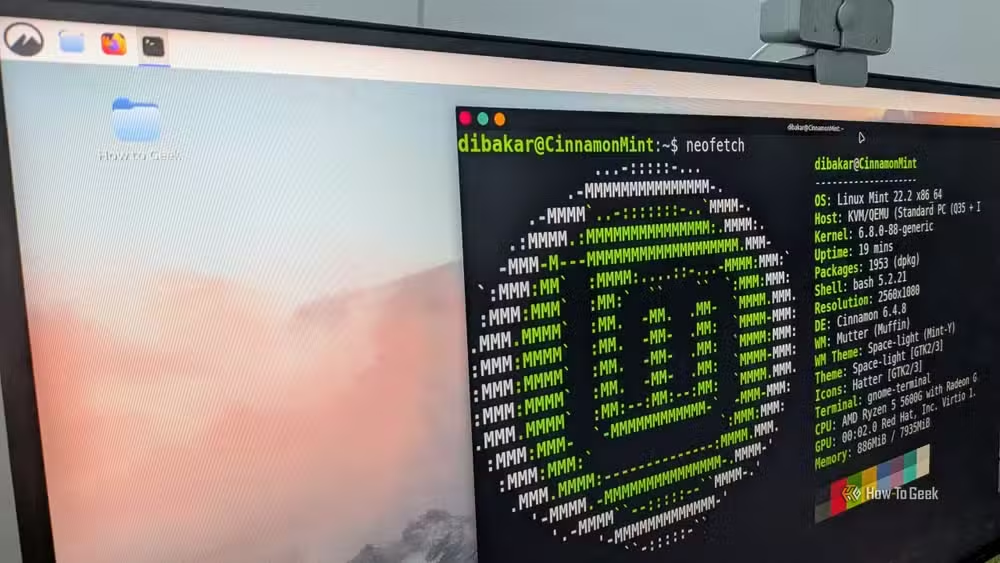
Alpine achieves this by replacing standard libraries like glibc with smaller alternatives like musl libc. That substitution can complicate software installation. Some applications expect glibc and require extra work to run on Alpine. If you give every microservice its own container and need to run dozens on limited hardware, the effort pays off.
Fedora for developers who need current packages
Fedora sits at the opposite end of the update spectrum from Debian. It ships current packages shortly after upstream releases, giving developers access to the latest tooling without jumping to a rolling release. Red Hat uses Fedora as a proving ground before features reach RHEL, so the distribution stays close to enterprise production environments.
For a development VM where you want recent compilers, language runtimes, and libraries, Fedora strikes a balance between stability and freshness. You accept more frequent updates in exchange for not waiting months for new features.
Picking the right distro for your VM workload
The choice depends on what you value most. Need documentation and easy setup? Ubuntu Server. Want rock-solid stability with minimal maintenance? Debian. Running containers on tight resources? Alpine. Developing with current toolchains? Fedora.
None of these are wrong answers. The mistake is grabbing the latest Ubuntu desktop ISO for every VM and wondering why performance suffers. Virtual machines reward intentional choices about what you actually need running.
| Distro | Best For | Size | Update Cadence |
|---|---|---|---|
| Ubuntu Server | Beginners, common services | Medium | LTS every 2 years |
| Debian | Long-running stable servers | Small | Slow, deliberate |
| Alpine | Containers, constrained resources | 130MB | Regular |
| Fedora | Developers needing current packages | Medium | Fast |
Frequently Asked Questions
Which Linux distro is best for running in a VM?
Ubuntu Server is the best starting point for most users due to extensive documentation and community support. For minimal resource usage, Alpine Linux at 130MB is hard to beat.
Can I run a Linux desktop in a virtual machine?
Yes, but desktop environments add significant overhead. For better VM performance, consider headless server distributions and access them via SSH or web interfaces.
Is Debian or Ubuntu better for servers?
Debian offers greater stability and can run for years without issues. Ubuntu Server provides more current packages and better documentation. Both work well for server VMs.
Why is Alpine Linux so small?
Alpine replaces standard libraries like glibc with smaller alternatives like musl libc and ships without extras. This approach keeps the base installation under 130MB.
Logicity's Take
The article omits Linux Mint, which actually excels as a desktop VM for users who need a GUI sandbox. Mint's Cinnamon desktop runs lighter than GNOME and provides a familiar Windows-like experience for testing applications. For enterprise teams, consider Proxmox or similar hypervisors that let you template these distros and spin up purpose-built VMs in seconds.
Need Help Implementing This?
Setting up a virtualization environment for your team? Logicity can connect you with infrastructure consultants who specialize in Linux deployments and container orchestration. Contact us at hello@logicity.in.
Source: How-To Geek
Huma Shazia
Senior AI & Tech Writer
Produced with AI assistance and reviewed by the Logicity editorial team. Learn more in our Editorial Policy.






