Key Takeaways
- Control Center now offers landscape optimization and a half-page connectivity widget with one-tap access to Wi-Fi, Bluetooth, and VPN
- New 'Captured by Me' folder in Photos filters out saved media clutter, showing only photos and videos you actually took
- Auto-paste suggestions surface copied text, addresses, and screenshots directly in the keyboard suggestion bar
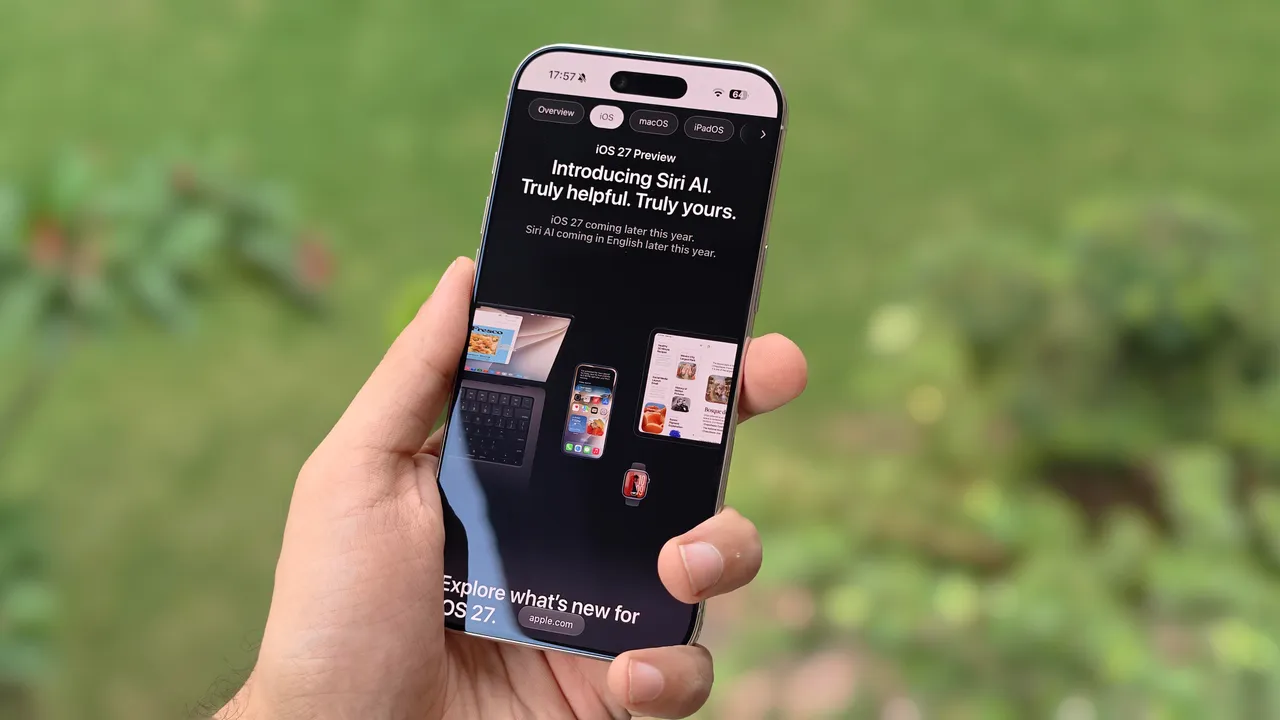
Apple's iOS 27 public beta landed last month, and most coverage has fixated on Siri AI and the photo editing tools. Fair enough. But after a month of daily use, the features that have actually changed my workflow are quieter ones: Control Center tweaks, a smarter clipboard, and dictation that finally understands context. Here are five iOS 27 features flying under the radar.
Control Center gets the fix it needed
Apple has fiddled with Control Center for years, but iOS 27 finally addresses two persistent annoyances. The connectivity widget now comes in a third size: half-page. This gives you one-tap access to Airplane Mode, Wi-Fi, AirDrop, Mobile Data, Bluetooth, Personal Hotspot, and VPN without expanding a full page or hunting through tiny icons. You cannot rearrange toggles within this widget, but you can add them separately if placement matters to you.
The second change: landscape orientation actually works. When you're watching a video and swipe down to adjust brightness, the Control Center icons now stay where muscle memory expects them. In iOS 26, rotating the phone scrambled the layout. Small detail, real frustration solved.
A folder for photos you actually took
The Photos app on iOS 26 dumps everything into one Library: shots you took, screenshots, images saved from WhatsApp, memes from group chats. Finding a specific photo you captured last week means scrolling past noise. Android has had a 'Camera' folder for years. Apple finally caught up.
iOS 27 adds a 'Captured by Me' folder under Collections > Utilities. It filters out saved media and shows only photos and videos taken with your iPhone camera. You can pin this folder so it appears below Memories in Collections. For anyone who takes work photos, screenshots for documentation, or just wants a clean view of their own shots, this is a genuine quality-of-life improvement.
Auto-paste suggestions in the keyboard
You know the one-time password suggestion that appears above the keyboard when an SMS arrives? iOS 27 expands this behavior to copied text, addresses, and screenshots. Copy something, switch apps, and the keyboard surfaces that content in the suggestion bar. No more long-pressing a text field and waiting for the paste menu.
This sounds minor until you track how often you copy-paste during a workday. Addresses into Maps. Tracking numbers into shipping apps. Links into Slack. The two-second pause for the paste menu adds up. iOS 27 shaves it away.
Disclosure
Some links in this post are affiliate links — Logicity earns a commission if you sign up, at no extra cost to you. We only link products we have used or actively recommend.
Dictation that removes filler words
Apple's on-device dictation in iOS 27 now recognizes context, handles complex words more accurately, and automatically removes filler words like 'umm' and 'ahh' from transcription. It also inserts commas at appropriate places without explicit commands.
Testing it for email replies, the output required less editing than before. Full stops still need manual insertion or the 'period' command, but commas and filler word cleanup happen automatically. For anyone who dictates notes, messages, or drafts while walking or driving, this is a measurable improvement in accuracy.
Why these matter more than the AI features
Siri AI and the new photo editing tools will get the keynote time. They're flashy. But the features above solve friction I hit daily. Control Center that respects orientation. A Photos folder that filters clutter. Clipboard behavior that saves two seconds, fifty times a day. These compound.
iOS 27 isn't a redesign like iOS 26. It's a refinement pass. Apple fixed bugs, smoothed edges, and added small conveniences that don't require learning new gestures or workflows. For users who upgraded to iOS 26 and found rough edges, iOS 27 is the polish pass.
Logicity's Take
Apple's quiet improvements in iOS 27 reflect a maturing platform where the biggest gains come from friction reduction, not new paradigms. For enterprise IT teams managing fleets of iPhones, these changes reduce support tickets: fewer confused users fumbling with Control Center, fewer complaints about Photos clutter. The dictation improvements also narrow the gap with third-party tools like Otter.ai and Microsoft's Copilot voice features. If your org uses productivity tools like [Notion](https://logicity.in/r/notion) or [ClickUp](https://logicity.in/r/clickup) on mobile, the smoother clipboard behavior translates directly to faster task entry.
When can you try these?
iOS 27 is available now in public beta. Apple announced it at WWDC in June 2026, and the final release will likely ship alongside new iPhone hardware this fall. Public betas are reasonably stable, but expect occasional bugs. Installing on a secondary device is the safest approach if you rely on your phone for work.
Frequently Asked Questions
Is iOS 27 available for all iPhones?
Apple typically supports iPhones from the past five to six years. Check Apple's official compatibility list before installing the beta, as older models may be excluded.
How do I install the iOS 27 public beta?
Enroll in Apple's Beta Software Program at beta.apple.com, then download the beta profile in Settings > Software Update > Beta Updates.
Will iOS 27 slow down older iPhones?
Beta software often runs slower due to debugging code. Final releases are typically optimized, but performance varies by device. Wait for the stable release if you're concerned.
Can I revert to iOS 26 after installing iOS 27 beta?
Yes, but it requires erasing your device and restoring from a backup made before the beta installation. Back up before upgrading.
Another example of incremental improvements driving real business value
Need Help Implementing This?
Managing iOS updates across your organization? Logicity can help you plan device refresh cycles and mobile productivity workflows. Contact us at hello@logicity.in.
Source: Latest news
Manaal Khan
Tech & Innovation Writer
Produced with AI assistance and reviewed by the Logicity editorial team. Learn more in our Editorial Policy.




