Key Takeaways
- Apple's ecosystem advantages can be replicated on Windows-Android with the right free apps
- A Windows PC with equivalent specs to a Mac costs significantly less
- Older Android tablets can stay useful through custom ROMs even after official support ends
The Ecosystem Lock-In Problem
Ask Apple users why they stick with Apple, and you'll hear the same answer: ecosystem. The seamless handoff between iPhone, iPad, and Mac is genuinely impressive. It's also the main reason many people feel trapped. Switching away means losing that integration.
But here's the thing. Apple didn't invent cross-device sync. They just packaged it better than anyone else. The underlying features exist on other platforms. You just need to assemble them yourself.
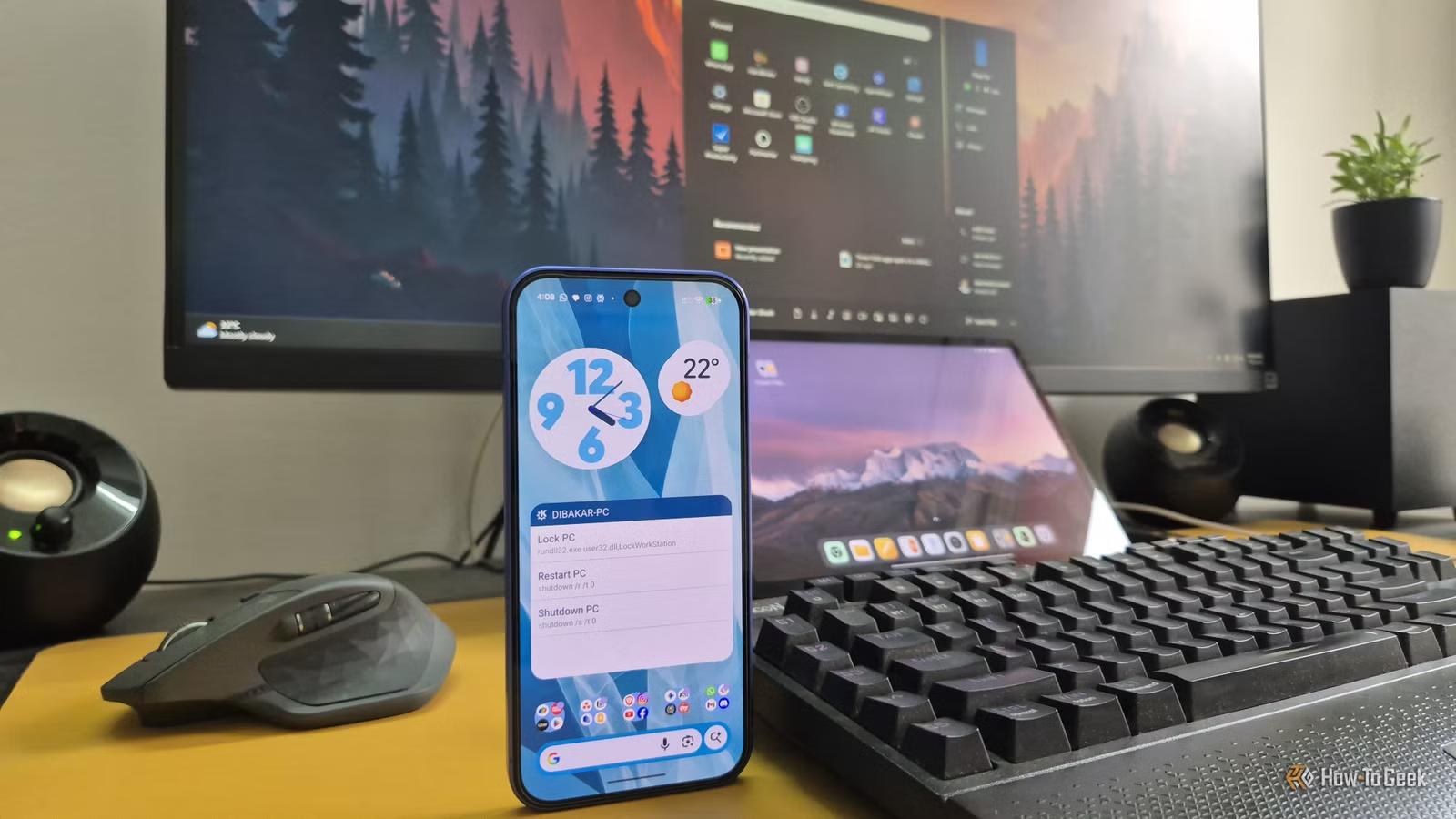
Dibakar Ghosh, a tech journalist at How-To Geek, argues that his Windows-Android setup now matches or exceeds what Apple offers. His secret? Five free applications that bridge the gaps between devices from different manufacturers.
The Hardware: Three Brands, Zero Compromises
Ghosh's setup prioritizes value over brand consistency. His Windows PC runs a Ryzen 5 5600G processor, an RTX 3060 with 12GB of VRAM, and 32GB of RAM. Getting equivalent specs from Apple would cost significantly more. He also runs a multi-boot setup with several Linux distributions for added privacy and customization options.
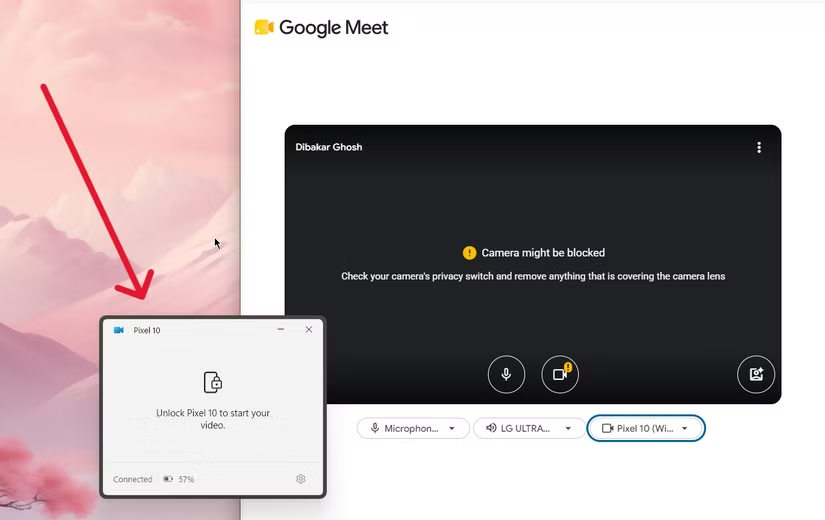
For his phone, he uses a Pixel 10. The camera quality and clean software matter, but the real draw is Google's context-aware voice typing. All processing happens on-device, making typing on a small screen genuinely usable.
The tablet is a Mi Pad 5, a budget Android device priced below the standard iPad. Despite launching in 2021, it still performs well thanks to its Snapdragon 860 processor and 256GB of storage. Official updates stopped, but custom ROMs keep it running current software.
Logicity's Take
Why This Matters for Your Device Strategy
The cost difference is substantial. A Mac with specs comparable to Ghosh's Windows PC would cost hundreds more. The Mi Pad 5 undercuts the base iPad while offering more storage. The Pixel 10 competes directly with iPhone at similar price points but with more flexibility.
More importantly, this approach eliminates vendor lock-in. Each device can be replaced independently. If Samsung releases a better tablet next year, you can switch without disrupting your phone or PC setup. Try that with an iPad in an Apple ecosystem.
Another free tool that solves an expensive problem
The Longevity Advantage
Ghosh's five-year-old Mi Pad 5 still feels snappy. Custom ROMs extend the usable lifespan of Android devices well beyond manufacturer support windows. Apple controls when your iPad becomes obsolete. With Android, the community often has other plans.
This matters for organizations managing device fleets. Extending tablet life by two or three years through custom software can dramatically reduce hardware costs. It requires technical capability, but the savings compound quickly across multiple devices.
More free tools that solve common technical problems
The Trade-Offs
This setup isn't for everyone. You'll spend time configuring apps that Apple users never think about. Troubleshooting falls on you, not a Genius Bar appointment. Updates to individual apps can occasionally break integrations that worked yesterday.
The experience also varies by app quality. Some third-party solutions match Apple's polish. Others feel like open-source projects maintained by one developer. Your tolerance for rough edges matters.
Frequently Asked Questions
Can Windows and Android really match Apple's ecosystem?
For core features like file sync, clipboard sharing, and notifications, yes. Some Apple-specific features like AirDrop and Handoff require equivalent third-party apps, but functional alternatives exist.
Do these free apps work reliably?
Most popular options have years of development and large user bases. Reliability varies by app, but the best-known solutions like Microsoft's Phone Link are stable enough for daily use.
Is custom ROM installation difficult?
It requires following technical instructions carefully and voids your warranty. For supported devices, the process is well-documented. For unsupported devices, it ranges from tricky to impossible.
How much money can I save versus Apple?
Significant amounts. A Windows PC with specs matching a high-end Mac can cost half as much. Budget Android tablets offer more storage than base iPads at lower prices.
Need Help Implementing This?
Source: How-To Geek
Enhancing Your Android Ecosystem: Pixel Watch Power User Tips
The new article introduces specific hardware-centric features for the Google Pixel Watch, such as 'Express Pay' for Google Wallet, which enhances ecosystem functionality. This adds practical, device-specific utility to the broader concept of cross-platform integration discussed in the original article.
Huma Shazia
Senior AI & Tech Writer
Produced with AI assistance and reviewed by the Logicity editorial team. Learn more in our Editorial Policy.






