Key Takeaways
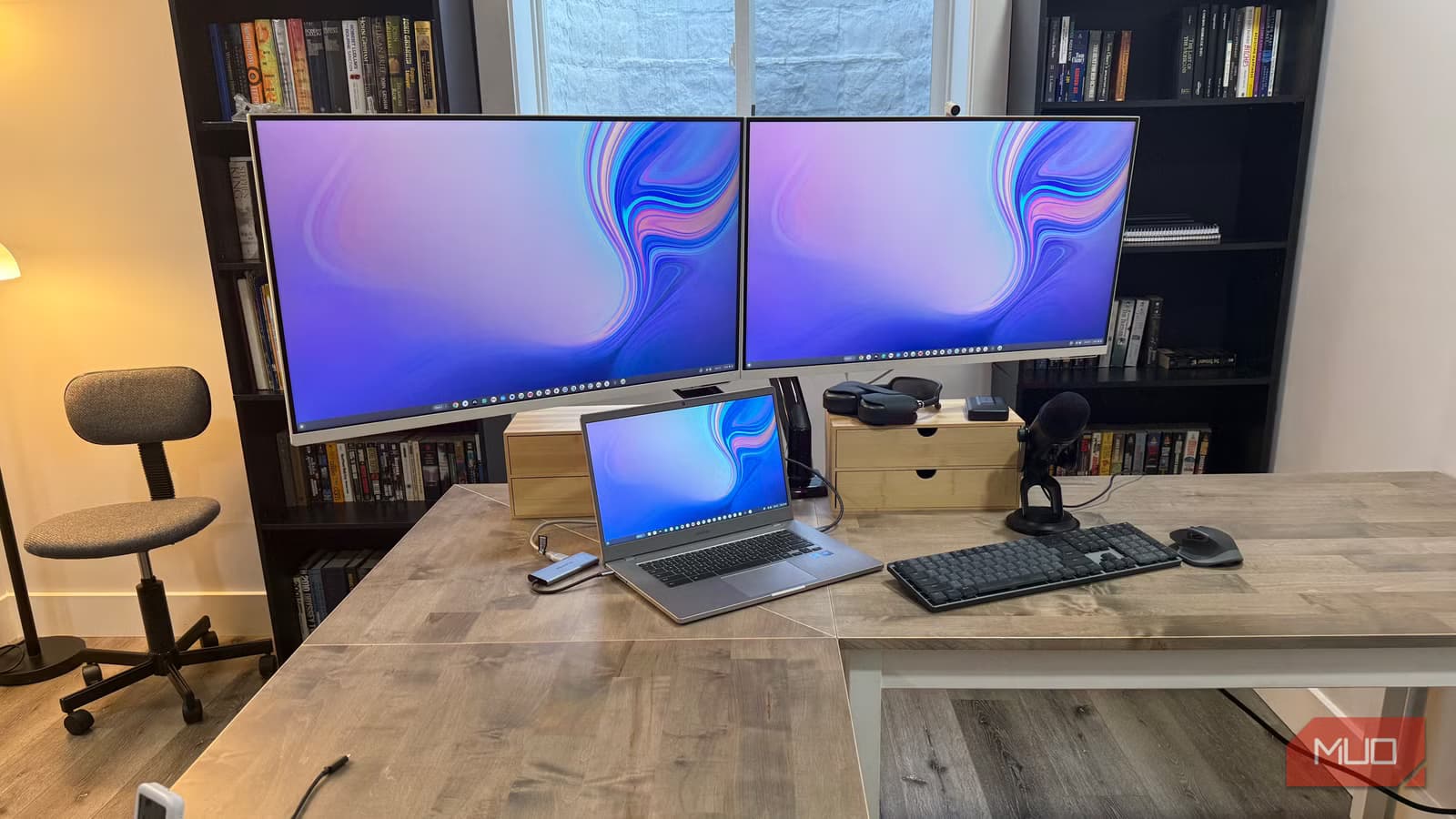
- A $9 pack of adhesive cable clips with a three-lane routing system eliminates desk cable chaos
- The USB-C cable in your phone's box likely caps transfer speeds at 480Mbps instead of 10Gbps
- NFC tags under $12 can trigger iPhone Shortcuts to automate your entire morning desk routine
The most useful desk upgrades have nothing to do with monitors, Mac minis, or articulating arms. According to a detailed breakdown from MakeUseOf, the purchases that actually change how a workspace feels day to day cost under $30 each. Cable clips, a proper USB-C cable, NFC tags. Small stuff that sits in shopping carts for months because none of it feels urgent.
Jonathon Jachura, a mechanical engineer who runs a home office packed with premium hardware, makes the case that small friction compounds silently. You don't notice it announcing itself. It just shows up every morning until you finally address it.
Why $9 cable clips beat zip ties
The standard fix for cable chaos is zip ties. They work, until you need to swap anything. Then you're cutting and re-tying, which means you stop bothering. A 50-pack of adhesive cable management clips runs about $9 and forces a different approach entirely.
The trick is committing to three distinct routing lanes before you stick anything down. Jachura settled on power cords anchored at the back (rarely touched), data cables running through the middle, and charging cables near the front for easy access. Once you map that logic, clip placement becomes obvious.
One detail worth noting: where cords converge at the power strip, adhesive alone won't hold. That junction takes more stress than anywhere else, so screw-in clips make sense there. Everywhere else, adhesive holds fine on wood, metal, and most painted surfaces. Swapping a cable drops from a full search operation to a few seconds.
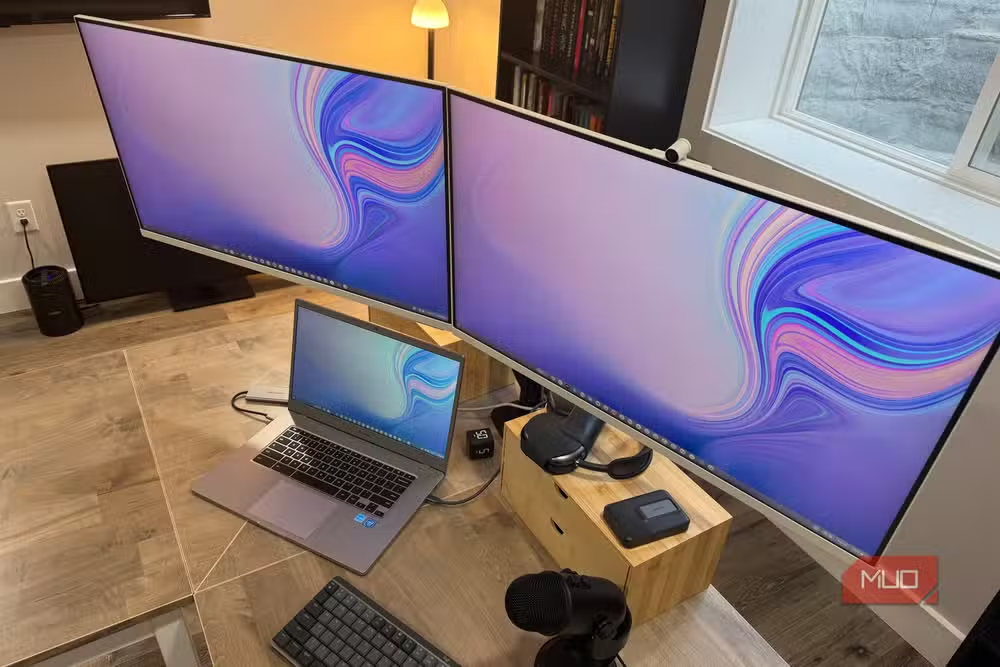
The box cable is almost never the fast one
Copying 4K footage from an iPhone 16 Pro Max to an M4 Mac mini was crawling. Jachura cycled through the usual suspects: macOS settings, phone restarts, port diagnostics. Everything checked out.
Then he opened System Information on the Mac (hold Option while clicking the Apple menu, check the USB section) and looked at the Speed field. 480Mbps. The iPhone 16 Pro Max supports USB 3 at 10Gbps. Apple's own box cable just doesn't let it.
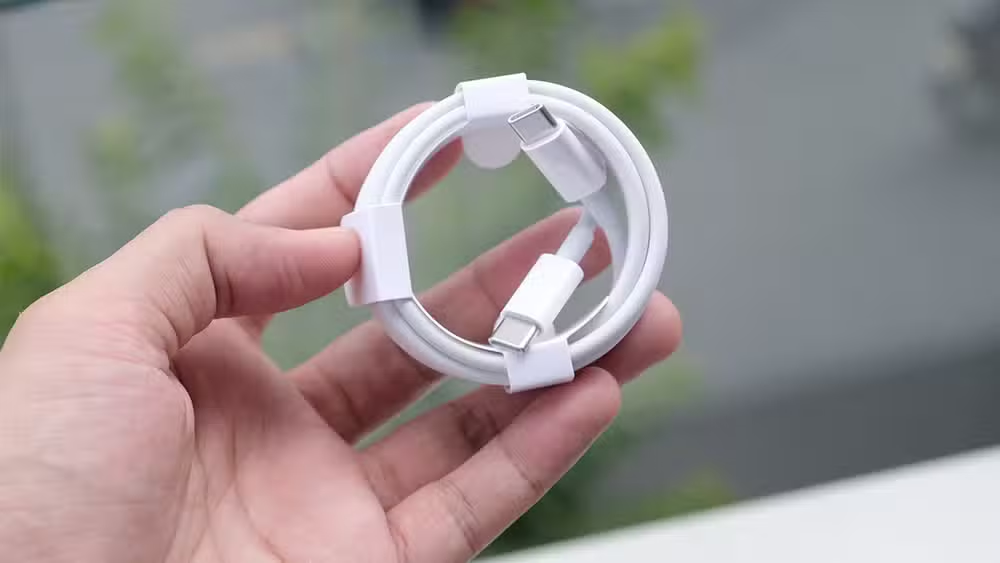
A 10Gbps-rated USB-C cable costs under $15. Same transfer, done in seconds. Months of assuming something was wrong with the hardware. It was the cable.
Why wired audio still wins at the desk
AirPods Pro are impressive hardware. On work calls, they're a liability. Mid-presentation on Zoom, they jump to the iPhone the moment a notification hits. No warning, no prompt. Your mic just disappears.
The fix is embarrassingly simple: use your monitor's built-in speakers. Voice clarity is fine for calls, and there's no Bluetooth connection to manage. For the mic side, basic USB condenser mics run under $30 and solve both audio and reliability problems without the wireless overhead.
The point isn't that wireless is bad. It's that wireless introduces connection management that a desk setup doesn't need. Your phone moves around. Your desk doesn't.
NFC tags automate what you do every morning
This one sounds gimmicky. A pack of 50 NFC sticker tags costs about $12. Stick one under the front edge of your desk where your phone naturally lands. One tap fires an iPhone Shortcut that runs your entire morning sequence: Focus mode on, task list open, lights adjusted.
In the Shortcuts app, go to the Automation tab, tap the plus icon, pick NFC as the trigger, and scan the tag. The Shortcut does the actual work. The tag just pulls the trigger. Three manual steps, gone.
What these upgrades have in common
None of them are exciting. None of them photograph well for Instagram. They fix friction you've normalized: the cable you can't find, the transfer that takes too long, the call where your mic drops.
Premium hardware gets the attention. But most productivity gains come from eliminating small problems you've stopped noticing.
Logicity's Take
The real insight here isn't the specific products. It's the diagnostic approach. Jachura found his transfer bottleneck by checking System Information, not by buying new hardware. Most desk problems are configuration problems or accessory problems, not equipment problems. Before upgrading anything expensive, audit what's actually slowing you down.
Frequently Asked Questions
How do I check my USB transfer speed on Mac?
Hold Option while clicking the Apple menu, select System Information, then check the USB section in the sidebar. The Speed field shows your current transfer rate.
Do adhesive cable clips damage desk surfaces?
Most adhesive clips work without damage on wood, metal, and painted surfaces. For high-stress junctions like power strip connections, use screw-in clips instead.
Can NFC tags work with Android phones?
Yes. Android supports NFC automation through apps like Tasker or MacroDroid. The setup differs from iPhone Shortcuts but achieves the same result.
Why do AirPods disconnect during Zoom calls?
AirPods can automatically switch to other paired devices when they detect audio, like iPhone notifications. This Bluetooth handoff behavior interrupts calls on your Mac.
What USB-C cable speed should I look for?
For modern iPhones and Macs, look for cables rated at 10Gbps (USB 3.1 Gen 2 or USB 3.2). Check the listing carefully, as many cheap cables only support USB 2.0 speeds.
Need Help Implementing This?
If you're building or optimizing a home office setup, Logicity covers practical tech decisions for professionals. Subscribe for workspace productivity tips and hardware guidance that skips the hype.
Source: MakeUseOf
Huma Shazia
Senior AI & Tech Writer
Produced with AI assistance and reviewed by the Logicity editorial team. Learn more in our Editorial Policy.






