Key Takeaways
- A registry command still bypasses the Microsoft account requirement during installation
- Rufus can modify the Windows 11 installer to remove account restrictions entirely
- Modifying the installer image is more reliable than post-install workarounds Microsoft keeps patching
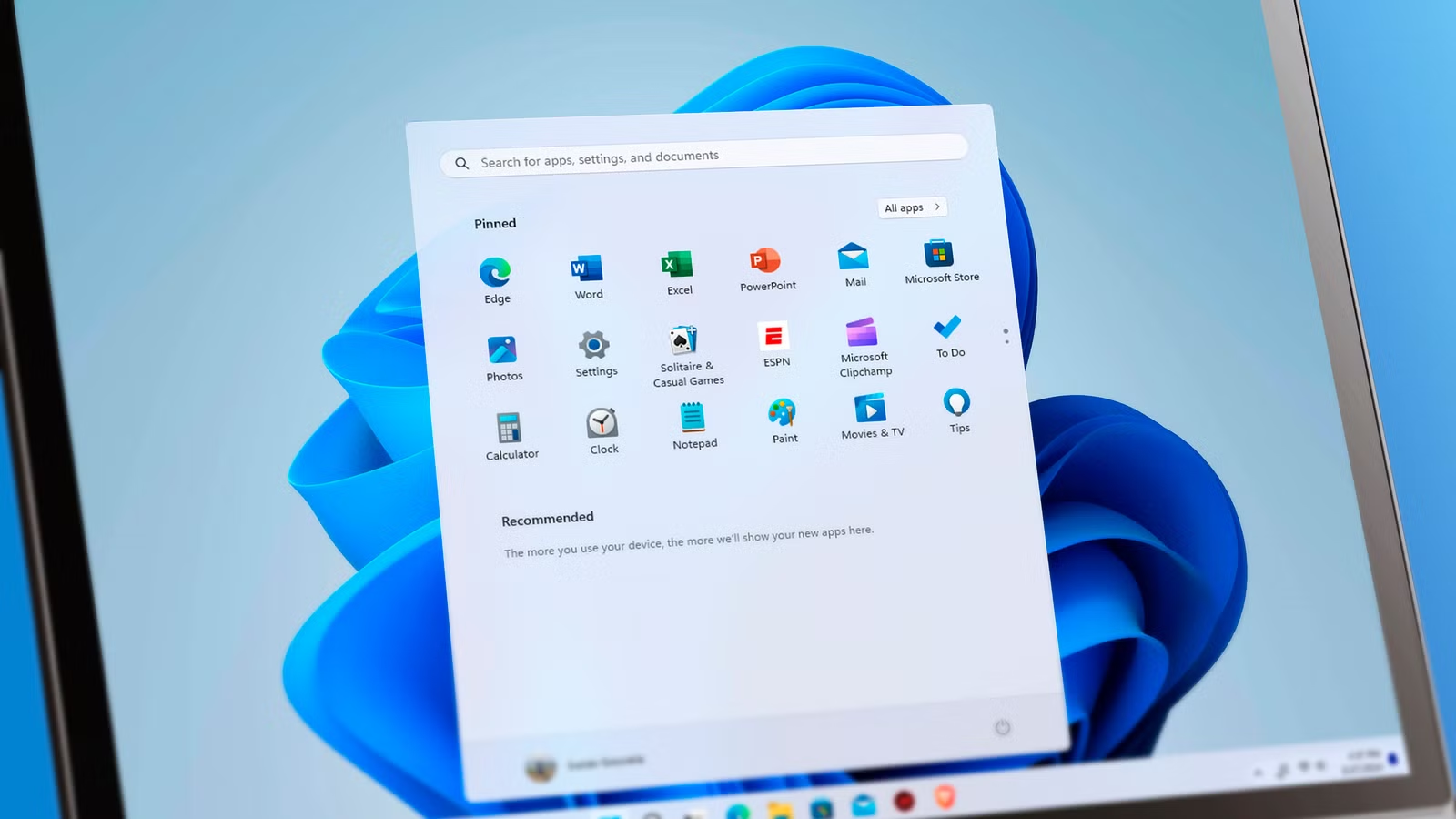
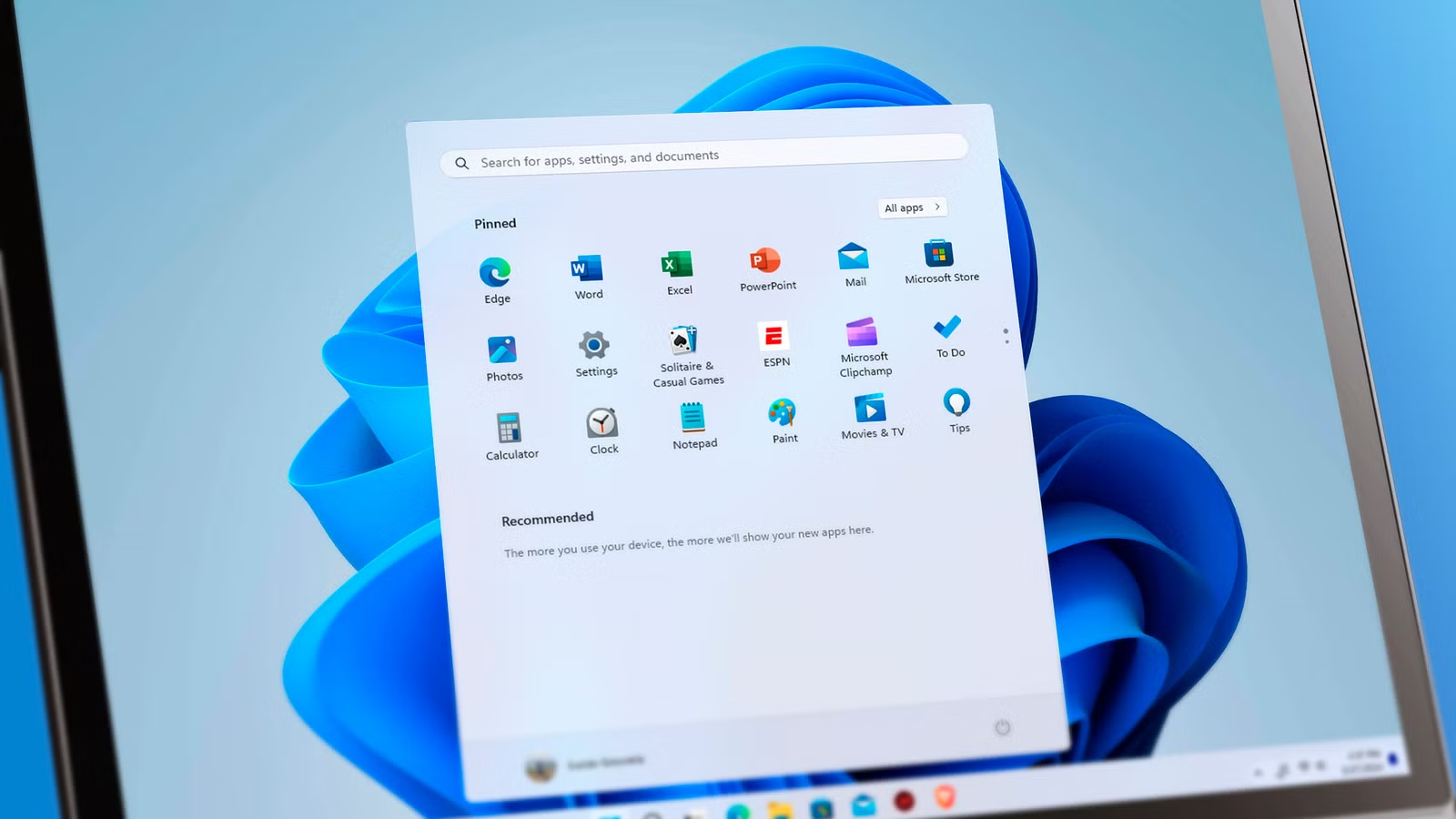
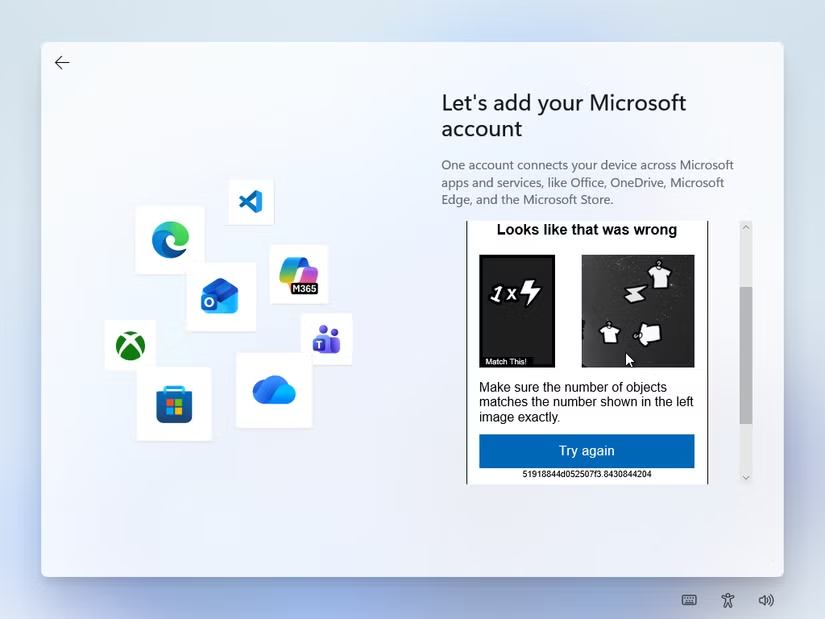
Microsoft has spent years tightening the grip on Windows 11 installations. What started as a skippable prompt to use a Microsoft account is now a hard requirement. The installer won't proceed unless you're connected to the internet and signed in.
For users who want a local account, this means a constant game of cat and mouse. Microsoft patches workarounds. Users find new ones. The cycle continues.
Here are four methods that still work as of June 2026.
1. The Registry Command During Installation
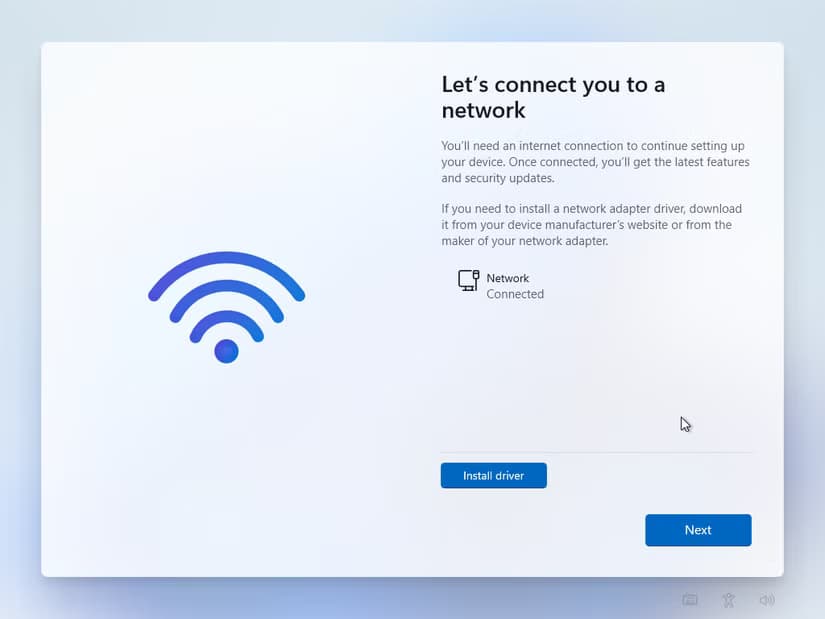
The simplest workaround requires opening Command Prompt during the Windows 11 setup process. Press Shift+F10 when you hit the account requirement screen, then run this command:
reg add HKLM\SOFTWARE\Microsoft\Windows\CurrentVersion\OOBE /v BypassNRO /t REG_DWORD /d 1 /fAfter rebooting, the installer will show the "I don't have internet" button that Microsoft removed. Disconnect from the internet before rebooting, or the workaround won't help.
This method works today. It may not work tomorrow. Microsoft has patched several similar workarounds already.
2. Modify the Installer with Rufus
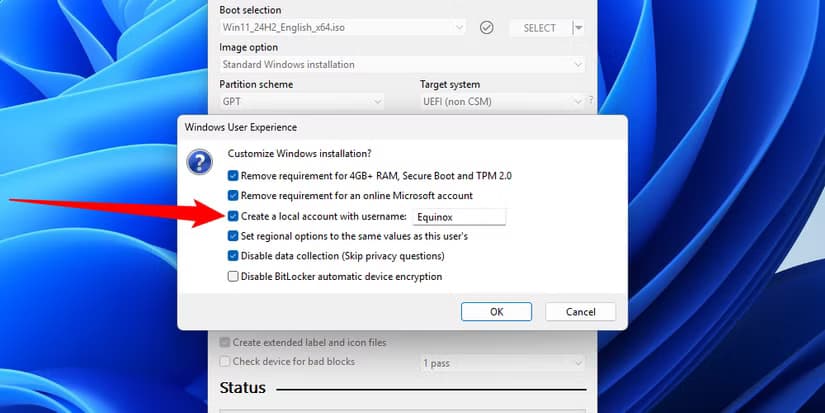
Rather than fighting the installer during setup, you can modify the installer itself. Rufus is an open source tool that creates bootable USB drives. It also lets you customize Windows 11 installation images.
When you load a Windows 11 ISO into Rufus, it offers options to remove the Microsoft account requirement, disable TPM and Secure Boot checks, and skip data collection questions. The modified installer won't force you through Microsoft's account flow at all.
This approach is more reliable than runtime workarounds. You're changing the installer before Microsoft's restrictions even run.
3. Use WinUtil for Post-Install Cleanup
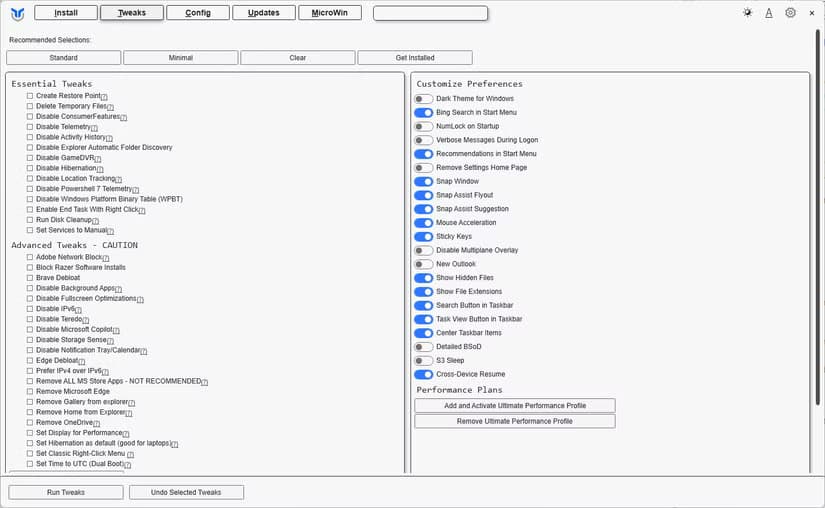
If you've already installed Windows 11 with a Microsoft account, WinUtil can help strip out unwanted components. It's a PowerShell-based utility that removes bloatware, disables telemetry, and applies privacy-focused tweaks.
This doesn't bypass the account requirement during installation. But it does let you reclaim some control after the fact.
4. Disconnect Before the Account Screen
The oldest trick still works in some cases. If you disconnect from the internet before reaching the account setup screen, some Windows 11 builds will let you create a local account.
This is inconsistent. Microsoft has blocked this path in newer builds. But on older installation media, it's worth trying before moving to more complex workarounds.
Why Microsoft Pushes Online Accounts
Microsoft wants users signed into their cloud ecosystem. A Microsoft account enables OneDrive sync, cross-device settings, and the Microsoft Store. It also gives Microsoft more data about how you use Windows.
For enterprise deployments, Azure AD handles authentication. The forced consumer account is aimed at home users who Microsoft wants tied into subscriptions and cloud services.
The aggressive push has backfired with technical users. Many now treat every Windows installation as an adversarial process, stripping out features from the start rather than accepting defaults.
Logicity's Take
More hands-on technical projects for tinkerers
Frequently Asked Questions
Can I still use Windows 11 without a Microsoft account?
Yes. The registry workaround and Rufus-modified installers both allow local account creation. Microsoft hasn't closed every bypass, though they keep trying.
Will Microsoft patch the registry bypass?
Probably. Microsoft has patched similar workarounds before. Using Rufus to modify the installer is more future-proof since it changes the installation media itself.
Does Windows 11 Home allow local accounts?
Not through the normal installer. Windows 11 Home is the most restrictive version. You need workarounds like Rufus or the registry command to bypass the Microsoft account requirement.
What features do I lose with a local account?
OneDrive integration, cross-device sync, and some Microsoft Store features require a Microsoft account. Core Windows functionality works fine with a local account.
Is it legal to modify the Windows installer?
Modifying your own installation media for personal use is legal. You're not circumventing copy protection, just changing setup behavior. Redistributing modified installers is a different matter.
Need Help Implementing This?
Source: How-To Geek
Manaal Khan
Tech & Innovation Writer
Produced with AI assistance and reviewed by the Logicity editorial team. Learn more in our Editorial Policy.