Key Takeaways
- CT clamps like the SCT-013 can measure real-time power consumption without cutting into circuits
- Vibration sensors detect appliance states for cycle-complete notifications
- ESP32 solutions cost a fraction of smart plugs and work with hardwired devices
Why Smart Plugs Fall Short
Smart plugs work fine for lamps and small appliances. But they hit a wall fast. Most max out at 15 to 20 amps. That rules out anything hardwired: water heaters, dryers, HVAC systems, electric ovens. At around $20 each, covering every device in your home gets expensive. A house with 15 monitored appliances means $300 in smart plugs alone.
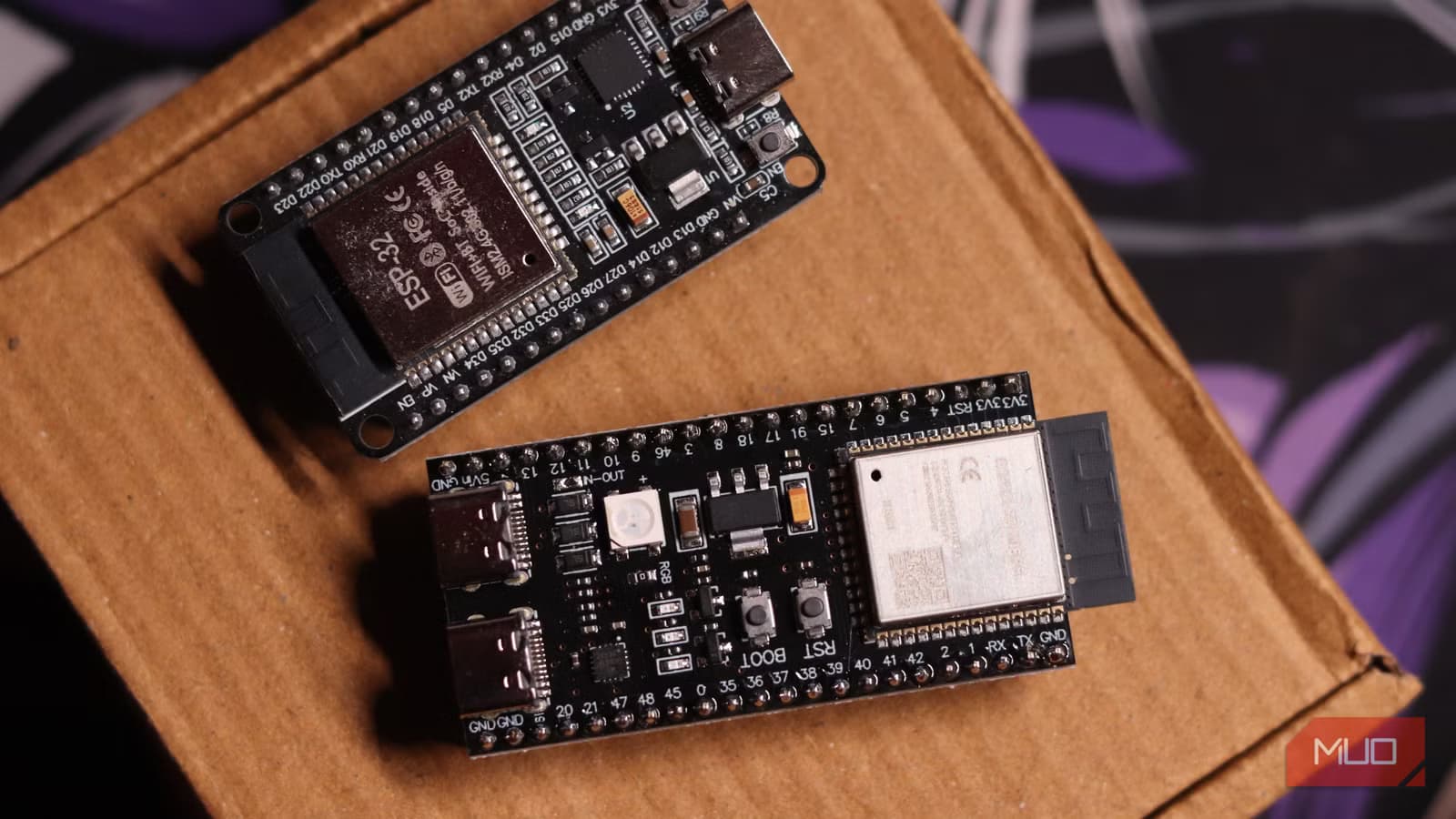
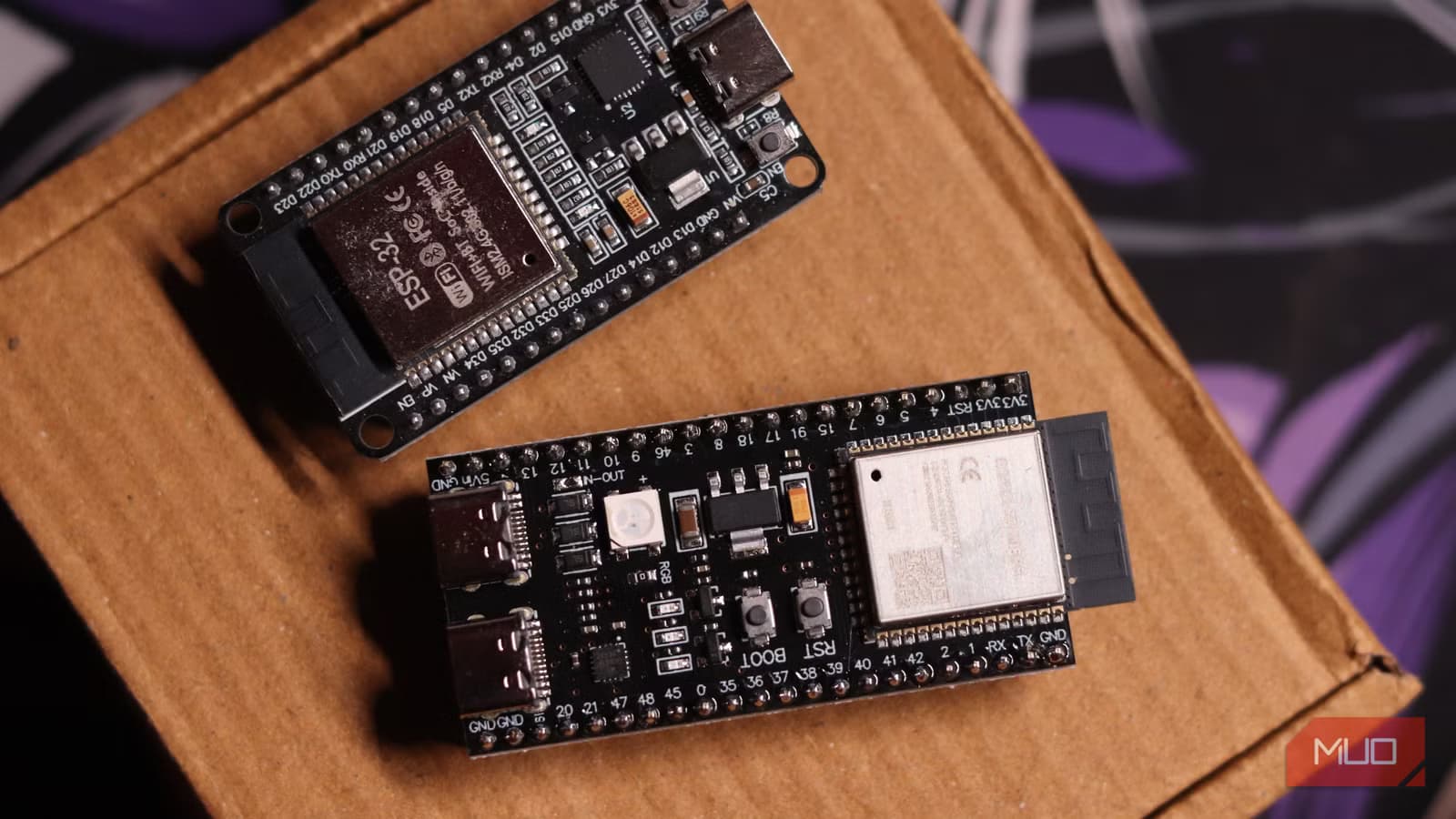
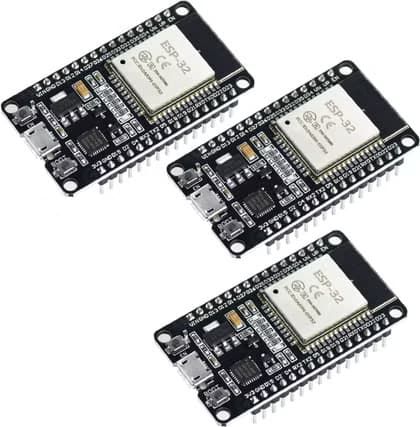
An ESP32 microcontroller costs about $5. Pair it with the right sensor, and you can monitor almost anything. No rewiring. No amp limits. No per-device markup.
Method 1: CT Clamps for Real Power Data
If you want actual watt-hour measurements, not just on/off status, a current transformer clamp is the tool. The SCT-013 is a popular split-core sensor that clips around a single live or neutral wire. No cutting, no splicing, no exposed conductors.
It works through magnetic induction. AC current flowing through the wire induces a proportional voltage in the sensor's secondary winding. The SCT-013-000 variant handles up to 100 amps and outputs a small AC voltage through a 3.5mm jack.
The ESP32's analog-to-digital converter reads 0 to 3.3V DC. Since the CT clamp outputs AC, you need a simple bias circuit. Two equal resistors center the signal around 1.65V. ESPHome's ct_clamp sensor component handles the RMS calculations automatically. You get real-time power readings in Home Assistant without writing complex firmware.
Method 2: Vibration Sensors for State Detection
Not every monitoring task needs power data. Sometimes you just want to know: is the washing machine running? Is the dryer done? Vibration sensors solve this cheaply.
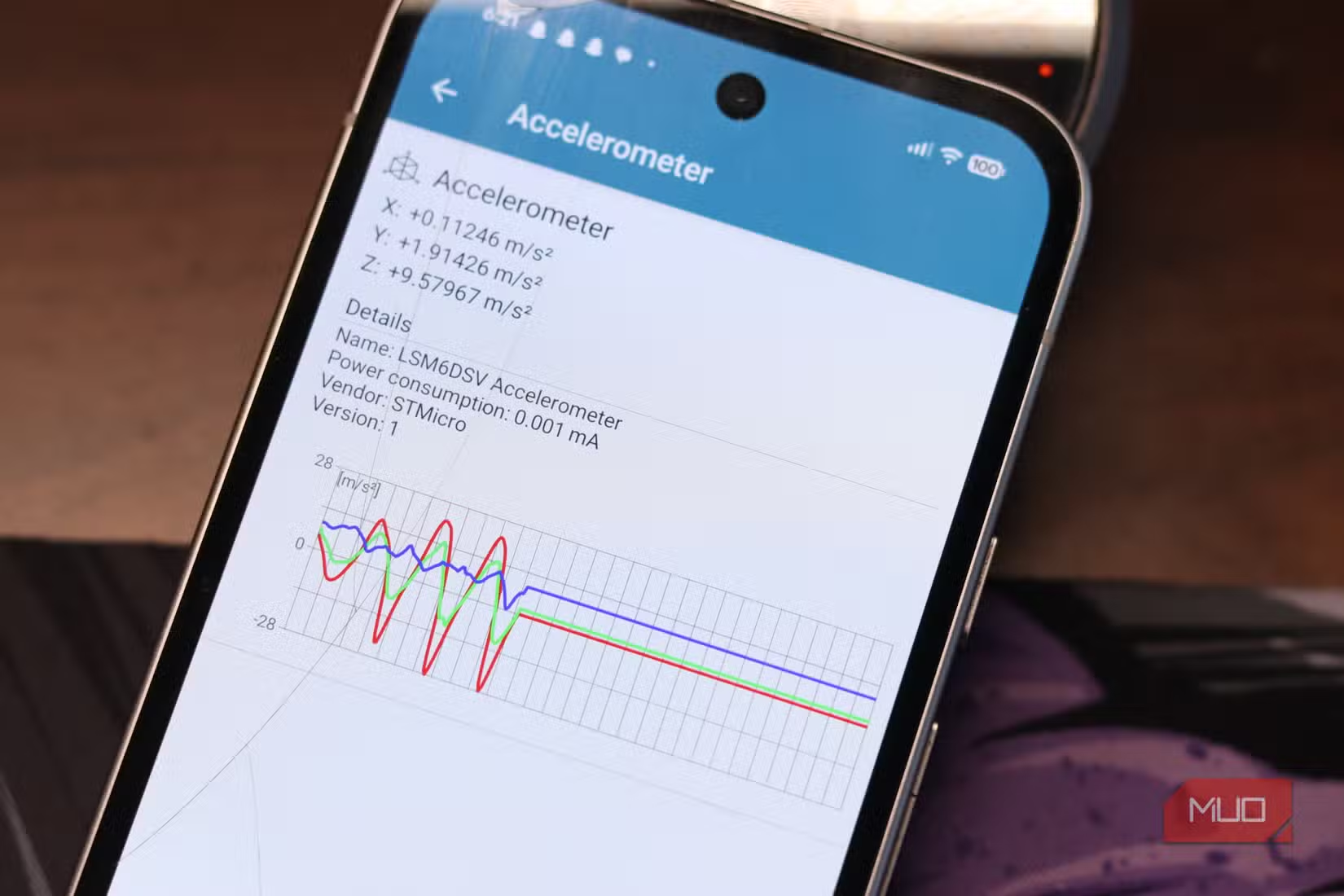
The MPU6050 accelerometer costs about $2 and attaches directly to an appliance. When the motor runs, the sensor picks up vibration patterns. When it stops, you get a notification. Reddit's r/homeautomation and r/esp32 communities share setups that send "cycle complete" alerts via Telegram.
This approach works especially well for older appliances that predate smart features. A 1990s washing machine becomes notification-capable for under $10 in parts.
Method 3: Optical Status Monitoring
Some appliances have indicator LEDs that show their status. A light-dependent resistor or photodiode pointed at that LED can detect state changes. The ESP32 reads the light level and reports whether the appliance is active.
This method is completely non-invasive. No electrical contact at all. It works for devices where you just need binary state: on or off, running or idle, error or normal.
Software: ESPHome and Home Assistant
The hardware is half the equation. ESPHome provides firmware that integrates directly with Home Assistant. You write a YAML configuration file describing your sensors, flash it to the ESP32, and the device appears in your smart home dashboard.
From there, you can build automations. Turn off phantom loads when power draw drops below a threshold. Get alerts when the dryer finishes. Log energy consumption over time to find inefficient appliances.
Cost Comparison
A single ESP32 with a CT clamp costs about $10-12 in parts. That one board can monitor multiple circuits if you add more clamps. Compare that to $20 per smart plug, with each plug limited to a single outlet and 15-20 amps.
The tradeoff is effort. Smart plugs work out of the box. ESP32 setups require configuration, possibly some soldering, and definitely some time learning ESPHome. For a single lamp, a smart plug wins. For whole-house monitoring or hardwired appliances, the ESP32 approach is more capable and far cheaper at scale.
The Bigger Picture
DIY energy monitoring is growing. The global smart home energy management market is projected to hit $12 billion by 2030. Much of that growth comes from people who want more than what consumer products offer.
Real-time monitoring changes behavior. Users who implement detailed appliance tracking report significant reductions in standby power waste. Knowing exactly what each device consumes makes conservation concrete rather than abstract.
Logicity's Take
Another way to get more from hardware you already own
Frequently Asked Questions
Do I need electrical experience to install CT clamps?
CT clamps clip around wires without cutting them, so there's no direct electrical work. However, you'll need to access your electrical panel or appliance wiring, which should be done with power off and basic safety knowledge.
Can one ESP32 monitor multiple appliances?
Yes. A single ESP32 has multiple ADC pins and can read from several CT clamps or sensors simultaneously. One board can monitor 3-4 circuits easily.
How accurate are DIY energy monitors compared to commercial ones?
With proper calibration, CT clamp setups achieve accuracy within 1-2% of commercial meters. ESPHome's ct_clamp component handles the math, but you'll need to calibrate the sensor's current ratio for best results.
Will this work with 240V appliances like dryers?
Yes. CT clamps measure current magnetically and work regardless of voltage. You can monitor 240V circuits the same way as 120V ones.
What's the minimum technical skill required?
You should be comfortable with basic electronics, YAML configuration files, and following wiring diagrams. Soldering is sometimes required for bias circuits. If you've built a PC or flashed custom firmware on a device, you have enough background.
Need Help Implementing This?
Source: MakeUseOf
Manaal Khan
Tech & Innovation Writer
Produced with AI assistance and reviewed by the Logicity editorial team. Learn more in our Editorial Policy.






