
Key Takeaways

- MoCA adapters use existing coaxial cables to deliver up to 2.5 Gbps with just 4ms added latency
- Powerline adapters work through electrical wiring but typically deliver only 20-40% of advertised speeds
- Ethernet over fiber offers the highest performance but requires more complex installation
Wi-Fi is everywhere, but it's far from perfect. Peak-hour throttling, interference from neighboring networks, and weak spots even in small apartments make wireless connections unreliable for demanding tasks. If you're renting or living in an older home, drilling holes for ethernet isn't an option. But you don't have to.
Three adapter technologies now let you turn existing wiring, whether coaxial, electrical, or fiber, into high-speed network infrastructure. Each has tradeoffs worth understanding before you buy.
Why Wired Connections Still Matter
A wired ethernet connection almost always outperforms Wi-Fi. Your device connects directly to the router via cable, which means lower latency and no interference from other signals. This matters most for online gaming, video calls, and 4K streaming where buffering or lag breaks the experience.
Running ethernet cables throughout your home is the obvious solution, but it's only practical in small spaces without curious pets or children. Cable clips and covers help, but wires remain visible. Specialized adapters offer a cleaner approach by using wiring that's already in your walls.
MoCA Adapters: The Gold Standard
MoCA stands for Multimedia over Coax Alliance. These adapters use coaxial cables, the same ones your cable TV provider uses, to transmit broadband internet signals. If your home has coax outlets scattered around the baseboards, you can tap into them for network access.
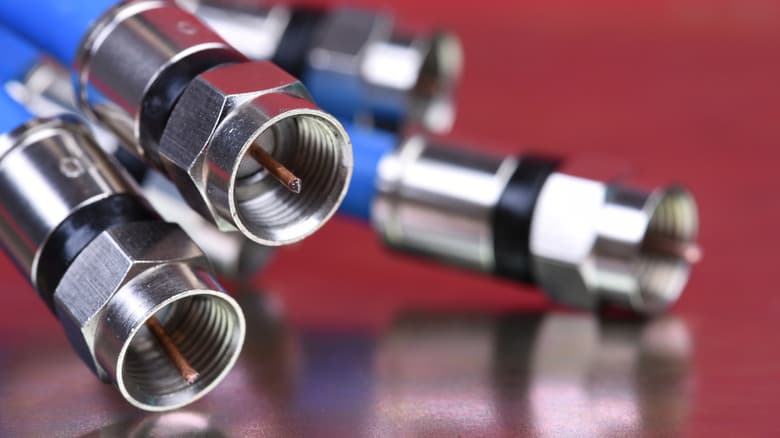
Modern MoCA 2.5 adapters deliver up to 2.5 Gbps throughput with only about 4ms of added latency. That's significantly lower than the jitter common on crowded Wi-Fi networks. The technology is well standardized, so compatibility issues are rare.
Reddit communities like r/HomeNetworking consistently recommend MoCA as the best retrofit option for older homes. Users report stable, low-latency performance that works for competitive gaming and VR applications.
Powerline Adapters: Budget-Friendly but Variable
Powerline adapters use your home's electrical wiring to transmit network signals. Plug one adapter near your router, another in any room with an outlet, and you have a network connection. No new cables required.
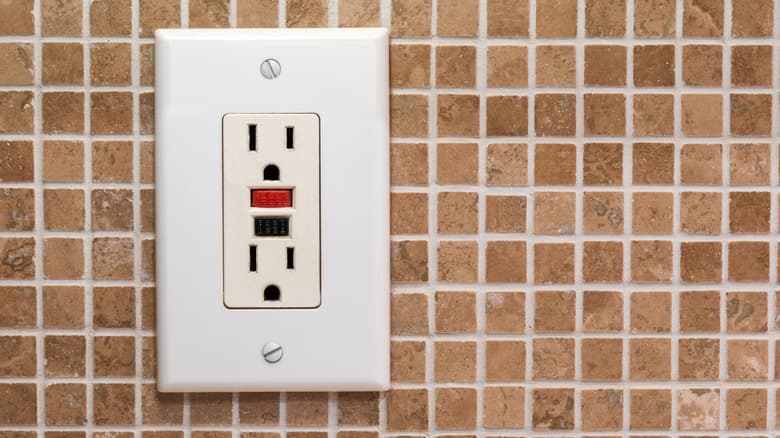
The catch: real-world performance rarely matches the box. Most Powerline adapters deliver only 20-40% of their advertised speeds in typical home environments. Electrical noise from appliances, circuit configurations, and the age of your wiring all affect performance.
For basic web browsing or smart home devices, Powerline works fine. But if you need consistent speeds for video calls or gaming, expect disappointment. The technology is best viewed as a budget fallback when coax outlets aren't available.
Ethernet Over Fiber: Maximum Performance
For those willing to invest more time and money, ethernet over fiber adapters offer the highest performance. These systems use fiber optic cables that can be run along baseboards or through existing conduits without the signal degradation of copper wiring.
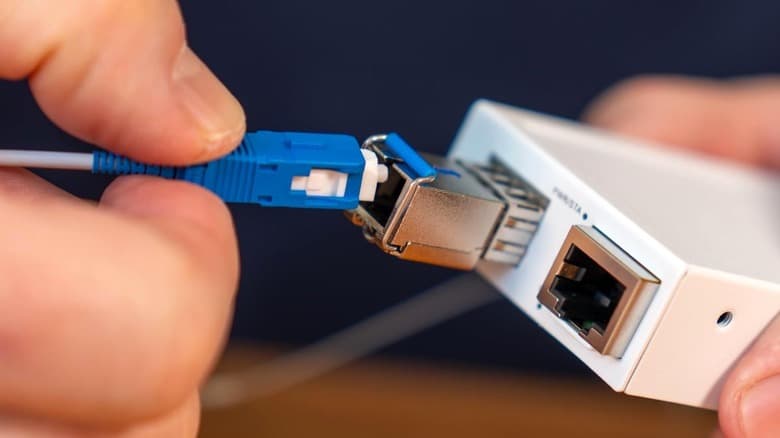
The installation is more complex than plug-and-play MoCA or Powerline solutions. You'll need to route thin fiber cables through your home, though products like InvisiLight make this easier with low-profile designs that blend into walls. For most users, MoCA provides enough performance without the extra hassle.
Which Technology Should You Choose?
| Feature | MoCA | Powerline | Ethernet Over Fiber |
|---|---|---|---|
| Max Speed | 2.5 Gbps | Variable (20-40% of rated) | 10+ Gbps |
| Latency | ~4ms added | Higher, variable | Lowest |
| Installation | Plug-and-play | Plug-and-play | Cable routing required |
| Requires | Coax outlets | Electrical outlets | Fiber cable runs |
| Best For | Gaming, streaming, VR | Basic browsing, IoT | Professional/enthusiast use |
| Price Range | $100-200 for pair | $40-100 for pair | $200+ plus cables |
Start by checking what wiring your home already has. If coax outlets exist in the rooms where you need connectivity, MoCA is the clear winner. No coax? Powerline will work for light usage, but set realistic expectations. Only consider fiber if you need multi-gigabit speeds and don't mind running cables.
Setup Tips for Best Results
- For MoCA: Install a point-of-entry filter where your cable service enters the home to prevent signal leakage and improve security
- For Powerline: Connect adapters directly to wall outlets, not power strips or surge protectors, which degrade performance
- For all types: Test speeds at different outlets before committing to a final setup, as performance varies by location
- Check if your ISP-provided router already supports MoCA, which could save you the cost of one adapter
Logicity's Take
Frequently Asked Questions
Can I use MoCA and cable TV on the same coax line?
Yes. MoCA operates on different frequencies than cable TV signals, so both can share the same coaxial cable without interference.
Will Powerline adapters work across different circuit breakers?
Usually yes, but performance drops significantly when signals cross between circuits. Adapters on the same circuit deliver better speeds.
Are these adapters secure?
MoCA adapters require a point-of-entry filter to prevent signals from reaching outside your home. Both MoCA and Powerline support encryption, which you should enable during setup.
How do these compare to mesh Wi-Fi systems?
Wired connections through these adapters provide lower latency and more consistent speeds than mesh Wi-Fi, especially for gaming and video calls. However, they only work at fixed locations, not throughout the home.
Another guide on solving common tech friction points at home
Need Help Implementing This?
Source: Engadget
Manaal Khan
Tech & Innovation Writer
Produced with AI assistance and reviewed by the Logicity editorial team. Learn more in our Editorial Policy.




