Key Takeaways
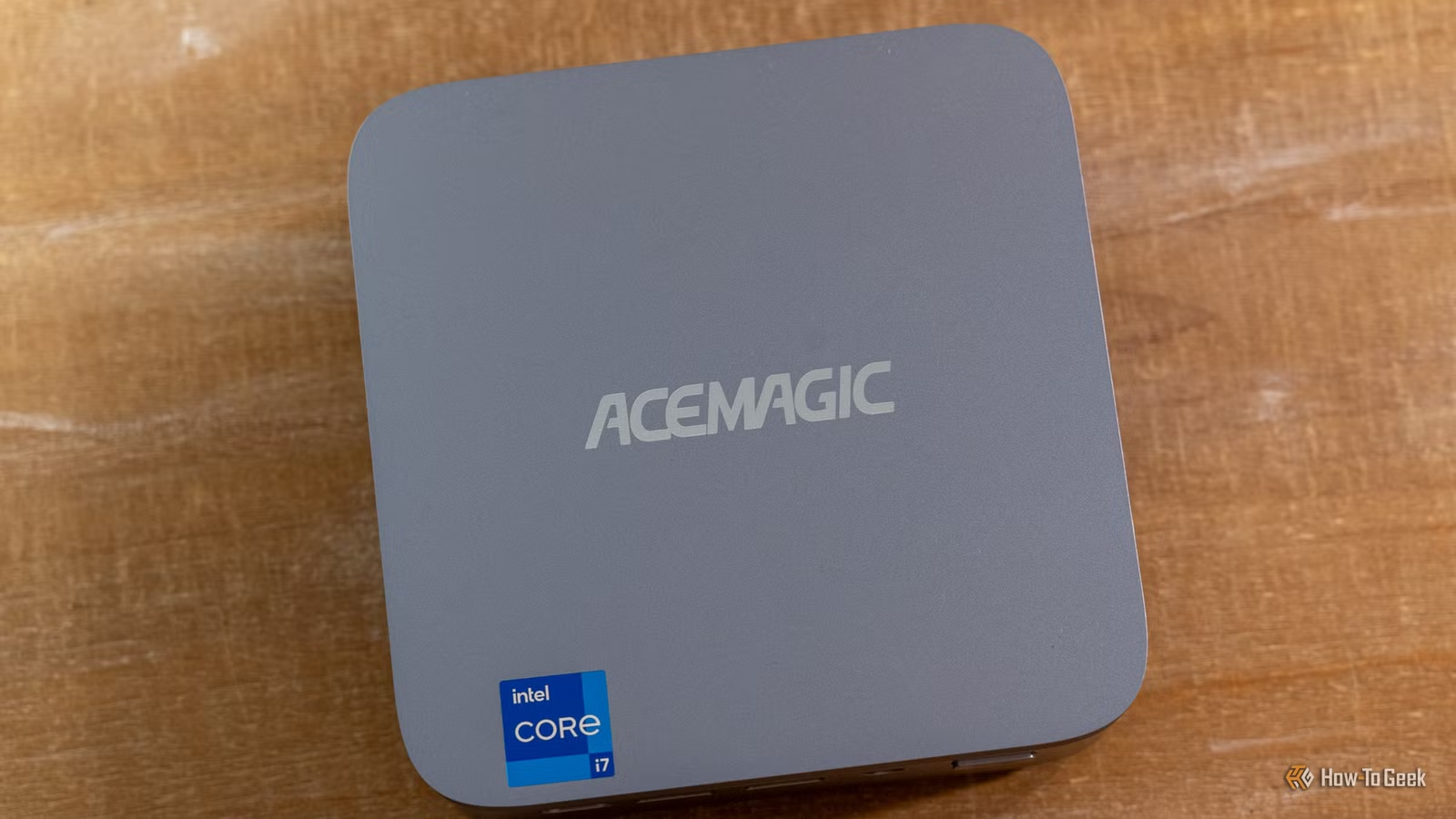
- Homebox uses QR codes to track physical inventory with location data and photos
- Authelia and Tinyauth add single sign-on to eliminate multiple login screens across services
- Caddy replaces GUI-based reverse proxy configuration with simple text files
Three homelab tools solve the most persistent annoyances in self-hosting: scattered logins, complex reverse proxy configs, and forgetting where you stored your gear. Homebox handles inventory with QR codes, Authelia or Tinyauth consolidates authentication, and Caddy replaces GUI-heavy proxy managers with plain text files.
Patrick Campanale at How-To Geek outlined his experience with these tools after years of running a complex homelab. The common thread: each tool removes friction without sacrificing capability.
Homebox: QR codes that tell you what's in the box
Homebox is an open-source home inventory system. You catalog items with their location, purchase value, serial numbers, and photos. The standout feature is QR code integration.
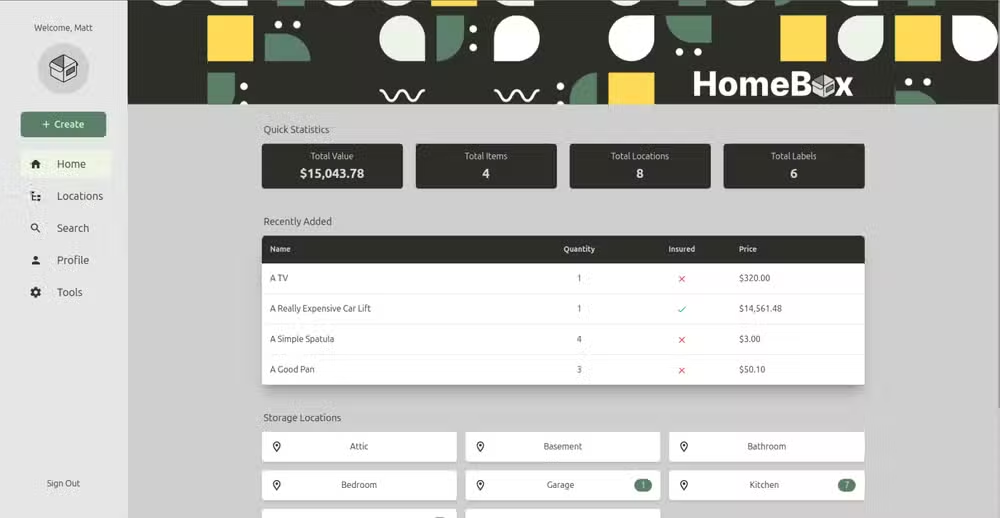
Here's how it works: you add items to the database, assign them to a location, then print a QR code label. Stick that label on a storage box. When you scan the code with your phone, Homebox tells you both where the item belongs and what else is in that container.
The Christmas decorations scattered across four attic boxes? Now searchable. That keepsakes box you haven't opened in years? Scan the label before climbing into the attic.
Homebox also supports multiple users and exposes a REST API for automations. If you've built integrations with Home Assistant or similar platforms, that API opens possibilities for location-based triggers or inventory alerts.
Authelia and Tinyauth: one login for everything
A typical homelab runs a dozen services, each with its own login screen. Nginx Proxy Manager, Portainer, Sonarr, Radarr, Audiobookshelf. That's five authentication flows before you've done anything useful.

Authelia and Tinyauth sit in front of your services as an authentication layer. Point your reverse proxy to the Authelia instance. When you access a protected service, Authelia checks your authentication state. Not logged in? It redirects you to a single sign-on page. Log in once, and you're authenticated for every service behind that layer.
This approach solves a security problem too. Some self-hosted apps have weak or nonexistent authentication. Exposing them externally is risky. Putting Authelia in front means users must clear your authentication layer before reaching the app at all.
Both tools achieve similar results. Authelia is the more established option with broader documentation. Tinyauth is lighter. Pick based on your complexity needs.
Caddy: reverse proxy config in plain text
Nginx Proxy Manager dominates homelab reverse proxy setups because of its GUI. Point and click beats editing config files, especially when you're learning. But that convenience has a ceiling.
Caddy takes the opposite approach. Everything happens in a text file called the Caddyfile. A basic reverse proxy entry looks like this:
photos.example.com {
  reverse_proxy 192.168.1.50:2283
}
That's it. Three lines to route traffic from a subdomain to an internal service. Caddy handles SSL certificates automatically. No clicking through certificate renewal settings or debugging Let's Encrypt errors.
Campanale notes he won't switch from Nginx Proxy Manager because he has too many existing entries. Fair point. Migration is tedious. But if you're starting fresh, Caddy's text-based approach makes version control trivial. Your entire proxy config lives in one file you can commit to Git.
Which tool matters most for your setup?
Homebox solves a problem outside of software: physical organization. If your homelab equipment, cables, and spare parts are a disaster, start there. The QR system pays off fast.
Authelia or Tinyauth matters most if you expose services externally or just hate typing passwords. The single sign-on experience alone justifies the setup time.
Caddy appeals to people who prefer config files over clicking. If you already use Nginx Proxy Manager and it works, switching gains you little. If you're setting up your first reverse proxy, Caddy's simplicity is compelling.
The weekend project Campanale suggests: deploy Caddy and Authelia together, then add Homebox for inventory. A few hours of setup work eliminates months of small annoyances.
Automation tips for reducing repetitive tasks across your tech stack
Logicity's Take
These tools represent a broader trend in self-hosting: complexity that deterred hobbyists is getting solved by open-source projects built specifically for non-enterprise users. Homebox, Authelia, and Caddy all prioritize quick deployment over feature creep. For founders testing internal tools or CTOs evaluating self-hosted alternatives to SaaS, the homelab community is now producing software mature enough for small production workloads.
Frequently Asked Questions
What is the easiest reverse proxy for homelabs?
Caddy requires the least configuration. A basic reverse proxy entry takes three lines in a text file, and SSL certificates are handled automatically without manual setup.
How does Authelia improve homelab security?
Authelia acts as an authentication layer in front of all your services. Apps with weak built-in authentication become protected by a single, stronger login system.
Can Homebox track items across multiple locations?
Yes. Homebox supports location hierarchies, so you can organize items by room, shelf, or container. QR codes link directly to the item's assigned location.
Is Caddy better than Nginx Proxy Manager?
Neither is universally better. Caddy suits people who prefer text configuration and version control. Nginx Proxy Manager works better for those who want a visual interface.
What's the difference between Authelia and Tinyauth?
Both provide single sign-on for self-hosted services. Authelia is more feature-rich with broader community support. Tinyauth is lighter and simpler to deploy.
Need Help Implementing This?
Logicity.in covers practical infrastructure tools for founders and technical teams. Subscribe to our newsletter for weekly guides on self-hosting, automation, and developer productivity.
Source: How-To Geek
Huma Shazia
Senior AI & Tech Writer
Produced with AI assistance and reviewed by the Logicity editorial team. Learn more in our Editorial Policy.






