Samsung Odyssey OLED G93SC Drops to $900 in $700 Sale
Key Takeaways
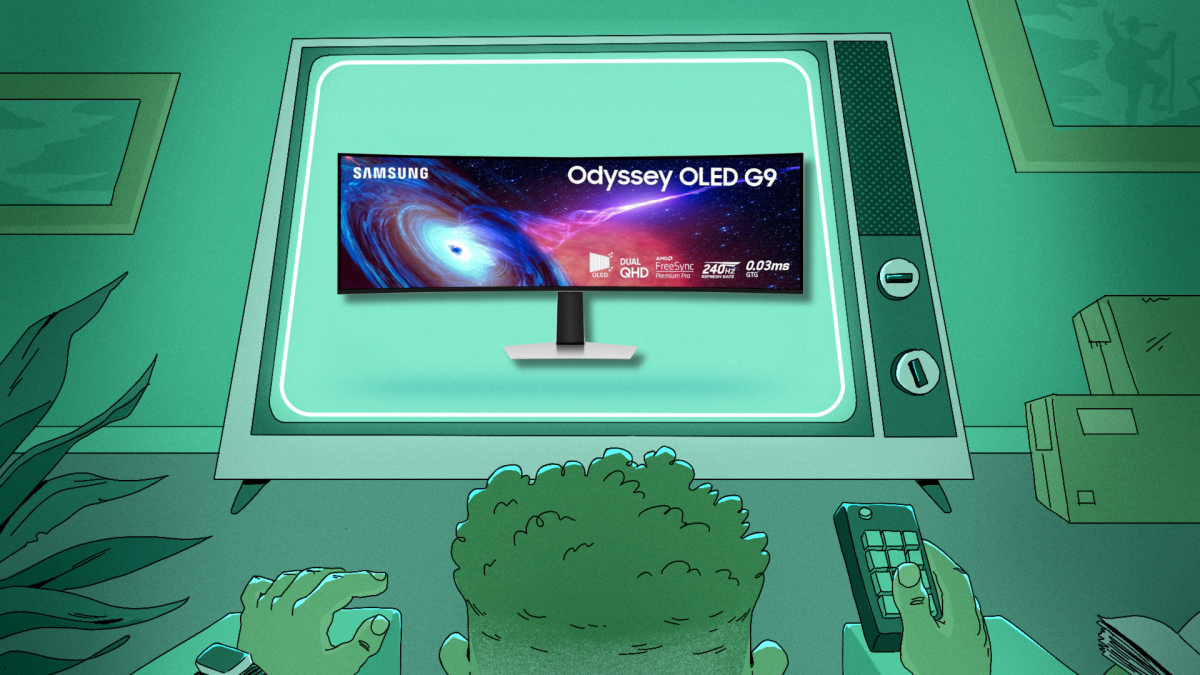
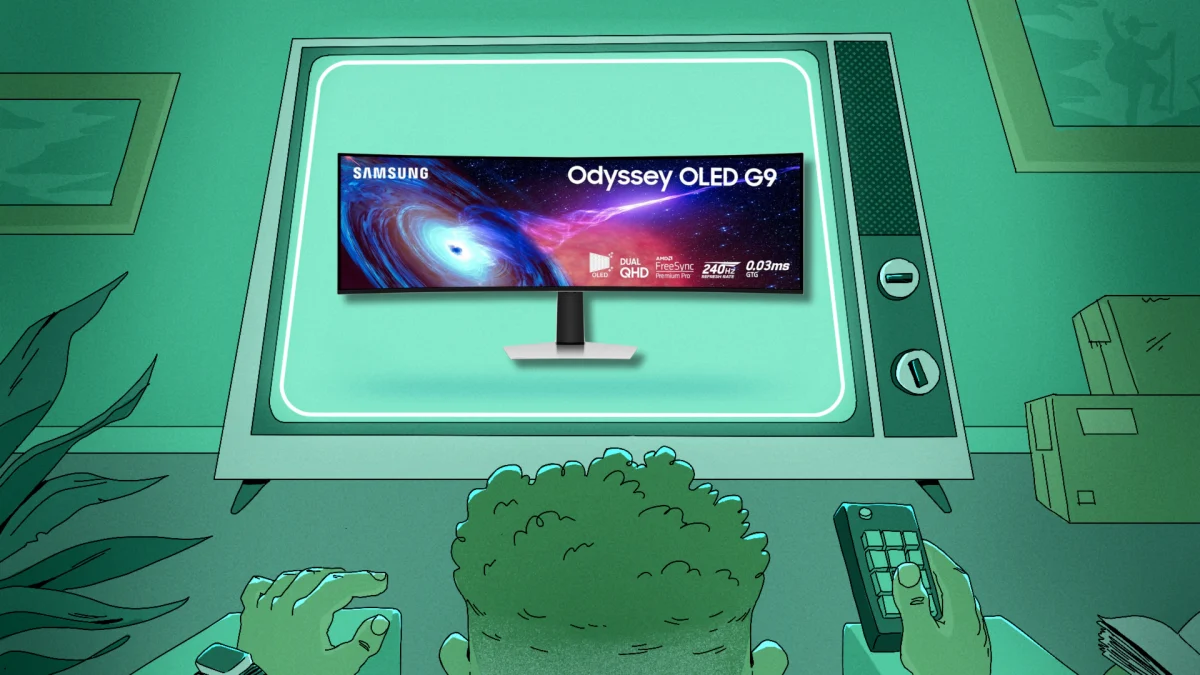
- The Samsung Odyssey OLED G93SC is now $899.99, a $700 discount from its $1,599.99 launch price
- The 49-inch ultrawide features 5,120x1,440 resolution, 240Hz refresh rate, and 0.03ms response time
- The 32:9 aspect ratio equals two 27-inch 1440p monitors side by side, with dual-input support for productivity
The Deal
Samsung has cut $700 off its flagship ultrawide gaming monitor. The 49-inch Odyssey OLED G93SC is now $899.99 at Amazon, down from its original $1,599.99 retail price. For a QD-OLED panel of this size and spec, that's a notable price point.
OLED displays typically command premium prices because of their manufacturing costs and superior image quality. Getting one under $1,000 is rare. IGN rated this monitor among the best gaming displays of 2026, though they note you'll need serious desk space. The panel measures 47 inches wide.
What You Get for $900
The G93SC packs specifications that justify its original price tag. The display runs at 5,120x1,440 resolution across its curved 32:9 aspect ratio. That's equivalent to placing two standard 27-inch 1440p monitors side by side, but without the bezel gap in the middle.
The refresh rate hits 240Hz with variable refresh rate support. Both G-Sync compatibility and AMD FreeSync Premium Pro are included, so the monitor works with whatever GPU you're running. HDR10 support handles high dynamic range content.
Response time is where this panel stands out. Samsung claims 0.03ms input lag. That's fast enough for competitive gaming where milliseconds matter. The combination of OLED's instant pixel response and the high refresh rate makes motion appear smoother than on traditional LCD panels.
OLED Advantages and Trade-offs
OLED panels produce perfect blacks because individual pixels turn completely off. This creates contrast ratios that LCD monitors can't match. Colors appear more vivid against the true black background. If you've seen an OLED TV, you know the visual difference.
Samsung uses Quantum Dot technology in this panel, which helps with color accuracy and reduces the risk of burn-in. Burn-in happens when static images remain on screen too long, leaving ghost images. Desktop icons and taskbars are the typical culprits for PC monitors. Samsung's implementation doesn't eliminate the risk entirely, but it reduces it compared to earlier OLED designs.
Productivity Mode
The monitor includes a feature that gamers might overlook. You can connect two display cables and use the panel as two separate 27-inch 1440p monitors. The display splits in half, with each section acting as an independent screen. This turns an ultrawide gaming purchase into a productivity setup when you're not playing.
The height-adjustable stand adds flexibility for different desk setups. Given the 47-inch width, you'll want to measure your desk before ordering. Standard 48-inch desks will have almost no room to spare.
Who Should Buy This
- Gamers who want immersive peripheral vision coverage without a multi-monitor setup
- Professionals who need screen real estate and can justify the gaming specs as a bonus
- Anyone who has been waiting for OLED ultrawide prices to drop below $1,000
- Competitive players who need fast response times and high refresh rates
This isn't a budget monitor. Even at $900, it's a significant investment. But for an OLED ultrawide with these specs, the price is competitive. Similar panels from competitors often cost more at full retail.
Logicity's Take
Before You Buy
Measure your desk. At 47 inches wide, this monitor is nearly four feet across. Standard desk depths of 24 inches work, but you'll want at least 30 inches to avoid sitting too close to a curved screen of this size.
Check your GPU. Pushing 5,120x1,440 pixels at 240Hz requires serious graphics horsepower. You'll hit that refresh rate in competitive titles like CS2 or Valorant, but demanding games like Cyberpunk 2077 will run at lower frame rates even with high-end cards.
Related: Protecting your gaming setup and files from data loss
Frequently Asked Questions
Is the Samsung Odyssey OLED G93SC worth it at $900?
For an OLED ultrawide with 240Hz and 0.03ms response time, $900 is competitive. Similar panels typically cost $1,200 or more. If you need the specs and have desk space, it's a strong value.
Does the G93SC have burn-in issues?
Samsung's Quantum Dot OLED technology reduces burn-in risk compared to older OLED designs. However, no OLED is immune. Avoid static desktop elements at high brightness for extended periods.
Can I use the G93SC as two monitors?
Yes. Connect two display cables and enable split-screen mode. The monitor acts as two separate 27-inch 1440p displays, each with independent input.
What GPU do I need for this monitor?
To hit 240Hz at 5,120x1,440, you'll need a high-end GPU like an RTX 4080 or better for demanding games. Competitive titles run lighter and achieve higher frame rates on mid-range cards.
How wide is the Samsung Odyssey G93SC?
The monitor measures 47 inches wide. You'll need a desk that's at least 48 inches to fit it with minimal clearance.
Need Help Implementing This?
Source: Lifehacker
Manaal Khan
Tech & Innovation Writer
مقالات ذات صلة
تصفح الكل
5 إعدادات في متصفحك تسرّب بياناتك حتى مع تفعيل VPN
ماذا لو أخبرتك أن متصفحك المفضل يسلّم عنوان IP الحقيقي وموقعك الفعلي وعادات تصفحك لأي موقع يطلبها، حتى مع تفعيل VPN؟ هذا بالضبط ما يحدث لملايين المستخدمين يومياً، ومنهم من يكتشف ذلك بالصدفة عند إجراء

كيف تعرض شاشة هاتف Android على التلفزيون مجاناً باستخدام Google Cast
هل تبحث عن طريقة لعرض شاشة هاتف Android على التلفزيون دون دفع أموال لتطبيقات مليئة بالإعلانات أو شراء كابلات HDMI؟ الحل موجود فعلياً داخل هاتفك: ميزة Google Cast المدمجة في نظام Android 16 تتيح لك بث

4 تطبيقات سامسونج تستحق البقاء على هاتفك Galaxy
يأتي هاتف Galaxy الجديد محملاً بأكثر من 50 تطبيقاً مُثبتاً مسبقاً، وليست جميعها ضرورية. لكن وسط هذا الكم من التطبيقات، تبرز أربعة تطبيقات سامسونج تستحق فعلاً أن تبقى على جهازك — بل قد تفضّلها على بدائ

استدعاءات يونيو 2026 للسيارات: Ford وHonda وToyota تسحب ملايين المركبات من الأسواق
سجّلت الهيئة الوطنية الأمريكية لسلامة المرور على الطرق السريعة NHTSA أكثر من 300 استدعاء للسلامة شملت أكثر من 100 شركة مصنّعة منذ بداية عام 2026، لكن استدعاءات يونيو 2026 للسيارات جاءت الأضخم والأخطر.
اقرأ أيضاً
كيف تُخصّص سطر الأوامر باستخدام Oh My Zsh والذكاء الاصطناعي
إذا كنت تقضي ساعات يومياً في سطر الأوامر، فأنت تعلم أن الطرفية الافتراضية مملّة ومحدودة. الحلّ؟ Oh My Zsh، الإطار مفتوح المصدر الذي يحوّل تجربة الـ Terminal إلى بيئة مُخصّصة بالكامل — والآن يمكنك تخصي

خيوط PLA Pure من Bambu Lab: اعتراف ضمني بأن البلاستيك «الآمن» ليس بريئاً تماماً
حين تُطلق شركة رائدة في الطباعة ثلاثية الأبعاد منتجاً «نقياً» من خيوط PLA، فهي تقول ضمنياً ما لم تُرد قوله صراحةً: النسخة العادية ليست نظيفة كما روّجنا لها طوال سنوات. هذا بالضبط ما فعلته Bambu Lab بإ

خمسة أفلام كلاسيكية تستحق المشاهدة حتى لو تأخرت في اكتشافها
ما الذي يجعل فيلماً ما كلاسيكياً؟ سؤال يبدو بسيطاً لكن إجابته متشعبة. هناك كلاسيكيات الثلاثينيات والأربعينيات التي أسست قواعد الإخراج السينمائي، وهناك أفلام كلاسيكية حديثة لا يتجاوز عمرها ثلاثين عاماً