Key Takeaways
- The green dot is a privacy indicator showing camera or microphone access, not a bug
- Tap the dot in your notification bar to see which app is currently using your hardware
- If the dot appears unexpectedly, restart your phone and run Google Play Protect to scan for malware
It's a Privacy Feature, Not a Bug
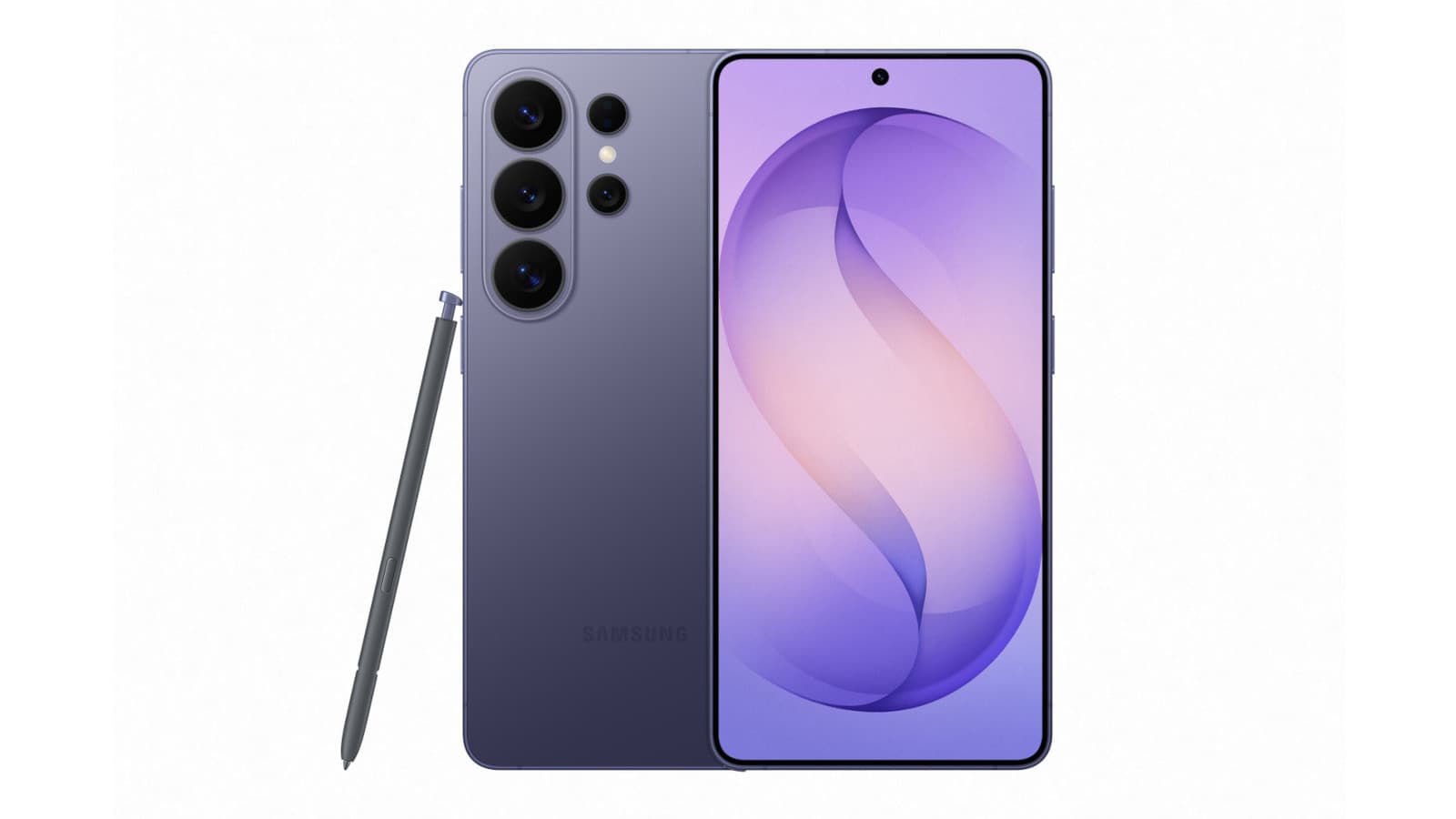
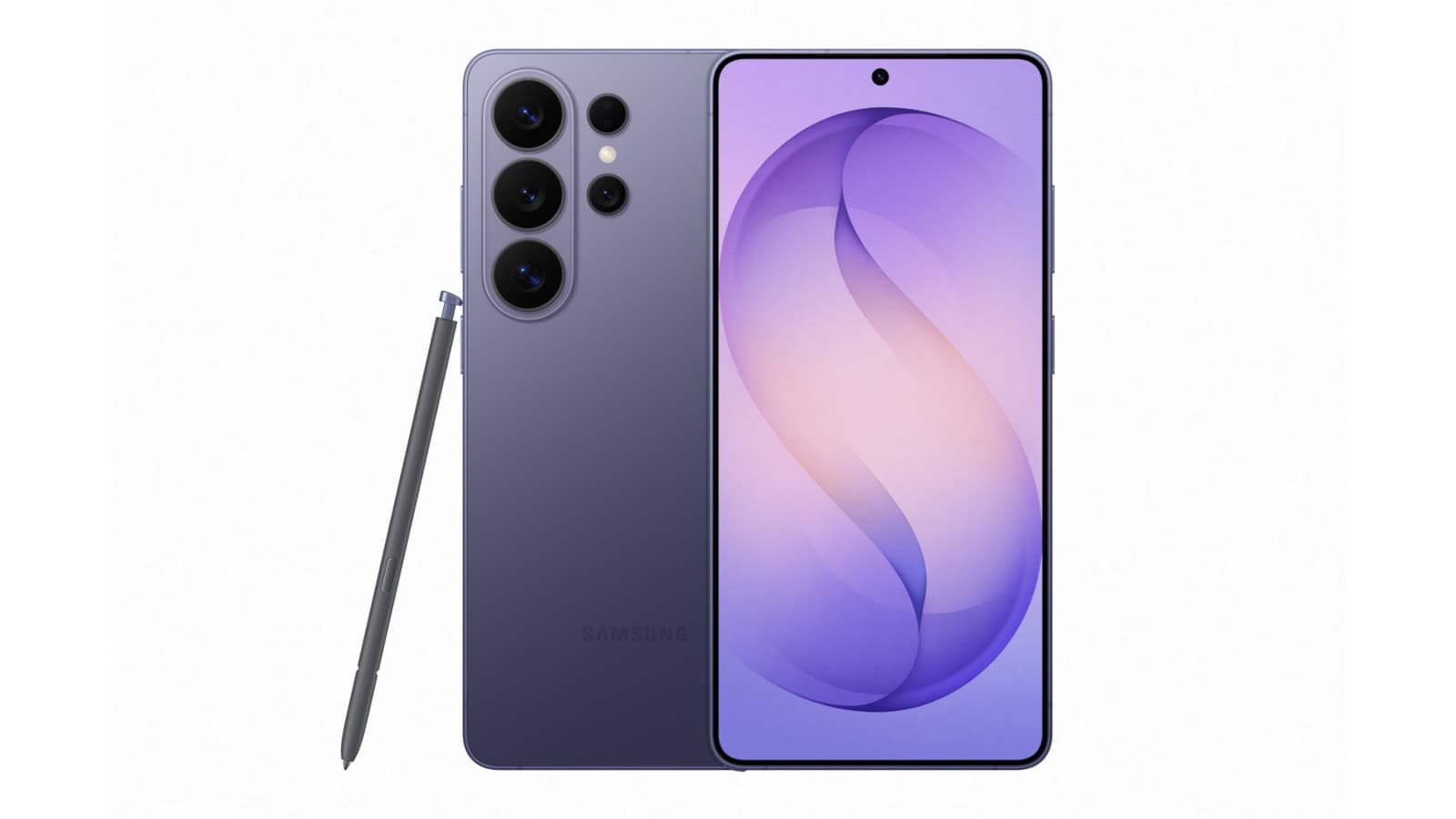
If you've noticed a small green dot appearing in the top right corner of your Samsung phone, you're not alone. Many users mistake it for a glitch or connect it to the infamous green line display issue that has plagued some Samsung and Apple devices. It's neither.
The green dot is a security feature built into Android. It appears whenever an app is actively accessing your camera or microphone. Google introduced this indicator with Android 12 in 2021 as part of a broader push for transparency around how apps use sensitive hardware.
“Privacy and security are at the core of everything we do. With Android 12, we're giving users more transparency and control over their data.”
— Sameer Samat, Vice President of Product Management, Android
The indicator works at the system level. Third-party apps cannot disable or hide it. When you open your camera app, Instagram Stories, or any app that needs microphone access, the dot appears. It stays visible for about five seconds after you close the app.
How the Indicator Works
When an app first accesses your camera or microphone, a green tab appears showing a camera icon, microphone icon, or both if the app is using both simultaneously. After a moment, this tab shrinks to a small green dot that sits next to your battery, Wi-Fi, and mobile data icons.
To find out which app triggered the indicator, swipe down from the top of your screen to open the notification bar. Tap on the green dot. Your phone will show you exactly which app has current access to your camera or microphone.
Android's Privacy Dashboard extends this visibility further. It provides a 24-hour look-back period, letting you see exactly when apps accessed sensitive hardware throughout the day.
When the Green Dot Is a Warning Sign
The green dot is harmless when you're actively using an app that needs camera or microphone access. It becomes concerning when it appears and you haven't opened any such app.
If you see the indicator without opening a camera or voice app, something may be accessing your hardware without your knowledge. This could be a legitimate app running in the background, a misconfigured setting, or in worse cases, malware.
Reddit users in r/Android describe the indicator as the "ultimate litmus test" for apps. A common reaction is to immediately uninstall apps that trigger the dot unexpectedly. One user called it one of the most effective "low-tech" ways to catch bad actors in the app ecosystem.
What to Do If the Dot Appears Unexpectedly
Start with a simple restart. Some apps continue running background processes that access hardware even after you think you've closed them. A restart clears these processes.
If the dot keeps appearing after a restart, run a malware scan. On Samsung devices, search for "App security" in your settings and select "Google Play Protect." This scans your phone for harmful apps.
- Restart your phone to clear background processes
- Open Settings and search for "App security"
- Select "Google Play Protect"
- Run a scan to detect harmful apps
- Follow Google's detailed instructions for a thorough malware inspection if issues persist
How to Revoke App Permissions
You can revoke camera or microphone access from any app directly through the green dot interface. Swipe down, tap the green dot, then tap the "Being used by [app]" tab that appears.
This opens the permissions page for that specific app. You can set access to "Don't allow" to block the app permanently, or "Ask every time" if you want manual control over each access request.
Logicity's Take
Frequently Asked Questions
Frequently Asked Questions
Can apps hide or disable the green dot on Android?
No. The green dot is a system-level indicator that third-party apps cannot disable or bypass. It's enforced by Android itself, not by individual apps.
Is the green dot the same as the green line display issue on Samsung phones?
No. The green dot is a small indicator in the status bar showing camera or microphone access. The green line issue is a hardware display defect that causes a vertical green line across the screen.
How long does the green dot stay visible after I close an app?
The green dot remains visible for about five seconds after you close an app that was accessing your camera or microphone.
Can I see which apps accessed my camera or microphone in the past?
Yes. Android's Privacy Dashboard provides a 24-hour history of which apps accessed sensitive hardware and when.
Does the green dot appear on all Android phones or just Samsung?
The green dot appears on all Android devices running Android 12 or later, including Samsung, Pixel, OnePlus, and other manufacturers.
More practical troubleshooting tips for common device issues
Need Help Implementing This?
Source: Engadget
Manaal Khan
Tech & Innovation Writer
Produced with AI assistance and reviewed by the Logicity editorial team. Learn more in our Editorial Policy.




