Key Takeaways
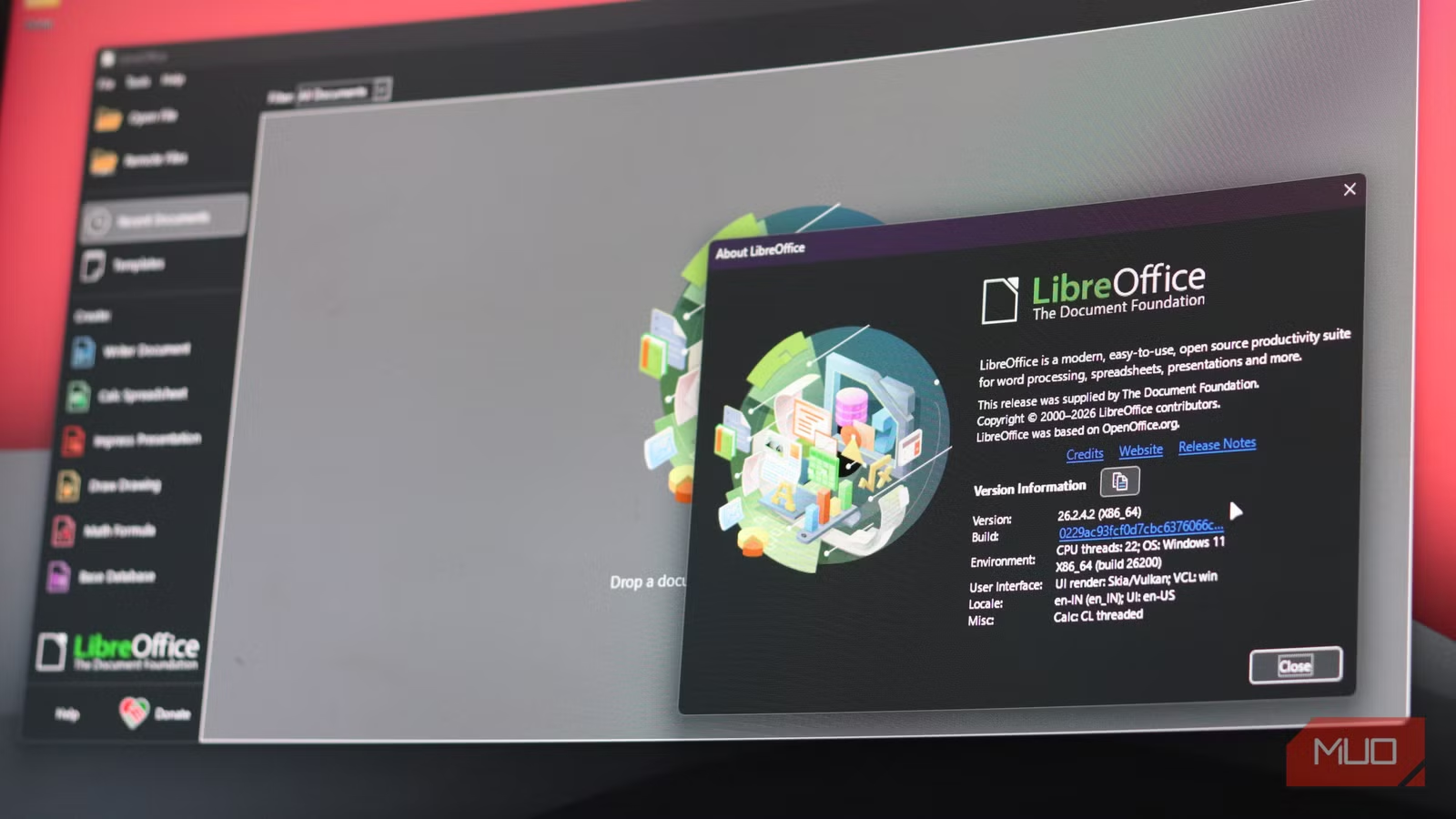
- LibreOffice includes six full applications: Writer, Calc, Impress, Draw, Base, and Math, all for free
- The suite opens and saves Microsoft's .docx, .xlsx, and .pptx files natively with improving compatibility
- Unlike Microsoft 365 and Google Docs, LibreOffice works entirely offline and doesn't require cloud logins or data sharing
LibreOffice ships with six full productivity apps, runs on Windows, macOS, and Linux, and costs nothing. No subscription, no cloud login, no artificial feature limits. For anyone tired of paying monthly for word processing and spreadsheets, it's the most complete free alternative to Microsoft 365 and Google Workspace.
The suite comes from The Document Foundation, a nonprofit that forked the project from OpenOffice.org back in 2010 after Oracle's acquisition of Sun Microsystems raised concerns about the project's direction. Since then, LibreOffice has become the default office suite on most Linux distributions and picked up an estimated 200 million users worldwide.
What does LibreOffice include?
The bundle includes Writer for word processing, Calc for spreadsheets, Impress for presentations, Draw for diagrams and vector graphics, Base for database management, and Math for building mathematical formulas. That's more tools out of the box than Microsoft 365's personal plan offers without upselling you to a higher tier.
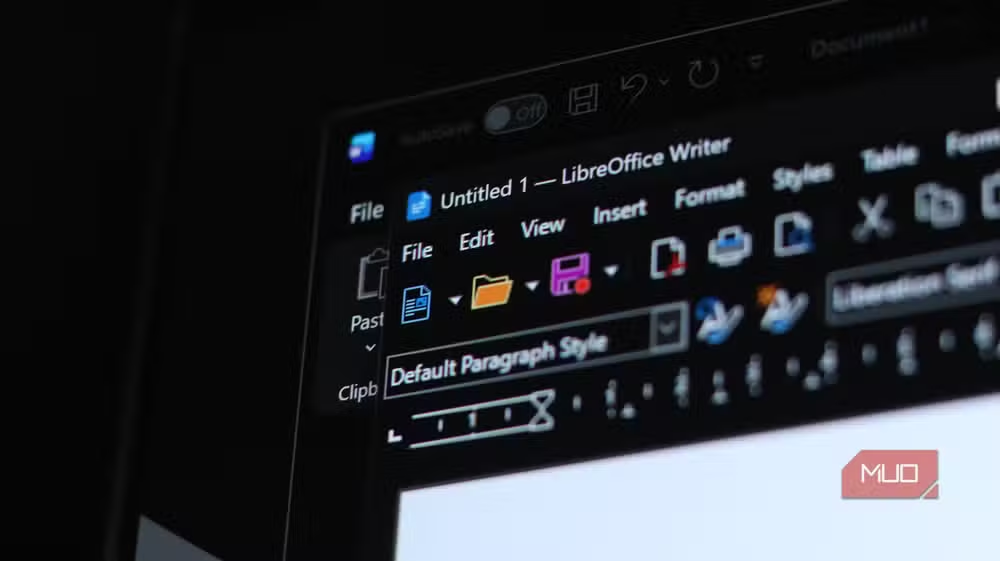
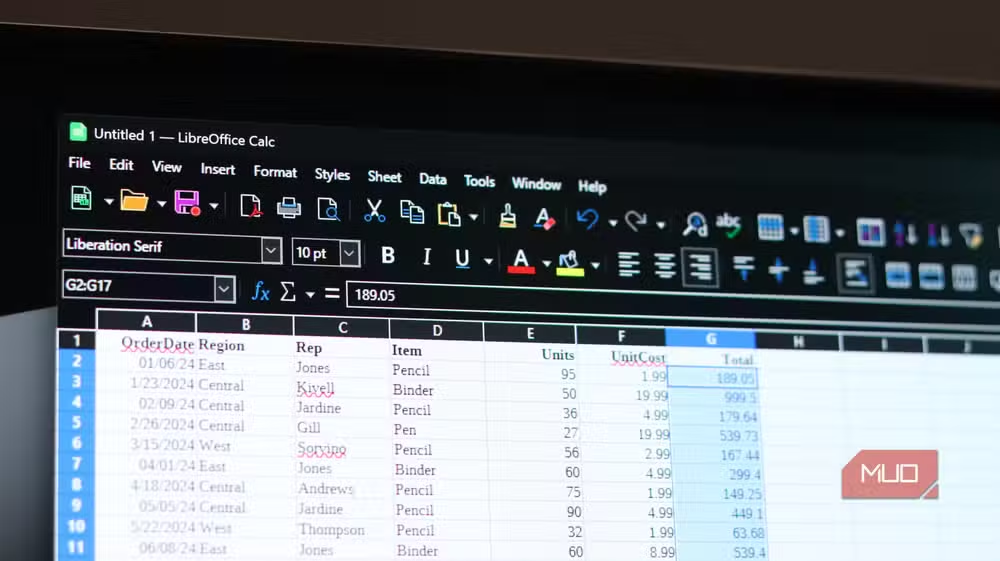
Each application mirrors its commercial counterpart closely enough that switching doesn't require relearning everything. Writer's ribbon-style toolbar, for instance, will feel familiar to anyone who's spent time in Microsoft Word. Calc handles pivot tables, conditional formatting, and large datasets without choking.
Does LibreOffice work with Microsoft file formats?
Yes. LibreOffice opens and saves .docx, .xlsx, and .pptx files natively. Compatibility has improved significantly over recent releases, with the development team putting effort into reducing the formatting glitches that used to appear when documents moved between suites.
That said, heavy formatting and complex macros can still cause problems. If you're working with corporate documents packed with custom macros or intricate layouts, you might hit occasional walls. For everyday reports, spreadsheets, and presentations, though, the suite handles Microsoft formats without drama.
LibreOffice's native format is ODF, the Open Document Format. It's an open standard designed to keep files readable regardless of what software you use in the future. Your documents stay yours.
Why privacy matters here
Google Docs requires a Google account. That means agreeing to data sharing. Microsoft 365 is steadily integrating cloud-based AI into everything, processing documents off your machine whether you asked for it or not. LibreOffice works entirely offline. Your files stay on your hardware.
For journalists, lawyers, healthcare workers, or anyone handling sensitive information, this matters. The software processes your documents locally. No telemetry, no cloud sync you didn't enable, no AI features trained on your content.
What about collaboration and cloud access?
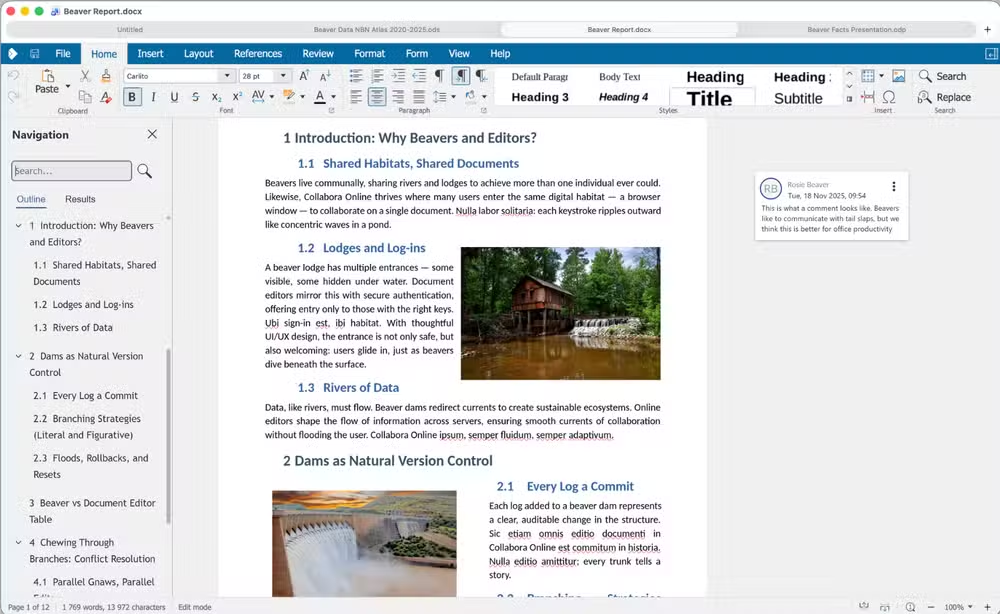
LibreOffice itself is desktop software. It doesn't have built-in real-time collaboration like Google Docs. But Collabora Online, built on LibreOffice technology, offers a web-based version for organizations that need browser access and simultaneous editing. Several cloud providers host it, or companies can run it on their own servers.
This split between offline-first desktop software and optional cloud deployment gives organizations more control than the all-or-nothing approach from Microsoft and Google.
| Feature | LibreOffice | Microsoft 365 | Google Docs |
|---|---|---|---|
| Price | Free | $69.99-$99.99/year | Free (with Google account) |
| Offline use | Full functionality | Limited | Partial |
| Cloud required | No | Yes for full features | Yes |
| Account required | No | Yes | Yes |
| Microsoft format support | Yes | Native | Yes |
Who should consider switching?
Budget-conscious professionals and small businesses get the obvious benefit: saving $70-100 per user per year adds up fast. Government institutions and universities in Europe and South America have adopted LibreOffice for exactly this reason.
Privacy-focused users gain peace of mind. Linux users already have it installed by default. And anyone who's frustrated by Microsoft's AI integration push now has a straightforward escape route.
The people who shouldn't switch are those deeply embedded in Microsoft's ecosystem. If your workflow depends on SharePoint integration, Microsoft Teams, or complex VBA macros, LibreOffice won't replace those dependencies. The same applies if your organization mandates Microsoft file formats with perfect fidelity down to the last formatting detail.
Logicity's Take
LibreOffice's real value proposition isn't just the price tag. It's independence. Microsoft and Google are both racing to embed AI assistants into every document you create, processing your content on their servers. LibreOffice offers an increasingly rare alternative: software that does what you tell it to do, nothing more. For organizations handling sensitive data, or anyone uncomfortable with the direction cloud-first office suites are heading, that independence is worth more than $99 a year.
Frequently Asked Questions
Is LibreOffice really free?
Yes. LibreOffice is open-source software maintained by The Document Foundation, a nonprofit. There's no subscription, no premium tier, and no feature limits. You download the full suite at no cost.
Can LibreOffice open Microsoft Office files?
LibreOffice opens and saves .docx, .xlsx, and .pptx files natively. Most documents work without issues, though complex macros or heavy formatting may cause occasional glitches.
Does LibreOffice work offline?
Yes. LibreOffice is desktop software designed for offline use. It doesn't require an internet connection or cloud login to function.
What operating systems does LibreOffice support?
LibreOffice runs on Windows, macOS, and Linux. It's available in over 115 languages.
Is there a cloud version of LibreOffice?
Collabora Online offers a web-based version built on LibreOffice technology for organizations that need browser access and real-time collaboration.
Need Help Implementing This?
Looking to migrate your team from Microsoft 365 or Google Workspace to LibreOffice? Reach out to Logicity for guidance on deployment strategies, training resources, and compatibility testing for your organization's document workflows.
Source: MakeUseOf
Huma Shazia
Senior AI & Tech Writer
Produced with AI assistance and reviewed by the Logicity editorial team. Learn more in our Editorial Policy.






