Key Takeaways

- Incognito mode only prevents local storage of history, cookies, and passwords. It does not hide your IP or browsing from ISPs or employers.
- All four major browsers offer private browsing with keyboard shortcuts: Ctrl-Shift-N (Chrome/Edge), Ctrl-Shift-P (Firefox), Cmd-Shift-N (Safari).
- Anti-tracking features complement incognito mode but carry trade-offs, including broken site functionality and lost login sessions.
Private browsing modes in Chrome, Edge, Firefox, and Safari do one thing well: they wipe local traces of your activity. They do not make you invisible online. Your ISP, your employer's network admins, and advertisers can still track every site you visit. For IT leaders managing corporate fleets, this distinction matters more than most employees realize.
The feature first appeared in Apple Safari back in 2005. Google Chrome popularized the term "Incognito" when it launched in late 2008. Since then, every major browser has copied the concept with minor variations. The core promise remains the same: no browsing history, no saved cookies, no stored passwords after you close the window.
What incognito mode actually protects
Private browsing clears three things when you close the session: visited sites from your history, cookies that track logins and preferences, and form data including passwords. That's useful when sharing a computer with family or using a public terminal. It means the next person won't see your search terms or stumble into your logged-in accounts.
It does not protect you from network-level surveillance. Your employer's IT department can still log every URL you visit through the corporate proxy. Your ISP records your DNS queries. Authorities can subpoena those records. And advertisers who rely on browser fingerprinting, not cookies, can still identify you with over 90% accuracy according to multiple studies.
How to open incognito mode in each browser
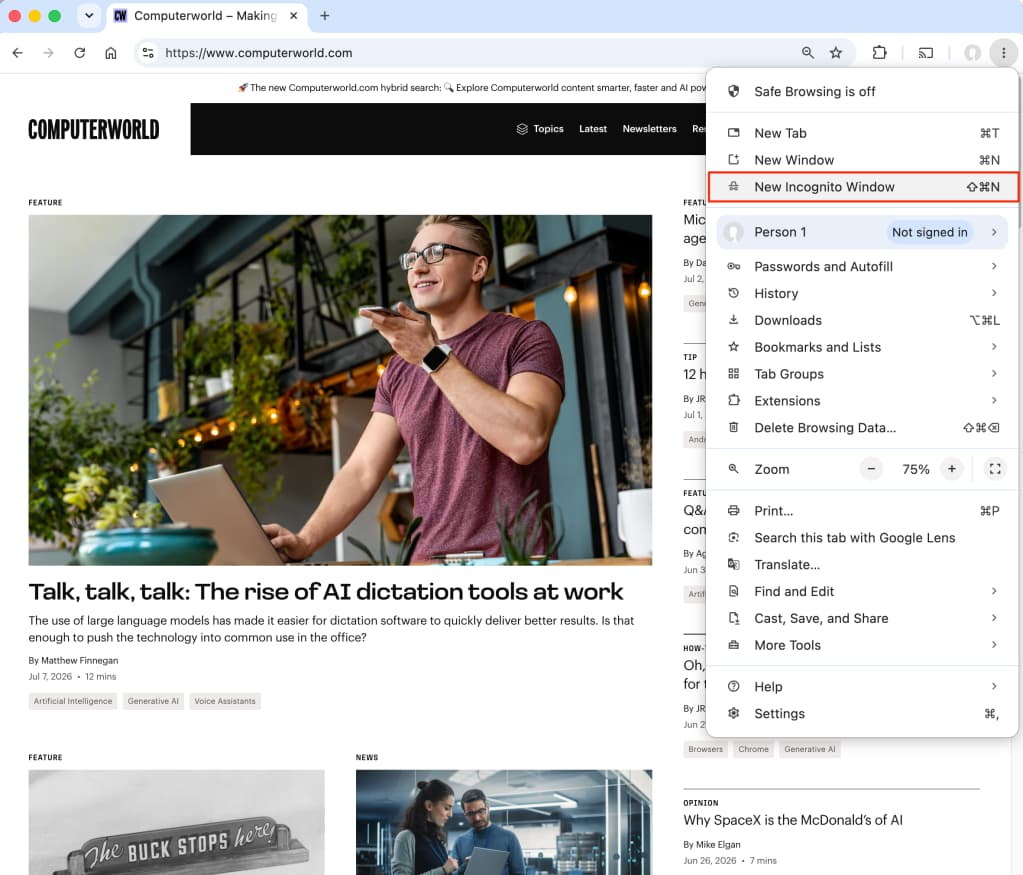
Every major browser uses a keyboard shortcut. In Google Chrome and Microsoft Edge, press Ctrl-Shift-N on Windows or Command-Shift-N on macOS. Firefox uses Ctrl-Shift-P (or Command-Shift-P on Mac). Safari matches Chrome's Command-Shift-N.
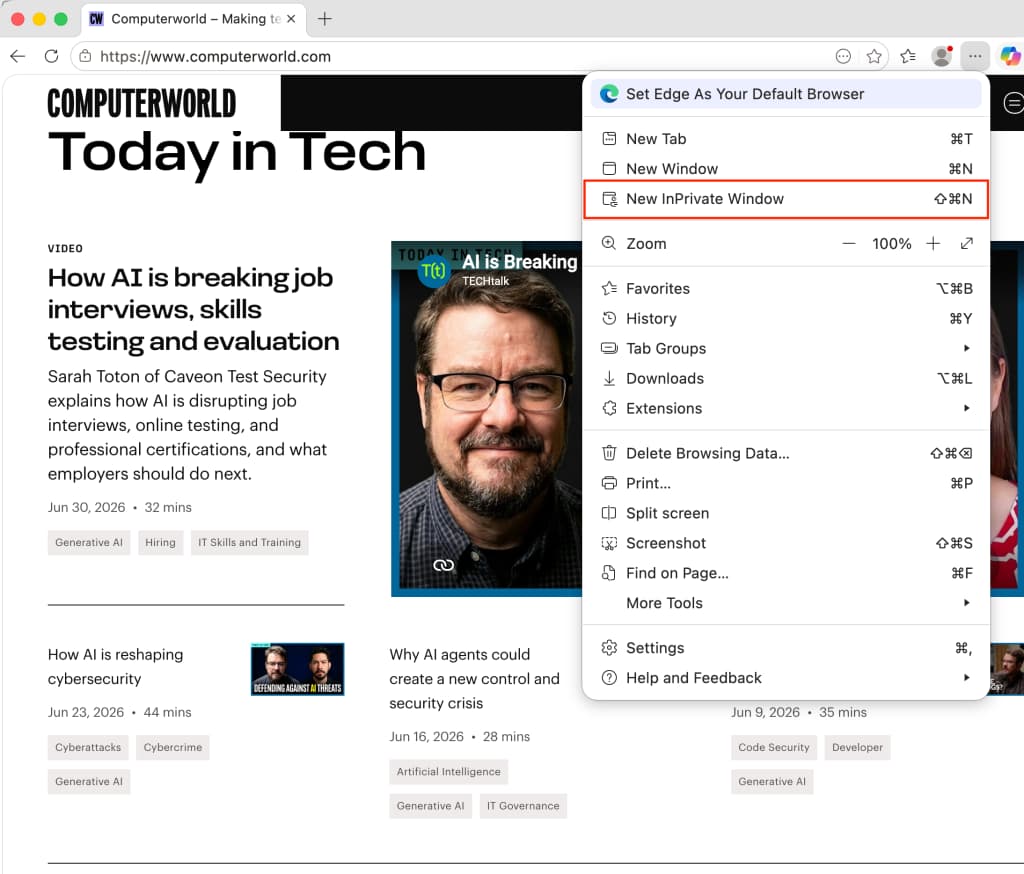
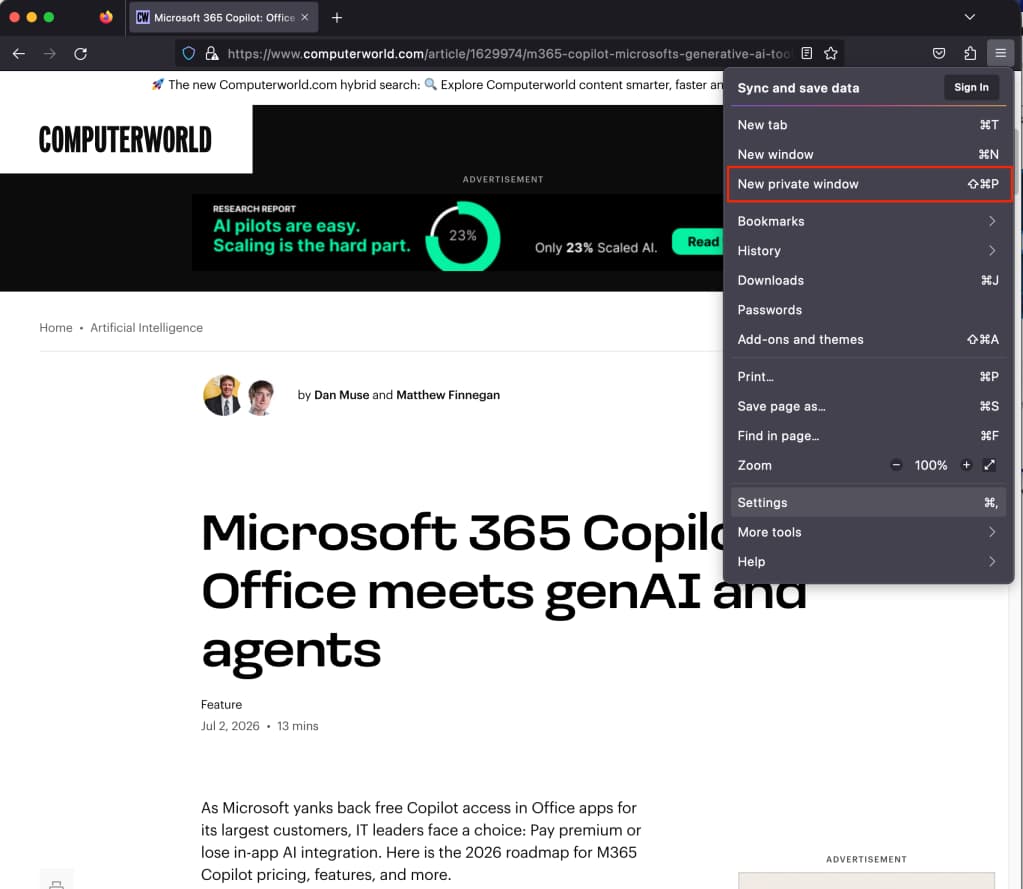
You can also access private browsing through the menu. In Chrome, click the three vertical dots in the upper right and select "New Incognito Window." Edge labels its version "InPrivate browsing." Firefox calls it "New Private Window." Safari uses "New Private Window" under the File menu.
Google Chrome: Incognito with third-party cookie blocking
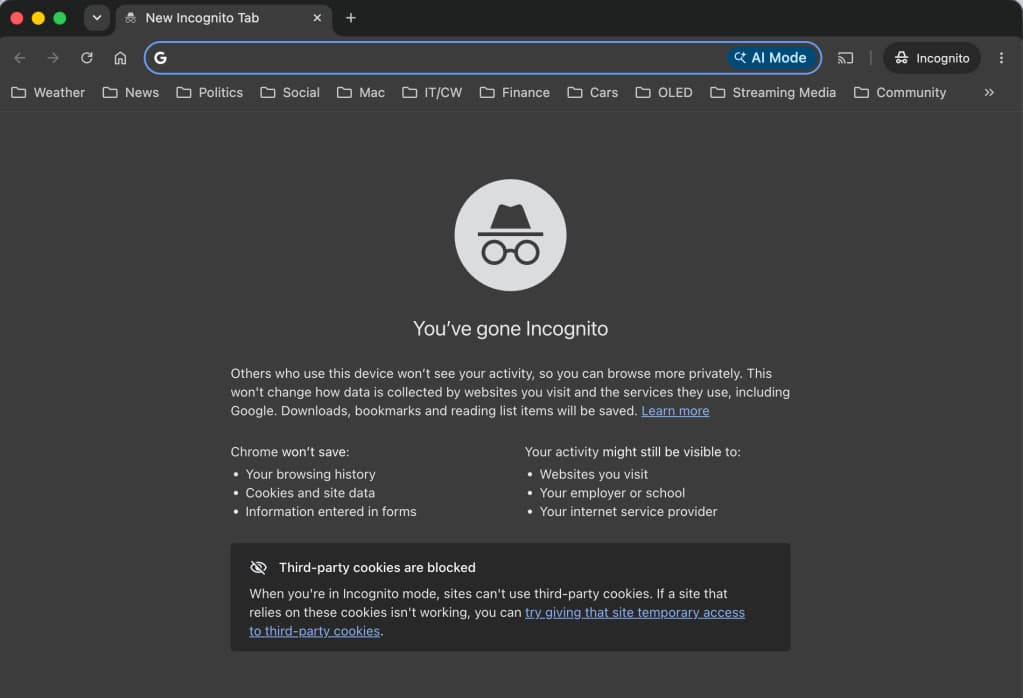
Chrome's Incognito mode displays a dark background and a stylized spy icon. Each new window shows a reminder of what the mode does and doesn't protect. Google settled a $5 billion class-action lawsuit in 2024 over allegations that it tracked users even in Incognito mode, so the company now emphasizes the limitations upfront.
By default, Chrome blocks third-party cookies while in Incognito. A toggle on the introductory screen lets you change this, though there's rarely a good reason to allow them.
Microsoft Edge: InPrivate browsing
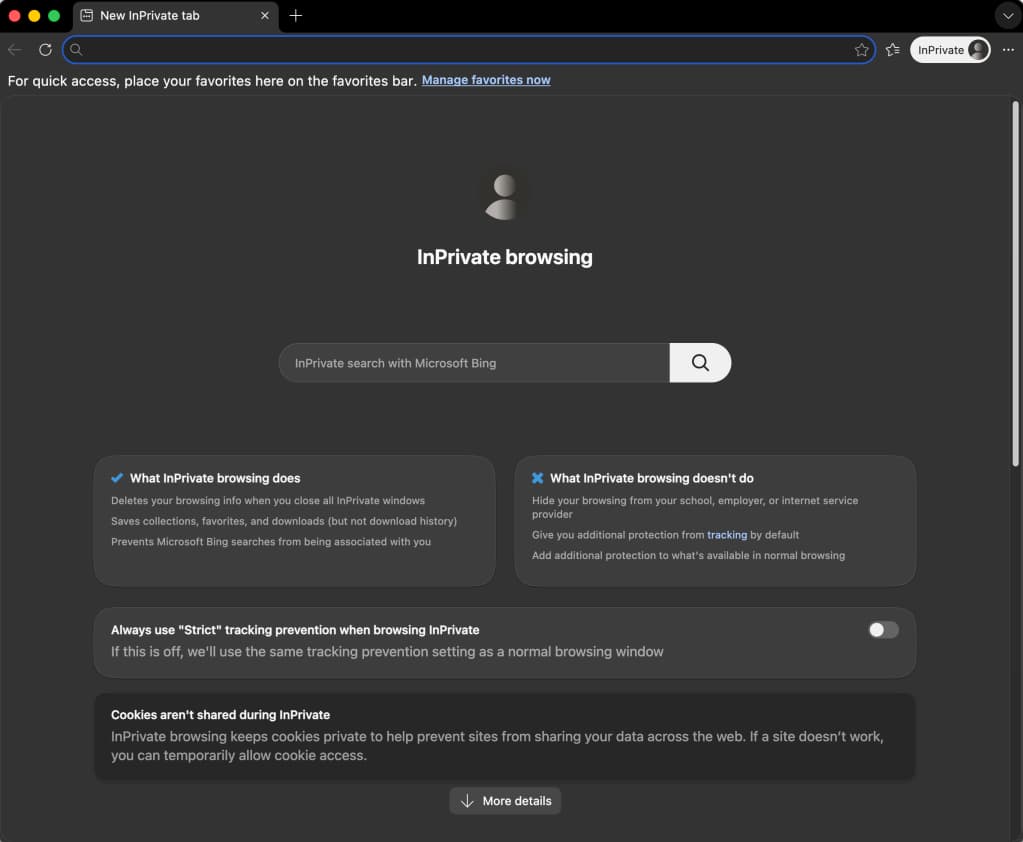
Edge's InPrivate mode works identically to Chrome's, which makes sense since both browsers share the Chromium engine. The keyboard shortcut is Ctrl-Shift-N. Edge displays a blue InPrivate badge in the upper left corner so you know you're in private mode.
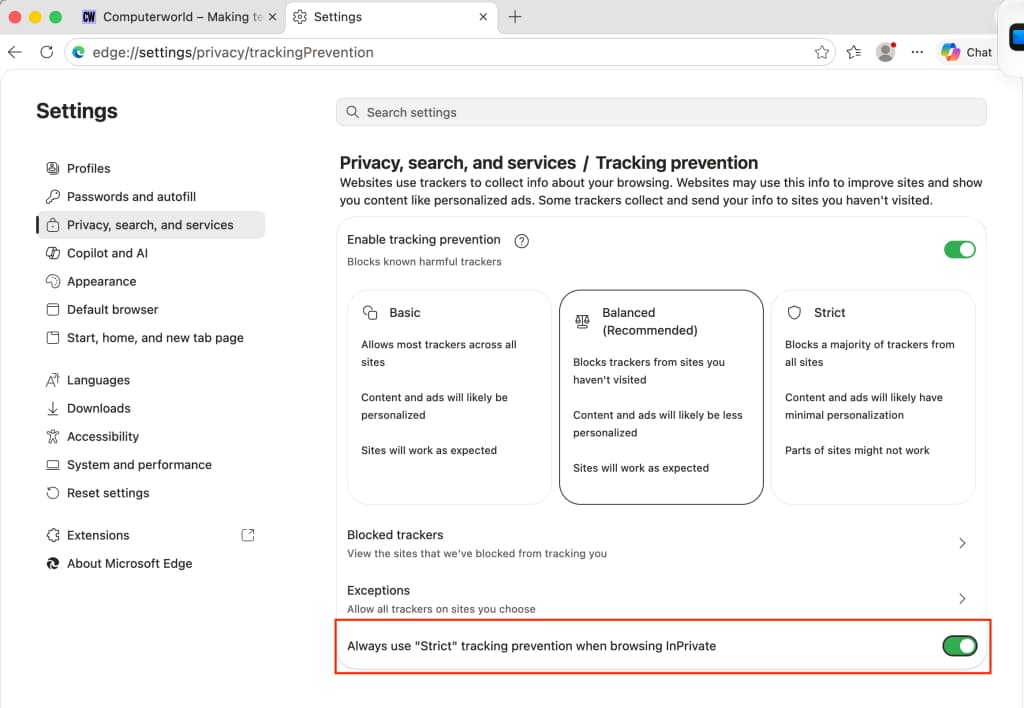
Edge adds one enterprise-relevant feature: administrators can configure InPrivate mode through Group Policy. IT teams can disable the feature entirely on managed devices if corporate policy prohibits private browsing.
Mozilla Firefox: Private windows with enhanced tracking protection
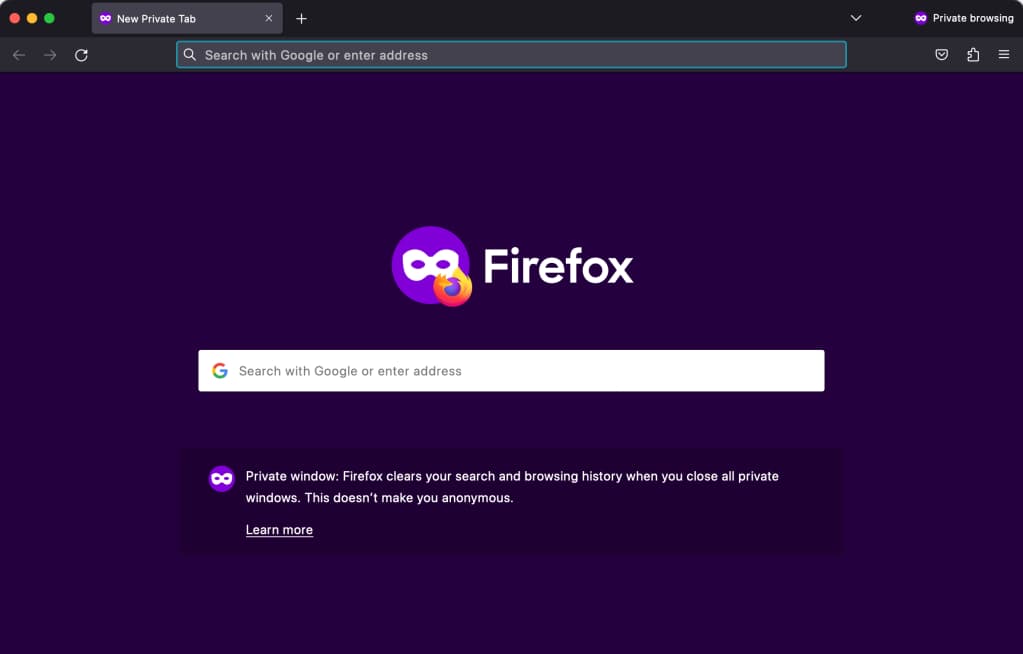
Firefox bundles anti-tracking features with its private browsing mode. When you open a new private window with Ctrl-Shift-P, Firefox automatically enables Enhanced Tracking Protection at the strict level. This blocks social media trackers, cross-site cookies, cryptominers, and fingerprinting scripts.
The trade-off: some sites break. Login buttons may not work, shopping carts may not persist, and embedded content from third parties may fail to load. Firefox shows a shield icon in the address bar that lets you disable protection for specific sites when needed.
Apple Safari: Private window with Intelligent Tracking Prevention
Safari pioneered private browsing in 2005 and remains aggressive about blocking trackers. Its Intelligent Tracking Prevention (ITP) system uses machine learning to identify and block cross-site tracking, even in normal browsing mode. In private windows, Safari adds complete cookie isolation.
Safari's private mode works best within the Apple environment. If your organization standardizes on Macs, you get consistent privacy behavior across devices. Mixed fleets running Windows and macOS will see different privacy protections depending on which browser employees use.
Why anti-tracking and incognito mode stay separate
It might seem logical to combine incognito mode with maximum anti-tracking by default. No browser does this. The reason is practical: aggressive tracking protection breaks too many websites. Shopping carts disappear. Login sessions end unexpectedly. Embedded videos refuse to play.
Browser vendors have decided that some level of anti-tracking can be the default for normal browsing. Firefox and Safari already do this. But making private browsing the default would annoy too many users who rely on saved passwords and persistent logins. Incognito mode will remain opt-in.
Logicity's Take
For enterprise IT, private browsing modes are a user convenience, not a security control. If employees believe incognito mode hides their activity from the company network, they're mistaken. CIOs should clarify this in acceptable use policies. Organizations that need actual network anonymity for specific roles should deploy VPN solutions like Cisco AnyConnect, Palo Alto GlobalProtect, or Cloudflare Zero Trust, which operate at the network layer rather than the browser. Browser-based privacy features protect users from each other on shared devices. They do not protect users from the network owner.
Frequently Asked Questions
Does incognito mode hide browsing from my employer?
No. Your company's network administrators can still see every site you visit through network logs, proxies, or DNS records. Incognito mode only prevents local storage on the device.
Can websites still track me in private browsing mode?
Yes. Websites can use browser fingerprinting to identify you with over 90% accuracy. Your IP address remains visible to every site you visit. Only a VPN or Tor can mask your IP.
Why do some sites break in private browsing mode?
Private windows block third-party cookies and, in some browsers, tracking scripts. Many sites rely on these for login persistence, shopping carts, and embedded content from other domains.
Is Firefox private browsing more secure than Chrome Incognito?
Firefox enables stricter anti-tracking by default in private windows. Whether this matters depends on your threat model. For hiding local history, both work equally well.
Should enterprises disable private browsing on managed devices?
That depends on your security policy. Some organizations disable it to ensure all browsing is logged. Others allow it since network-level monitoring captures the same data anyway.
Another browser-adjacent issue affecting enterprise Windows deployments
Need Help Implementing This?
If your organization needs to standardize browser configurations across a managed fleet, contact Logicity for guidance on Group Policy settings, endpoint management tools, and privacy-compliant browser deployments.
Source: Computerworld
Huma Shazia
Senior AI & Tech Writer
Produced with AI assistance and reviewed by the Logicity editorial team. Learn more in our Editorial Policy.