Key Takeaways
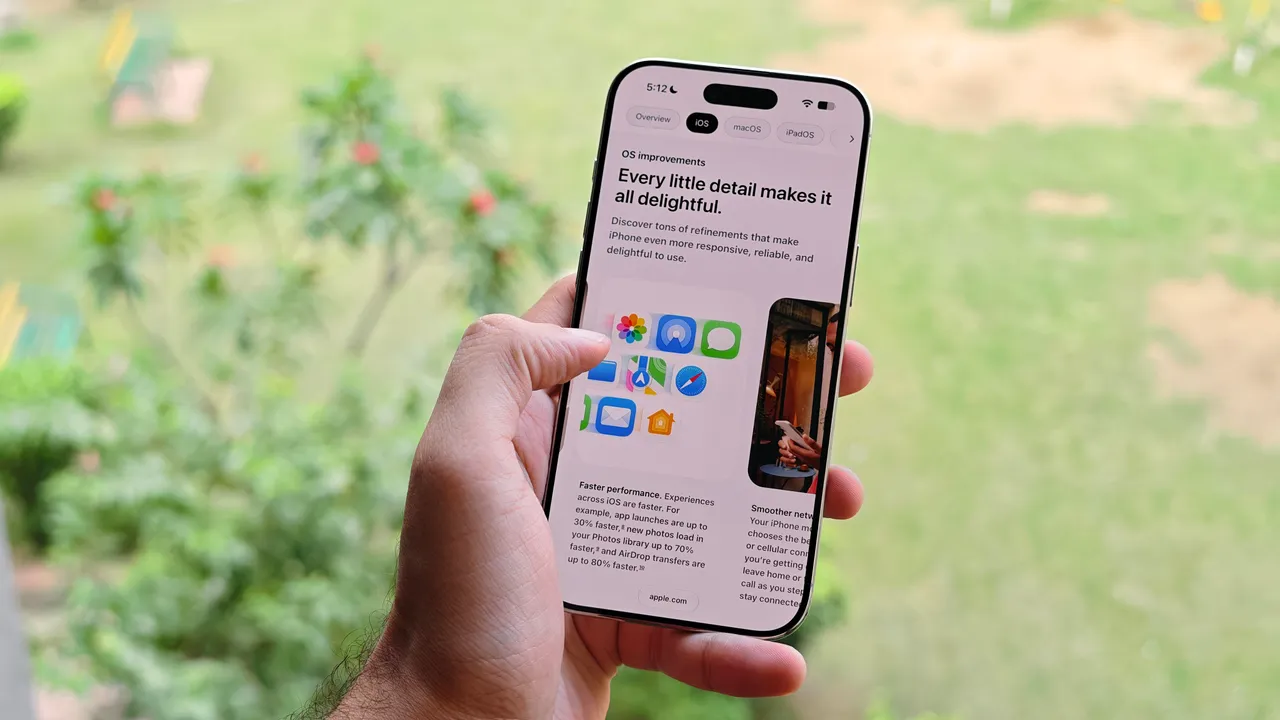
- iOS 27 public beta is available now; general release expected in September alongside iPhone 18
- iPhone 11 or newer required; iPhone X and SE 2nd generation dropped from support
- Enable beta updates in Settings > General > Software Update > Beta Updates
Apple released the iOS 27 public beta in July, one month after unveiling the developer beta at WWDC 2026. You can install it today on any iPhone 11 or newer. The general release arrives in September, likely timed with the iPhone 18 announcement.
Before you tap that download button, a warning: beta software crashes. It drains batteries. It breaks apps. If your iPhone is your only phone, wait for September.
Which iPhones support iOS 27?
Apple cut the iPhone X lineup and second-generation iPhone SE from the compatibility list. That means iOS 27 requires an iPhone 11 or newer. The full list includes the iPhone 11 through iPhone 18 series, the new iPhone SE, and the iPhone Air.
This follows Apple's pattern of dropping devices around five to six years after release. If you're still on an iPhone X, you're stuck on iOS 16.
How to install the iOS 27 public beta
The process takes about five minutes, plus download time. You'll need an iPhone running iOS 17 or later.
- Open Settings and tap General.
- Tap Software Update.
- Tap Beta Updates (this is off by default).
- Select iOS 27 Public Beta from the list.
- Return to the Software Update screen and tap Download and Install when the update appears.
Once enrolled, your iPhone will automatically receive new beta builds as Apple releases them throughout the summer.
What about the developer beta?
The developer beta came out during WWDC and typically runs a few builds ahead of the public version. To access it, you need an Apple Developer Program membership. The free tier grants beta access. The $99 annual paid tier adds code-level support, app management tools, and distribution capabilities.
To enable the developer beta, follow the same steps above but select iOS 27 Developer Beta instead. If that option doesn't appear, go to Settings > Privacy & Security and enable Developer Mode first.
Back up before you install
Beta software can corrupt data. Before installing, back up your iPhone to iCloud or your Mac. If something goes wrong, you can restore to iOS 26 and your backup.
- iCloud backup: Settings > [Your Name] > iCloud > iCloud Backup > Back Up Now
- Mac backup: Connect your iPhone, open Finder, select your device, click Back Up Now
- Encrypt your backup to preserve passwords and health data
When does iOS 27 officially release?
Apple follows the same schedule every year. Developer beta in June, public beta in July, general release in September. Based on past launches, expect iOS 27 to drop in mid-September, a day or two before the iPhone 18 ships.
Availability on launch day depends on your carrier, region, and local regulations. Most users see the update within 24 hours of Apple flipping the switch.
Logicity's Take
Apple's approach to beta testing reflects a calculation: the company gets free QA from millions of enthusiasts, while those users get bragging rights and a head start on new features. For IT teams managing corporate iPhones, the calculus is different. Wait until at least the third public beta before testing on company devices. By then, the critical bugs are usually squashed, and your MDM vendor has likely confirmed compatibility. Enterprise tools like Jamf and Kandji typically publish iOS beta support timelines within two weeks of WWDC.
Frequently Asked Questions
Is iOS 27 beta safe to install on my main iPhone?
No. Beta software contains bugs that can crash apps, drain battery rapidly, or cause data loss. Use a secondary device if possible, and always back up before installing.
Can I downgrade from iOS 27 beta to iOS 26?
Yes, but you'll need a computer. Connect your iPhone to a Mac or PC, put it in recovery mode, and restore using Finder or iTunes. You'll lose any data created after your last iOS 26 backup.
Do I need to pay to join the Apple Beta Program?
No. The public beta is free. The developer beta is also free through the basic Apple Developer Program tier. The $99 paid membership is only required for app distribution and advanced developer tools.
Will my apps work on iOS 27 beta?
Some will, some won't. Banking apps and apps with strong security features often block beta iOS versions. Expect glitches until developers update their apps for iOS 27 compatibility.
If you're optimizing your iPhone, your streaming apps deserve the same attention
Need Help Implementing This?
Running iOS betas across a fleet of test devices? Logicity can help you build a mobile testing workflow that catches compatibility issues before they hit production. Get in touch.
Source: Latest news
Manaal Khan
Tech & Innovation Writer
Produced with AI assistance and reviewed by the Logicity editorial team. Learn more in our Editorial Policy.




