Key Takeaways
Startup Survival Guide

- Default autovacuum settings can crash your database at scale; tune them early
- Use identity columns or UUIDs for primary keys, always timestamptz, and be careful with foreign key cascades at high volume
- Compound indexes must align with your ORDER BY clauses or Postgres will fall back to slow sequential scans
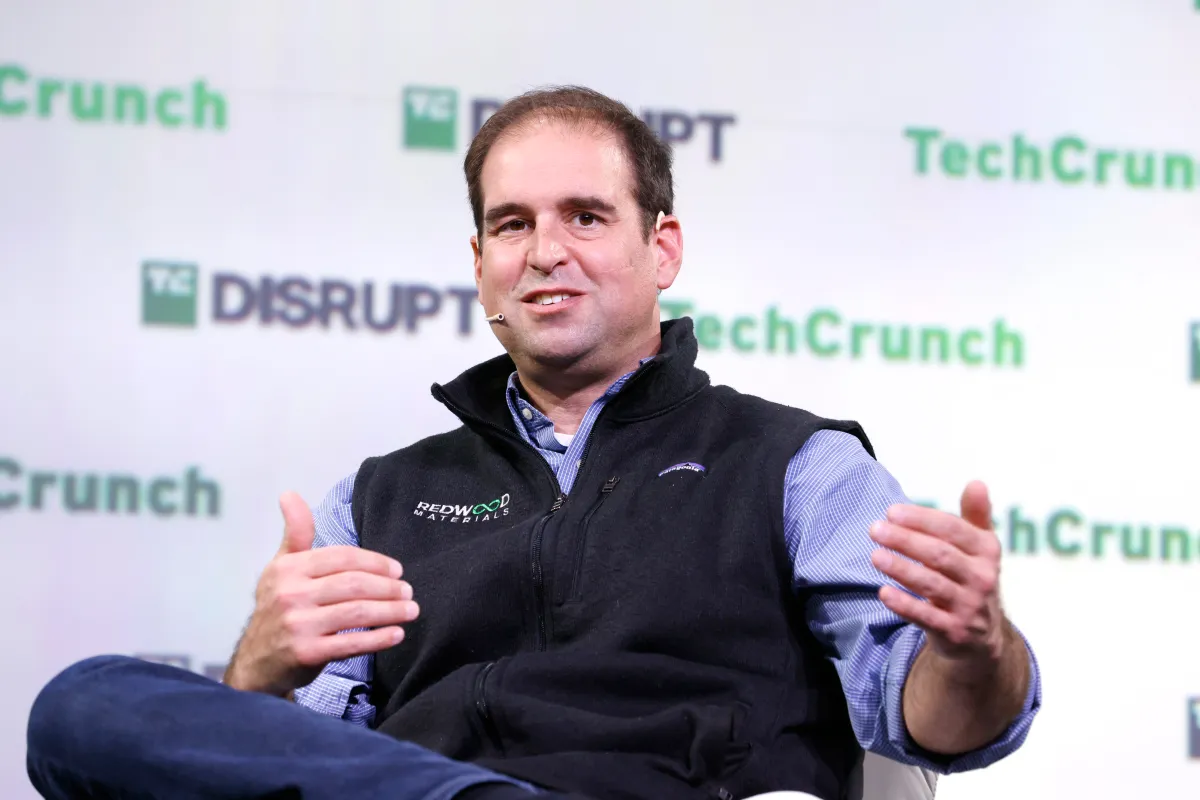
Hatchet co-founder Alexander Belanger has published a Postgres survival guide distilling two years of production battles into actionable advice for startup engineers. The guide, shared on Hacker News yesterday, targets developers who know SQL basics but lack experience running Postgres under real load. Belanger's blunt admission: before starting Hatchet, his knowledge stopped at 'if a query is slow, you need an index.'
The timing matters. Startups increasingly choose Postgres as their primary database, drawn by its open-source nature, strong ecosystem, and managed offerings from AWS, Google Cloud, and Supabase. But Postgres defaults are tuned for development, not production. Without tuning, a growing startup can hit performance cliffs that feel sudden but were entirely predictable.
Why schema design is the hardest thing to fix later
Belanger's first rule: schemas are the hardest thing to change once deployed, so spend time upfront. He recommends iterative design. Start with rough table approximations and primary keys, then write queries based on actual application needs. Ask yourself: Is this table high-read, high-write, or both? What columns will I filter on most? Which columns will I update frequently?
His concrete recommendations for schemas: use identity columns (auto-incrementing integers) or UUIDs for primary keys. Always use timestamptz, never timestamp. Always define primary keys. Use foreign keys with cascading deletes for low-volume tables where correctness matters, but be careful at higher volume where cascades can lock large portions of your database.
On normalization, Belanger takes a pragmatic stance. Formal database normalization (1NF, 2NF, 3NF) sometimes conflicts with query efficiency. When you're moving fast, dumping data into a jsonb column is sometimes just easier.
Indexes: the mental model that actually helps
Belanger offers a simplified mental model for SELECT queries. Under the hood, Postgres will either find a single row very quickly or read every single row in your table using a sequential scan. Fast lookups happen when you filter by an explicit index, a unique constraint (a special case of an index), or a primary key (automatically indexed in Postgres).
Postgres indexes default to btree implementation. Think of indexes as separate tables with data stored in a format optimized for lookups. Finding a single row happens in approximately log(n) time, where n is the number of rows. For a million-row table, that's roughly 20 comparisons instead of a million.
When Postgres can't use an index, it falls back to sequential scans. Modern databases load rows into memory fast enough that you won't notice on small tables. Sequential scans on tables under 20,000 rows feel instant. The trouble starts when you scale past that without proper indexing.
Compound indexes and ORDER BY alignment
The first slow query in most applications is a list query across a large table, something like fetching recent orders with filters. Belanger emphasizes that compound indexes must align with your ORDER BY clauses. If your index is on (user_id, created_at) but your query orders by created_at alone, Postgres may not use the index efficiently.
For joins, treat ON clauses with the same respect as WHERE clauses. Use indexed columns. Inner joins should almost always use primary keys; anything else usually signals a schema design problem.
Why default autovacuum settings can crash your database
This is where startups get hurt. Postgres uses a process called autovacuum to clean up dead tuples (rows that have been updated or deleted). The default settings work fine for small databases but become dangerous at scale. Autovacuum runs infrequently by default, and when it does run, it can cause significant performance degradation on large tables.
Belanger's guide covers tuning autovacuum thresholds and cost limits. The key insight: don't wait until your database is slow to tune these settings. By then, you may have accumulated so much bloat that recovery requires downtime.
Connection management and ORMs
Postgres has a hard limit on connections, typically defaulting to 100. Each connection consumes memory. Startups often hit connection limits before they hit CPU or disk limits, especially with serverless architectures that spin up many concurrent functions.
The fix is connection pooling via PgBouncer or similar tools. Belanger notes that most ORMs handle connection pooling internally, but the limits still apply at the Postgres level.
On ORMs generally, Belanger is cautious. The guide remains useful, but many optimizations at scale simply aren't possible with ORMs unless you break past the abstraction layer and write raw SQL. He recommends Prisma TypedSQL for TypeScript stacks and sqlc for Go stacks, both of which allow typed SQL queries without full ORM overhead.
Another startup scaling infrastructure decisions with significant funding
Advanced patterns: FOR UPDATE SKIP LOCKED and partitioning
For job queues and task processing, Belanger recommends FOR UPDATE SKIP LOCKED, a Postgres feature that lets multiple workers claim rows without blocking each other. It's the foundation of database-backed job queues and explains why Postgres can replace Redis for many queue workloads.
Table partitioning becomes necessary when individual tables grow beyond billions of rows. Partitioning splits a logical table into physical chunks, typically by date range or ID range. Queries that filter on the partition key can skip irrelevant partitions entirely.
Large table migrations are their own challenge. Belanger covers tricks for migrating tables with billions of rows without downtime, though the specifics depend heavily on your schema and traffic patterns.
| Concept | When to use | Risk if ignored |
|---|---|---|
| Identity columns/UUIDs for PKs | Always | Performance issues with bigserial at scale |
| Timestamptz | Always for timestamps | Timezone bugs in production |
| Foreign key cascades | Low-volume tables needing consistency | Table locks at high volume |
| Compound indexes | List queries with filters and ORDER BY | Sequential scans on large tables |
| Autovacuum tuning | Before tables exceed 1M rows | Database slowdown, potential crash |
| Connection pooling | Before hitting 100 concurrent connections | Connection exhaustion errors |
Should you just let Claude write your queries?
Belanger acknowledges that AI tools now write competent SQL. He half-jokes that if Claude is writing all your queries, this guide might be a waste of time. He recommends supabase/agent-skills for AI-assisted database work.
But there's a gap between queries that work and queries that scale. AI can write correct SQL, but it doesn't know your data distribution, your traffic patterns, or your autovacuum settings. Understanding these fundamentals remains the engineer's job.
AI tools are helpful but understanding fundamentals prevents dangerous edge cases
Logicity's Take
Hatchet's guide fills a real gap. The Postgres manual is comprehensive but overwhelming during an incident. Most startup engineers learn these lessons through painful production outages. What's notable here: Belanger positions database knowledge as a competitive advantage, not just infrastructure hygiene. Startups that understand their database can move faster because they hit fewer surprise performance walls. For teams using managed Postgres (AWS RDS, Supabase, Neon), most of these principles still apply. The managed service handles backups and replication, but autovacuum tuning, schema design, and query optimization remain your problem.
Frequently Asked Questions
Should startups use Postgres or a NoSQL database?
Postgres handles most startup workloads well, including document storage via jsonb. NoSQL makes sense for specific access patterns, but Postgres is a safer default for transactional data.
When should I start tuning autovacuum settings?
Before any table exceeds 1 million rows. Default autovacuum settings cause problems at scale, and retroactively cleaning up bloat requires more effort than preventing it.
Can I use an ORM and still follow these optimization tips?
Yes, but you'll eventually need to write raw SQL for complex queries. Choose an ORM that supports typed raw SQL, like Prisma TypedSQL or sqlc.
How many Postgres connections do I actually need?
Fewer than you think. With connection pooling via PgBouncer, most applications work fine with 10-20 actual database connections even under heavy load.
What's the fastest way to check if a query is using indexes?
Run EXPLAIN ANALYZE before your query. Look for 'Index Scan' or 'Index Only Scan'. If you see 'Seq Scan' on a large table, you need an index.
Need Help Implementing This?
Logicity covers database scaling, infrastructure decisions, and engineering best practices for startups. Subscribe to our newsletter for weekly technical deep dives, or reach out if you'd like to discuss your specific Postgres challenges.
Source: Hacker News: Best
Huma Shazia
Senior AI & Tech Writer
Produced with AI assistance and reviewed by the Logicity editorial team. Learn more in our Editorial Policy.