Key Takeaways
- NotebookLM now runs on Gemini 3.5 with a secure cloud computer for code execution
- Users can start research by asking questions instead of uploading documents first
- New output formats include PDFs, data visualizations, Excel files, and AI-generated images
Google announced a major upgrade to NotebookLM on Monday. The AI-powered note-taking app now runs on Gemini 3.5 and connects to a secure cloud computer, turning it from a document reader into something closer to an automated research assistant.
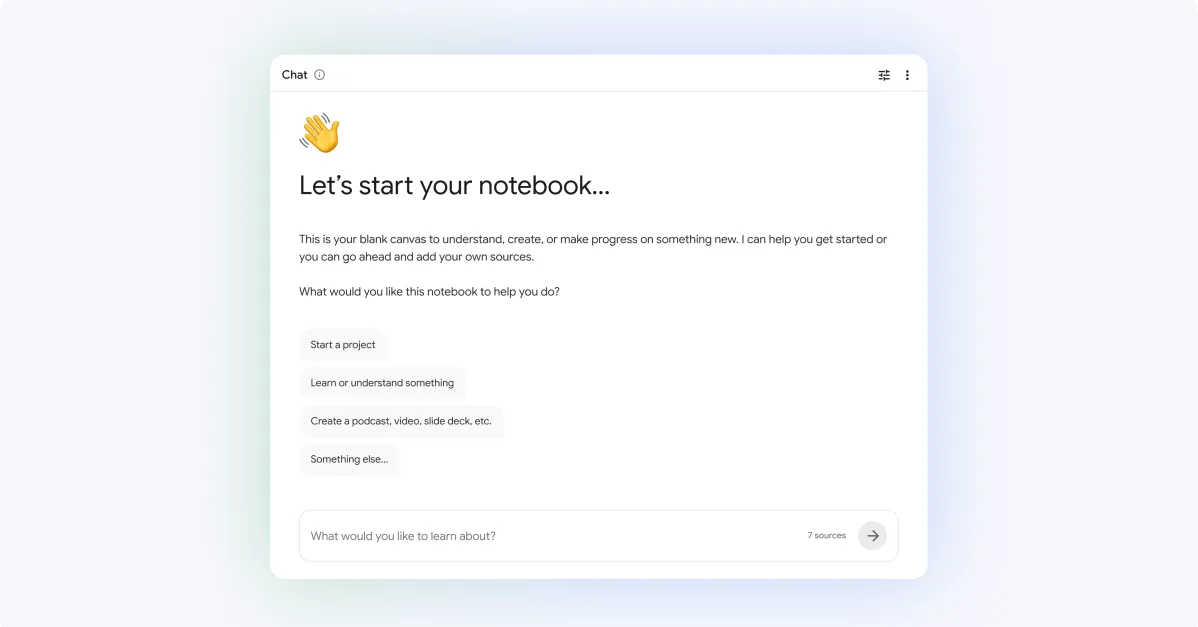
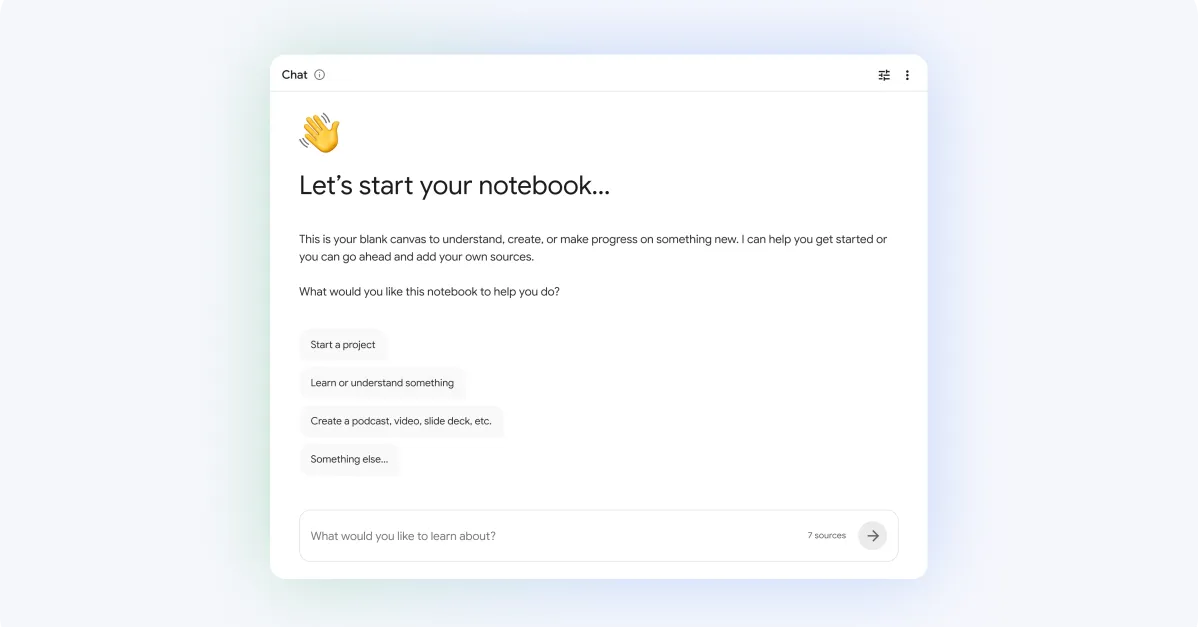
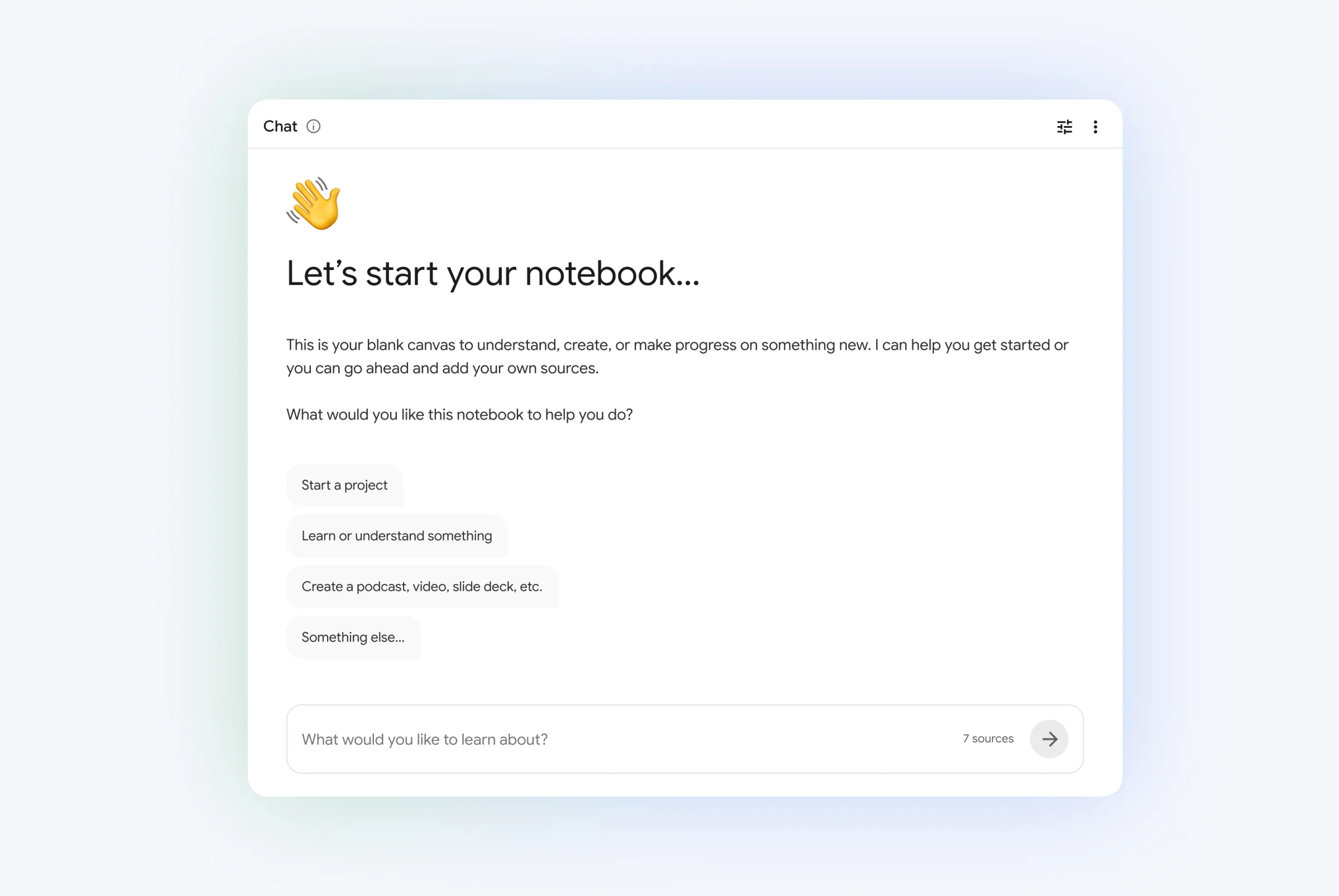
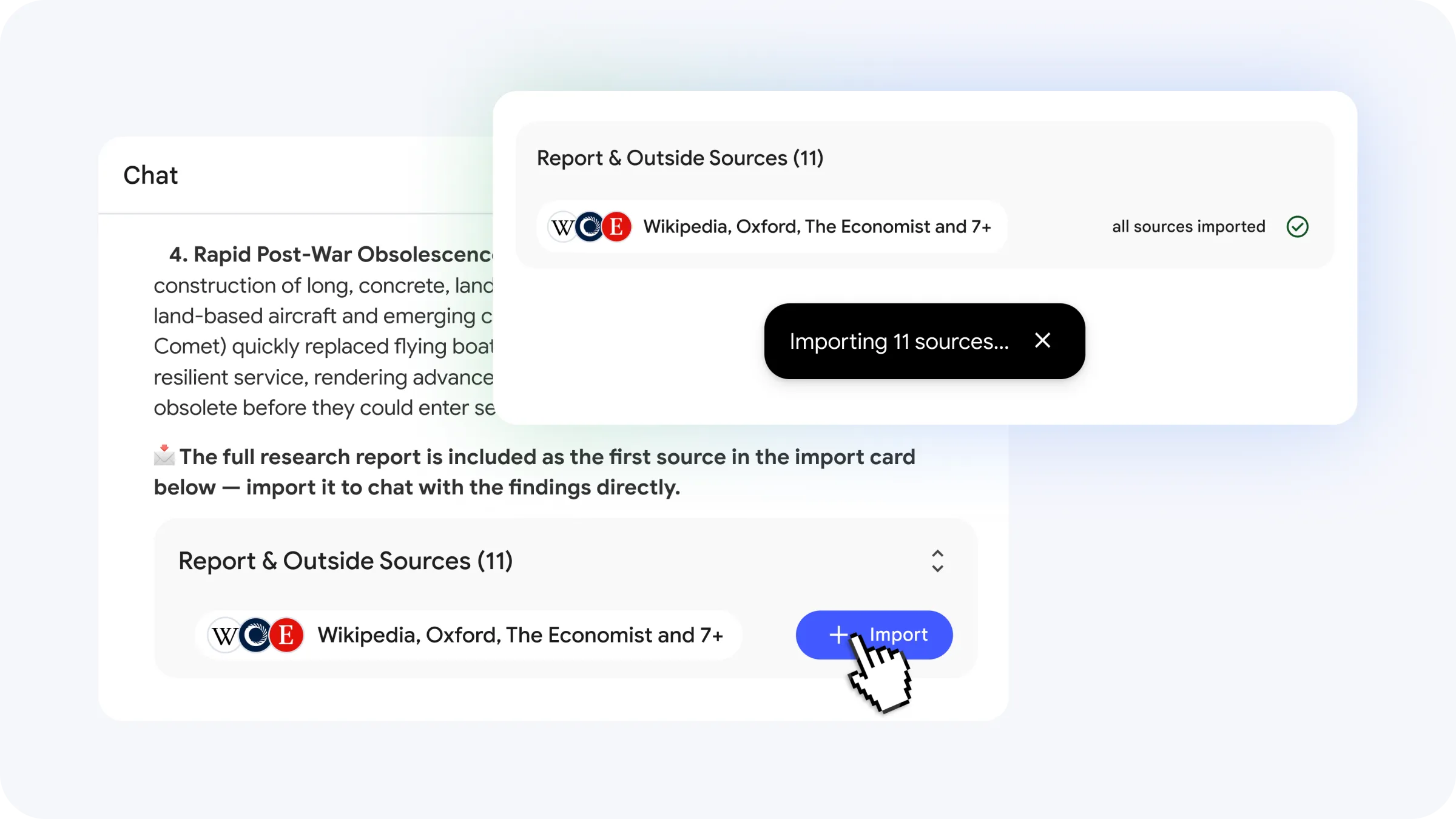
The biggest change: you no longer need to upload documents to get started. NotebookLM can now search the web for sources based on your questions, then let you pick which ones to import into your notebook.
From Note Reader to Research Agent
When NotebookLM launched in 2023, it did one thing well: let you chat with your uploaded documents. You could drop in PDFs, YouTube videos, or Google Docs, then ask questions about them. The AI would synthesize answers based on your materials.
This update pushes the app toward what Google calls "agentic" research. Each notebook now connects to a cloud computer running on Google's Antigravity platform, which is the company's infrastructure for AI agents that can write and execute code.
“This isn't just about reading your notes anymore; it's about transforming your ideas into a fully researchable, executable project from scratch.”
— Sundar Pichai, CEO of Google and Alphabet
In practice, this means NotebookLM can run Python scripts, crunch numbers, and generate outputs you previously needed separate tools for.
New Output Formats
The cloud computer enables a list of new export options. NotebookLM can now create:
- PDF documents
- Data visualizations (PNG, SVG)
- AI-generated images via Nano Banana (PNG, JPG, GIF)
- Excel and PowerPoint files
- CSV spreadsheets
This moves NotebookLM beyond text-based Q&A. If you're researching market data, for example, you could ask the app to pull sources, analyze trends, and output a chart, all without leaving the notebook.
How Source Discovery Works
The new source-finding feature builds on NotebookLM's existing "discover" tool. Previously, discover helped you find related content within your uploaded materials. Now it taps into Google Search to find relevant sources across the web.
When you ask NotebookLM about a topic, it searches for articles, papers, and other resources, then presents them for your approval. You decide which sources make it into your notebook. This keeps you in control of what the AI uses to generate answers.
Availability and Pricing
The Gemini 3.5 upgrade is rolling out now to users on Google's AI Ultra plan and Workspace customers. Google says it plans to expand access to more subscription tiers in the future, though the company hasn't announced a timeline.
The AI Ultra plan is Google's premium tier, which bundles advanced AI features across its product suite. Workspace customers get access through their enterprise subscriptions.
Early Reactions
Reception on Reddit's r/NotebookLM and r/ArtificialIntelligence has been positive. Users are calling out the secure cloud computer as particularly useful for academic and technical research, where running code and generating visualizations is common.
On Hacker News, the discussion is more technical. Some power users are debating how the new "transparent reasoning" features will affect the tool's reliability compared to older, more opaque LLM outputs.
Logicity's Take
How OpenAI is rethinking ChatGPT's architecture ahead of its IPO
Frequently Asked Questions
What is the Gemini 3.5 upgrade in NotebookLM?
Gemini 3.5 is Google's latest AI model, now powering NotebookLM. It provides more accurate responses and enables new features like code execution and automated source discovery.
Can NotebookLM now find sources automatically?
Yes. Instead of uploading documents first, you can ask NotebookLM questions about any topic. It will search the web for relevant sources and let you choose which ones to import.
What is the Antigravity platform in NotebookLM?
Antigravity is Google's agentic coding platform. It connects each NotebookLM notebook to a secure cloud computer that can write and run code for tasks like data analysis and visualization.
Who can access the new NotebookLM features?
The update is currently available to Google AI Ultra subscribers and Workspace customers. Google plans to expand access to more plans later.
What file types can NotebookLM export?
NotebookLM can now export PDFs, PNG and SVG visualizations, AI-generated images, Excel files, PowerPoint presentations, and CSV spreadsheets.
Need Help Implementing This?
Manaal Khan
Tech & Innovation Writer
Produced with AI assistance and reviewed by the Logicity editorial team. Learn more in our Editorial Policy.