Key Takeaways
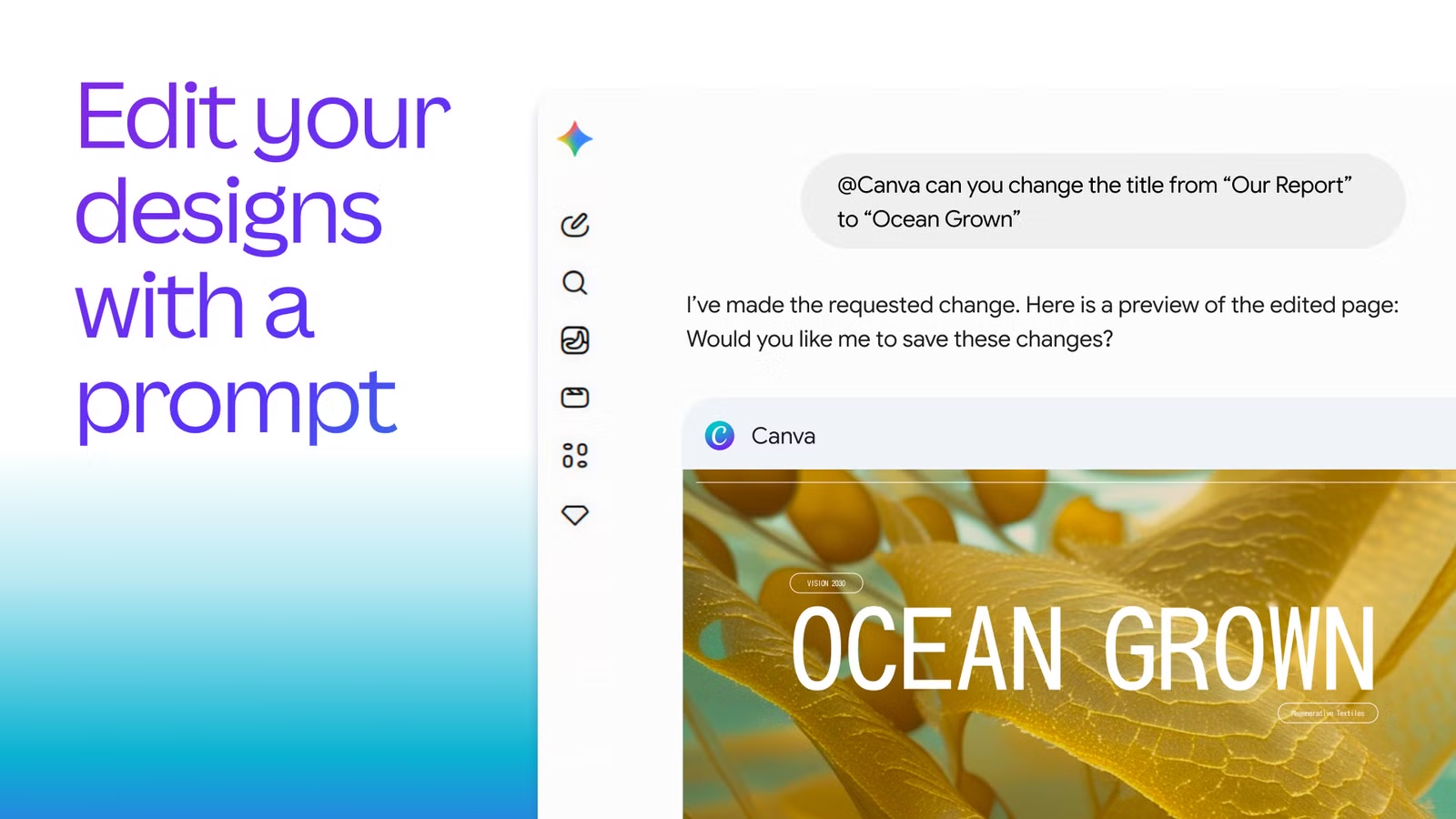
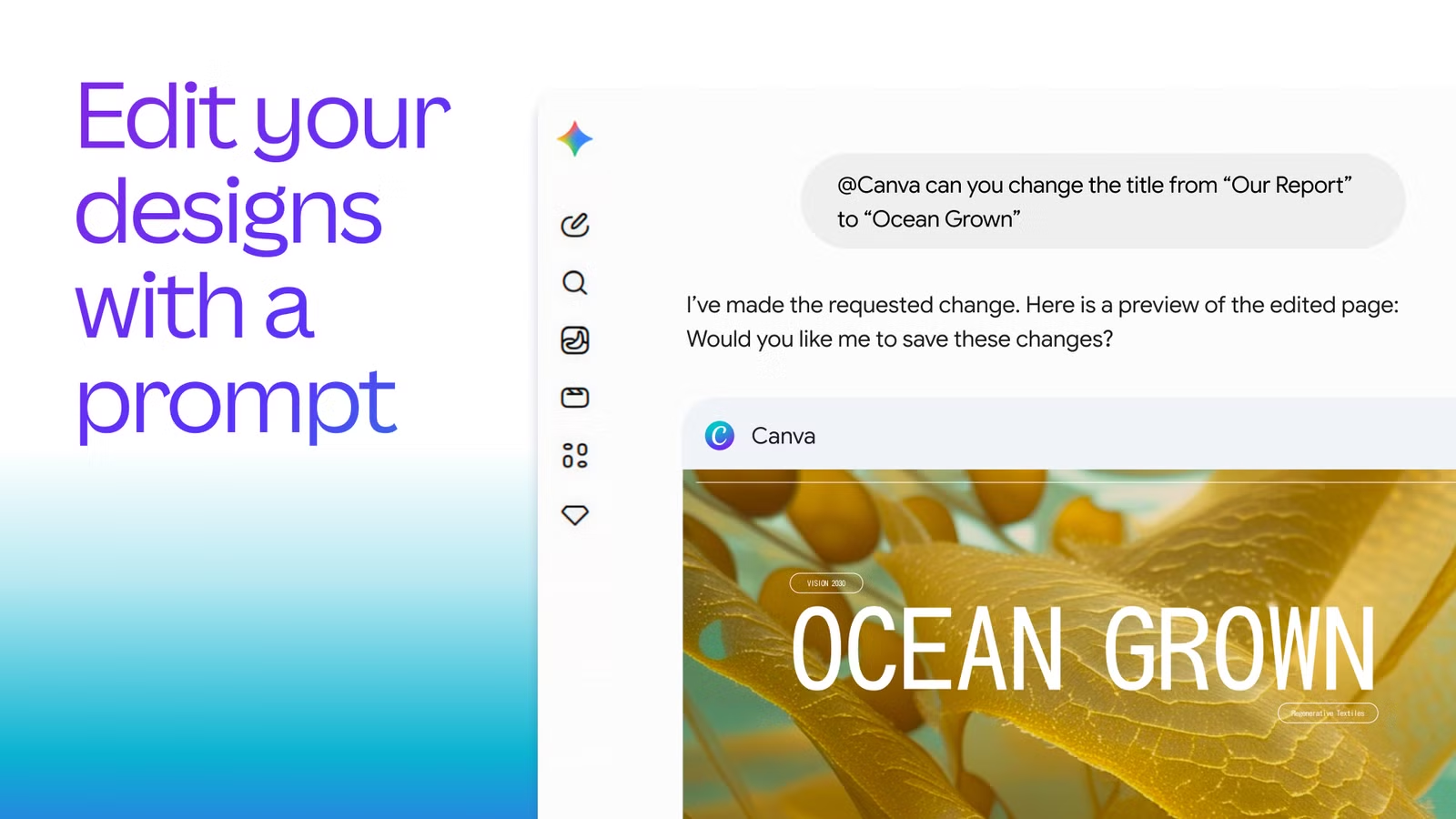
- Canva Connected App for Gemini lets users generate, edit, and search designs directly in Gemini chat
- Magic Layers technology splits AI-generated images into editable components, eliminating the need to re-prompt
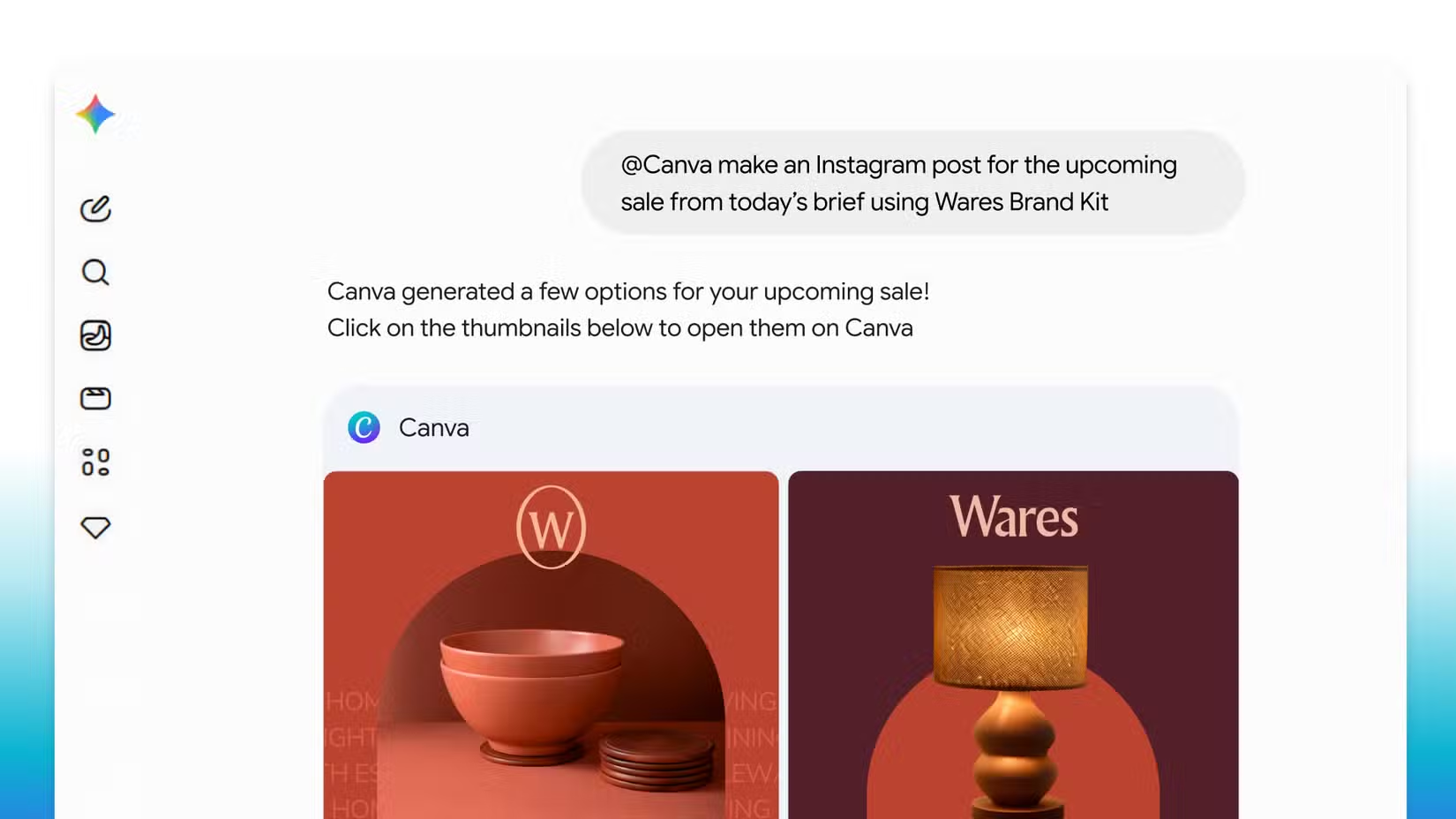
- Brand Kits sync natively with Gemini, auto-applying saved fonts, logos, and colors to designs
The Layer Problem With AI Images
Anyone who has used AI image generators for work knows the frustration. You generate an image for a slide deck or marketing flyer. It looks close to what you want, but the text placement is off, or one element needs adjustment. Your only option is to re-prompt and hope for the best.
One journalist reported generating 150 images for a single slide deck before giving up. None were quite right. The problem is not the quality of AI image generation. It is that the output is flat. No layers. No way to isolate and adjust individual elements without starting over.
Canva's new partnership with Google Gemini addresses this directly. The Canva Connected App for Gemini, announced May 19, combines Google's Nano Banana image model with Canva's Magic Layers technology. The result: AI-generated images that split into editable layers.
How Magic Layers Works
The integration analyzes an AI-generated image and separates it into component parts. Text becomes editable text. Background elements separate from foreground objects. Layout structure remains intact while individual pieces become movable.
This means you can generate an image in Gemini, pull it into Canva, and adjust specific elements without affecting the rest. Move a logo. Change the headline. Swap a background color. The image stays coherent because each layer maintains its relationship to the whole.
The feature works within Gemini chat. Users can generate designs, edit them, and search through existing Canva content without leaving the conversation interface. This builds on Canva's earlier integrations with Claude, ChatGPT, and Copilot, but adds the layer separation that those partnerships lacked.
Brand Kits Go Native
The second major feature targets small businesses and content creators who maintain consistent visual identities. Canva Brand Kits now sync natively with Gemini.
When you pull a Gemini-generated design into Canva, it automatically aligns with your saved brand fonts, logos, and color palettes. No manual reformatting. No hunting through menus to apply brand guidelines.
For teams producing high volumes of branded content, social posts, presentation slides, marketing materials, this removes a repetitive step from every asset created. The design arrives already on-brand.
What This Means for Photoshop Users
The layer editing capability narrows the gap between web-based tools and professional software like Adobe Photoshop. Layers have been the core advantage of desktop editing applications. They are why professionals tolerate slower workflows and subscription costs.
Canva's approach does not replicate Photoshop's full layer functionality. You are not getting adjustment layers, blend modes, or pixel-level masking. But for the specific use case of refining AI-generated content, Magic Layers offers something Photoshop cannot: automatic layer separation from flat images.
The rollout begins May 19, 2026. Canva has not announced pricing changes, suggesting the feature will be available to existing subscribers.
Logicity's Take
The Broader Integration Picture
Canva has been aggressive about embedding itself into AI assistants. The company already has integrations with Claude, ChatGPT, and Microsoft Copilot. The Gemini partnership extends that reach to Google's ecosystem.
The strategy positions Canva as the design layer for AI workflows, regardless of which assistant users prefer. If you generate content in any major AI chat interface, Canva wants to be where that content gets polished and branded.
Related techniques for getting better results from AI assistants
Frequently Asked Questions
What is Magic Layers in Canva?
Magic Layers is Canva's technology that analyzes AI-generated images and splits them into separate, editable components. Text, backgrounds, and foreground elements become individual layers you can modify without affecting the rest of the image.
Do I need a Canva Pro subscription for the Gemini integration?
Canva has not announced pricing changes for the Gemini Connected App. The feature appears to be rolling out to existing subscribers starting May 19, 2026.
What is Google's Nano Banana image model?
Nano Banana is Google's image generation model that powers the Canva-Gemini integration. It works alongside Magic Layers to create images that can be split into editable components.
Can I use my Brand Kit with AI-generated designs?
Yes. Canva Brand Kits now sync natively with Gemini. When you pull a generated design into Canva, it automatically applies your saved fonts, logos, and color palettes.
Does this replace Adobe Photoshop?
Not for professional photo editing. Magic Layers does not offer adjustment layers, blend modes, or pixel-level masking. It is designed specifically for refining AI-generated content, not traditional image editing.
Need Help Implementing This?
Source: MakeUseOf
Huma Shazia
Senior AI & Tech Writer
Produced with AI assistance and reviewed by the Logicity editorial team. Learn more in our Editorial Policy.






