Key Takeaways
Best HDMI Cables 2026 – 4K, 8K & Gaming Performance
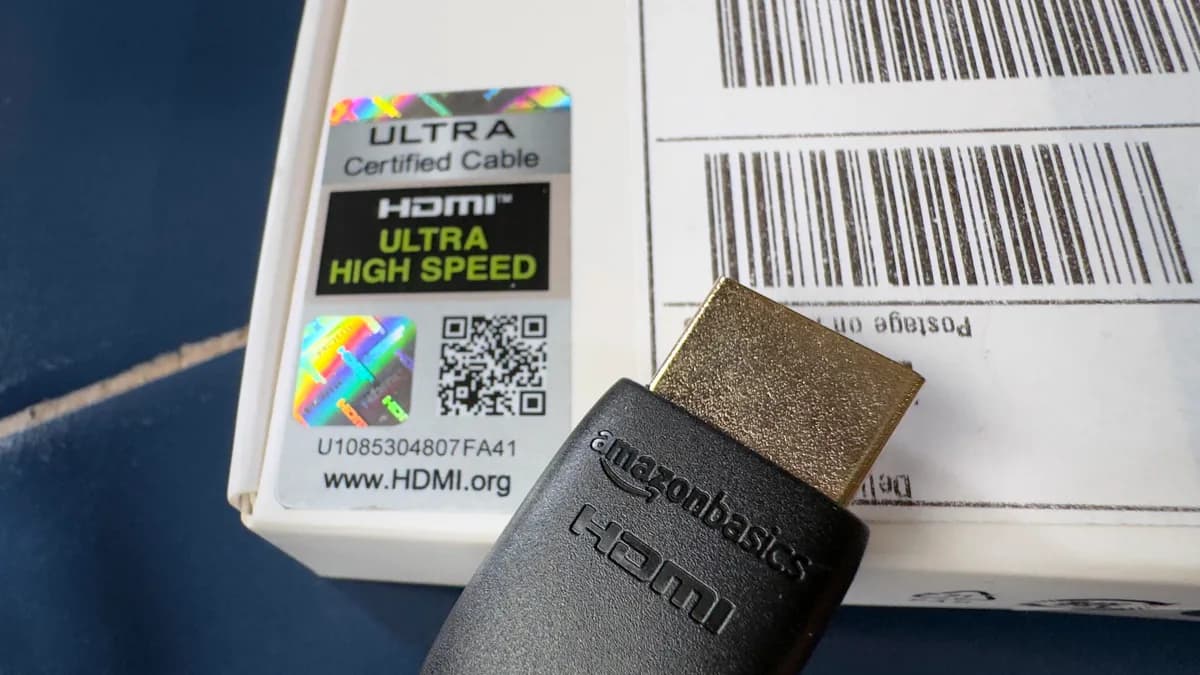
- AmazonBasics High-Speed HDMI Cable offers the best overall value with 18 Gbps bandwidth and a lifetime warranty
- For HDMI 2.1 features like 4K@120Hz, look for cables with the official Ultra High Speed certification label
- Expensive cables don't deliver better picture quality than budget options — digital signals work or they don't
A bad HDMI cable can wreck an otherwise solid entertainment setup. Flickering screens, dropped signals, and laggy gameplay all trace back to cables that cut corners on bandwidth or materials. ZDNet's Adrian Kingsley-Hughes tested the top HDMI cables of 2026 to find which ones actually deliver on their promises for 4K streaming, high-refresh gaming, and multi-display office configurations.
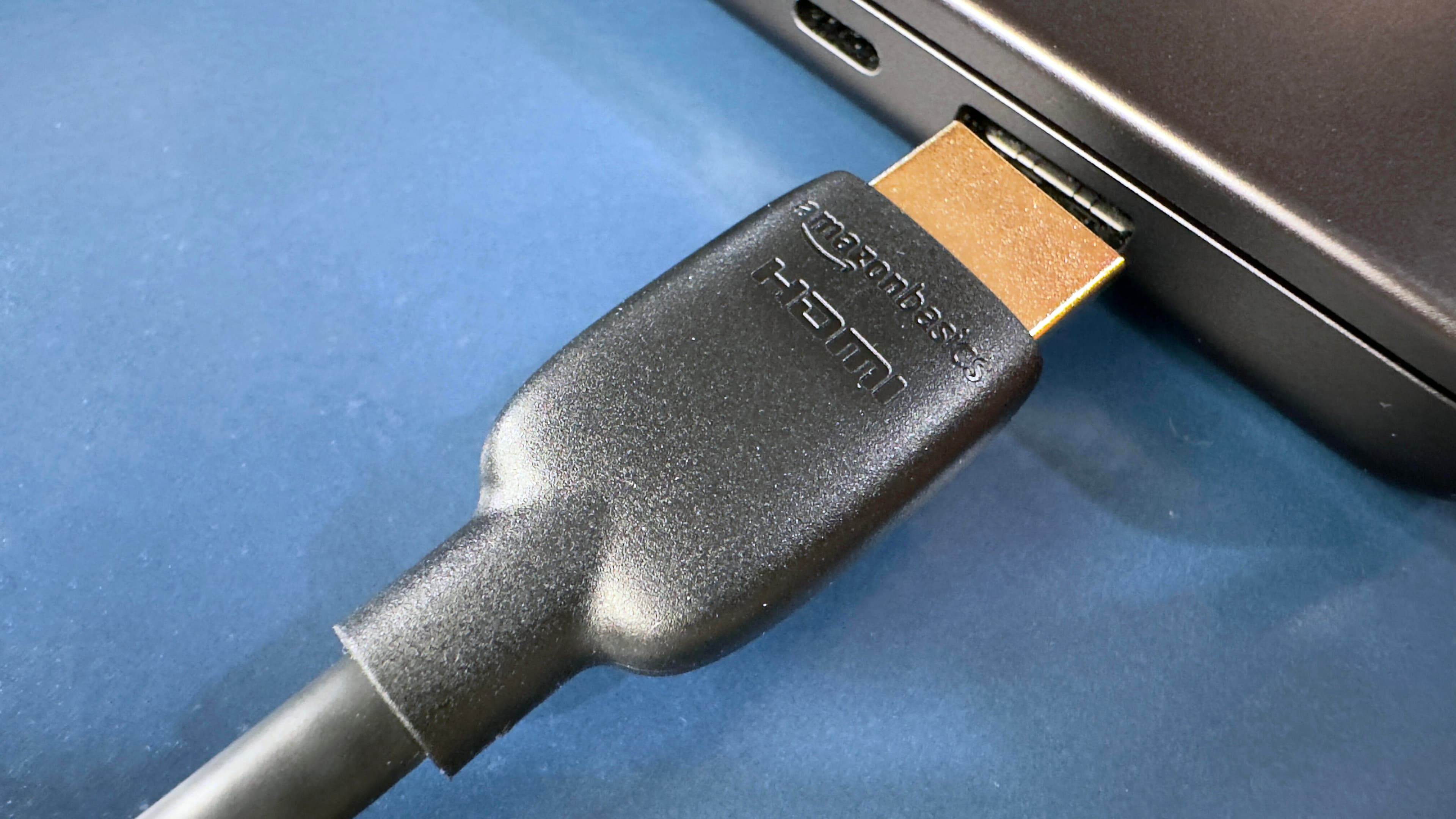
The verdict? The AmazonBasics High-Speed HDMI Cable takes the top spot overall. It meets HDMI standards, handles 18 Gbps bandwidth, comes in multiple lengths, and costs less than most competitors. But depending on your setup, other cables might suit you better.
Which HDMI cables made the cut?
The testing focused on five cables across different use cases. Here's how they stack up:
| Cable | Best For | Bandwidth | Key Feature |
|---|---|---|---|
| AmazonBasics High-Speed | Overall value | 18 Gbps | Lifetime warranty |
| Belkin HDMI 2.1 Ultra High Speed | Gaming | 48 Gbps | 4K@120Hz support |
| BlueRigger Micro | Cameras/tablets | 18 Gbps | Micro HDMI connector |
| Cable Matters HDMI 2.1 | Long runs | 48 Gbps | Available up to 25ft |
| Zeskit Maya Ultra High Speed | Future-proofing | 48 Gbps | 8K@60Hz capable |
Why the AmazonBasics cable wins for most buyers
The AmazonBasics High-Speed HDMI Cable supports 3D and 4K video with dual HDMI and Ethernet connections. The six-foot male-to-male cable works with laptops, PCs, gaming consoles, TVs, and projectors. Its 18 Gbps bandwidth handles everything except the most demanding HDMI 2.1 features like 4K@120Hz or 8K output.
For most home office setups connecting a laptop to an external monitor, or streaming Netflix in 4K, this cable does the job. The lifetime warranty adds confidence that Amazon will replace it if problems emerge.
When you actually need HDMI 2.1
HDMI 2.1 matters if you own a PS5, Xbox Series X, or a high-end graphics card and want to push 4K at 120 frames per second. The specification requires 48 Gbps bandwidth, plus features like Variable Refresh Rate (VRR) and Auto Low Latency Mode (ALLM) that reduce screen tearing and input lag.
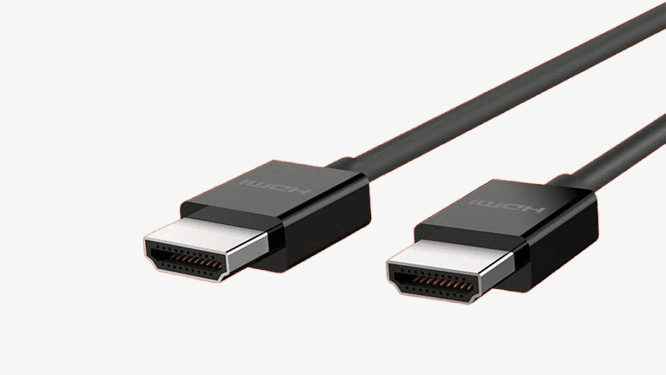
For gamers, the Belkin HDMI 2.1 Ultra High Speed cable earned the testing nod. The Zeskit Maya offers similar specs at a lower price point if you're comfortable with a less established brand. Both carry the official Ultra High Speed HDMI certification, which matters because the market is flooded with cables falsely claiming 2.1 compliance.
Do expensive HDMI cables deliver better picture quality?
No. Digital signals either work or they don't. There's no gradient of quality like with analog connections. A $10 cable transmitting the same 4K signal looks identical to a $100 cable. The expensive cables often add braided sheathing, gold-plated connectors, or thicker gauge wire, but none of these affect the actual picture hitting your screen.
Where build quality does matter: durability over time and reliability at the connection point. If you're routing cables through walls or frequently plugging and unplugging, sturdier construction helps. But for a cable sitting behind your TV for years? Save the money.
Avoiding counterfeit HDMI 2.1 cables
The HDMI Licensing Administrator introduced a holographic label for Ultra High Speed cables specifically because so many uncertified products falsely claim HDMI 2.1 support. These counterfeits may work fine for 4K@60Hz but fail when you try higher refresh rates.
Check for the hologram. Read recent customer reviews mentioning specific use cases like PS5 at 120Hz. Stick to established brands or Amazon/Monoprice house brands with solid return policies.
Logicity's Take
For office deployments connecting workstations to monitors, the AmazonBasics cable handles anything you'll throw at it. The HDMI 2.1 premium only makes sense for conference rooms with high-refresh displays or creative teams pushing 8K video. Budget $8-15 per cable for standard runs, $20-25 for certified Ultra High Speed. Monoprice offers comparable alternatives at similar price points. The real decision isn't which cable brand — it's whether your displays and sources actually support HDMI 2.1 features in the first place.
Cable length limits
Passive HDMI cables start degrading signal quality around 13 meters (43 feet). For longer runs, you need active cables with built-in signal boosters, or fiber optic HDMI cables. Cable Matters HDMI 2.1 earned the best-for-length designation for runs up to 25 feet while maintaining full bandwidth.
Planning a conference room installation with the source 50 feet from the display? Budget for active cables or an HDMI-over-Ethernet extender setup. Standard cables simply won't cut it.
Frequently Asked Questions
Do I need HDMI 2.1 for a 4K TV?
Not necessarily. HDMI 2.0 handles 4K at 60Hz, which covers most streaming content. HDMI 2.1 is required for 4K at 120Hz, which matters primarily for gaming on PS5, Xbox Series X, or high-end PCs.
What's the difference between High Speed and Ultra High Speed HDMI?
High Speed HDMI supports up to 18 Gbps bandwidth (HDMI 2.0). Ultra High Speed HDMI supports 48 Gbps (HDMI 2.1), enabling higher refresh rates and features like VRR.
Are gold-plated HDMI connectors worth it?
Gold plating prevents corrosion over time but doesn't improve signal quality. It's a minor durability benefit, not a performance upgrade.
Can I use a long HDMI cable for my projector setup?
Standard passive cables work reliably up to about 25 feet. Beyond that, use active HDMI cables or HDMI-over-Ethernet extenders to maintain signal integrity.
Why does my HDMI cable work for streaming but not for gaming at 120Hz?
Your cable likely isn't certified for HDMI 2.1's full 48 Gbps bandwidth. Many cables claiming 2.1 support fail at high refresh rates. Look for the Ultra High Speed holographic certification label.
If you're setting up infrastructure for streaming or content delivery
Need Help Implementing This?
Setting up a multi-display conference room or home office? Logicity can help you spec the right cables, extenders, and display configurations. Reach out via our contact page for personalized recommendations.
Source: Latest news
Manaal Khan
Tech & Innovation Writer
Produced with AI assistance and reviewed by the Logicity editorial team. Learn more in our Editorial Policy.




