Key Takeaways
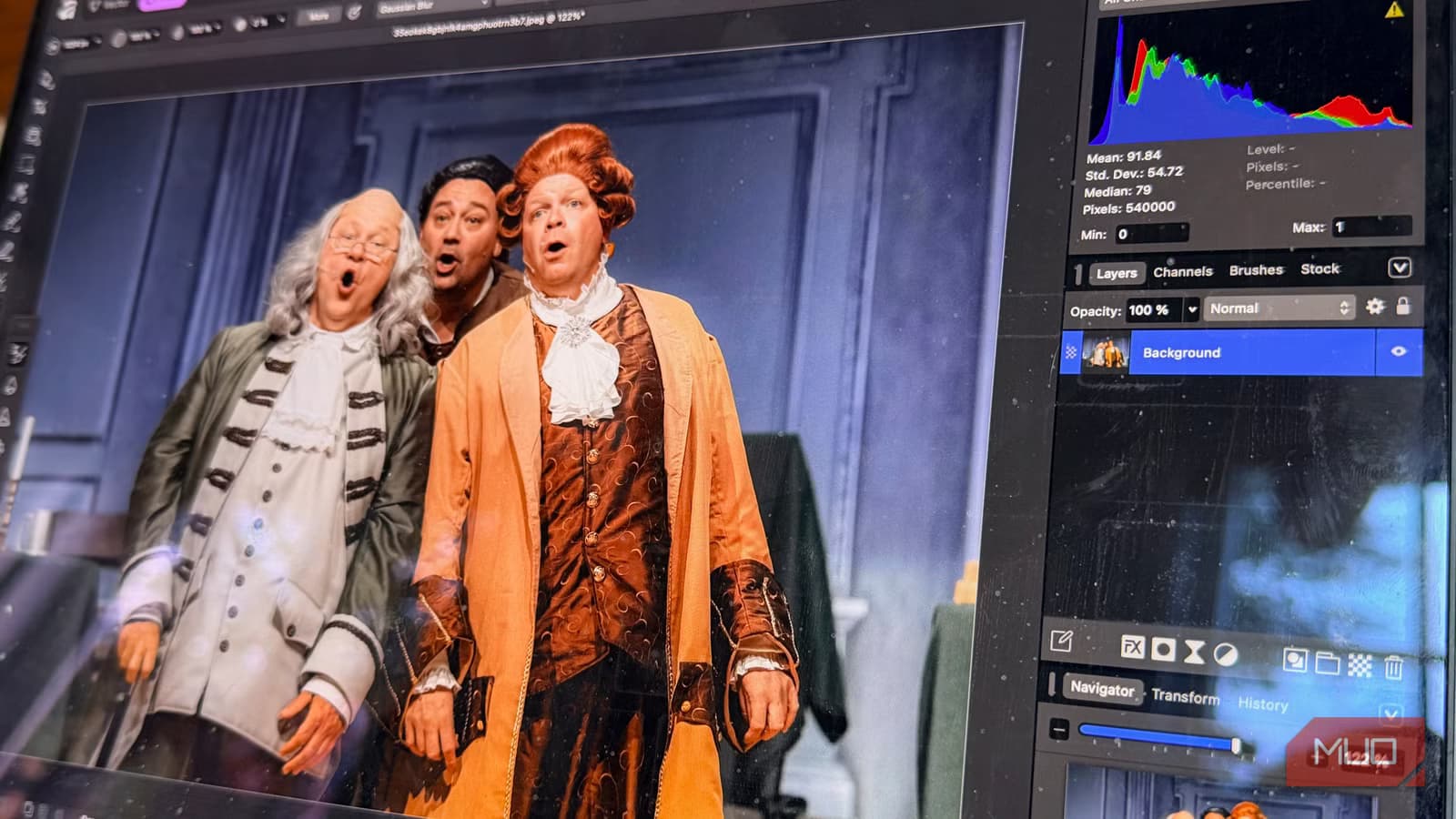
- Affinity Photo, Designer, and Publisher are now completely free after Canva's acquisition of Serif
- Over one million users signed up in the first four days after launch
- Only generative AI features require a $120/year Canva Premium subscription; all professional tools are free
Affinity Photo, the $70 one-time-purchase alternative to Adobe Photoshop, is now completely free. Canva, which acquired Affinity's parent company Serif in 2024, announced the change at its late 2025 keynote. More than one million people signed up in the first four days.
The free version includes the full professional toolkit: non-destructive RAW editing, advanced layering, masking tools, HDR, focus stacking, and panorama stitching. You need a free Canva account to use it. The only features behind a paywall are Canva's generative AI tools, which require a $120/year Canva Premium subscription.
What changed with the free Affinity release?
This isn't just a price cut. Canva merged three separate applications into one. Affinity Photo, Affinity Designer, and Affinity Publisher now live inside a single app called Affinity. Photo editing, vector design, and page layout work under one roof without switching apps or importing files between them.
If you've bounced a RAW image between Affinity apps to finish a project, that workflow is gone. The unified app handles the entire creative pipeline.
Affinity CEO Ash Hewson told the Canva Keynote crowd the new app is "completely free, forever, for everyone." When Canva acquired Serif, many creatives worried Affinity would shift to subscriptions. The opposite happened.
How does Affinity compare to Photoshop on Mac?
Photoshop costs $22.99 per month. That's $275.88 per year, forever, for software you never own. Affinity now costs nothing. The math is obvious, but the feature comparison matters more.
On Apple Silicon Macs, Affinity runs noticeably leaner than Photoshop. It starts faster, uses less memory, and stays responsive with large layered files. Where Photoshop can feel sluggish on complex compositions, Affinity stays smooth. The app is optimized for Apple's GPU architecture in a way Photoshop, with its legacy Windows roots, hasn't matched.
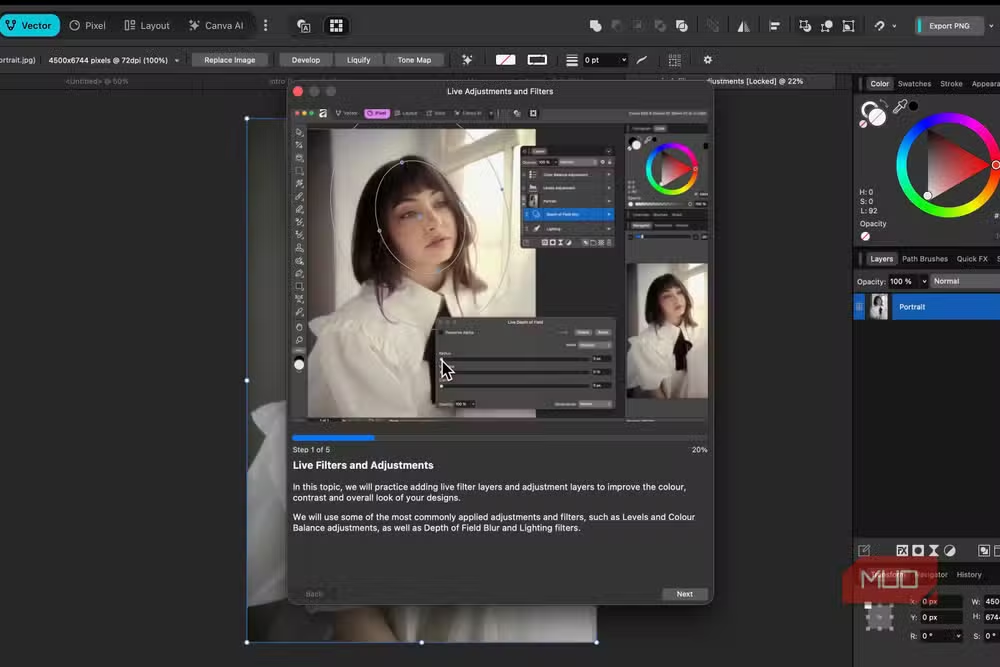
The interface will feel familiar to Photoshop users. Panels sit where you expect them. Layers behave logically. Keyboard shortcuts map to muscle memory. The new version adds customizable studios where you can rearrange panels, hide unused tools, and save different layouts for different projects.
What photo editing features does Affinity include?
The Develop persona handles RAW files directly with full control over exposure, white balance, highlight and shadow recovery, curves, and lens corrections. Every adjustment is non-destructive, so you can tweak edits later without damaging the original file.
- Non-destructive RAW editing with lens corrections
- Live filters, adjustment layers, and blend modes
- Magnetic selection tools for fast, accurate masking
- Focus stacking for macro photography
- HDR merge and panorama stitching
- Full vector design tools (from Affinity Designer)
- Page layout for multi-page documents (from Affinity Publisher)
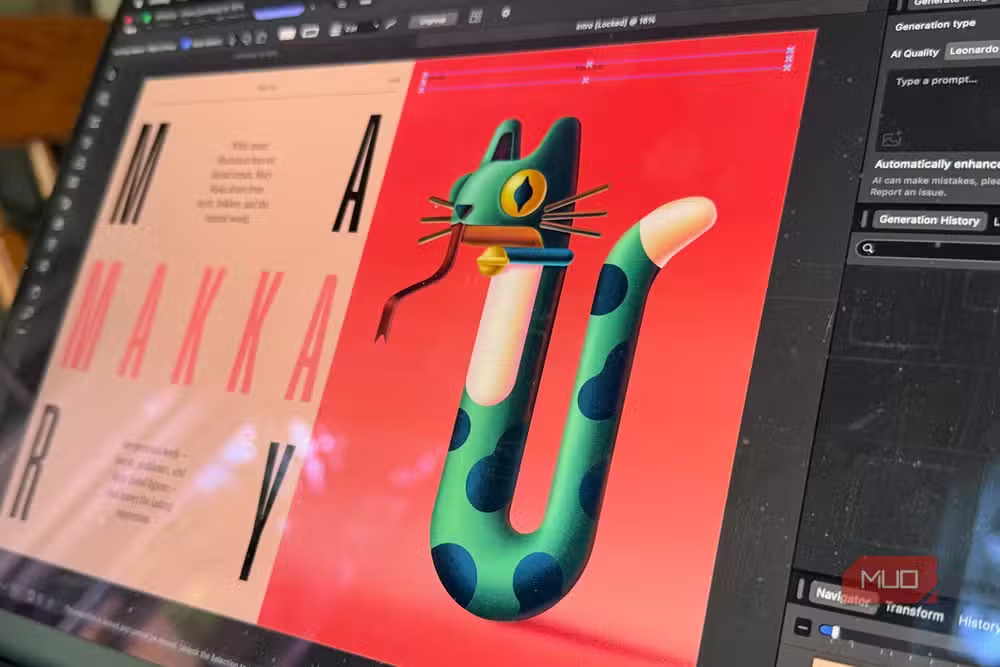
Affinity matches Photoshop on layering and masking. Layer effects, live filters, and adjustment layers all work as expected. The magnetic selection tools are fast and accurate for complex cutouts.
What's behind the Canva Premium paywall?
The generative AI features require Canva Premium at $120 per year. That includes Generative Fill, Expand & Edit, and AI background removal. If you don't need AI-powered editing, the free version gives you everything else.
For photographers who already have a workflow for background removal and content-aware editing, the AI tools are nice extras, not necessities. The core professional toolkit that made Affinity worth $70 is now available for nothing.
Why did Canva make Affinity free?
Canva paid a reported $170 million for Serif. Making the apps free looks like a loss leader strategy to compete with Adobe's subscription model. By removing the price barrier entirely, Canva can onboard professional users into its ecosystem. The premium AI features become the upsell.
One million signups in four days suggests the strategy is working. Adobe's perpetual subscription model has frustrated users for years. Affinity was already the best argument against it. Now that argument costs nothing to try.
Frequently Asked Questions
Is Affinity Photo really completely free?
Yes. The full professional photo editing, vector design, and page layout toolkit is free with a free Canva account. Only generative AI features require Canva Premium at $120/year.
Can I use Affinity without a Canva subscription?
You need a free Canva account, not a paid subscription. The free account gives you access to all professional editing tools.
Is Affinity as good as Photoshop?
For most photographers and designers, yes. Affinity includes RAW editing, layers, masks, HDR, focus stacking, and vector tools. It runs faster than Photoshop on Apple Silicon Macs.
What features require Canva Premium?
Only the generative AI tools: Generative Fill, Expand & Edit, and AI background removal. These require Canva Premium at $120/year.
Does Affinity work on Windows?
Yes, Affinity works on both Mac and Windows, though it runs particularly well on Apple Silicon Macs.
Logicity's Take
Canva's move puts direct pressure on Adobe's subscription model. Creative Cloud All Apps costs $720 per year. Even Photoshop alone runs $276 annually. Affinity now costs zero. For agencies and freelancers evaluating their software stack, the ROI calculation just changed dramatically. Adobe's edge is ecosystem integration and industry-standard file compatibility, but that advantage erodes every time a client accepts an Affinity file without complaint.
Need Help Implementing This?
If you're evaluating creative software for your team or migrating from Adobe, Logicity covers the tools and workflows that matter for modern creative work. Subscribe to our newsletter for practical comparisons and implementation guides.
Source: MakeUseOf
Manaal Khan
Tech & Innovation Writer
Produced with AI assistance and reviewed by the Logicity editorial team. Learn more in our Editorial Policy.






