Key Takeaways
- The new Liquid Glass opacity slider lets users control transparency of UI elements like tab bars and search bars
- Apple refined its app icon designs with subtle color tweaks and added glassy textures
- Independent volume settings for ringtones, alarms, and system sounds finally arrive
iOS 27 dropped into developer hands just hours after Apple's WWDC 2026 keynote, and the early consensus is clear: this isn't a blockbuster update, but it's a thoughtful one. The Verge's Jay Peters has been testing the beta on an iPhone 16 Pro, and while the headline feature, the new Siri AI, remains locked behind a waitlist, plenty of smaller improvements make the update worth examining.
"This isn't just an update; it's the transformation of the iPhone from a tool into a proactive, intelligent partner," Tim Cook said during the keynote. That transformation will have to wait for most users. In the meantime, here's what's already working.
1. Liquid Glass Gets an Opacity Slider
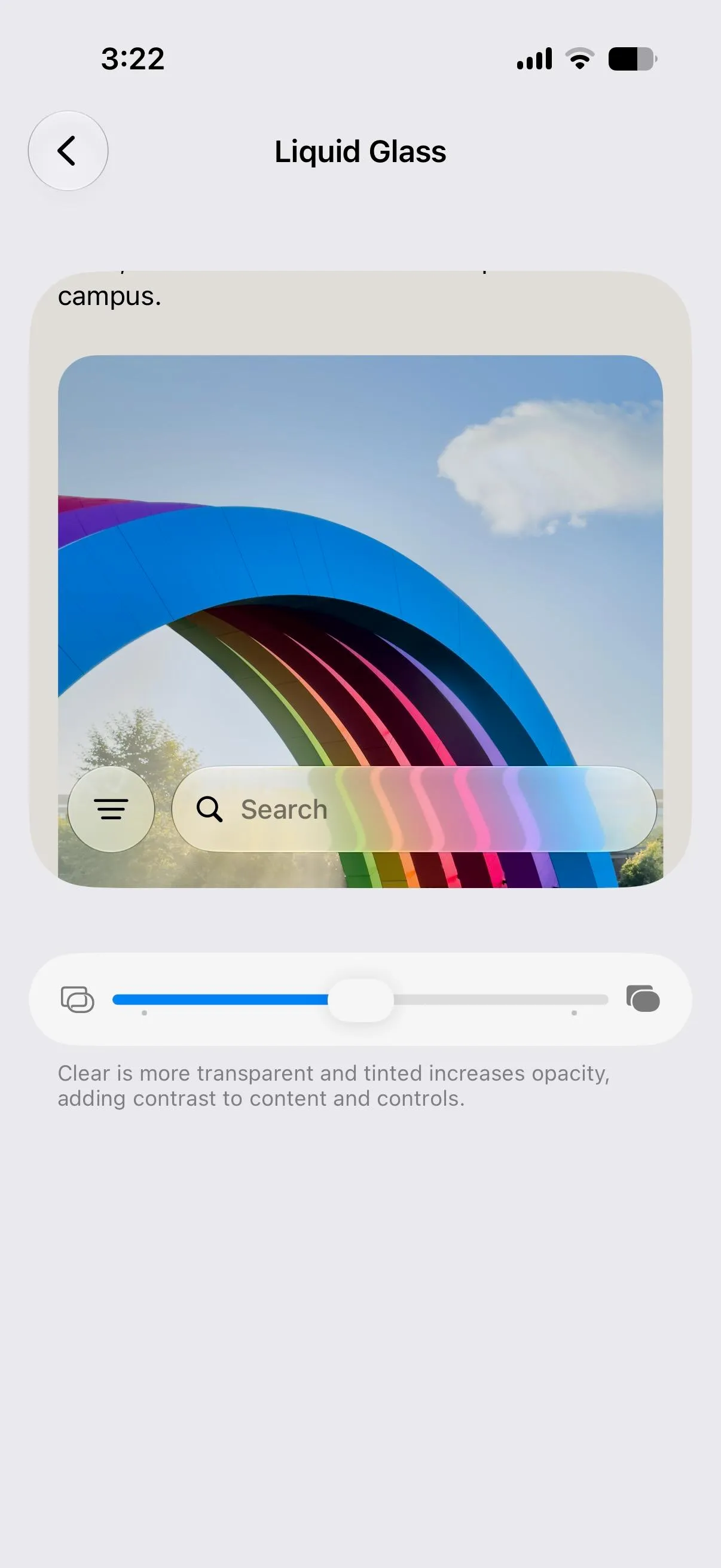
Apple introduced Liquid Glass with iOS 26 last year. Reception was mixed. The translucent design language looked modern but sometimes made text hard to read. iOS 27 fixes this with a simple slider that controls how transparent or frosted UI elements appear.
Want to see what's behind your tab bar? Slide toward glassy. Prefer legibility? Go frosty. It's the kind of control that should have shipped from the start, but better late than never.

Craig Federighi framed the design philosophy during the keynote: "The new 'Liquid Glass' design language bridges the gap between digital iconography and physical depth, giving every app a distinct identity." The opacity slider makes that identity customizable.
2. Refined App Icons
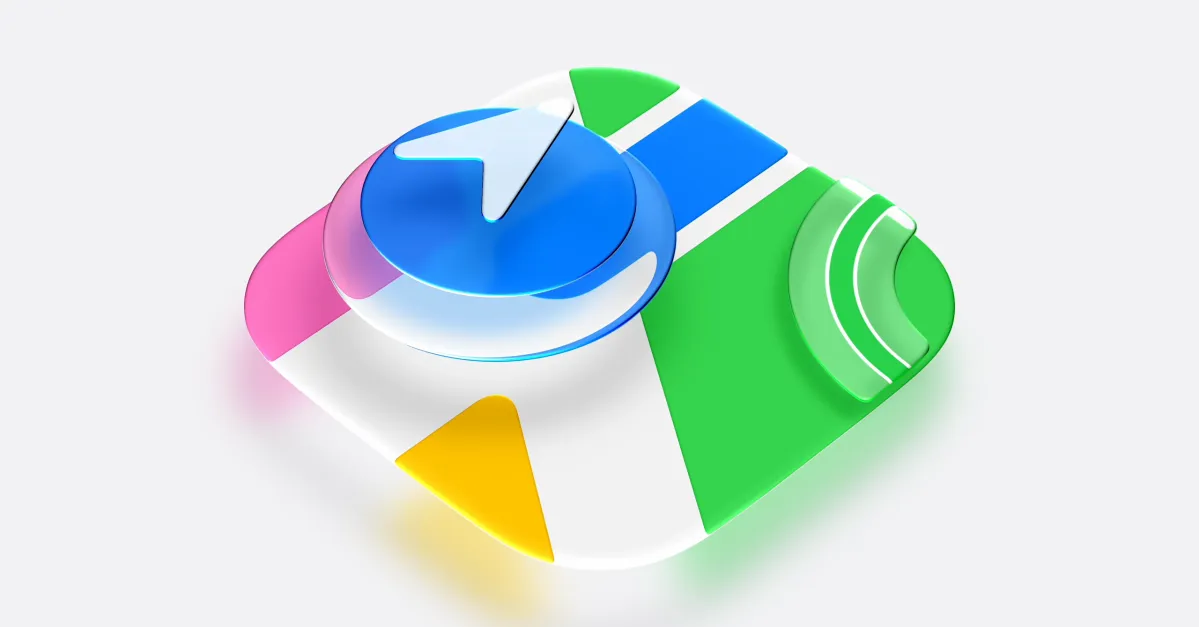
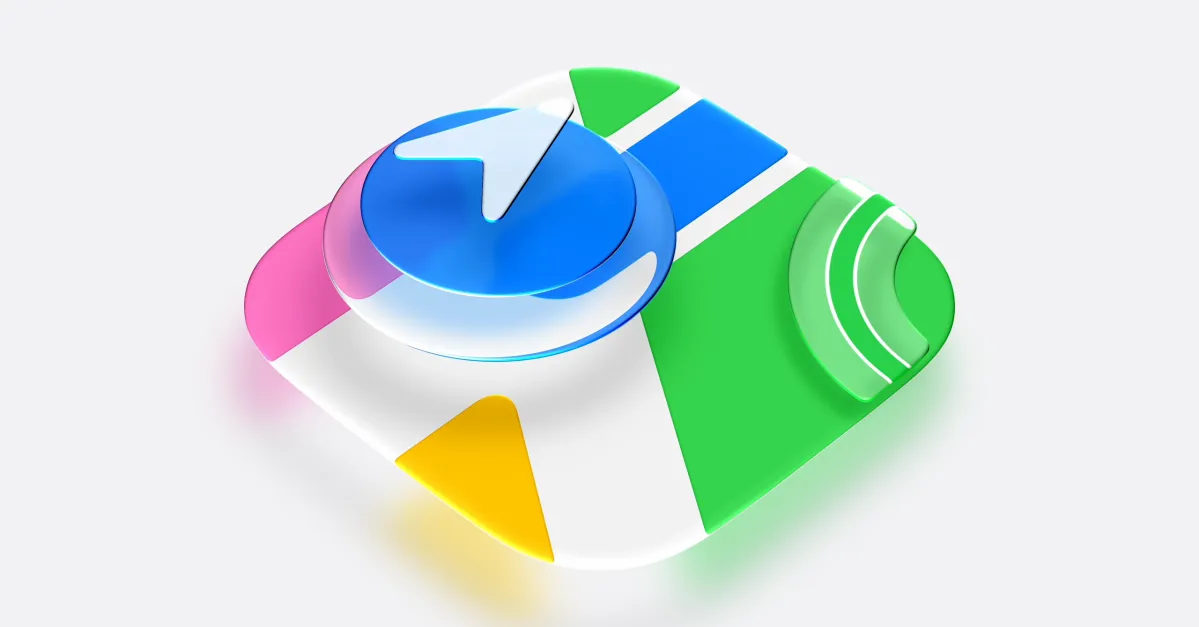
Apple took another pass at its icon designs. The changes are subtle. Tweaked colors here, added glassy texture there. But the cumulative effect makes the home screen feel more polished than iOS 26's initial rollout.
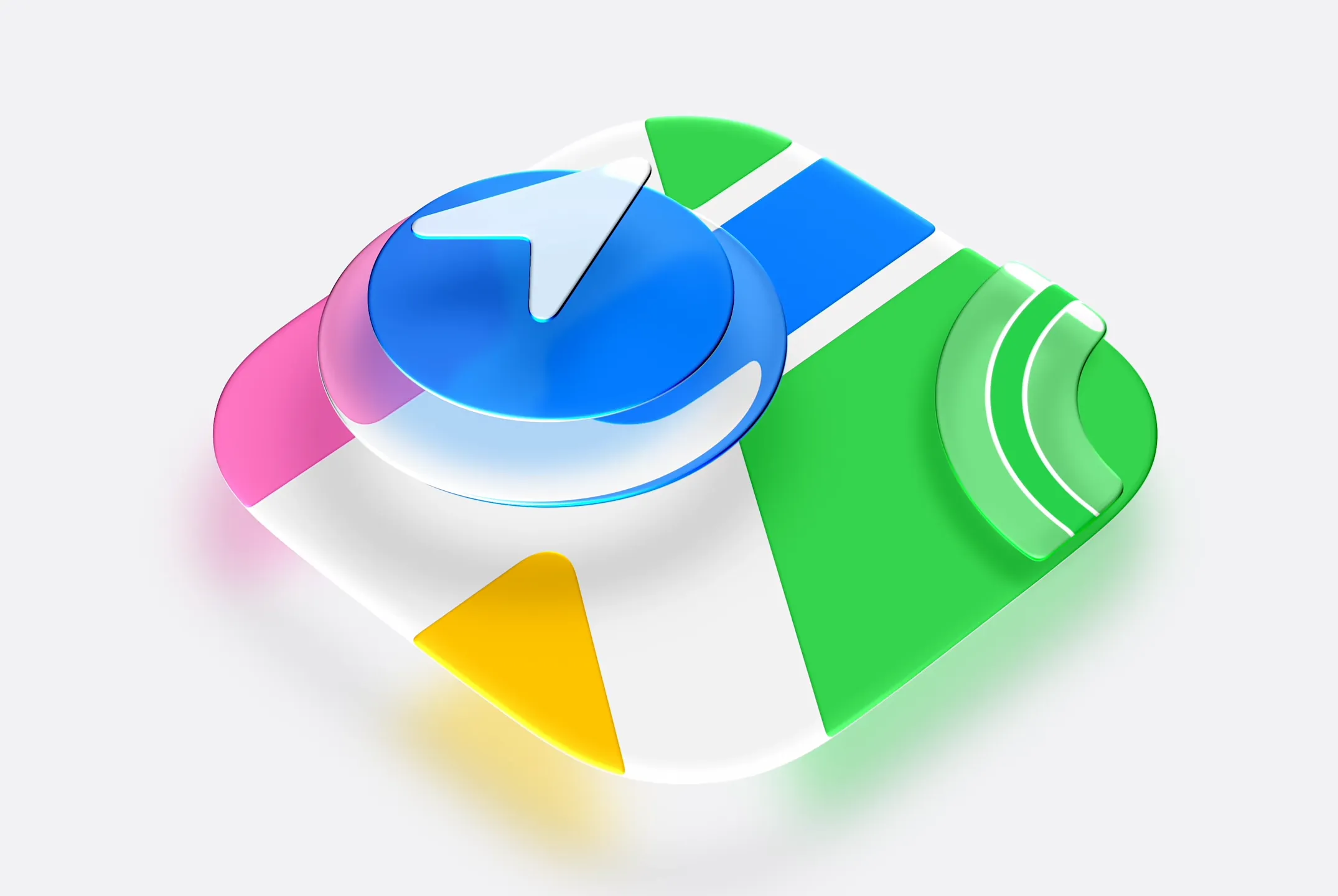
Peters notes that while individual icons haven't changed dramatically, "they make things look much more polished" as a set. For an operating system running on 1.5 billion devices, small visual refinements add up.
3. Independent Volume Controls
This one's been requested for years. iOS 27 finally lets you set separate volumes for ringtones, alarms and timers, and alerts and system sounds. No more waking up to a blaring alarm because you turned up your ringtone earlier.
The setting lives in Sounds & Haptics. Toggle off the switches that sync volumes, and you can adjust each category independently. It's not glamorous. It's just useful.
4. Extra-Large Widgets
iOS 27 introduces widgets that fill an entire home screen, minus the dock. Peters admits he never uses widgets but tested these for the spectacle. The weather widget shows a full forecast at a glance. The calendar widget displays your entire week.
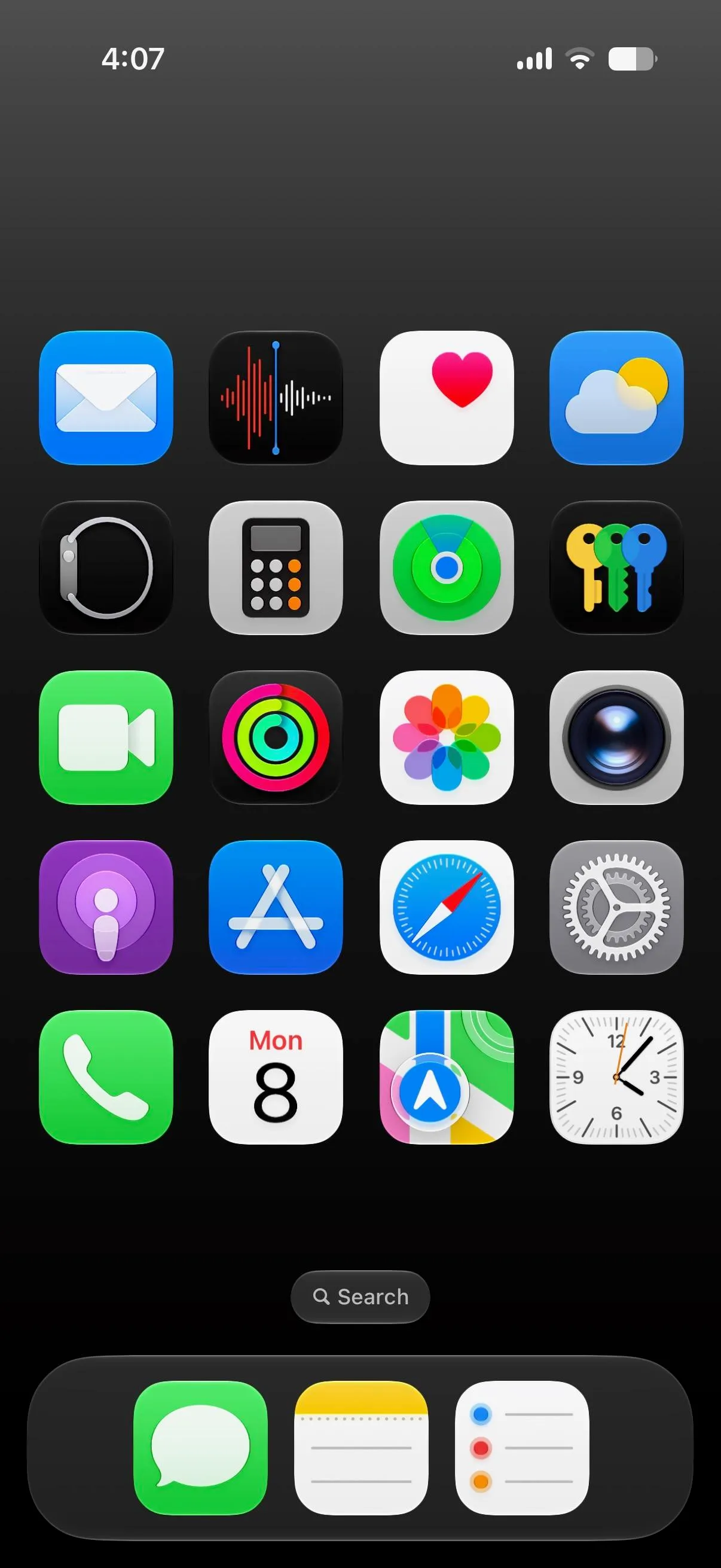
Whether anyone actually wants a widget this large is debatable. But for users who live in specific apps, like a sales manager who checks calendar constantly, dedicating a full screen to one widget could make sense.
5. Resizable Lock Screen Clock
The Lock Screen clock can now be made smaller or larger. It's another customization option that costs Apple nothing to offer and gives users more control over their device's appearance.
What About Siri AI?
The biggest iOS 27 feature remains inaccessible to most beta testers. Apple's new Siri AI, built on a ground-up rewrite for on-screen context awareness, requires joining a waitlist. Community discussion on r/iOSBeta shows frustration over the gating, though many users remain optimistic about the eventual rollout.
On HackerNews, the conversation has shifted to privacy implications. Apple's new system-wide AI integration touches everything on screen. How data is processed, whether on-device or in the cloud, matters to enterprise users evaluating deployment.
Full breakdown of Apple's AI strategy and Siri rebranding
Performance Notes
Apple claims a 40% speed improvement in UI navigation and app-launch times. That figure is hard to verify in early beta testing, and performance often regresses before public release as features get added. The current build feels snappy, but expect changes.
Deep dive into features beyond the keynote highlights
Logicity's Take
Frequently Asked Questions
When will iOS 27 be available to the public?
Apple typically releases major iOS versions in September alongside new iPhone hardware. The developer beta is available now, with a public beta expected in July 2026.
Which iPhones support iOS 27?
Apple hasn't published final compatibility, but iOS 27 is expected to run on devices supporting iOS 26. The update targets over 1.5 billion active devices.
How do I access the Liquid Glass opacity slider?
In iOS 27, go to Settings > Display & Brightness. The opacity slider appears under the Liquid Glass section.
Can I join the Siri AI waitlist now?
Yes. Users running the iOS 27 developer beta can sign up through Settings > Apple Intelligence. Access is being granted in waves.
Are extra-large widgets available for all apps?
Not yet. First-party Apple apps like Weather and Calendar support the new size. Third-party developers will need to update their apps to offer extra-large widget options.
Need Help Implementing This?
Huma Shazia
Senior AI & Tech Writer
Produced with AI assistance and reviewed by the Logicity editorial team. Learn more in our Editorial Policy.