Key Takeaways
- Samsung Gallery lacks precise image resizing, making Photo Studio Pro a better choice for professional work
- Proton Pass offers end-to-end encryption and open-source transparency that Samsung Pass cannot match
- SmartThings sends smart home data to Samsung's cloud, while Homey operates locally for better privacy
Samsung Galaxy phones ship with a dual layer of pre-installed software: Samsung's own suite plus Google's required apps. That gives you more default apps than any other Android phone. Most Samsung apps are genuinely good. But four of them have better alternatives that solve real problems, even for users who prefer Samsung's ecosystem.
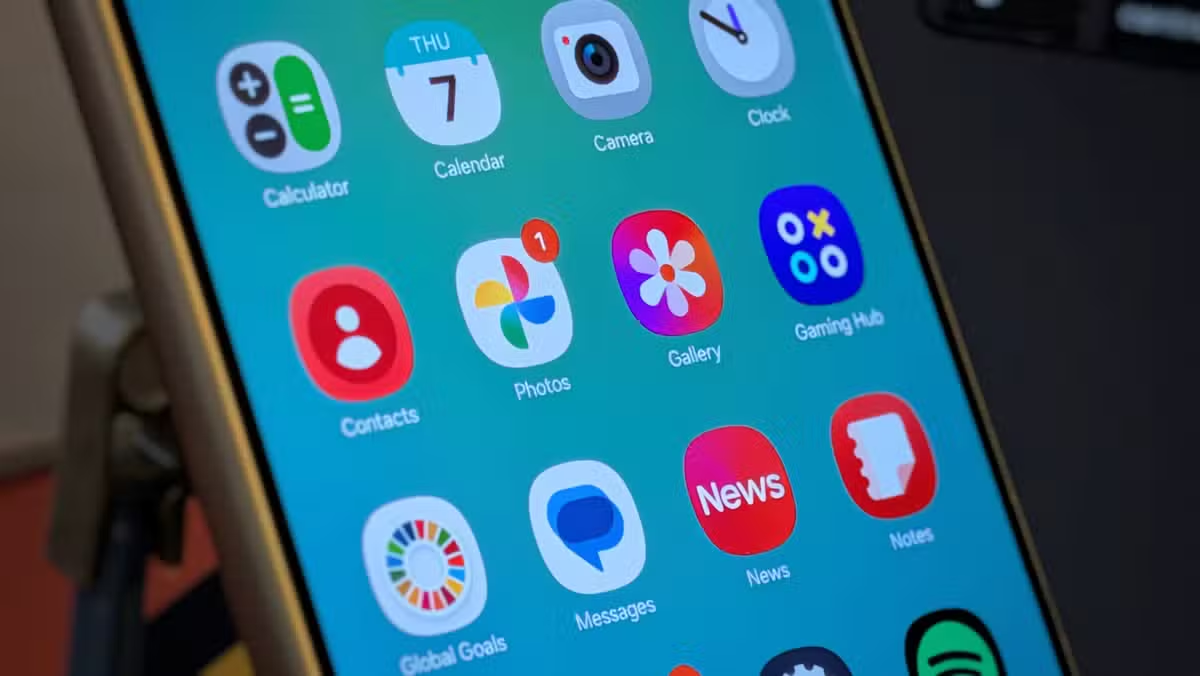
Bertel King, a veteran Android writer with over 3,500 articles at Android Police, recently outlined the four Samsung Galaxy default apps he replaces on every new device. His reasoning is practical, not ideological. Each swap addresses a specific limitation in Samsung's software.
Why Samsung Gallery falls short for professional work
Samsung Gallery is one of the best stock photo apps on any Android phone. It handles viewing, organizing, and basic editing well. King prefers it to Google Photos for most tasks. The problem is image resizing.
Samsung Gallery lets you scale images by percentage, like 50% smaller. What it won't do is resize an image to exact dimensions. If you need 1920 by 1080 pixels, you're stuck. That one missing feature breaks the workflow for anyone publishing images professionally.
King uses Photo Studio Pro instead. It costs $50 outright, or comes free with Google Play Pass. For someone who does most professional work from a phone, the app checks every box.
This workflow makes the most sense on a book-style foldable. Samsung pioneered that form factor, and Photo Studio Pro feels at home on the Galaxy Z Fold 7's 8-inch display. The phone starts at $2,000.
Samsung Pass vs. Proton Pass: encryption matters
Like iPhones and Pixels, Samsung phones include a built-in password manager. Samsung Pass syncs credentials across your Galaxy devices and auto-fills logins. It works. But it's not the most transparent option.
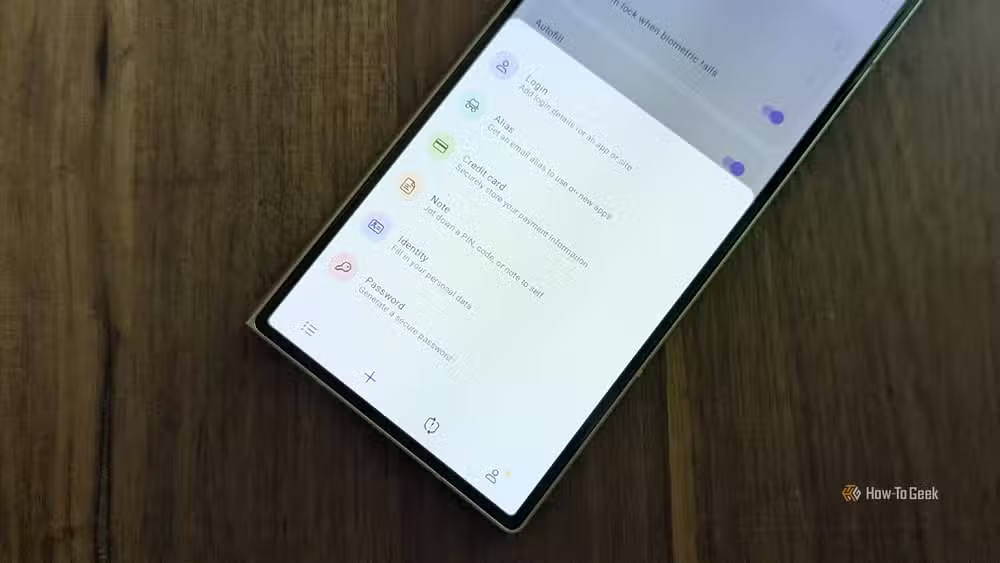
King prefers Proton Pass, part of Proton's end-to-end encrypted privacy suite. The app is open source. You can download it from F-Droid. It auto-fills passwords exactly like Samsung Pass does. The difference is that Proton's security claims are auditable.
For anyone already using Proton Mail or Proton Drive, adding Proton Pass keeps credentials inside one ecosystem with consistent encryption standards.
SmartThings sends your home data to Samsung's cloud
Samsung SmartThings was King's first smart home hub. He had a good experience. Bixby voice control worked well from his phone, watch, and Samsung Frame TV. The platform is polished and free.
But free means Samsung gets something in return: data about how you use your home. SmartThings is cloud-based. Every light switch toggle, thermostat adjustment, and door lock status flows through Samsung's servers.
King built an all-Matter smart home. Matter operates locally and is private by design. Using a cloud-based hub to control Matter devices defeats the point. He tried Home Assistant but settled on Homey, a local smart home hub he describes as something he can recommend to everyday people with confidence.
Galaxy Store: mostly redundant in 2026
The Galaxy Store once had a clear purpose. Samsung's exclusive apps lived there. Good Lock, the beloved customization tool, was Galaxy Store only for years.
That changed. Good Lock and nearly all Samsung apps are now available on the Play Store. The only real reasons to open Galaxy Store today are themes and icon packs. King replaces it with F-Droid, the open-source app repository, for apps that prioritize privacy and transparency.
The case for keeping some Samsung apps
King isn't anti-Samsung. He prefers Samsung Internet to Chrome. Samsung Notes beats Google Keep for his use. The point isn't that Samsung software is bad. It's that Android lets you choose, and sometimes third-party apps solve specific problems better.
A typical Samsung Galaxy phone ships with over 70 pre-installed apps from both Samsung and Google. You don't need to replace most of them. But knowing which four have limitations, and what alternatives exist, saves friction later.
Logicity's Take
The real story here isn't bloatware. It's that Samsung has built genuinely capable default apps, yet still can't cover every power-user need. The gaps King identifies, precise image resizing, open-source password management, local smart home control, are niche but growing concerns. As privacy awareness rises and Matter adoption spreads, expect more Samsung users to make similar swaps. The company could close these gaps with software updates, but hasn't prioritized them.
Frequently Asked Questions
Are Samsung default apps considered bloatware?
Not necessarily. Samsung's built-in apps like Samsung Gallery, Samsung Notes, and Samsung Internet are functional and well-designed. The term 'bloatware' applies more to apps you can't uninstall and don't use. Most Samsung apps can be disabled if unwanted.
Is Samsung Pass secure enough for password management?
Samsung Pass uses encryption and biometric authentication, making it reasonably secure for most users. However, it's not open source, so its security claims cannot be independently verified. Privacy-focused users may prefer auditable alternatives like Proton Pass or Bitwarden.
Can I use Google apps instead of Samsung apps?
Yes. Android allows you to set any installed app as your default for browsing, photo viewing, email, and most other functions. You can use Google Photos instead of Samsung Gallery, Chrome instead of Samsung Internet, or any third-party alternative.
Does SmartThings work with Matter devices?
Yes, SmartThings supports Matter. However, SmartThings operates through Samsung's cloud, which means your Matter device data still passes through Samsung's servers even though Matter itself is designed for local operation.
Is Photo Studio Pro worth $50?
For casual users, probably not. Free editors like Snapseed handle most tasks. But for professionals who need precise image resizing, batch processing, and advanced editing on mobile, Photo Studio Pro or a Google Play Pass subscription covering it makes sense.
Need Help Implementing This?
Setting up alternative apps on your Samsung Galaxy phone takes a few minutes per swap. For password managers, export your Samsung Pass data before switching. For smart home hubs, plan your Matter migration before disconnecting SmartThings. Contact Logicity for guides on any of these transitions.
Source: How-To Geek
Manaal Khan
Tech & Innovation Writer
Produced with AI assistance and reviewed by the Logicity editorial team. Learn more in our Editorial Policy.






