USB-C Port Speed Check: Stop Losing Hours to Slow Transfers
Key Takeaways
- USB-C is just a connector shape. Your port could be running 30x slower than you think.
- Manufacturers routinely cap secondary ports to USB 2.0 speeds to cut costs by $2-5 per unit.
- A 100GB video file takes 55 minutes at USB 2.0 vs 2 minutes at USB 3.2. That's real productivity lost.
According to [MakeUseOf](https://www.makeuseof.com/your-usb-c-port-running-at-usb-20-speeds-how-to-check/), your USB-C port might be silently running at USB 2.0 speeds, capping your data transfers at a fraction of what you'd expect from modern hardware.
Here's a scenario that plays out in offices every day: Your video team transfers a 100GB project file to an external SSD. The progress bar says 55 minutes. Someone jokes about grabbing coffee. Everyone assumes the hardware is working as advertised. It isn't.
That same transfer should take 2 minutes. The difference? The USB-C port looks identical to every other port on the laptop, but it's wired for USB 2.0 speeds internally. Your team just lost an hour of productivity, and nobody even knows there's a problem.
Why USB-C Port Speed Varies Across Your Fleet
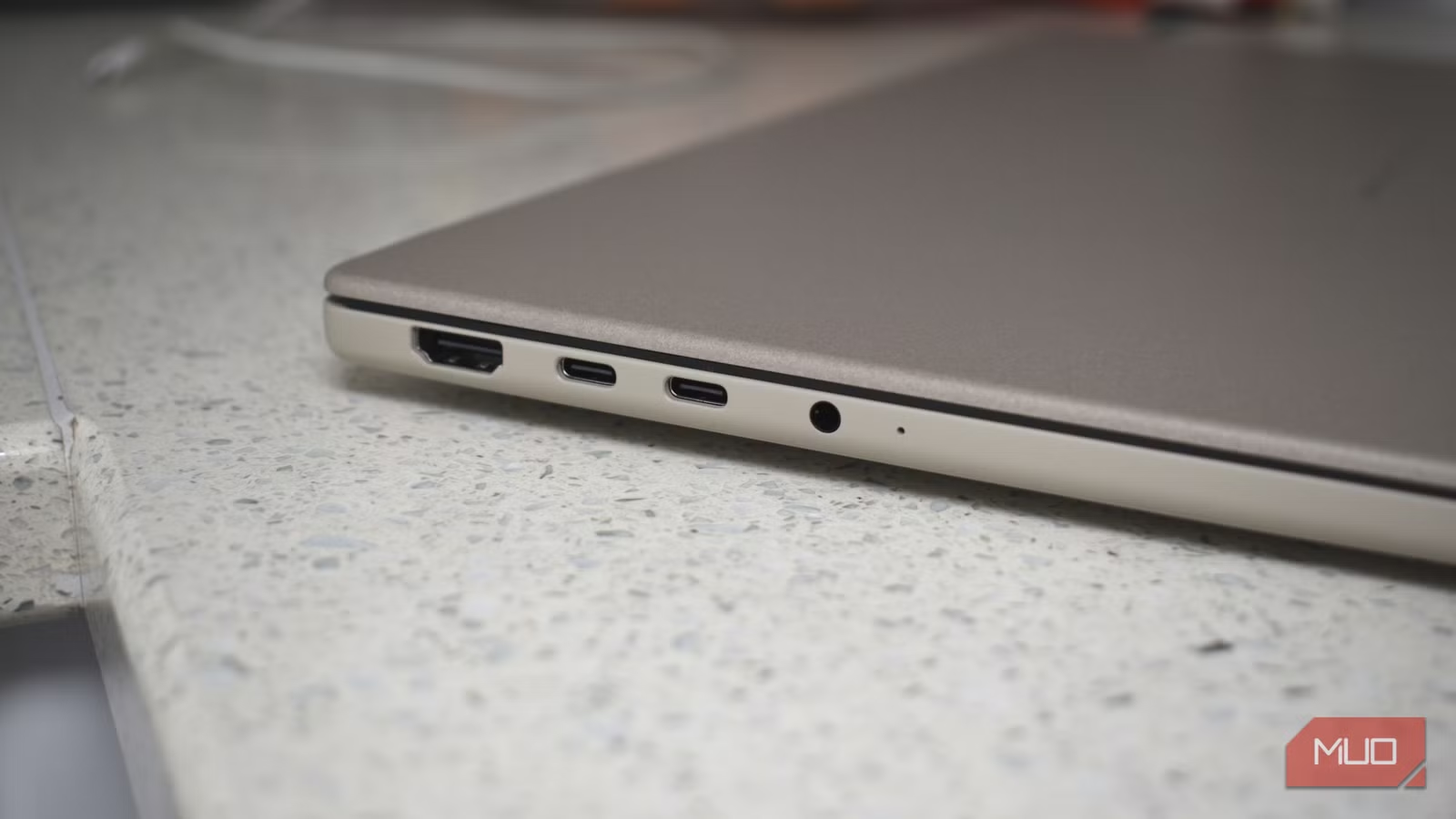
USB-C is a connector shape. That's it. The oval port we've come to associate with fast, modern technology tells you nothing about what's happening behind it. Speed, power delivery, and data protocols are entirely separate standards that manufacturers mix and match based on cost targets.
| Standard | What It Defines | What It Doesn't Define |
|---|---|---|
| USB-C | Connector shape and pin layout | Transfer speed, protocol, or power delivery |
| USB 3.2 | Transfer speed (up to 20Gbps) | Connector shape (works with USB-A too) |
| USB 4 | Speed (up to 40Gbps) and protocol | Requires USB-C but doesn't guarantee it |
| Thunderbolt 4 | Speed, protocol, minimum requirements | Uses USB-C but is a separate standard |
| USB Power Delivery | Charging wattage negotiation | Transfer speed or connector shape |
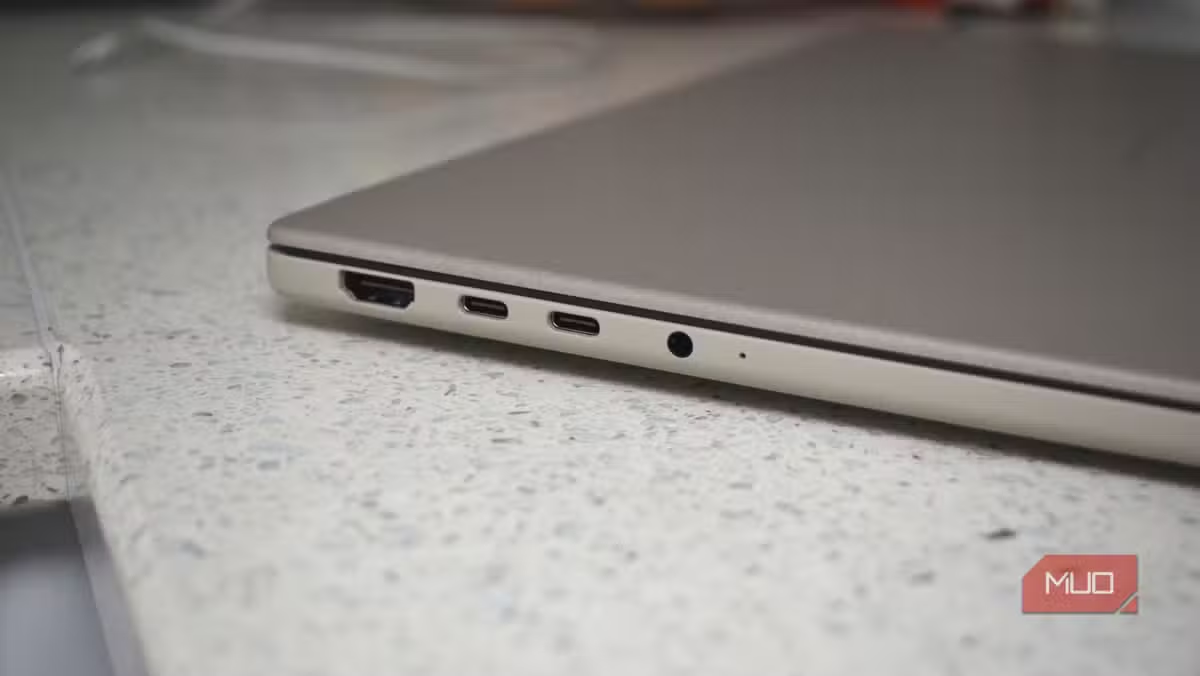
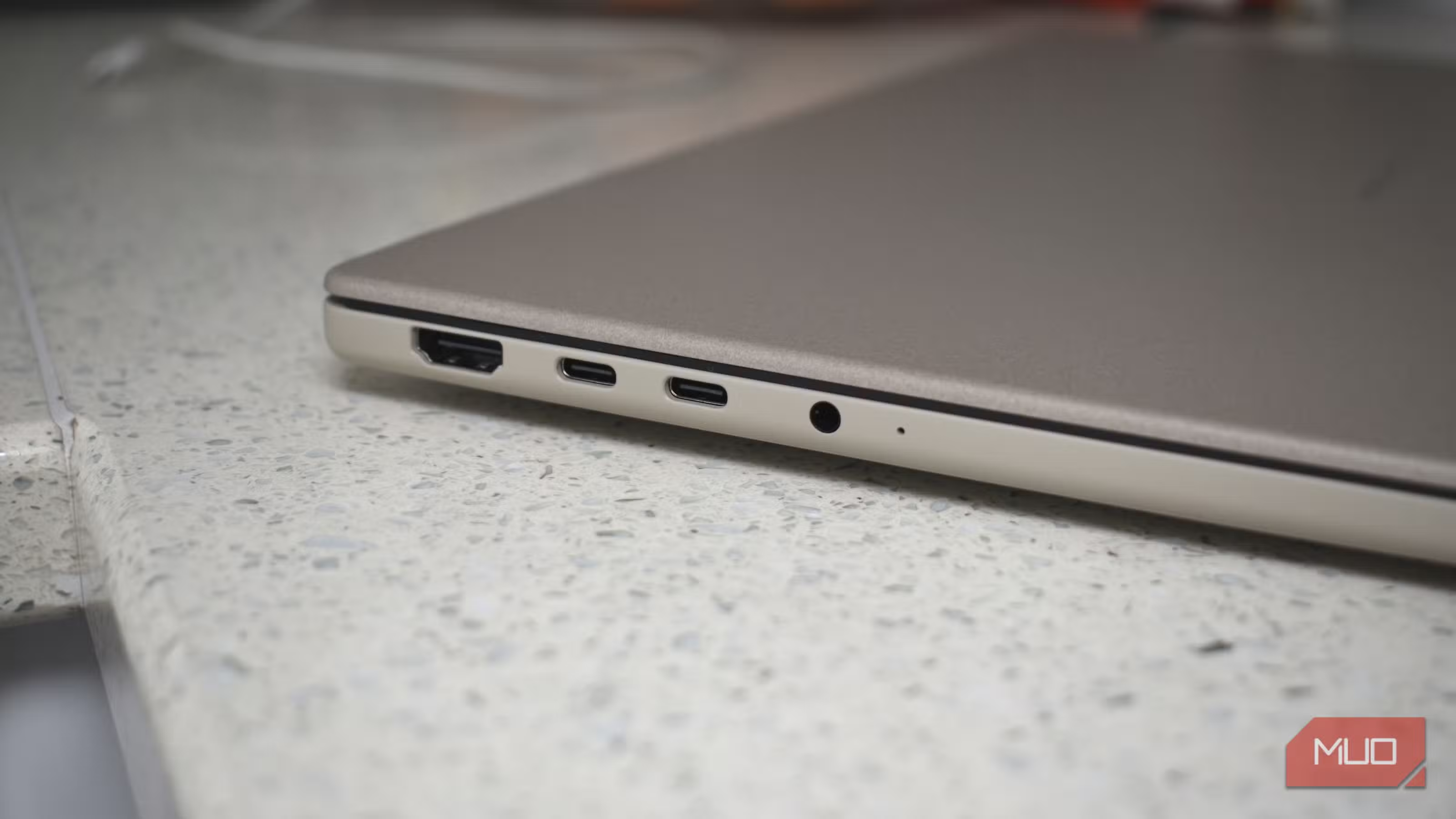
When a manufacturer designs a laptop with four USB-C ports, they make cost decisions. The primary ports near the display output get full USB 3.2 or Thunderbolt 4 wiring. The secondary ports on the other side? Those might get USB 2.0 internals to save $2-5 per unit. Multiply that across 100,000 units and you've saved $500,000 in production costs.
The problem: nothing on the laptop tells you this. No label, no color coding, no documentation in the quick-start guide. Your procurement team ordered laptops with "4 USB-C ports" and got exactly that. Two of them just happen to run at 2008 speeds.
How to Check USB Port Speed on Windows
Windows makes this surprisingly straightforward once you know where to look. The Device Manager shows exactly what USB controller each port connects to.
- Right-click the Start button and select Device Manager
- Expand 'Universal Serial Bus controllers'
- Look for entries containing 'USB 3.0', 'USB 3.1', 'USB 3.2', or 'xHCI'
- Entries showing only 'USB 2.0 Hub' or 'Enhanced Host Controller' indicate slower ports
- Plug a device into each port and watch which controller activates
For a more detailed view, the free USB Device Tree Viewer utility shows real-time connection speeds. When you plug in your external SSD, it'll tell you exactly whether it's connected at 480Mbps (USB 2.0) or 5/10/20Gbps (USB 3.x).
IT Team Quick Win
Create a one-page port map for each laptop model in your fleet. Document which ports support USB 3.2+ speeds and distribute to all employees. This takes 30 minutes per model and eliminates confusion permanently.
How to Check USB Port Speed on macOS
Apple's System Information utility gives you complete visibility into USB port capabilities. Hold Option and click the Apple menu, then select System Information. Navigate to USB in the sidebar.
You'll see a tree view of all USB buses and connected devices. Look for the 'Speed' field on each bus. 'Up to 480 Mb/s' means USB 2.0. 'Up to 5 Gb/s' or higher indicates USB 3.x capability. MacBooks with Apple Silicon typically wire all ports identically, but Intel-era Macs and third-party docks often have mixed configurations.
Pay special attention to USB-C hubs and docking stations. A hub plugged into a USB 3.2 port might only offer USB 2.0 speeds on some of its downstream ports. That $150 dock from the office supply store could be the bottleneck, not the laptop itself.
How to Check USB Port Speed on Linux
Linux offers the most detailed USB information through the command line. The lsusb command with verbose flags shows everything you need.
# List all USB devices with bus info
lsusb -t

# Detailed view of specific device
lsusb -v -d [vendor:product]

# Check USB 3.x support
cat /sys/bus/usb/devices/*/speed
The speed file outputs values in Mbps: 480 for USB 2.0, 5000 for USB 3.0, 10000 for USB 3.1 Gen 2, and 20000 for USB 3.2 Gen 2x2. This makes scripting port audits across your Linux fleet trivial.
The Real Business Cost of Slow USB Ports
Let's quantify the productivity drain. A video production team transferring 500GB of footage daily loses significant time to USB 2.0 bottlenecks.
| File Size | USB 2.0 Time | USB 3.2 Time | Time Lost |
|---|---|---|---|
| 10GB (project backup) | 5.5 minutes | 10 seconds | 5+ minutes |
| 50GB (video footage) | 28 minutes | 50 seconds | 27 minutes |
| 100GB (full project) | 55 minutes | 100 seconds | 53 minutes |
| 500GB (daily footage) | 4.6 hours | 8.3 minutes | 4.5 hours |
For a creative agency with 10 editors moving 100GB daily, USB 2.0 ports cost 8.8 hours of waiting time per day. At an average loaded cost of $75/hour for creative professionals, that's $660 in daily lost productivity. Over a year? $171,600.
The fix costs nothing if the hardware already has fast ports. It costs maybe $30 per workstation for a proper USB 3.2 hub if it doesn't. The ROI calculation writes itself.
Hardware decisions impact productivity beyond just USB ports. Compare the latest CPUs for your fleet refresh.
How to Fix Slow USB-C Port Problems
Once you've identified which ports are running at USB 2.0 speeds, you have several options depending on root cause.
- Use the right port: Simply move your high-speed devices to ports that support USB 3.2. Label your machines.
- Update USB drivers: Outdated or generic drivers sometimes default to USB 2.0 mode. Check manufacturer sites for updates.
- Replace cheap cables: USB 2.0-only cables exist and look identical to USB 3.2 cables. The cable that came with your $15 Amazon SSD enclosure is probably the problem.
- Upgrade hubs and docks: That conference room dock from 2019 might be the bottleneck. USB4 docks now cost under $100.
- Check BIOS settings: Some enterprise laptops let IT disable USB 3.x for security reasons. Verify this isn't accidentally enabled.
For fleet-wide fixes, work with your IT team to create a standard hardware audit checklist. Test actual transfer speeds, not just what the spec sheet claims. A simple file copy test tells you more than any documentation.
While you're optimizing hardware, consider automating the repetitive tasks that eat up your team's time.
Procurement Checklist for USB-C Hardware
When ordering new hardware, don't assume USB-C means fast. Spec sheets bury this information, so you need to ask the right questions.
Questions for Your Hardware Vendor
1. What USB standard does each port support (not just the connector type)? 2. Are all USB-C ports wired identically, or do some have reduced capabilities? 3. What is the maximum sustained transfer speed per port, not theoretical maximum? 4. Do you provide a port capability diagram in your documentation? 5. What USB controller chip is used? (Intel vs third-party matters for compatibility)
Business-class laptops from Dell, Lenovo, and HP typically document this better than consumer models. Thinkpads, for instance, usually specify "USB 3.2 Gen 2" vs "USB 3.2 Gen 1" for each port. Consumer laptops often just say "USB-C" and leave you guessing.
Security Implications of USB Port Auditing
While you're auditing USB ports for speed, consider the security angle. Knowing exactly what capabilities each port has helps enforce device policies.
Some organizations intentionally disable USB 3.x on certain ports to limit data exfiltration speeds. If someone tries to copy sensitive files to a USB drive, USB 2.0 speeds give security teams more time to detect and respond. This is a legitimate security control, but it should be documented and intentional, not accidental.
USB ports aren't the only hidden vulnerability in your tech stack. Stay updated on software risks too.
Logicity's Take
We see this exact problem constantly when setting up development environments for clients. A startup founder complains their new MacBook feels slow when transferring Docker images to external storage. Nine times out of ten, they're using the wrong port or a cheap USB-C hub that bottlenecks everything. For our own development workflow at Logicity, we standardized on Thunderbolt 4 docks for all workstations. The upfront cost was about $180 per desk compared to $40 for generic USB-C hubs. But when you're pushing container images, syncing large AI model files, or backing up client projects, that investment pays for itself in the first month. The bigger lesson here for Indian tech companies: don't assume expensive hardware works as advertised. We've seen enterprise laptops from major vendors ship with mixed USB port capabilities that weren't in any spec sheet. Build testing into your procurement process. A 5-minute file transfer test during unboxing saves hours of troubleshooting later.
Frequently Asked Questions
How much does it cost to fix slow USB-C ports?
If your hardware has fast ports and you're using the wrong ones, the fix is free. Just use the correct ports. If you need new hardware, quality USB 3.2 Gen 2 hubs cost $30-50, and USB4/Thunderbolt 4 docks run $100-180. For a fleet of 50 machines, budget $1,500-9,000 depending on current hardware state.
Can a USB cable limit transfer speeds even with a fast port?
Yes. USB 2.0-only cables are common and look identical to USB 3.2 cables. Many cheap device cables support only USB 2.0 speeds. Look for cables specifically rated for USB 3.2 Gen 2 or higher, usually marked with "10Gbps" or "20Gbps" on the packaging.
Do all MacBook USB-C ports have the same speed?
Apple Silicon MacBooks (M1/M2/M3/M4) typically wire all ports identically with Thunderbolt 4 support. Intel-era MacBooks often had two Thunderbolt 3 ports on one side and two USB 3.1 ports on the other. Check System Information to verify your specific model.
How do I audit USB port speeds across my entire company?
For Windows fleets, use PowerShell scripts with WMI queries to pull USB controller information remotely. For mixed environments, deploy a simple benchmark script that writes a test file and measures actual transfer speed. Create a spreadsheet mapping each device model to its port capabilities and distribute to IT and employees.
Is USB4 worth the premium over USB 3.2 for business use?
For most office tasks, USB 3.2 Gen 2 (10Gbps) is sufficient. USB4 (40Gbps) matters for video production, large dataset work, or connecting high-resolution external displays. If your team regularly moves files over 100GB or uses external GPUs, USB4 or Thunderbolt 4 justifies the 2-3x price premium.
Need Help Implementing This?
Logicity helps businesses optimize their technical infrastructure without the guesswork. From hardware procurement audits to workflow automation, we focus on changes that deliver measurable ROI. Get in touch if your team is losing time to preventable bottlenecks.
Source: MakeUseOf
Huma Shazia
Senior AI & Tech Writer
اقرأ أيضاً

رأي مغاير: كيف يؤثر اختراق الأمن الداخلي الأميركي على شركاتنا الخاصة؟
في ظل اختراق عقود الأمن الداخلي الأميركي مع شركات خاصة، نناقش تأثير هذا الاختراق على مستقبل الأمن السيبراني. نستعرض الإحصاءات الموثوقة ونناقش كيف يمكن للشركات الخاصة أن تتعامل مع هذا التهديد. استمتع بقراءة هذا التحليل العميق

الإنسان في زمن ما بعد الوجود البشري: نحو نظام للتعايش بين الإنسان والروبوت - Centre for Arab Unity Studies
في هذا المقال، سنناقش كيف يمكن للبشر والروبوتات التعايش في نظام متكامل. سنستعرض التحديات والحلول المحتملة التي تضعها شركات مثل جوجل وأمازون. كما سنلقي نظرة على التوقعات المستقبلية وفقًا لتقرير ماكنزي

إطلاق ناسا لمهمة مأهولة إلى القمر: خطوة تاريخية نحو استكشاف الفضاء
تعتبر المهمة الجديدة خطوة هامة نحو استكشاف الفضاء وتطوير التكنولوجيا. سوف تشمل المهمة إرسال رواد فضاء إلى سطح القمر لconducting تجارب علمية. ستسهم هذه المهمة في تطوير فهمنا للفضاء وتحسين التكنولوجيا المستخدمة في استكشاف الفضاء.