PhotonCamera: An Open-Source App That Rivals Pixel Quality
Key Takeaways
- PhotonCamera uses Camera2 API and multi-frame stacking to produce HDR images rivaling Google Pixel quality
- The app is 100% open-source under GPL-3.0, making it a true alternative for privacy-focused users on custom ROMs
- Processing time averages 7-8 seconds per HDR shot, prioritizing quality over speed
The Camera Problem With Custom ROMs
When you replace your phone's stock operating system with a custom ROM like LineageOS, you gain privacy and shed bloatware. You also lose something significant: the camera.
Modern smartphone photography depends less on hardware than on computational processing. The 50MP sensor in a Google Pixel 10a produces vastly different results than the same resolution sensor in a niche phone like the Unihertz Titan 2 Elite. The difference is software. Google, Samsung, and other major manufacturers bake proprietary image processing directly into their stock camera apps.
Replace the operating system, and you typically replace the camera app too. Generic open-source alternatives produce passable photos, but they lack the multi-frame stacking, HDR algorithms, and noise reduction that make flagship phones shine. It's like buying a sports car and then swapping in a sedan's engine.
What PhotonCamera Does Differently
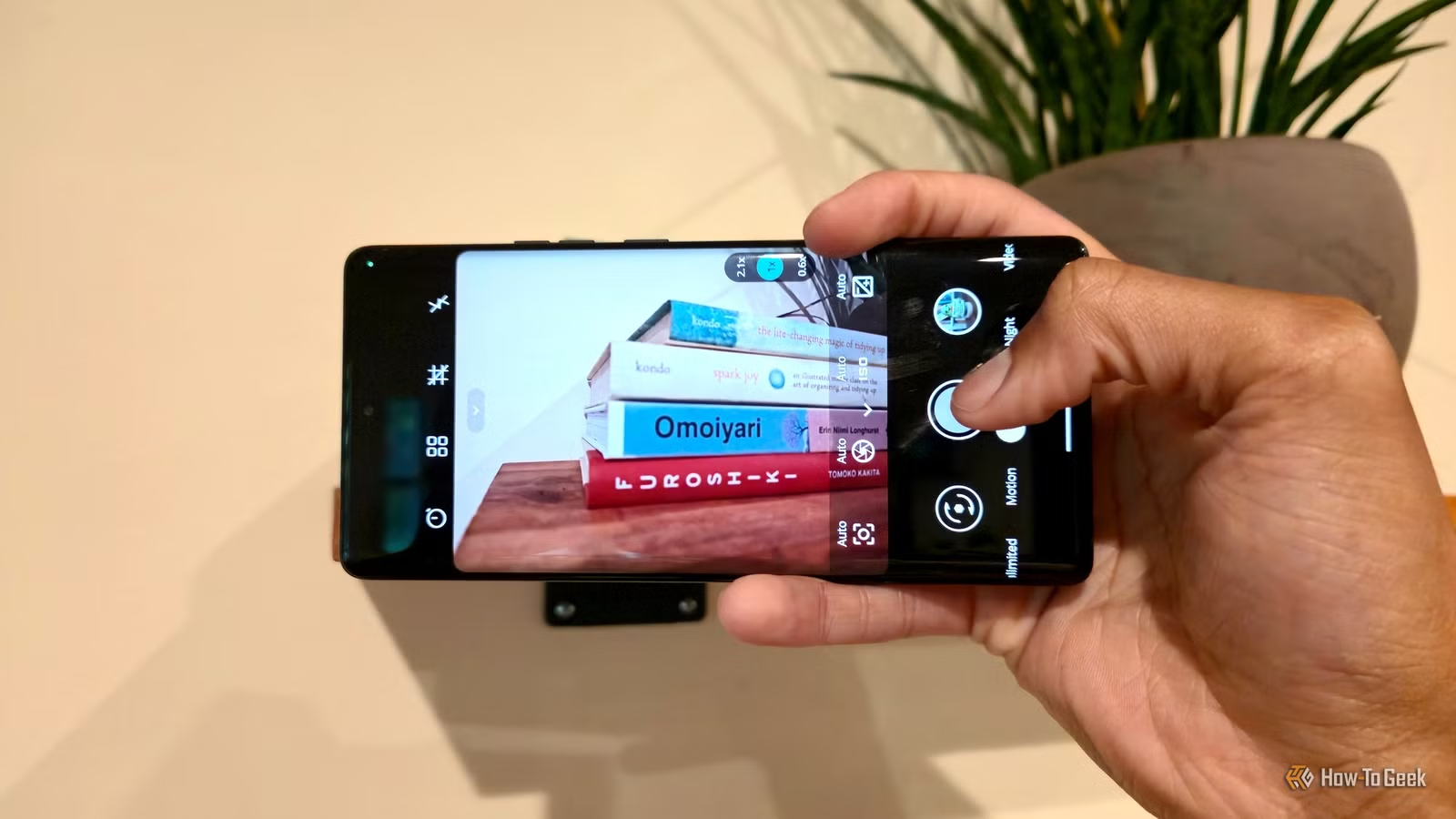
PhotonCamera takes a different approach. Instead of trying to replicate proprietary processing, it builds its own computational photography stack from scratch using Android's Camera2 API.
The app captures multiple frames and stacks them to create high-dynamic-range images. This is the same core technique Google uses in its Pixel phones. Bright areas stay detailed, shadows reveal texture, and noise gets averaged out across frames.

The entire codebase is open-source under GPL-3.0. That means anyone can audit the code, contribute improvements, or fork the project. For users who switched to custom ROMs specifically to escape proprietary software, this matters.
“The biggest barrier for open-source mobile photography has always been the black box of OEM computational stacks; we're finally cracking that open.”
— eszdman, Lead Developer of PhotonCamera
The Trade-Off: Speed
PhotonCamera isn't a point-and-shoot replacement for your stock app. Processing a single HDR capture takes 7-8 seconds on average. That's an eternity if you're trying to capture a moving subject or a fleeting moment.
The app also lacks the polish of commercial software. Community feedback on r/fossdroid and Hacker News describes the interface as "janky" and slow. Users praise the image quality while acknowledging that the experience favors photographers who want control over those who want convenience.
This positions PhotonCamera as a tool for deliberate photography. Landscapes, still life, architecture, portraits where your subject can hold still. It's less suited for street photography or capturing kids at play.
How It Compares to GCam Ports
Many custom ROM users turn to GCam ports, which are modified versions of the Google Camera app adapted to work on non-Pixel devices. These can produce excellent results, but they come with caveats.
GCam ports are not open-source. They're reverse-engineered modifications of proprietary Google software. Compatibility varies wildly by device. Some features work on some phones, others don't. Updates depend on individual developers willing to maintain ports for specific hardware.
✅ Pros
- • 100% open-source and auditable (GPL-3.0)
- • HDR quality approaching Pixel-level processing
- • Works across devices without hardware-specific ports
- • Full manual controls for advanced photographers
❌ Cons
- • 7-8 second processing time per HDR shot
- • User interface is rough compared to stock apps
- • Not suited for quick snapshots or action photography
- • Smaller community than GCam port ecosystem
PhotonCamera trades the familiar GCam interface and instant processing for transparency and device-agnostic compatibility. For users who value open-source principles, that's a meaningful distinction.
Who This Is For
PhotonCamera fits a specific audience: people who run custom ROMs and care about photography but refuse to use closed-source software. That's a narrow slice of Android users, but it's a dedicated one.
If you flash LineageOS or GrapheneOS for privacy reasons, PhotonCamera lets you keep that commitment without accepting mediocre photos. If you tinker with phones for the joy of it, the app offers manual controls and raw capture that stock apps often hide.
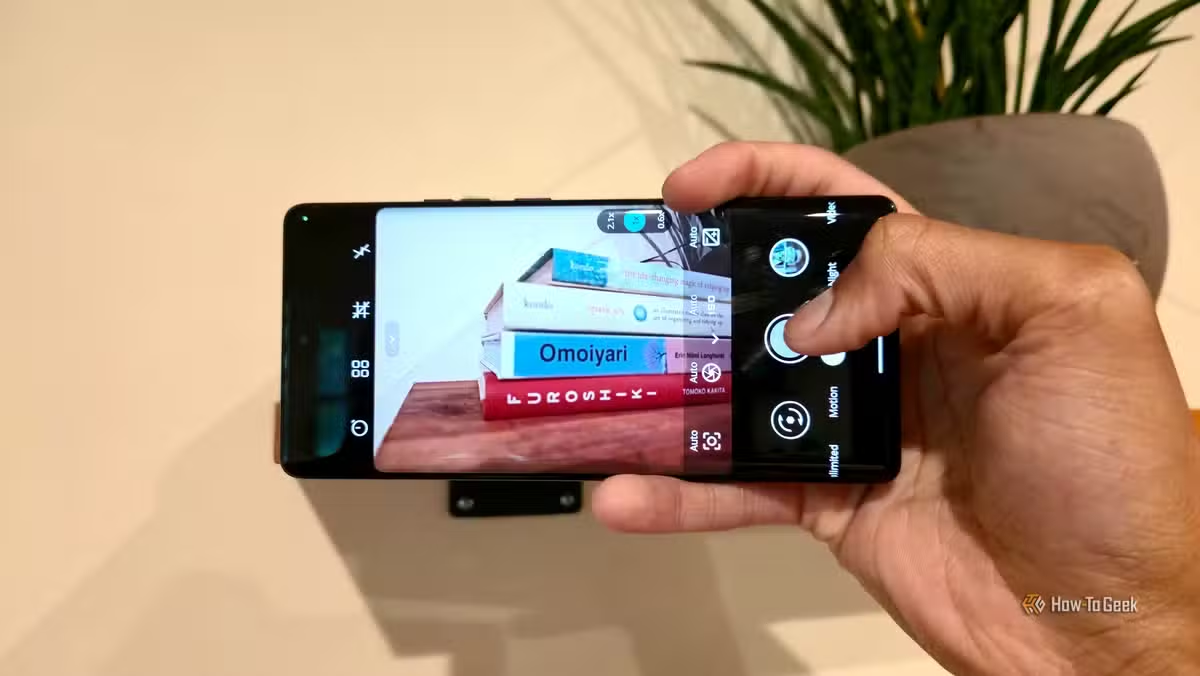
For the average user who just wants to tap a button and get a good photo? Stock apps or GCam ports remain easier choices. PhotonCamera asks for patience in exchange for principles.
Another open-source tool challenging proprietary creative software
Getting Started
PhotonCamera is available on GitHub and through F-Droid, the open-source Android app repository. Installation is straightforward for anyone comfortable with sideloading apps.
Expect to spend time learning the manual controls. The app doesn't hold your hand the way Google's software does. But for those willing to experiment, the results can match what Google's algorithms produce. That's a significant achievement for a community-driven project.
Related: choosing open-source alternatives for critical personal infrastructure
Logicity's Take
Frequently Asked Questions
Does PhotonCamera work on all Android phones?
It works on most phones that support Android's Camera2 API, which includes nearly all devices running Android 5.0 or later. However, results vary based on sensor quality and CPU power.
Is PhotonCamera better than GCam ports?
It depends on your priorities. GCam ports often process faster and feel more polished, but they're closed-source. PhotonCamera is fully open-source and doesn't require device-specific modifications.
Why does PhotonCamera take so long to process photos?
The app captures multiple frames and stacks them for HDR, which requires significant computation. The 7-8 second processing time reflects this complexity without relying on hardware-specific optimizations.
Can PhotonCamera capture RAW photos?
Yes. The app supports RAW capture through the Camera2 API, giving photographers full control over post-processing.
Where can I download PhotonCamera?
The app is available on GitHub and through F-Droid, the open-source Android app store.
Need Help Implementing This?
Source: How-To Geek
Huma Shazia
Senior AI & Tech Writer
اقرأ أيضاً

رأي مغاير: كيف يؤثر اختراق الأمن الداخلي الأميركي على شركاتنا الخاصة؟
في ظل اختراق عقود الأمن الداخلي الأميركي مع شركات خاصة، نناقش تأثير هذا الاختراق على مستقبل الأمن السيبراني. نستعرض الإحصاءات الموثوقة ونناقش كيف يمكن للشركات الخاصة أن تتعامل مع هذا التهديد. استمتع بقراءة هذا التحليل العميق

الإنسان في زمن ما بعد الوجود البشري: نحو نظام للتعايش بين الإنسان والروبوت - Centre for Arab Unity Studies
في هذا المقال، سنناقش كيف يمكن للبشر والروبوتات التعايش في نظام متكامل. سنستعرض التحديات والحلول المحتملة التي تضعها شركات مثل جوجل وأمازون. كما سنلقي نظرة على التوقعات المستقبلية وفقًا لتقرير ماكنزي

إطلاق ناسا لمهمة مأهولة إلى القمر: خطوة تاريخية نحو استكشاف الفضاء
تعتبر المهمة الجديدة خطوة هامة نحو استكشاف الفضاء وتطوير التكنولوجيا. سوف تشمل المهمة إرسال رواد فضاء إلى سطح القمر لconducting تجارب علمية. ستسهم هذه المهمة في تطوير فهمنا للفضاء وتحسين التكنولوجيا المستخدمة في استكشاف الفضاء.