GPU Optimization: Cut Hardware Costs Without Sacrificing Performance
Key Takeaways
- Ultra graphics settings often deliver less than 5% visible improvement while demanding 40-60% more hardware power
- Businesses can extend hardware refresh cycles by 2-3 years through smart configuration
- The performance vs fidelity trade-off follows a curve of diminishing returns that most IT departments ignore
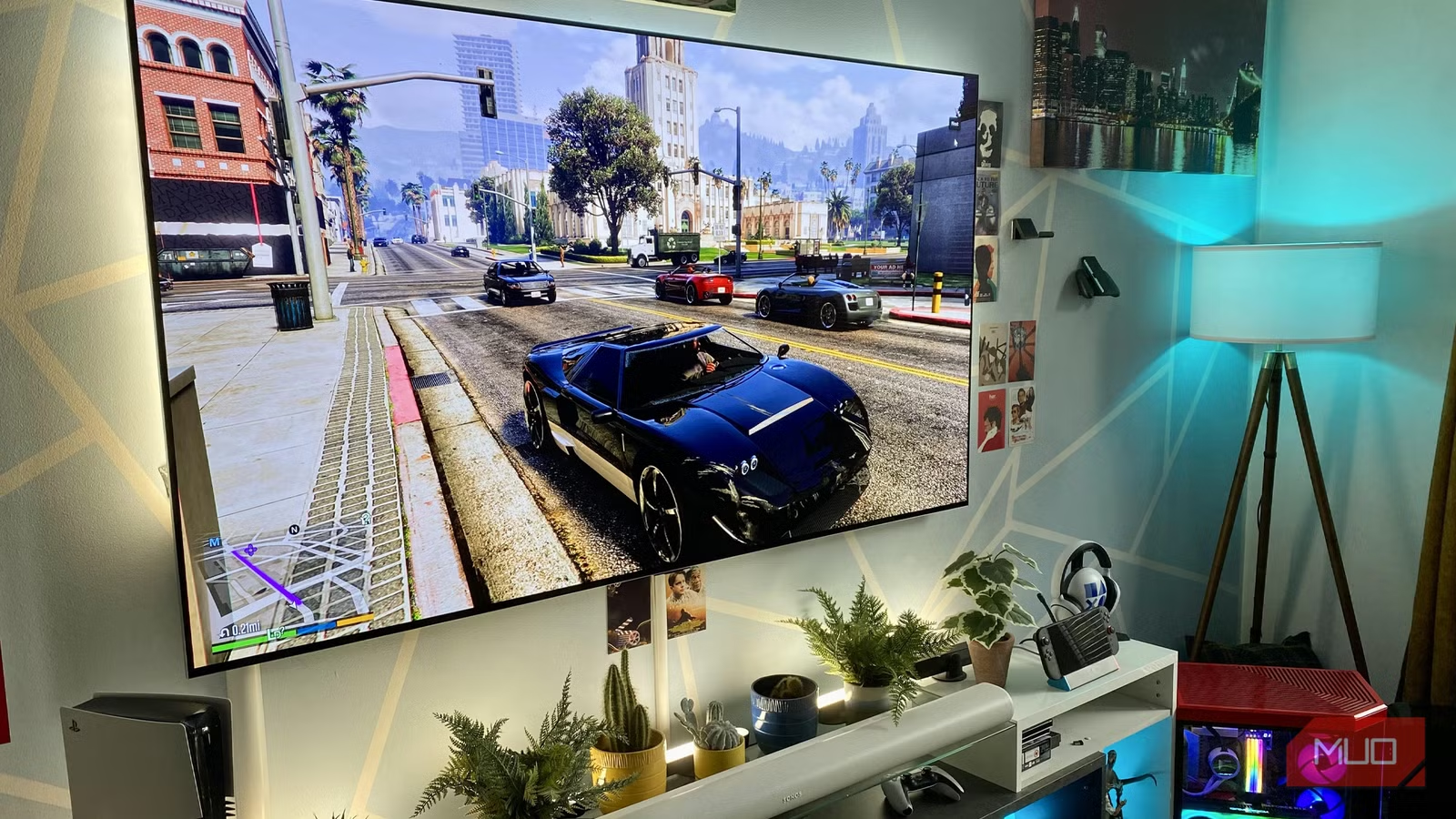
According to [MakeUseOf](https://www.makeuseof.com/reasons-you-definitely-shouldnt-use-ultra-settings-in-video-games/), even users with top-tier GPUs like the RTX 5090 find maximum graphics settings hard to justify in most applications, with the performance hit far outweighing barely perceptible visual improvements.
Read in Short
The obsession with "Ultra" or maximum settings in graphics-intensive applications is costing businesses thousands in unnecessary hardware upgrades. Research shows medium-to-high settings deliver 95% of visual quality at 40-60% lower hardware requirements. For CTOs planning hardware budgets, this means longer refresh cycles, lower procurement costs, and better ROI on existing infrastructure.
Why Does GPU Optimization Matter for Business Budgets?
Here's a number that should get your CFO's attention: the average enterprise spends $1,200-$2,500 per workstation on graphics-capable machines. For a 100-person creative team, that's a quarter million dollars in hardware. And most of that investment is wasted chasing settings nobody can actually see.
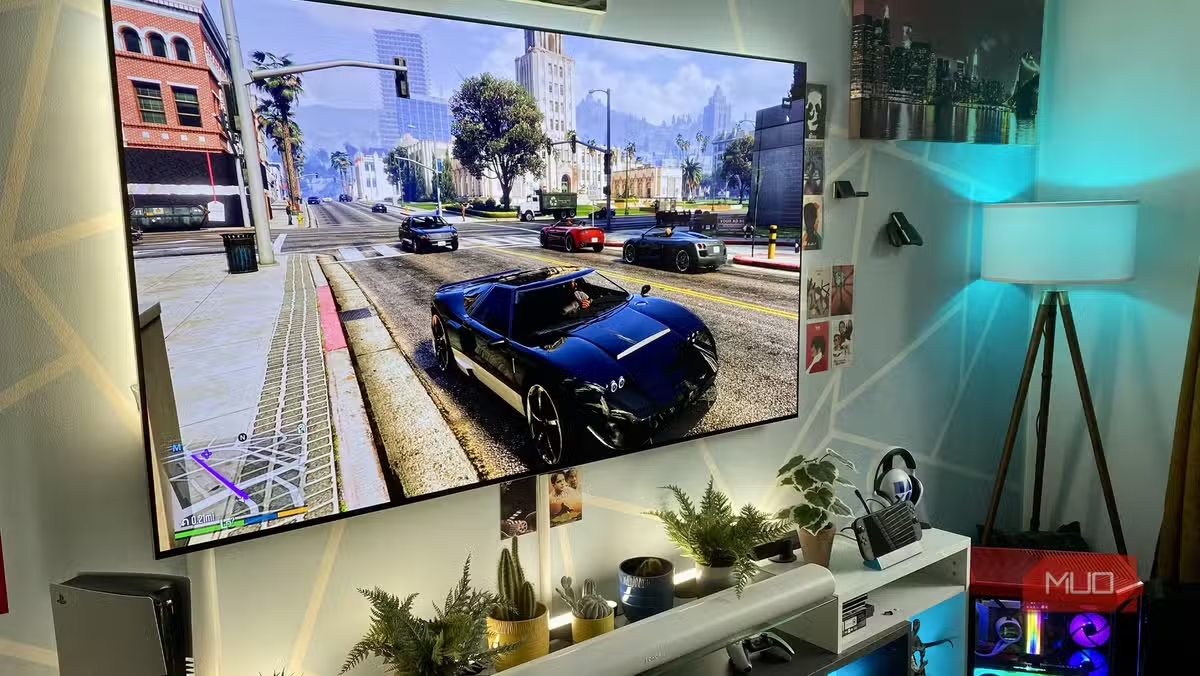
The findings from real-world testing are striking. When comparing Cyberpunk 2077 at ultra settings versus medium settings, even trained observers struggled to identify meaningful differences during normal use. The visuals at the lowest settings were still remarkably good at higher resolutions. This isn't just about gaming. It applies to any graphics-intensive workflow: 3D rendering previews, architectural visualization, product design, and video production.
How Much Can Smart GPU Settings Save Your Company?
Let's do the math that matters. A workstation capable of running applications at Ultra settings typically requires a $800-$1,500 GPU. The same workflows run smoothly at High settings on a $400-$600 GPU. Multiply that across your organization.
| Configuration | GPU Cost | Power Draw | Visible Quality | Business Value |
|---|---|---|---|---|
| Ultra Settings | $1,200+ | 350-450W | 100% | Low ROI |
| High Settings | $500-800 | 200-280W | 95-98% | Optimal ROI |
| Medium Settings | $300-500 | 150-200W | 90-95% | Budget-friendly |
| Optimized Mix | $400-600 | 180-250W | 96-98% | Best ROI |
The "Optimized Mix" approach is where smart IT leaders focus. This means running textures at high, shadows at medium, and effects at a level appropriate for the actual display resolution. At 4K or 1440p, modern rendering makes even mid-tier settings look exceptional.
The Diminishing Returns Curve Every CTO Should Understand
Graphics quality follows a steep curve of diminishing returns. The jump from Low to Medium settings is dramatic and obvious. Medium to High is noticeable but less impactful. High to Ultra? You're paying a premium for differences that disappear during actual work.
The 80/20 Rule of Graphics Settings
Roughly 80% of visual quality comes from the first 40% of hardware investment. The remaining 20% of visual improvement requires 60% more spending. For business applications where work happens at normal viewing distances and speeds, that final 20% is essentially invisible.
Consider what happens in fast-paced workflows. Shadow detail, texture quality, and lighting effects blur together when the camera moves or content changes rapidly. The premium you pay for Ultra-quality shadows becomes meaningless when those shadows are on screen for fractions of a second.
What Settings Actually Matter for Business Applications?
Not all graphics settings carry equal weight. Smart optimization means knowing where to invest your hardware budget and where to pull back. This principle applies whether you're configuring design workstations, video editing rigs, or visualization systems.
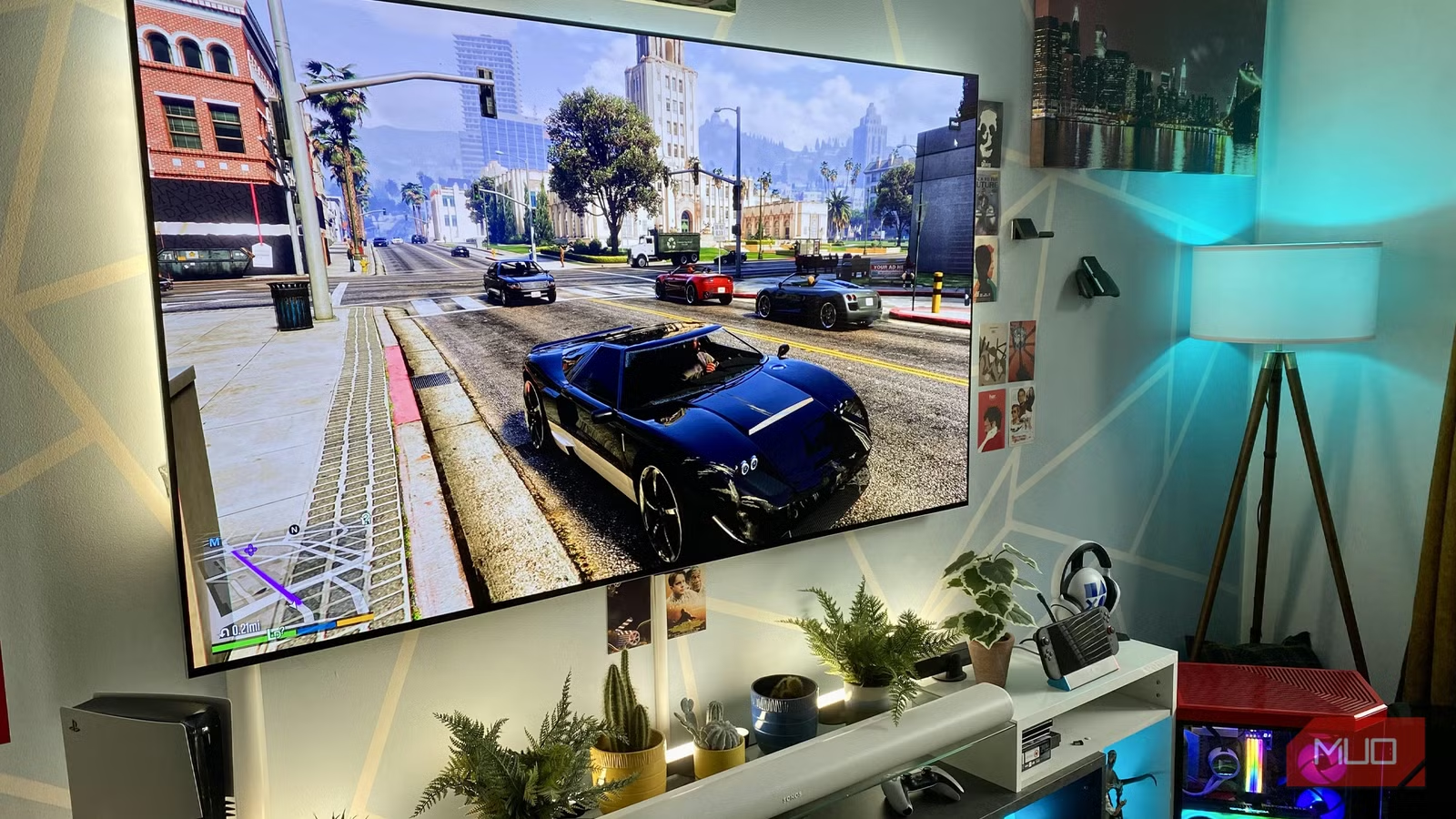
- Resolution: This matters most. 4K at medium settings looks better than 1080p at ultra. Invest in good displays.
- Texture Quality: Worth keeping at High for detailed work. Textures load into VRAM once and stay there.
- Shadow Quality: Drop to Medium. Moving shadows are nearly impossible to evaluate during normal use.
- Anti-Aliasing: DLSS, FSR, or similar upscaling technologies give you both quality and performance. Use them.
- Ray Tracing: The biggest performance killer. Reserve for final renders only, not daily workflows.
- Ambient Occlusion: Medium is indistinguishable from Ultra in 90% of viewing scenarios.
The key insight here connects to broader technology purchasing decisions. Just as companies learned that spec-sheet comparisons often mislead when evaluating business displays, the same applies to graphics hardware. The numbers on paper don't reflect real-world value.
Understanding why impressive specs don't always deliver business value
How to Extend Hardware Refresh Cycles by 2-3 Years
The most immediate business impact of GPU optimization isn't buying cheaper hardware. It's keeping your existing hardware productive longer. A three-year-old workstation running optimized settings often outperforms a new machine configured for maximum everything.
This has massive implications for IT budgets. If your refresh cycle moves from 3 years to 5 years, you're cutting hardware procurement by 40% over a decade. For a 200-workstation deployment at $2,000 per machine, that's $320,000 in avoided spending.
- Audit current workstation configurations. Most are set to defaults that prioritize visuals over performance.
- Create standardized profiles for different job functions. Designers need different settings than analysts.
- Test optimized settings with actual users. Measure productivity, not just visual quality scores.
- Document the configurations and build them into your deployment process.
- Review quarterly as software updates may shift the optimal balance point.
The Hidden Cost: Power Consumption and Cooling
Graphics cards running at maximum settings don't just demand more expensive hardware. They consume significantly more electricity and generate more heat. For a 50-workstation deployment, the power difference between Ultra and optimized High settings can exceed 5,000 watts during peak usage.

That translates to real money. At average commercial electricity rates, unnecessary power draw costs $3,000-$5,000 annually. Add increased cooling requirements and accelerated component wear, and the total cost of ownership gap widens further.
This mirrors the decision-making process companies face when evaluating fleet vehicles or other operational assets. The sticker price is just the beginning. The same cost analysis principles apply to technology infrastructure.
Similar total-cost-of-ownership analysis for business assets
When Ultra Settings Actually Make Business Sense
This isn't an argument against quality. It's an argument against waste. There are specific scenarios where maximum settings deliver genuine business value.
✅ Pros
- • Final render outputs for client deliverables where quality is scrutinized
- • Marketing materials that will be viewed at close range or enlarged
- • Product photography and visualization for e-commerce
- • Demonstration systems where showcasing capability matters
- • Training simulations requiring maximum visual fidelity
❌ Cons
- • Day-to-day design iteration where speed matters more than polish
- • Internal presentations and reviews
- • Video conference backgrounds and streaming
- • Preliminary visualization and prototyping
- • Any workflow where content moves or changes rapidly
The smart approach is configuring systems for the 95% use case while maintaining the ability to switch to maximum quality for the 5% that demands it. This is a workflow design decision, not a hardware procurement decision.
Building an Optimization Strategy for Your Organization
Moving from default configurations to optimized settings requires a systematic approach. Random tinkering wastes time and creates inconsistency. Here's the framework that works.
The investment in proper optimization pays dividends beyond immediate hardware savings. Consistent configurations reduce support tickets, simplify troubleshooting, and create predictable performance across the organization.
What This Means for Your Next Hardware Budget
The business case is clear. Graphics optimization isn't about accepting lower quality. It's about investing intelligently in the quality that actually matters for your workflows. The gap between perceived value and actual value is where smart CTOs find budget savings.
When building your next hardware budget, start with optimized configuration assumptions rather than maximum-everything defaults. You'll likely find that mid-range hardware delivers everything your teams actually need, freeing budget for investments that genuinely move the needle.
Another example of optimizing costs in visual content workflows
Logicity's Take
At Logicity, we see this optimization mindset play out constantly in our web development and AI implementation work. Clients often assume they need the most powerful infrastructure for their Next.js applications or AI agent deployments. The reality? A well-optimized n8n workflow running on modest hardware frequently outperforms an over-engineered solution on premium cloud instances. We've helped Hyderabad startups cut their cloud bills by 50% simply by right-sizing their infrastructure and optimizing their application configurations. The same principle applies here: understand what actually impacts your users' experience, invest there, and ruthlessly eliminate spending on invisible improvements. For Indian tech businesses watching every rupee, this optimization-first mindset isn't just good practice. It's survival strategy. The companies that learn to extract maximum value from minimal resources are the ones that scale sustainably.
Frequently Asked Questions
How much can GPU optimization actually save my company?
Most organizations can reduce graphics hardware spending by 30-50% while maintaining equivalent perceived quality. For a 100-workstation deployment, this typically translates to $40,000-$80,000 in procurement savings, plus ongoing reductions in power and cooling costs of $3,000-$5,000 annually.
Will employees notice the difference with optimized settings?
In blind testing, users rarely distinguish between High and Ultra settings during normal work. The differences become apparent only in side-by-side static comparisons or extremely slow-paced workflows. For typical business applications involving movement and rapid iteration, optimized settings are effectively invisible.
How long does it take to implement organization-wide GPU optimization?
A systematic rollout typically takes 8-10 weeks from initial assessment through full deployment. The pilot phase with 10-15% of users takes 2-3 weeks and provides the feedback necessary to refine configurations before broader deployment.
Does this apply to AI and machine learning workloads?
Training and inference workloads have different optimization parameters than visualization, but the principle holds. Many ML teams over-provision GPU resources for training runs that could complete efficiently on less expensive hardware with proper configuration. The ROI analysis is similar.
What's the risk of optimizing too aggressively?
The main risk is user productivity complaints if settings are pushed too low. This is why pilot testing with real users is essential. Start conservative with High settings rather than Medium, gather feedback, and adjust. The goal is invisible optimization, not visible degradation.
Need Help Implementing This?
Logicity specializes in helping businesses optimize their technology infrastructure for maximum ROI. Whether you're configuring workstations, optimizing cloud deployments, or building efficient AI workflows, our team brings practical experience from shipping real solutions. Contact us to discuss your optimization opportunities.
Source: MakeUseOf
Huma Shazia
Senior AI & Tech Writer
اقرأ أيضاً

رأي مغاير: كيف يؤثر اختراق الأمن الداخلي الأميركي على شركاتنا الخاصة؟
في ظل اختراق عقود الأمن الداخلي الأميركي مع شركات خاصة، نناقش تأثير هذا الاختراق على مستقبل الأمن السيبراني. نستعرض الإحصاءات الموثوقة ونناقش كيف يمكن للشركات الخاصة أن تتعامل مع هذا التهديد. استمتع بقراءة هذا التحليل العميق

الإنسان في زمن ما بعد الوجود البشري: نحو نظام للتعايش بين الإنسان والروبوت - Centre for Arab Unity Studies
في هذا المقال، سنناقش كيف يمكن للبشر والروبوتات التعايش في نظام متكامل. سنستعرض التحديات والحلول المحتملة التي تضعها شركات مثل جوجل وأمازون. كما سنلقي نظرة على التوقعات المستقبلية وفقًا لتقرير ماكنزي

إطلاق ناسا لمهمة مأهولة إلى القمر: خطوة تاريخية نحو استكشاف الفضاء
تعتبر المهمة الجديدة خطوة هامة نحو استكشاف الفضاء وتطوير التكنولوجيا. سوف تشمل المهمة إرسال رواد فضاء إلى سطح القمر لconducting تجارب علمية. ستسهم هذه المهمة في تطوير فهمنا للفضاء وتحسين التكنولوجيا المستخدمة في استكشاف الفضاء.