Claude's Hidden Project Management Mode: Setup Guide
Key Takeaways
- Claude's Productivity plugin by Anthropic adds full project management to the desktop app
- The system connects to Asana, Notion, Todoist, or local files and learns your shorthand
- Setup creates four local files including TASKS.md and CLAUDE.md for persistent memory
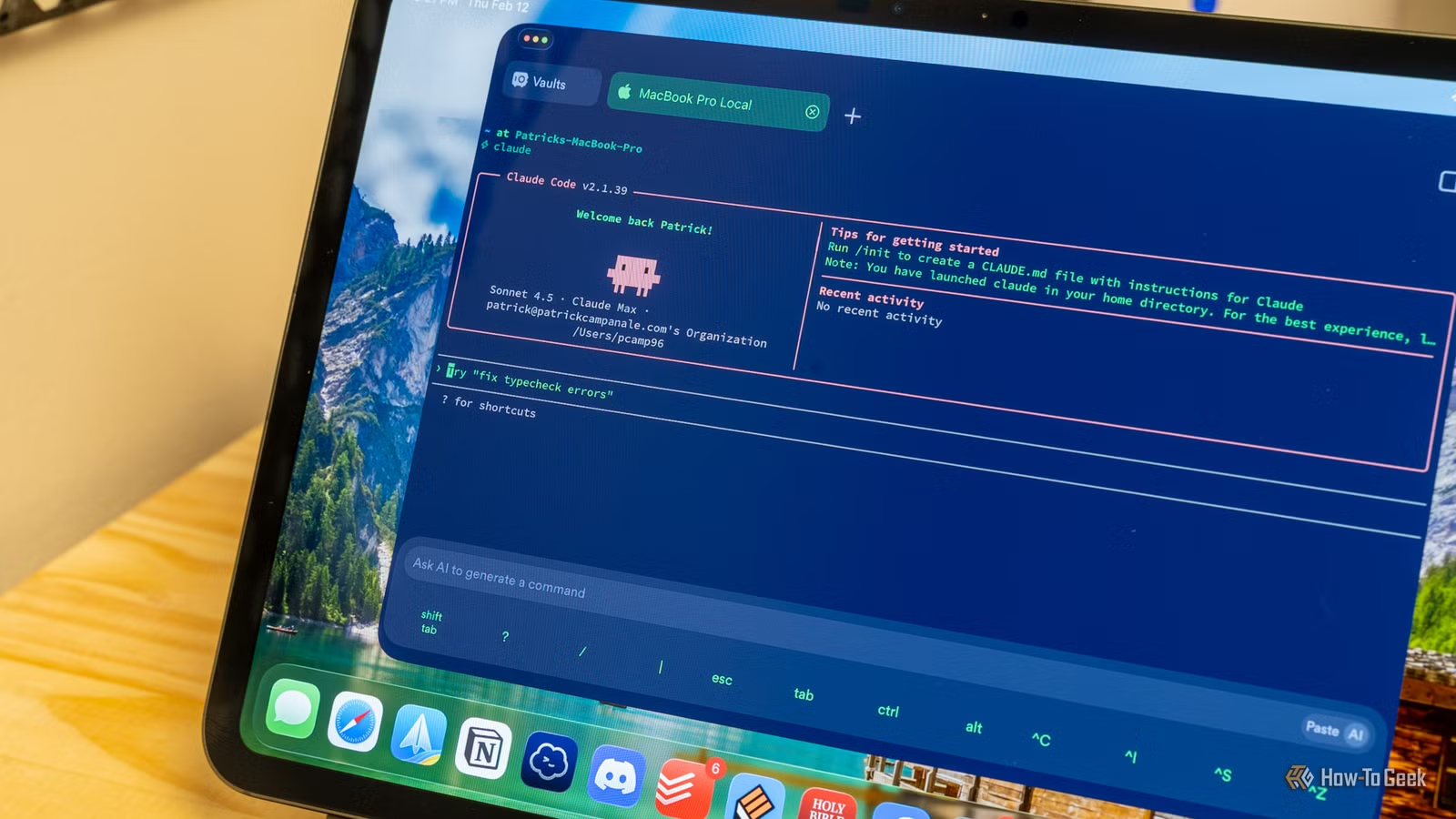
Claude has a project management system hiding in plain sight. Most users treat it as a chatbot. But with a one-minute setup, Anthropic's AI can track your tasks, surface what's due today, and display everything in a visual dashboard.
The feature lives inside a first-party plugin that ships with the Claude desktop app. It's not advertised. You won't stumble into it. But once enabled, it turns Claude into something closer to a personal productivity assistant than a chat interface.
How to Enable Project Management Mode
The setup takes about 60 seconds. Open the Claude desktop app and switch to Cowork mode. From the left sidebar, navigate to Customize, then Browse Plugins. Find the Productivity plugin by Anthropic and click Install.
That's the entire activation. Your Claude desktop app now has task tracking, triage capabilities, and due-date surfacing built in.

What Happens Under the Hood
After installing the plugin, type /productivity:start in any chat window. This launches a one-time setup wizard.
Claude asks where your existing tasks live. It can connect to local files, Asana, Notion, Todoist, or other task management tools. Once connected, it scans your task list and asks you to clarify any shorthand it finds.
For example, if a task says "ask Daniel to do the HTG article for Margaret," Claude will ask: Who's Daniel? What's HTG? Who's Margaret? You answer once. It remembers that context going forward.
The Four Files Claude Creates
The system works by creating four local files on your computer:
- TASKS.md: A Markdown file containing your complete task list
- CLAUDE.md: A Markdown file storing context and shorthand definitions Claude has learned
These files give Claude persistent memory across sessions. When you mention "Daniel" in a future conversation, it already knows who you mean. The Markdown format means you can open and edit these files directly if needed.
Logicity's Take
Why This Beats ChatGPT for Task Management
The key difference is persistent context. ChatGPT can discuss your tasks in a conversation, but it forgets everything when you close the window. Claude's system stores your tasks, deadlines, and personal shorthand in local files that survive across sessions.
You can ask Claude to show what's due today and get an accurate answer. You can tell it to triage stale tasks. Because it remembers your past decisions, it can make better suggestions about priorities.
Another hidden Claude capability worth exploring
Adapting It to Your Workflow
The system is flexible because it's built on plain Markdown files. If you prefer a specific task format, you can edit TASKS.md directly. If Claude's learned context is wrong, you can correct CLAUDE.md.
For teams using Asana or Notion, the plugin syncs with those tools. Your task updates in Claude flow back to the source system. This means you're not creating a parallel task universe that drifts out of sync with your team.
More productivity tools worth considering
Frequently Asked Questions
Does Claude's project management mode require a paid subscription?
The feature requires the Claude desktop app, which is available to Claude Pro subscribers. The Productivity plugin itself is free once you have desktop access.
Can Claude sync with multiple task management tools at once?
The setup wizard asks you to specify where your tasks live. You can connect to Asana, Notion, Todoist, or local files. The source doesn't specify whether multiple simultaneous connections are supported.
Where does Claude store my task data?
Claude creates local Markdown files on your computer, including TASKS.md and CLAUDE.md. Your task data stays on your machine rather than being stored on Anthropic's servers.
Will Claude remember my tasks between conversations?
Yes. The local file system gives Claude persistent memory. Context you provide about people, projects, and shorthand is saved in CLAUDE.md and recalled in future sessions.
Need Help Implementing This?
Source: How-To Geek
Huma Shazia
Senior AI & Tech Writer
اقرأ أيضاً

رأي مغاير: كيف يؤثر اختراق الأمن الداخلي الأميركي على شركاتنا الخاصة؟
في ظل اختراق عقود الأمن الداخلي الأميركي مع شركات خاصة، نناقش تأثير هذا الاختراق على مستقبل الأمن السيبراني. نستعرض الإحصاءات الموثوقة ونناقش كيف يمكن للشركات الخاصة أن تتعامل مع هذا التهديد. استمتع بقراءة هذا التحليل العميق

الإنسان في زمن ما بعد الوجود البشري: نحو نظام للتعايش بين الإنسان والروبوت - Centre for Arab Unity Studies
في هذا المقال، سنناقش كيف يمكن للبشر والروبوتات التعايش في نظام متكامل. سنستعرض التحديات والحلول المحتملة التي تضعها شركات مثل جوجل وأمازون. كما سنلقي نظرة على التوقعات المستقبلية وفقًا لتقرير ماكنزي

إطلاق ناسا لمهمة مأهولة إلى القمر: خطوة تاريخية نحو استكشاف الفضاء
تعتبر المهمة الجديدة خطوة هامة نحو استكشاف الفضاء وتطوير التكنولوجيا. سوف تشمل المهمة إرسال رواد فضاء إلى سطح القمر لconducting تجارب علمية. ستسهم هذه المهمة في تطوير فهمنا للفضاء وتحسين التكنولوجيا المستخدمة في استكشاف الفضاء.