7 Apps That Work Identically on Windows and Linux
Key Takeaways
- Steam's Proton compatibility layer lets most Windows games run on Linux with native-level performance
- Apps like Discord, Signal, and Spotify maintain feature parity across both operating systems
- Steam Cloud syncs game saves automatically, while other apps require manual file transfers
Running both Windows and Linux used to mean maintaining two completely separate software toolkits. That's changed. Many developers now build apps that work identically on both platforms, letting you switch systems without relearning workflows or losing data.
Here are seven apps that deliver the same experience whether you're on Windows or Linux.
Steam: Gaming Without the Platform Lock
Steam is the largest digital game distribution platform, and it runs natively on both Windows and Linux. If you've dismissed Linux gaming as impractical, consider this: the Steam Deck runs on Linux. Any game that works on the Deck will work on a Linux PC with adequate hardware.
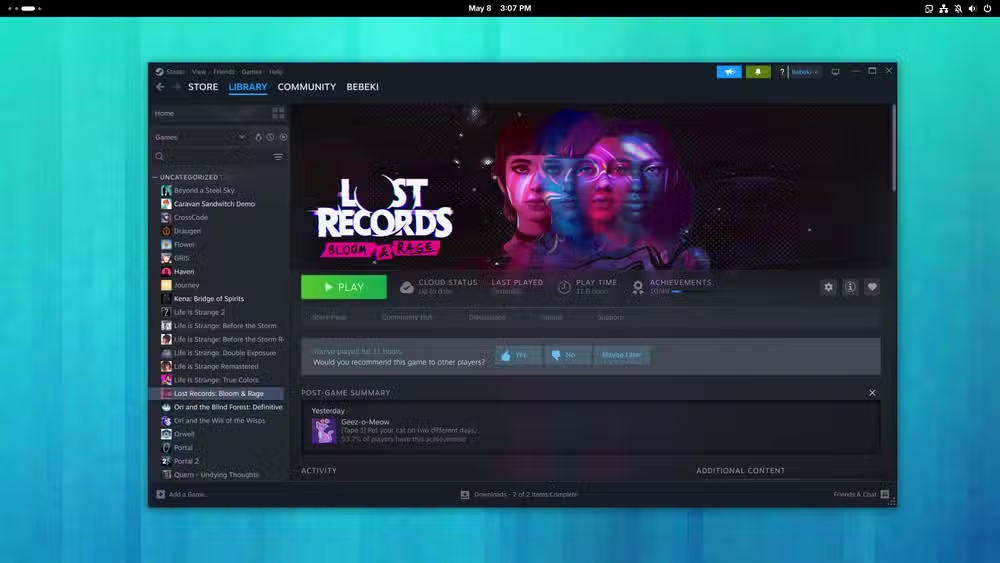
Valve's Proton compatibility layer makes this possible. It translates Windows-only games to run on Linux, and the results are often indistinguishable from native performance. You can check game compatibility at ProtonDB before buying. Many AAA titles now run flawlessly.
Using the same Steam account on both systems shares your entire library. If a game supports Steam Cloud, your saves sync automatically between devices. For games without Cloud support, you can manually transfer save files. Just note that Linux uses different directory structures than Windows.
Maximize your Windows setup while switching between systems
Discord: Communities Across Platforms
Discord started as a gaming communication tool and evolved into a general-purpose platform for communities of all types. Startups, hobbyist groups, and professional teams all use it now.
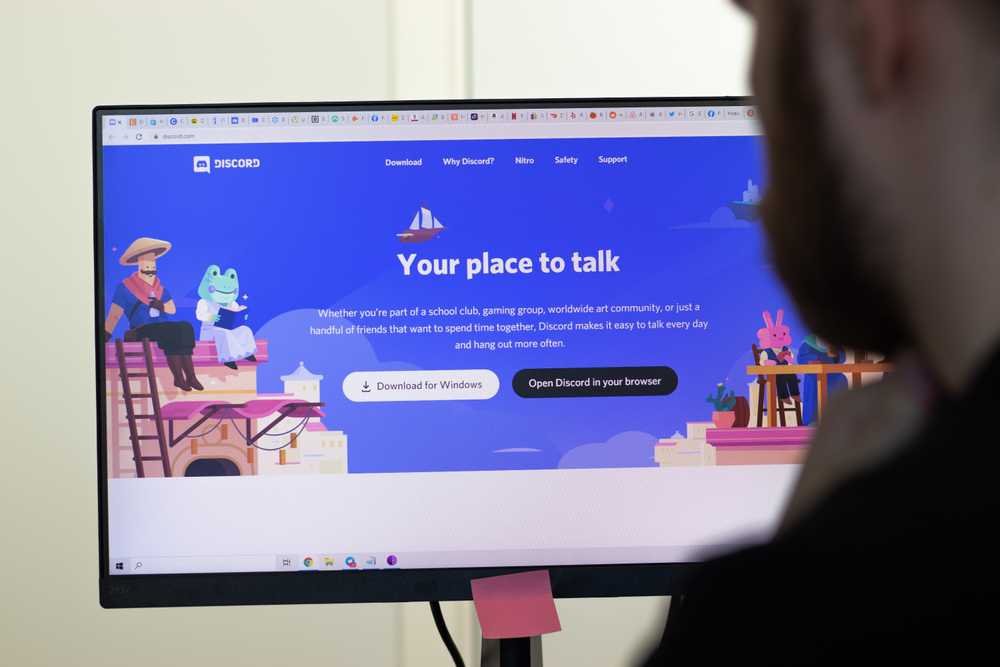
The desktop app works identically on Windows and Linux. Video calls, screen sharing, voice channels, and community servers all function the same way. Discord can also broadcast what games you're playing and what music you're listening to. Your account, servers, and settings carry over seamlessly between systems.
Signal: Encrypted Messaging Everywhere
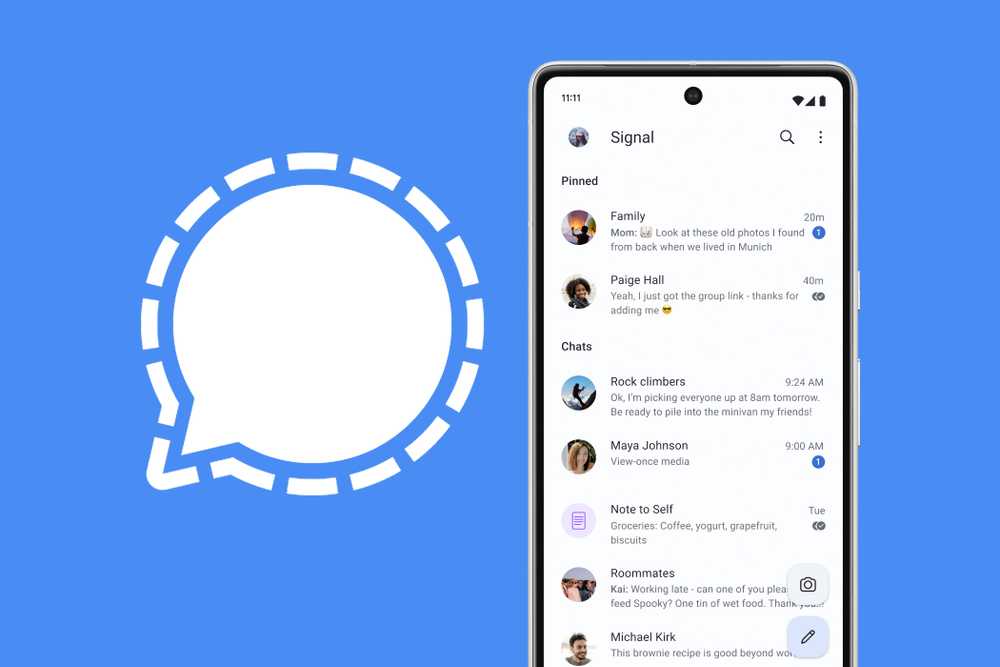
Signal provides end-to-end encrypted messaging, and its desktop client runs natively on both Windows and Linux. The interface is identical. Your message history syncs through Signal's encrypted protocol, so conversations continue uninterrupted when you switch machines.
Spotify: Music Library, No Compromises
Spotify's desktop app works on both platforms. Your playlists, liked songs, and listening history are tied to your account, not your operating system. The interface and features remain consistent whether you're on Windows or Linux.
Evaluate which streaming subscriptions deserve your money
Why Cross-Platform Apps Matter
The appeal of cross-platform apps goes beyond convenience. They reduce the friction of trying Linux. You can dual-boot or switch entirely without abandoning familiar tools. For teams with mixed operating system preferences, these apps eliminate compatibility headaches.
Most of these apps sync data through cloud accounts. Steam Cloud handles game saves. Discord ties everything to your account. Spotify streams from your library. The operating system becomes a detail, not a barrier.
Customize your Linux setup faster with AI assistance
Making the Switch Easier
If you're testing Linux while keeping Windows as a fallback, start by installing these apps first. They'll give you immediate familiarity on the new system. You won't spend the first week hunting for alternatives to tools you already know.
For games without Steam Cloud, plan your save file transfers before switching. Note the save directories on both systems. Most other apps handle sync automatically through your account login.
Logicity's Take
Cross-platform apps have quietly solved one of Linux's biggest adoption barriers. You no longer have to choose between a familiar toolkit and a different operating system. For professionals who want Linux's stability and Windows' compatibility, running the same apps on both systems makes dual-booting or full migration practical.
Frequently Asked Questions
Can I play Windows-only games on Linux?
Yes. Steam's Proton compatibility layer translates many Windows games to run on Linux. Check ProtonDB for compatibility ratings before buying.
Do Steam game saves sync between Windows and Linux?
Games with Steam Cloud support sync saves automatically. For others, you'll need to manually copy save files between systems.
Is Discord on Linux missing any features?
No. The Discord desktop app offers full feature parity on Linux, including video calls, screen sharing, and voice channels.
Does Spotify work natively on Linux?
Yes. Spotify provides a native Linux client with the same interface and features as the Windows version.
Need Help Implementing This?
Setting up a dual-boot system or migrating to Linux while keeping your workflow intact? Reach out to our team for guidance on cross-platform tooling and enterprise Linux deployments.
Source: How-To Geek
Huma Shazia
Senior AI & Tech Writer
اقرأ أيضاً

رأي مغاير: كيف يؤثر اختراق الأمن الداخلي الأميركي على شركاتنا الخاصة؟
في ظل اختراق عقود الأمن الداخلي الأميركي مع شركات خاصة، نناقش تأثير هذا الاختراق على مستقبل الأمن السيبراني. نستعرض الإحصاءات الموثوقة ونناقش كيف يمكن للشركات الخاصة أن تتعامل مع هذا التهديد. استمتع بقراءة هذا التحليل العميق

الإنسان في زمن ما بعد الوجود البشري: نحو نظام للتعايش بين الإنسان والروبوت - Centre for Arab Unity Studies
في هذا المقال، سنناقش كيف يمكن للبشر والروبوتات التعايش في نظام متكامل. سنستعرض التحديات والحلول المحتملة التي تضعها شركات مثل جوجل وأمازون. كما سنلقي نظرة على التوقعات المستقبلية وفقًا لتقرير ماكنزي

إطلاق ناسا لمهمة مأهولة إلى القمر: خطوة تاريخية نحو استكشاف الفضاء
تعتبر المهمة الجديدة خطوة هامة نحو استكشاف الفضاء وتطوير التكنولوجيا. سوف تشمل المهمة إرسال رواد فضاء إلى سطح القمر لconducting تجارب علمية. ستسهم هذه المهمة في تطوير فهمنا للفضاء وتحسين التكنولوجيا المستخدمة في استكشاف الفضاء.