6 Best Voice Recording Apps for iPhone in 2026
Key Takeaways
- Apple Voice Memos remains the easiest option for quick recordings
- MOTIV Audio leads for sound quality while CocoonWeaver excels at organizing notes
- Voice Record Pro offers the most customization for power users
Your iPhone has a capable built-in voice recorder. But if you need better organization, cleaner audio, or more editing control, the App Store has options worth considering.
Zapier tested over 25 voice recording apps to find the six that actually deliver. The criteria: ease of use, sound quality, and features that help with real tasks like recording lectures, interviews, meetings, or quick ideas.
Here's what made the cut and why each app earned its spot.
The Six Best iPhone Voice Recording Apps
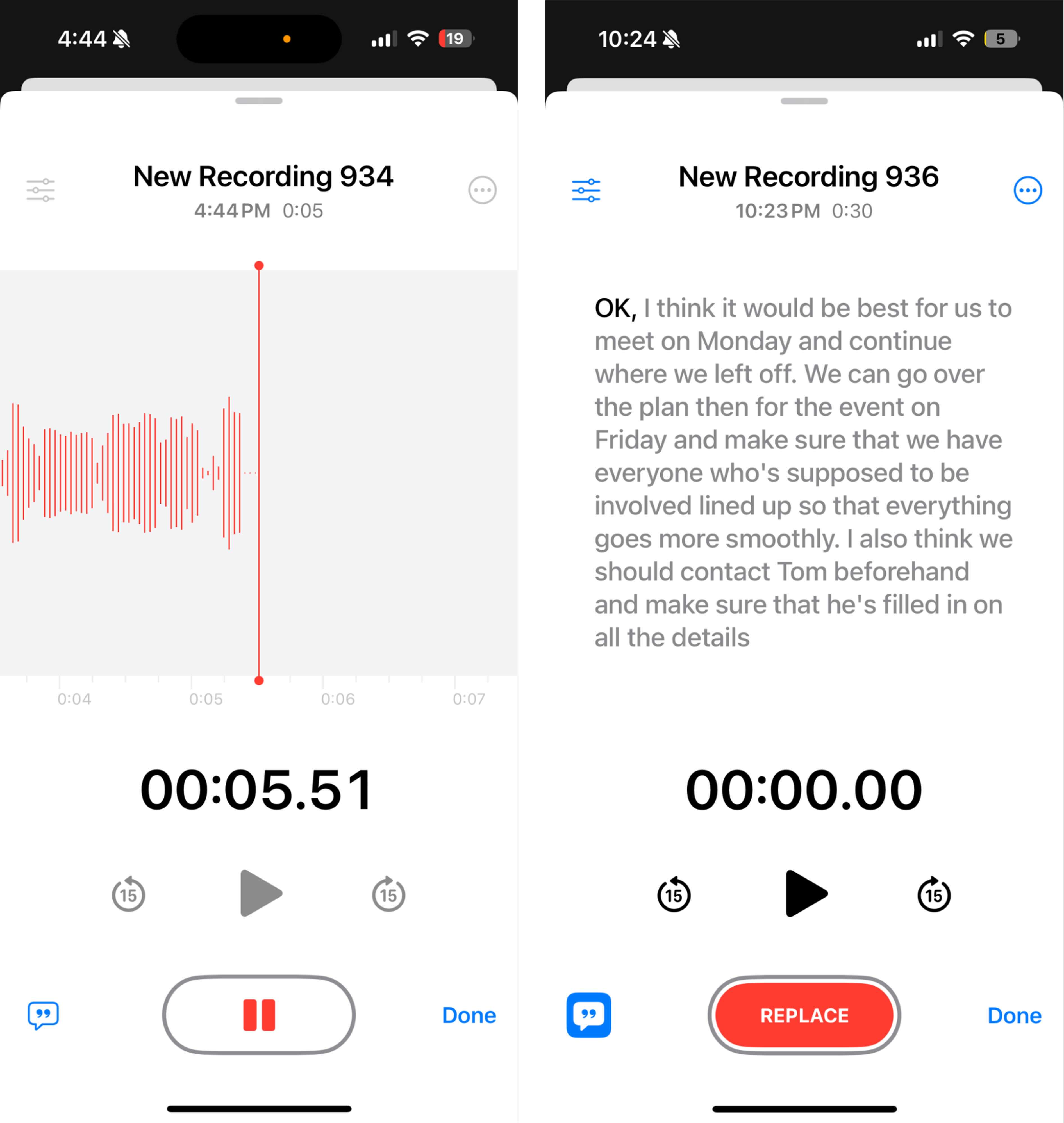
Apple Voice Memos: Best for Convenience
The app that ships with every iPhone still works well for most people. Voice Memos launches fast, records with one tap, and syncs across your Apple devices. No setup required. If you just need to capture a thought or reminder, this is the path of least resistance.
CocoonWeaver: Best for Organizing Audio Notes
Recording is easy. Finding that one clip from three weeks ago? That's where most apps fail. CocoonWeaver focuses on organization, helping you tag, sort, and retrieve recordings without scrolling through an endless list.
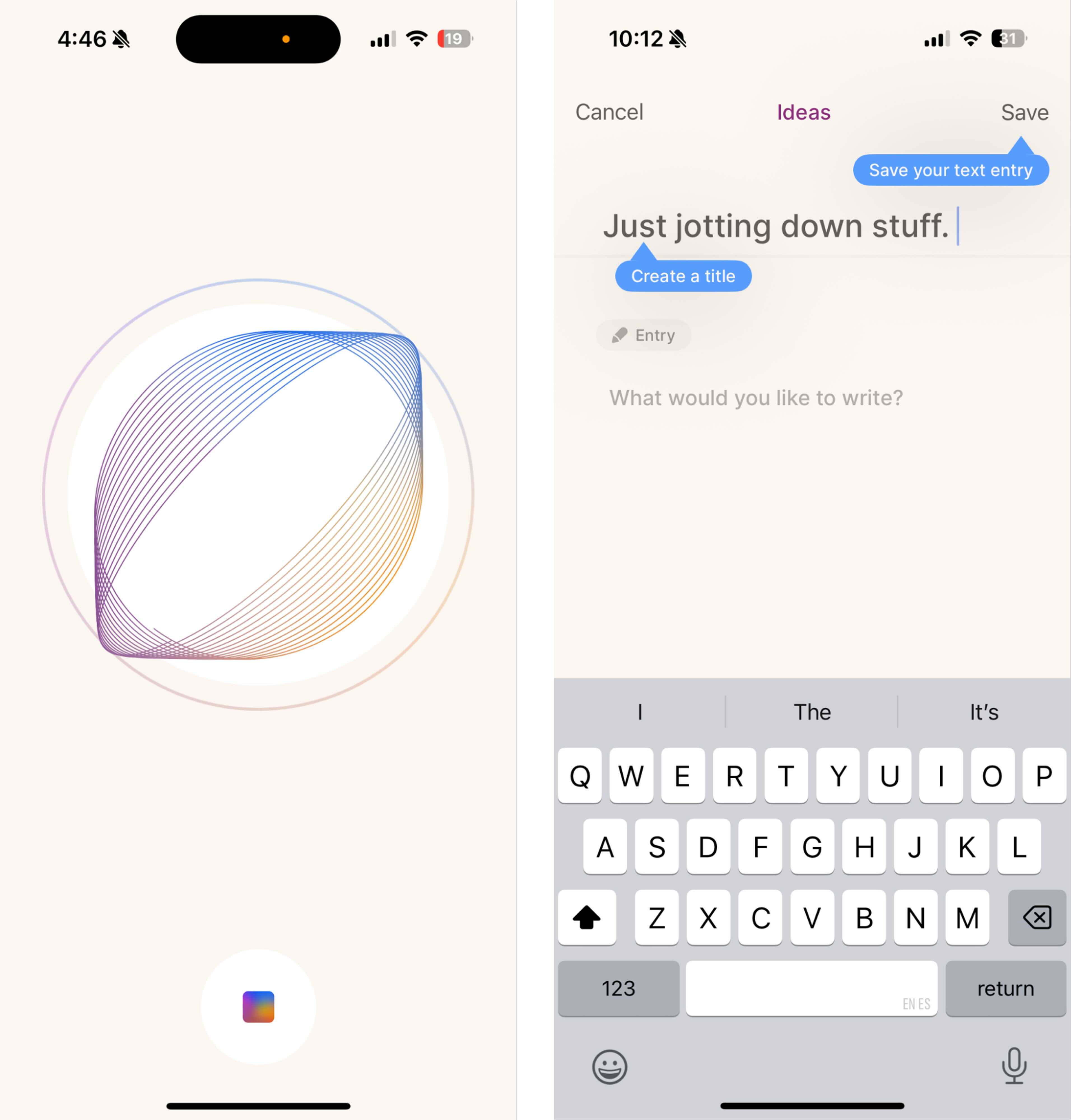
For anyone who records frequently, whether for work notes, research, or personal logs, better organization saves real time.
MOTIV Audio: Best for Sound Quality
When audio quality matters more than convenience, MOTIV Audio stands out. The app captures cleaner, crisper recordings than most competitors. It also offers options for enhancing quality and adjusting settings before you hit record.
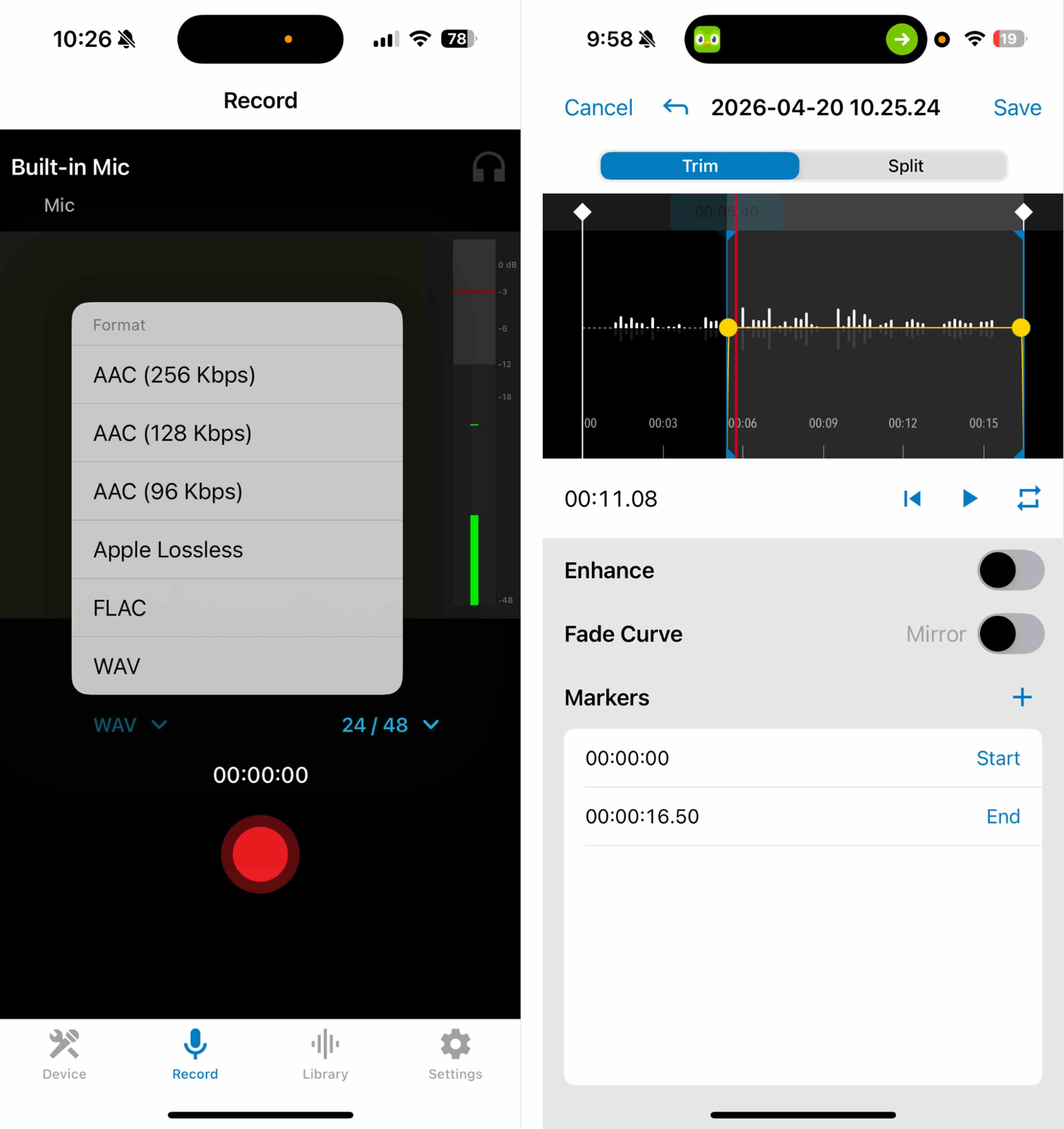
This makes MOTIV a good fit for recording interviews, voiceovers for social media, or any situation where you'll share the audio with others.
Voice Recorder & Notes Pro: Best for Advanced Editing
Most voice recorder apps let you trim clips. Voice Recorder & Notes Pro goes further with a full editing toolkit. You can cut, merge, and adjust recordings without moving to a separate audio editor.
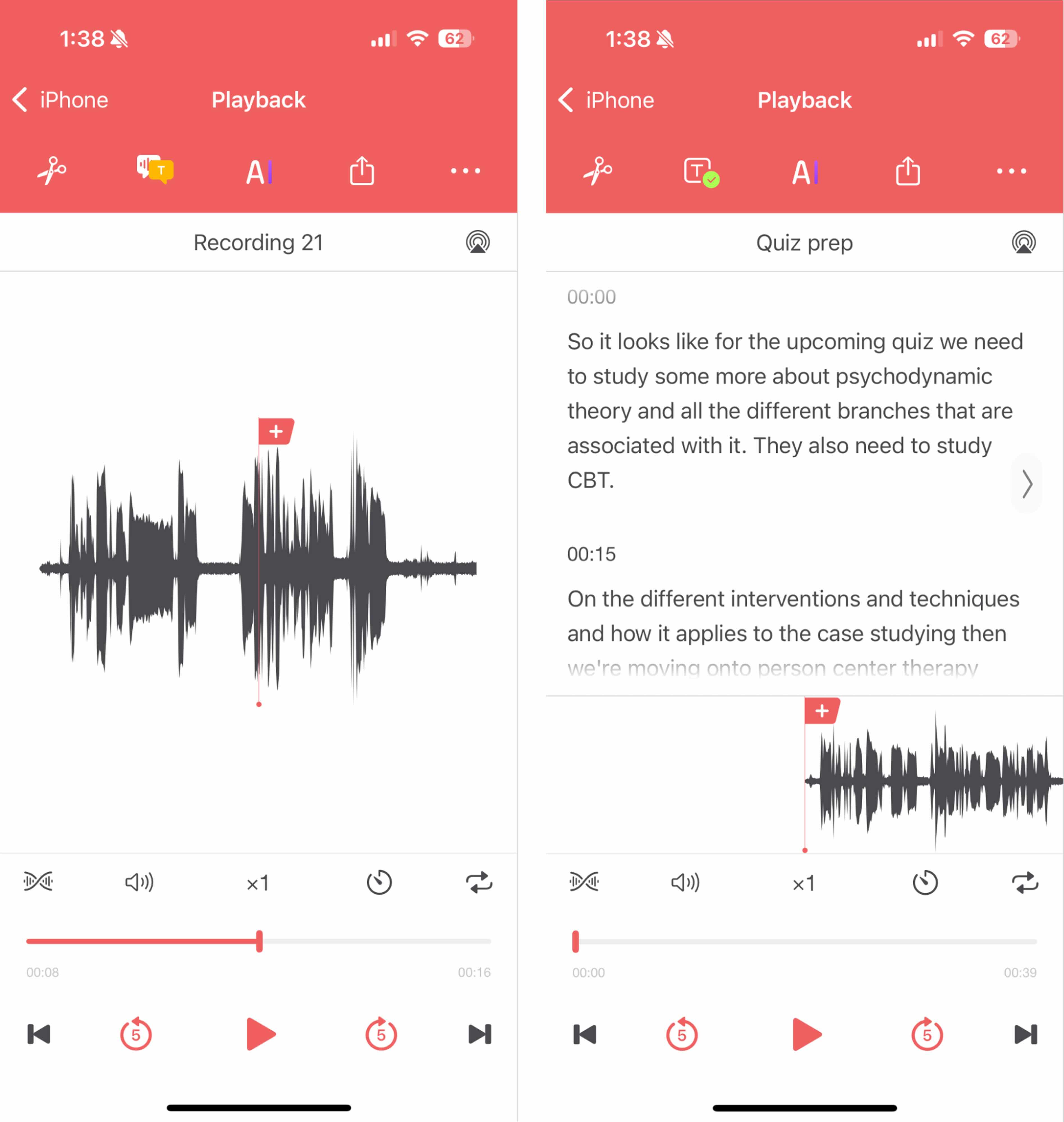
If you regularly need to clean up recordings before sharing them, this app saves a step in your workflow.
Voice Record Pro: Best for Customization
Power users who want control over recording settings will find it here. Voice Record Pro lets you adjust audio formats, quality levels, and other parameters that most apps hide or don't offer at all.
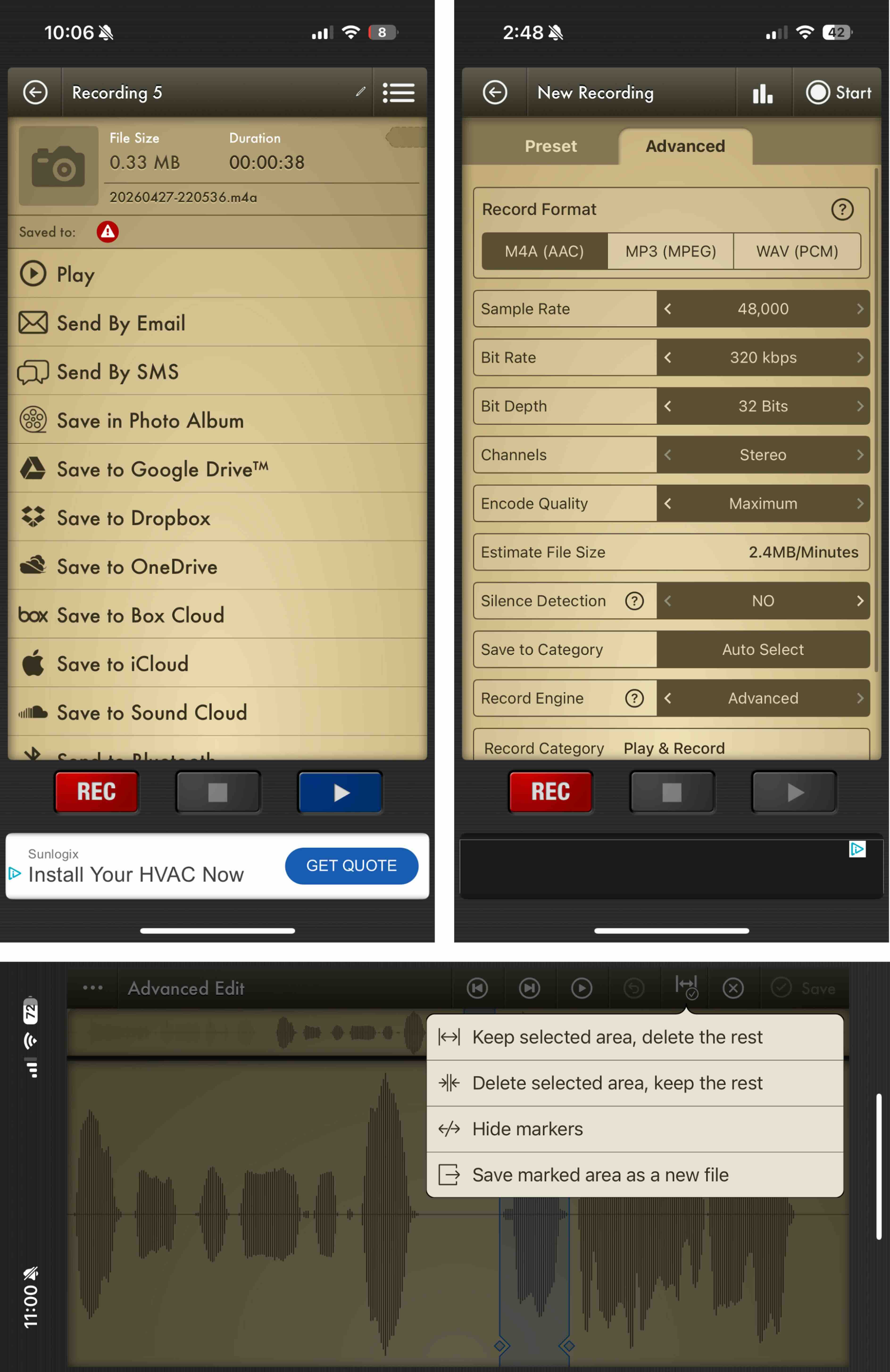
The trade-off is a steeper learning curve. But if you know what you want from your recordings, this app lets you get it.
Voice Recorder, Audio Memos: Best for Smart Recording
This app adds intelligent features to the recording process. It can detect silence, adjust levels automatically, and handle common recording scenarios without manual tweaking.
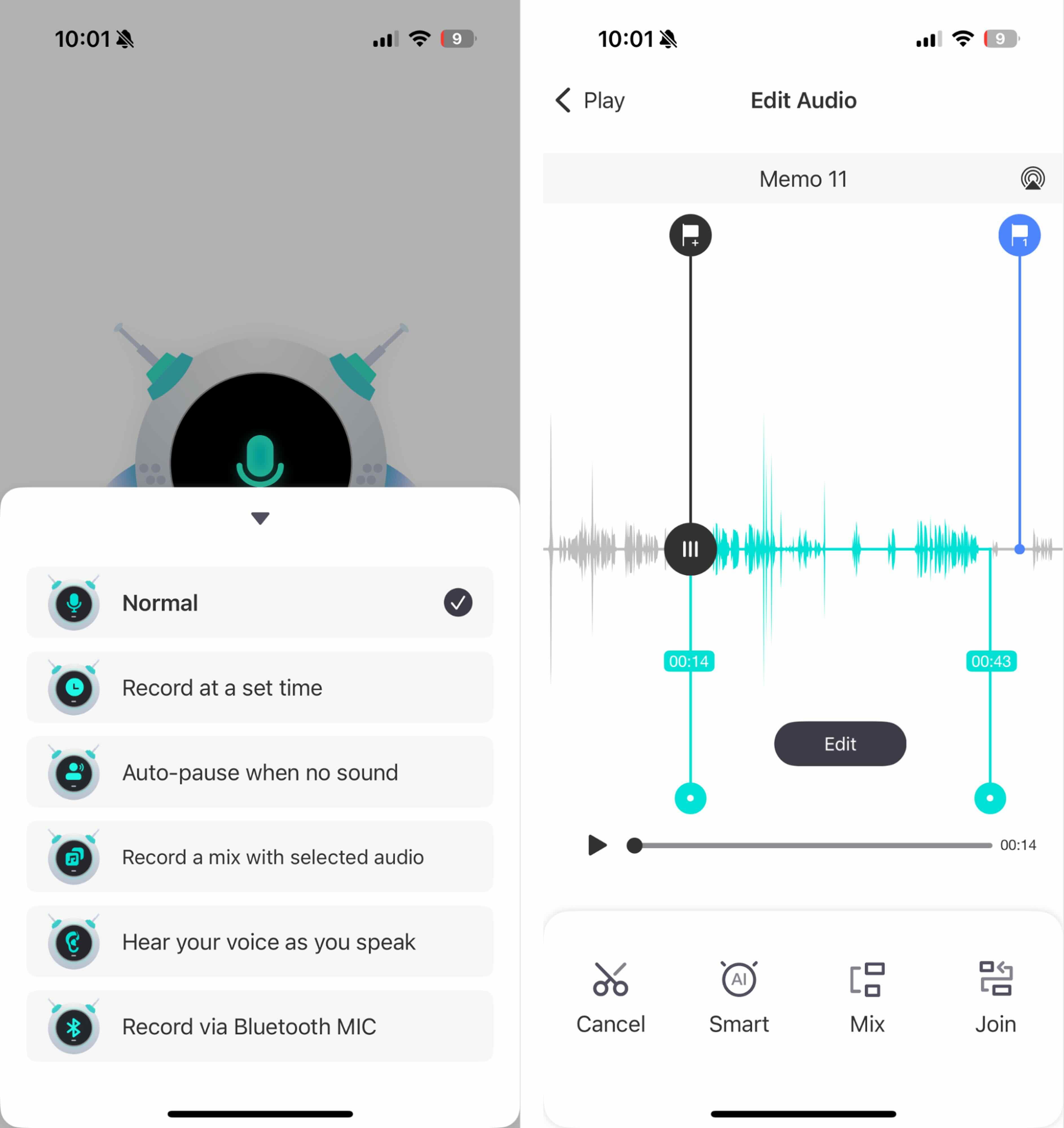
For recording lectures or meetings where conditions change, these automatic adjustments help you capture cleaner audio without babysitting the app.
What to Look For in a Voice Recording App
The right app depends on what you're recording and what you'll do with it afterward. Here's how to think about the choice:
- Quick capture: Apple Voice Memos wins on speed and simplicity
- Frequent recordings: CocoonWeaver's organization features pay off over time
- Quality matters: MOTIV Audio produces the cleanest output
- Post-recording work: Voice Recorder & Notes Pro handles editing in-app
- Technical control: Voice Record Pro offers the most settings
Voice Recording vs. AI Transcription Tools
Voice recording apps preserve your audio as-is. AI meeting assistants and transcription tools process conversations into text summaries or action items. Both have their place.
If you need a searchable transcript, an AI tool works better. If you want to hear exactly what was said, including tone, pauses, and emotion, a voice recording app keeps that human element intact.
Logicity's Take
Frequently Asked Questions
What is the best free voice recording app for iPhone?
Apple Voice Memos comes pre-installed on every iPhone and handles basic recording well. For free third-party options, check the App Store ratings and reviews since free tiers vary in quality and ad load.
Can iPhone voice recordings be used as evidence?
Recording laws vary by state and country. Some require all-party consent. Check local regulations before recording conversations, especially in professional or legal contexts.
How do I improve voice recording quality on iPhone?
Record in a quiet space, hold the phone steady about 6-12 inches from the speaker, and use an app like MOTIV Audio that offers quality enhancement settings.
Can I record phone calls on iPhone?
iPhone doesn't allow direct call recording for privacy reasons. Third-party services exist but require the other party to know they're being recorded. Check local consent laws first.
Need Help Implementing This?
Source: The Zapier Blog
Manaal Khan
Tech & Innovation Writer
مقالات ذات صلة
تصفح الكل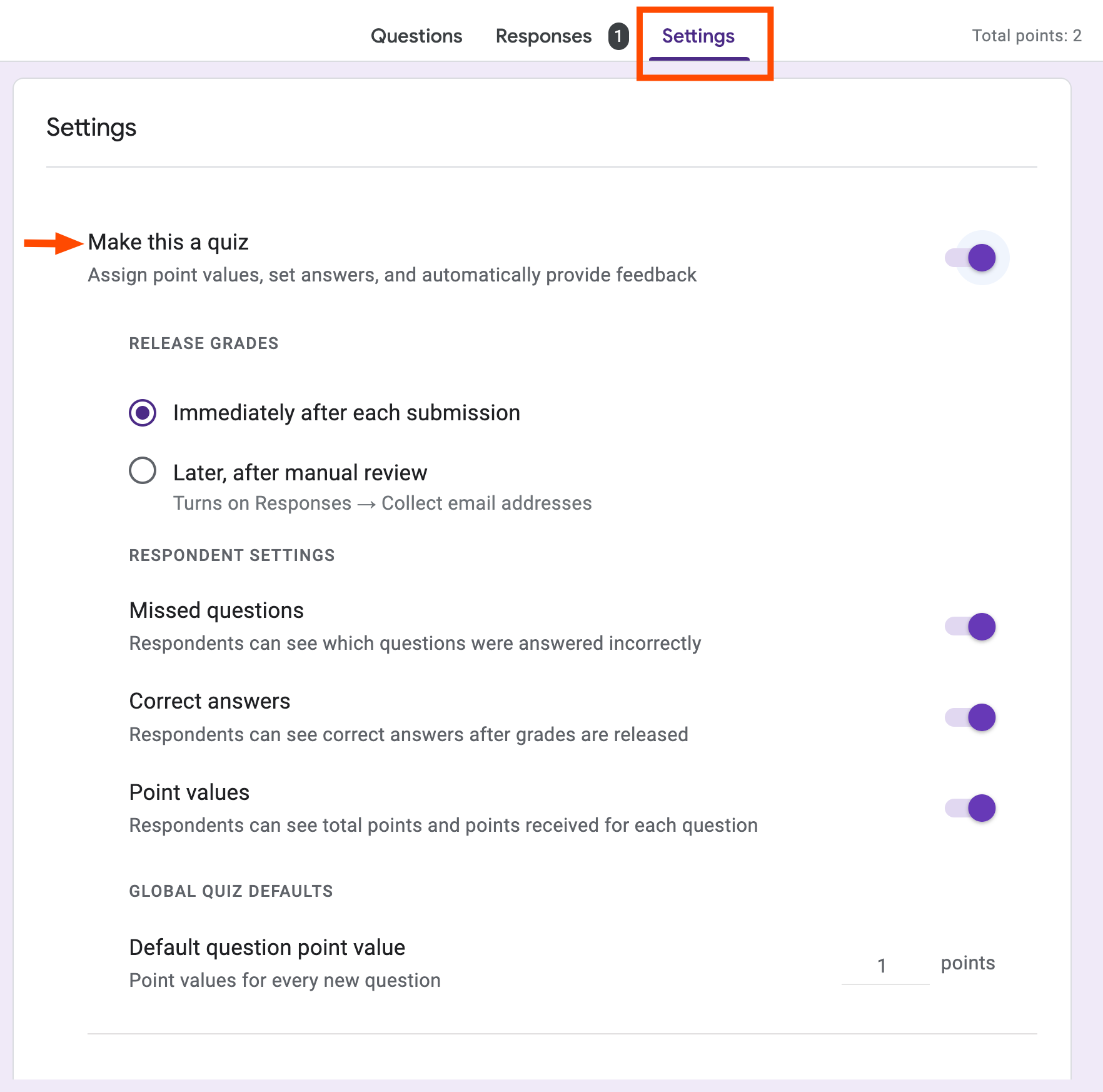
9 ميزات في Google Forms تحوّل الاستبيانات إلى أدوات عمل متكاملة
يُنظر إلى Google Forms غالباً على أنه أداة بسيطة لإنشاء الاستبيانات، لكن هذا التصور يُغفل قدرات حقيقية تجعل منه محركاً لسير العمل المؤسسي. بحصة سوقية تبلغ 48.45% في قطاع برمجيات الاستبيانات عالمياً، ل
أفضل 9 تطبيقات لياقة بدنية في 2026: اختبرناها ورتّبناها لك
إن كنت تشعر بالحيرة أمام عشرات تطبيقات اللياقة البدنية المتاحة اليوم، فأنت لست وحدك. السوق يعجّ بالخيارات: تطبيقات للجري، وأخرى لرفع الأثقال، وثالثة لتتبّع النشاط اليومي الشامل. المشكلة أن المقارنة بي
اقرأ أيضاً

اكتتاب Jio: طرح بـ 4.5 مليار دولار يُقيّم الشركة عند 145 مليار دولار في أكبر طرح هندي على الإطلاق
قدّمت Jio Platforms أوراق طرحها الأوّلي إلى هيئة SEBI الهندية، لتُعلن رسمياً انطلاق مسار ما قد يصبح أكبر اكتتاب في تاريخ الهند. تخطط الشركة لإصدار نحو 270 مليون سهم جديد، يُتوقع أن تجمع من خلالها قراب
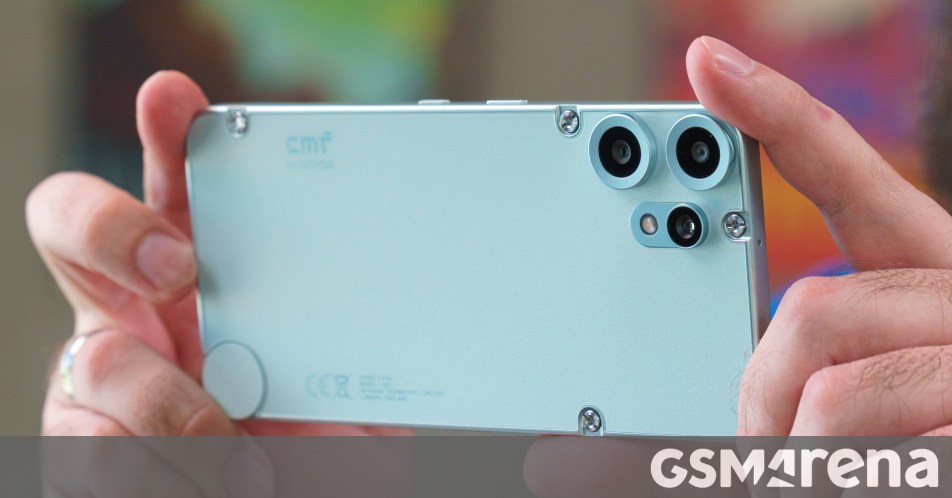
Nothing تُلغي هاتف CMF Phone 3 Pro بسبب ارتفاع أسعار الذاكرة
في مفاجأة لمتابعي الهواتف الذكية الاقتصادية، أعلنت شركة Nothing رسمياً إلغاء إطلاق هاتف CMF Phone 3 Pro لهذا العام، وذلك بسبب الارتفاع الحاد في أسعار شرائح الذاكرة عالمياً. القرار يُعدّ ضربة موجعة لعش

معيار AA-Briefcase يكشف عجز الذكاء الاصطناعي عن إتمام سوى 3% من مهام العمل المعرفي
كشف معيار AA-Briefcase الذي أطلقته شركة Artificial Analysis عن فجوة صادمة بين الضجة المحيطة بالذكاء الاصطناعي وقدرته الفعلية على إنجاز العمل المعرفي الحقيقي: أفضل النماذج المتاحة اليوم تُتمّ 3% فقط من