5 Smart Home Upgrades Renters Can Make Without Losing Their Deposit
Key Takeaways
- Smart speakers plug into any outlet and control your entire setup without installation
- Smart plugs convert existing lamps and appliances into voice-controlled devices
- Keypad smart locks replace existing deadbolts and reinstall easily when you move
The Rental Problem With Smart Home Tech
Finding a rental is stressful enough. Searching, visiting, haggling with landlords, competing against other applicants. Once you finally get the keys, you want to make the place yours. But most smart home guides assume you own the walls. They talk about hardwired thermostats, permanent cameras, and fixtures that require drilling into drywall.
Renters face a different reality. Your landlord wants the apartment returned to its original state. Anything permanent becomes a negotiation or a deduction from your security deposit. That doesn't mean you're stuck with dumb switches and manual everything.
These five categories of smart home devices plug in, screw on, or sit on a shelf. They work with major voice assistants. And they come with you when you leave.
1. Smart Speakers: The Hub That Goes Anywhere
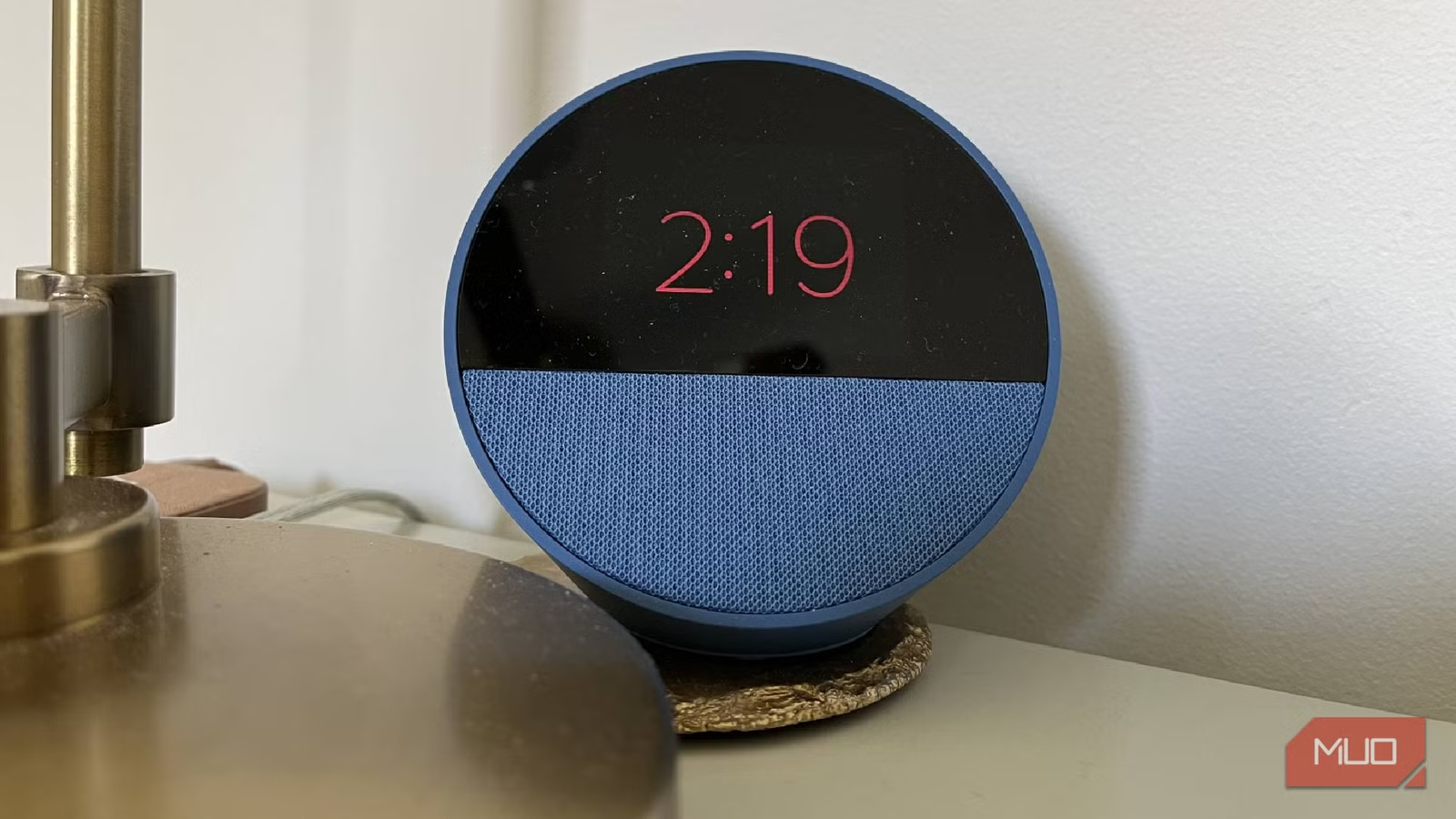
A smart speaker is the easiest entry point for renters because it requires nothing but a wall outlet. Whether you choose Amazon Echo, Google Nest, Apple HomePod, or another brand, the speaker becomes the control center for everything else you add.
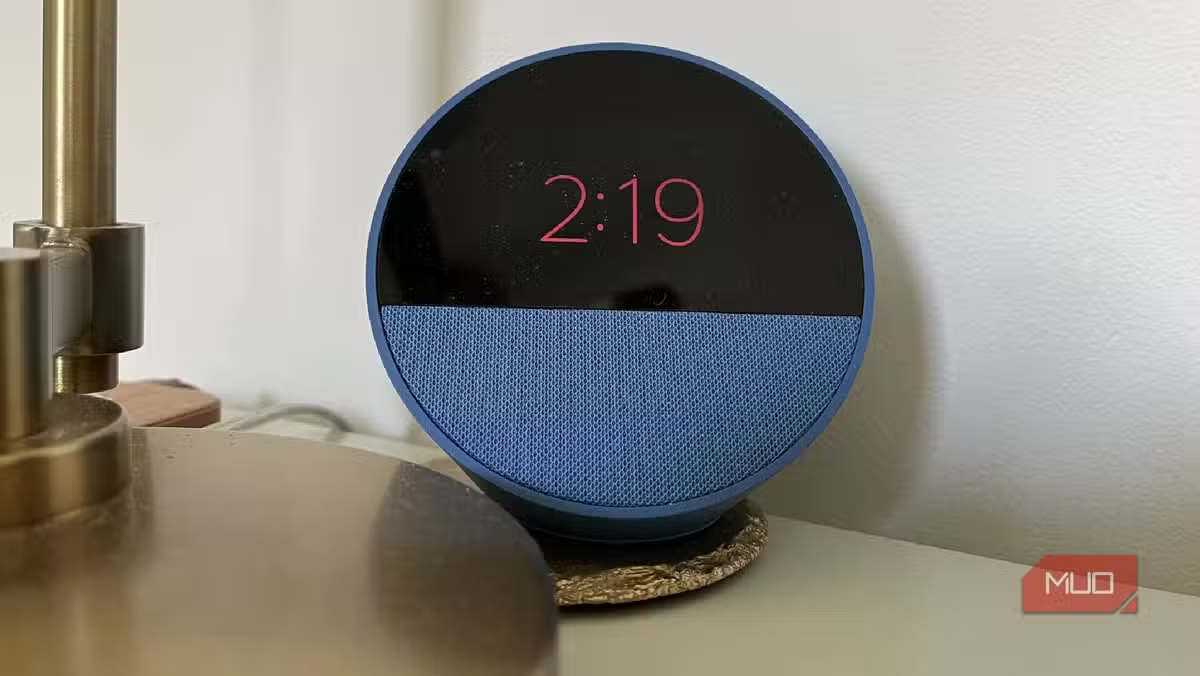
The practical uses go beyond voice commands. Set kitchen timers while cooking. Play music or podcasts. Ask questions without reaching for your phone. Run automations that turn off lights when you leave or dim them at bedtime.
One tech writer describes moving an Amazon Echo Dot from his first apartment to his current home. What started as a single speaker in the kitchen turned into three throughout the house. The portability is the point. When you move, unplug it and set it up in your new place.
2. Smart Plugs: Instant Upgrades for Dumb Devices
Smart plugs sit between your wall outlet and any device. They turn regular lamps, fans, and coffee makers into voice-controlled appliances. No rewiring. No electrician. Just plug in and connect to your app.
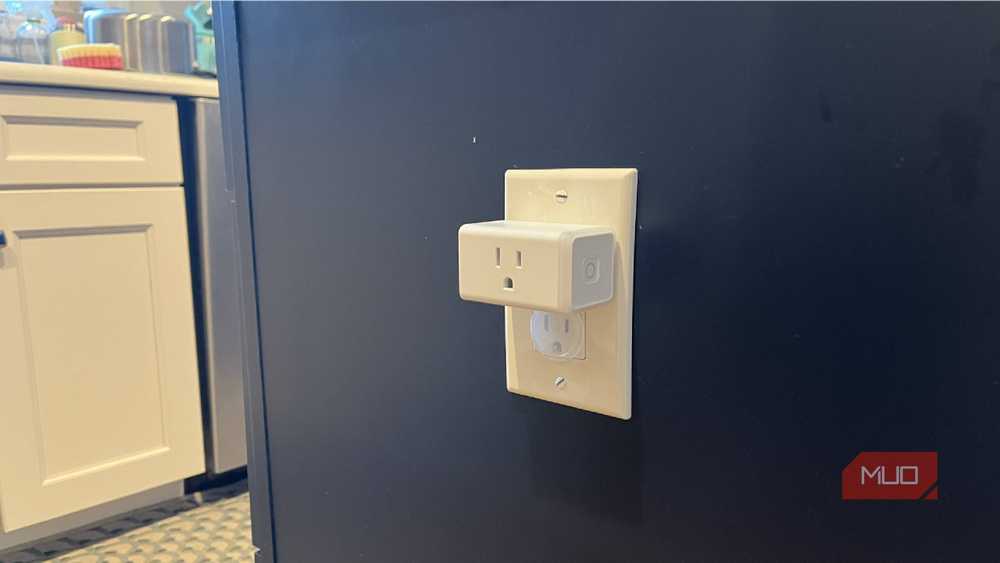
The Kasa line from TP-Link is popular because the plugs are compact enough not to block adjacent outlets. You can schedule devices to turn on and off at specific times. Control them remotely when you're away. Monitor energy usage on some models.
Practical uses include turning on a lamp before you get home, shutting off a space heater on a schedule, or controlling holiday lights without crawling behind furniture. At around $10 to $15 per plug, they're one of the cheapest smart home investments.
3. Smart Bulbs: No Fixture Changes Required
Smart bulbs screw into existing sockets. They connect to your Wi-Fi or a hub and respond to voice commands, app controls, and schedules. Philips Hue, Wyze, and LIFX are common brands with different price points and features.
The renter advantage is obvious. You're not touching the fixture. When you move, unscrew the smart bulbs and put back the originals. Some renters keep the old bulbs in a drawer specifically for this swap.
Color-changing bulbs let you set different moods or use color as a notification system. White-only smart bulbs are cheaper and still give you dimming, scheduling, and voice control. Either way, you're upgrading lighting without touching wires.
4. Smart Locks: Security Without Permanent Changes
This one surprises most renters. Certain smart locks replace your existing deadbolt without modifying the door. You keep the original lock hardware, swap in the smart lock, and reverse the process when you leave.
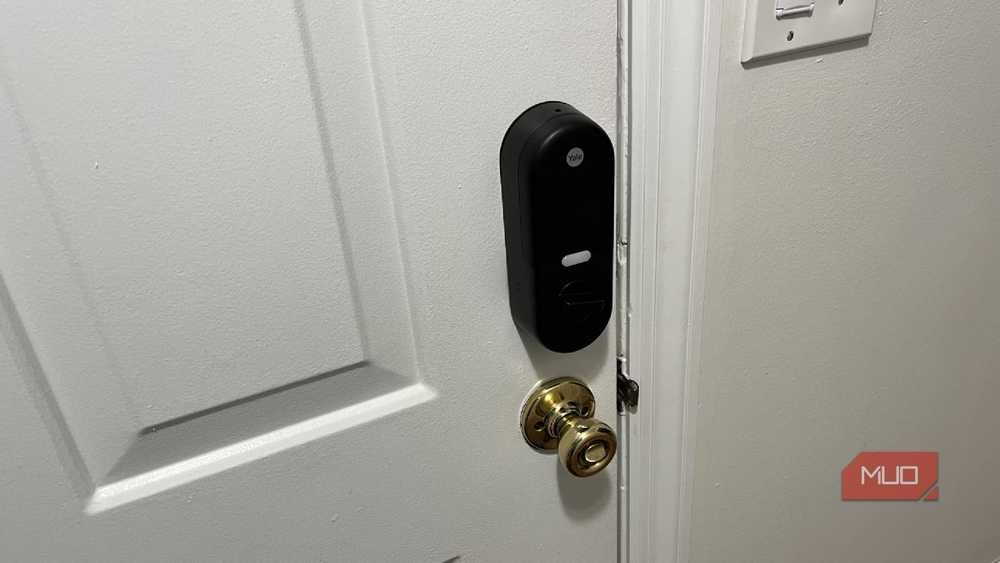
Keypad locks let you create temporary codes for guests, dog walkers, or delivery services. Some models auto-lock after a set time. Others integrate with your smart speaker so you can check lock status by voice.
Check with your landlord first. Some leases require approval for lock changes even if they're reversible. But many landlords are fine with it, especially if you show them how the swap works and promise to restore the original.
5. Smart Displays: The Upgraded Speaker
Smart displays like the Amazon Echo Show or Google Nest Hub add a screen to your voice assistant. They sit on a counter or shelf. No mounting required unless you want it.
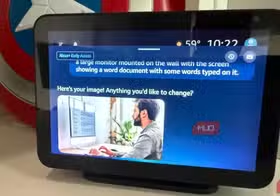
The screen enables video calls, visual recipes, live camera feeds from doorbell cameras, and a dashboard view of your smart home. In a kitchen, you can follow cooking videos hands-free. In a bedroom, it doubles as a clock with gradual wake-up lighting.
Larger models like the Echo Show 15 can mount on a wall, but that requires drilling. For renters, the smaller countertop versions offer the same functionality without touching drywall.
Building a System That Moves With You
The key to a renter-friendly smart home is thinking in layers. Start with a speaker or display as your control hub. Add smart plugs to existing lamps and appliances. Swap in smart bulbs where you want more control. Consider a smart lock if your landlord approves.
Everything connects through apps and voice assistants. When you move, pack the devices like any other electronics. In your new place, plug them back in and reconnect to your Wi-Fi. The automations you built transfer with your account.
- Keep original hardware: Store the bulbs, locks, and anything else you replaced
- Photograph the original state: Document how things looked before your changes
- Use command strips: For any mounting, use removable adhesive instead of screws
- Check your lease: Some landlords have specific tech policies worth knowing upfront
Logicity's Take
Common errors to avoid when setting up any home tech or improvements
Another practical tech automation for everyday tasks
Frequently Asked Questions
Do I need landlord permission for smart home devices?
For plug-in devices like speakers, plugs, and bulbs, typically no. For anything that replaces existing hardware like locks, check your lease or ask directly. Most landlords are fine with reversible changes.
Will smart home devices work when I move to a new apartment?
Yes. Plug-in and screw-in devices transfer to any new location. You'll need to reconnect them to your new Wi-Fi network, but your automations and settings stay in your account.
What's the cheapest way to start a smart home in a rental?
Start with smart plugs at $10 to $15 each. They control existing lamps and appliances without buying new hardware. Add a smart speaker for $30 to $50 when you want voice control.
Can I use smart home devices without a voice assistant?
Yes. Most devices work through smartphone apps alone. Voice assistants add convenience but aren't required for scheduling, remote control, or automation.
Do smart bulbs use more electricity than regular bulbs?
Smart LED bulbs use about the same energy as regular LEDs when lit. They draw a tiny amount of standby power to stay connected, usually less than a watt.
Need Help Implementing This?
Source: MakeUseOf
Huma Shazia
Senior AI & Tech Writer
اقرأ أيضاً

رأي مغاير: كيف يؤثر اختراق الأمن الداخلي الأميركي على شركاتنا الخاصة؟
في ظل اختراق عقود الأمن الداخلي الأميركي مع شركات خاصة، نناقش تأثير هذا الاختراق على مستقبل الأمن السيبراني. نستعرض الإحصاءات الموثوقة ونناقش كيف يمكن للشركات الخاصة أن تتعامل مع هذا التهديد. استمتع بقراءة هذا التحليل العميق

الإنسان في زمن ما بعد الوجود البشري: نحو نظام للتعايش بين الإنسان والروبوت - Centre for Arab Unity Studies
في هذا المقال، سنناقش كيف يمكن للبشر والروبوتات التعايش في نظام متكامل. سنستعرض التحديات والحلول المحتملة التي تضعها شركات مثل جوجل وأمازون. كما سنلقي نظرة على التوقعات المستقبلية وفقًا لتقرير ماكنزي

إطلاق ناسا لمهمة مأهولة إلى القمر: خطوة تاريخية نحو استكشاف الفضاء
تعتبر المهمة الجديدة خطوة هامة نحو استكشاف الفضاء وتطوير التكنولوجيا. سوف تشمل المهمة إرسال رواد فضاء إلى سطح القمر لconducting تجارب علمية. ستسهم هذه المهمة في تطوير فهمنا للفضاء وتحسين التكنولوجيا المستخدمة في استكشاف الفضاء.