4 Home Devices That Work Better on Wi-Fi Than Ethernet
Key Takeaways
- Most smart TV Ethernet ports are capped at 100 Mbps, slower than Wi-Fi 5 or 6
- Streaming devices like Fire TV Stick are designed for wireless use
- Printers work better on Wi-Fi for multi-device access across your home
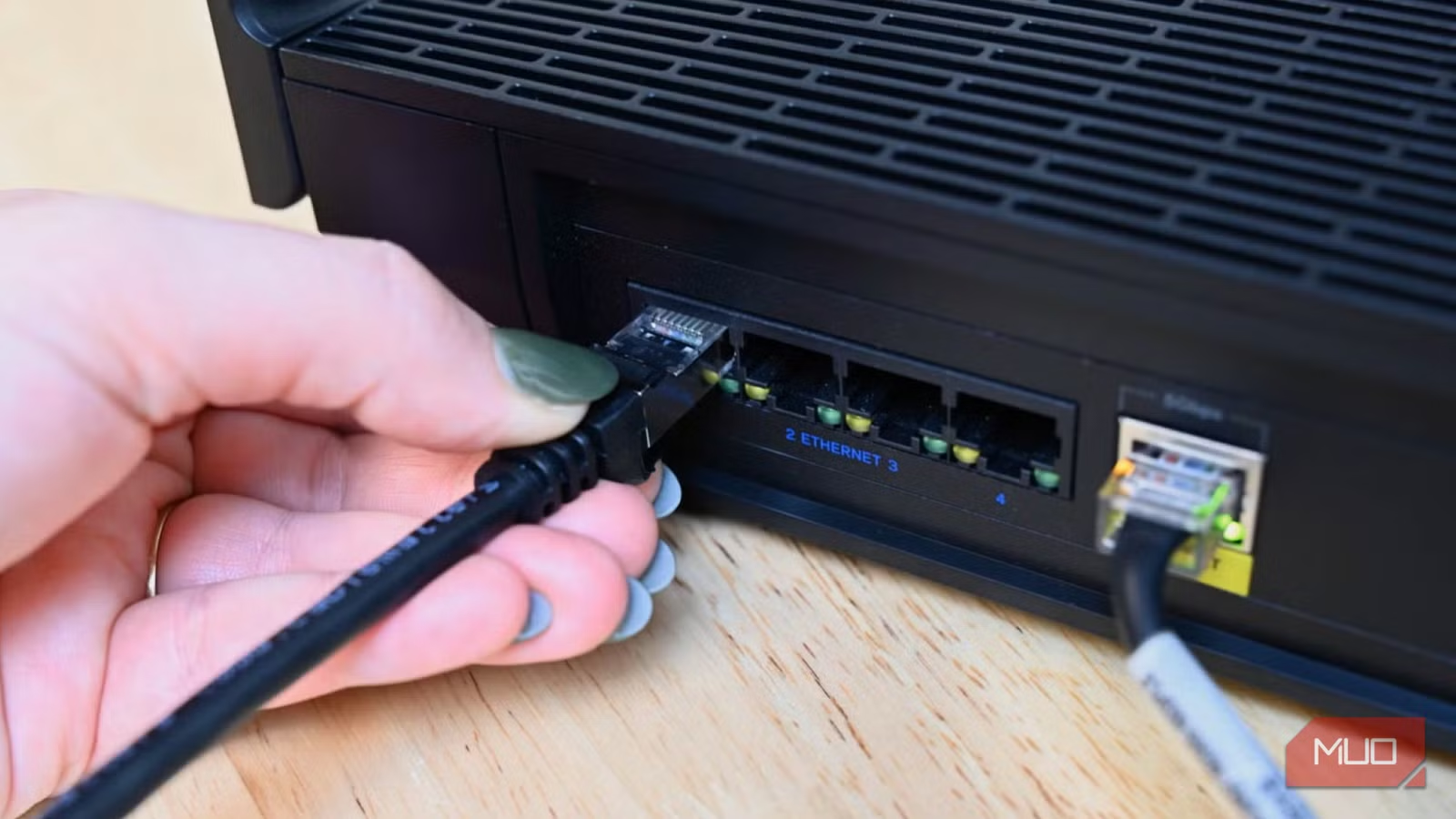
Ethernet cables have a reputation as the gold standard for home networking. Plug in, and you get the fastest, most reliable connection your router can offer. But that logic does not apply to every device in your home.
For some devices, Ethernet can actually be slower than Wi-Fi. For others, the marginal benefit is not worth the hassle of running cables. Here are four common devices that work better wirelessly.
Smart TVs
Plugging your smart TV into Ethernet seems like an obvious choice. The TV sits in one spot, a cable ensures stable streaming, and you avoid wireless interference. But there is a problem: most smart TV Ethernet ports are capped at 100 Mbps.
Yes, even on relatively new models. TV manufacturers do not include Gigabit Ethernet hardware because streaming does not require it. A 4K Netflix stream uses about 25 Mbps. A 100 Mbps cap handles that with room to spare.
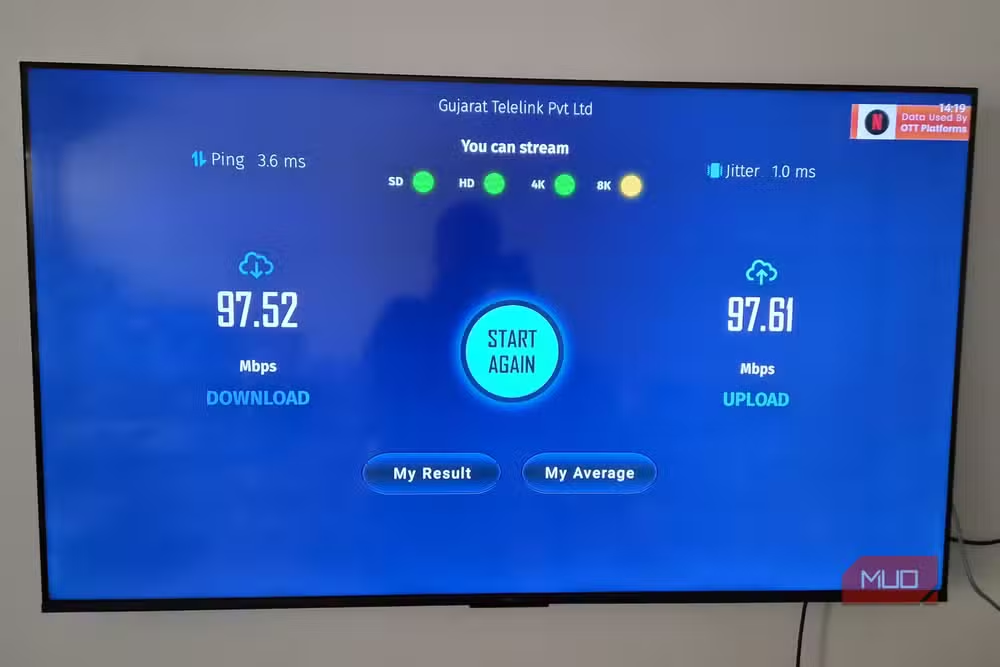
Meanwhile, modern smart TVs ship with Wi-Fi 5 or Wi-Fi 6 radios that can push several hundred megabits per second. If your router is nearby, your TV's wireless connection is likely faster than its wired port.
You can work around this with a USB-to-Ethernet adapter that supports Gigabit speeds. But if you are just streaming content and your router is in the same room, Wi-Fi is the simpler and faster option.
Streaming Boxes and Sticks
The same logic applies to streaming devices like the Amazon Fire TV Stick or Google Chromecast with Google TV. These devices are designed to be wireless. Most do not even include an Ethernet port.
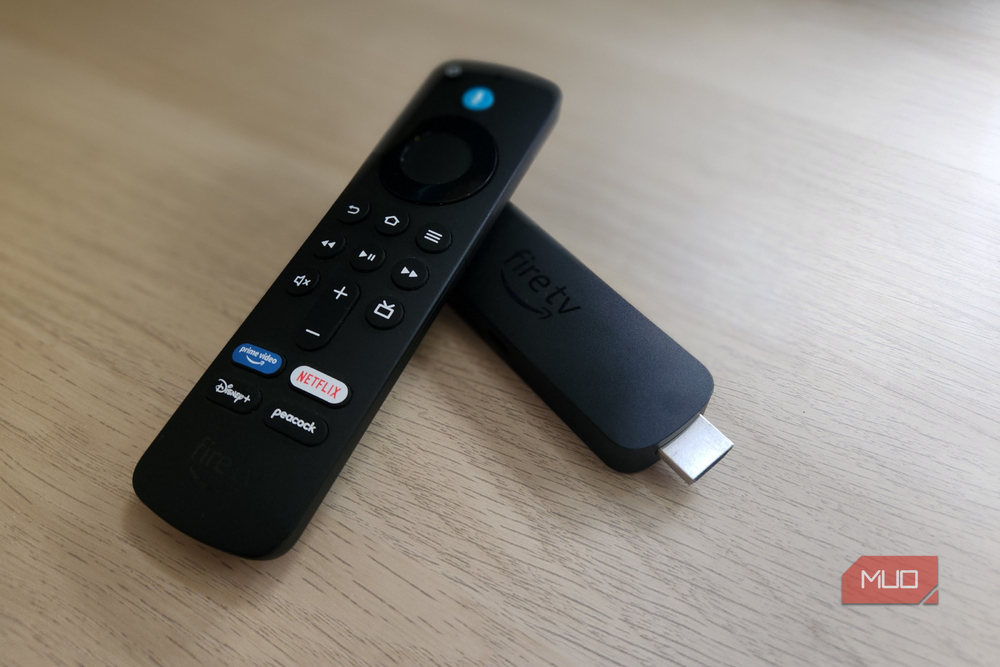
If you want wired connectivity, you need to buy a separate adapter. That adds cost and clutter for minimal benefit. Streaming apps rarely need more than 25-50 Mbps, and Wi-Fi 5 delivers that easily unless your router is on a different floor behind three walls.
For most living rooms, wireless is both more convenient and more than fast enough.
Printers
Printers do not need speed. A typical document is a few megabytes at most. What printers need is accessibility. If your printer is tethered to one computer via USB or Ethernet, only that computer can print to it directly.
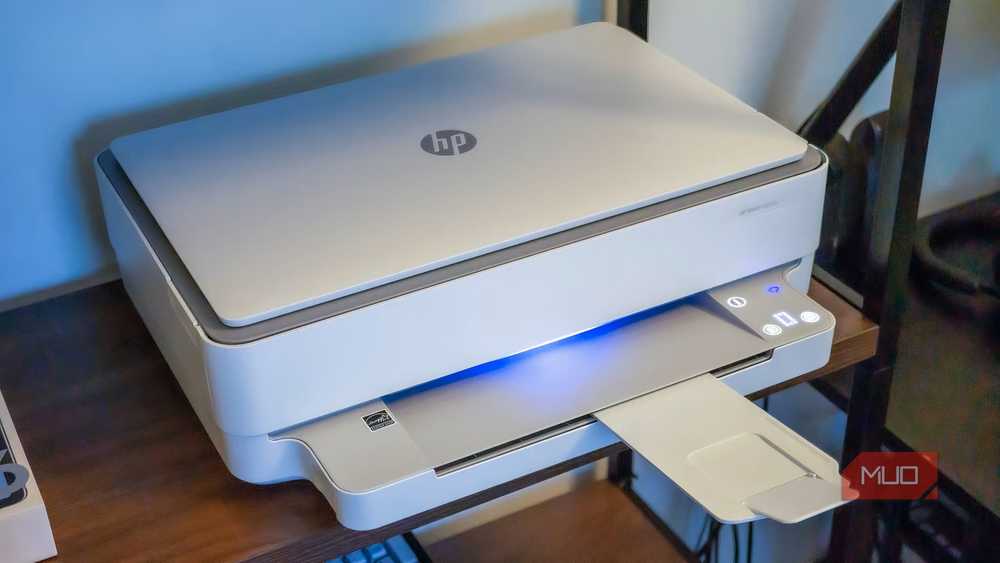
A Wi-Fi printer, by contrast, is available to every device on your network. Your laptop, your phone, your tablet. You can print from anywhere in the house without getting up to plug in a cable.
Modern home printers are designed with wireless in mind. Setup is straightforward, and the connection is reliable for occasional document printing or photo output.
Wi-Fi Extenders
This one is less obvious. Wi-Fi extenders, by definition, extend your wireless network. But some models include an Ethernet port, tempting users to wire them up.
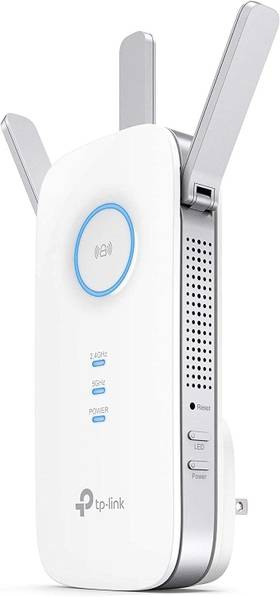
The problem is positioning. An extender works best when placed halfway between your router and the dead zone you are trying to cover. Running Ethernet to that spot often defeats the purpose. You would be better off with a mesh system or a wired access point.
For most homes, a wirelessly connected extender in the right location outperforms a poorly placed wired one.
When Ethernet Still Wins
Ethernet remains the right choice for devices that need maximum speed, minimum latency, or both. Desktop PCs, gaming consoles, and NAS systems all benefit from wired connections. If you are running a home server or transferring large files regularly, cables are worth the hassle.
But for devices that mostly stream content, print documents, or extend your network, Wi-Fi is often faster, always more convenient, and perfectly reliable with modern standards.
Another practical hardware repurposing tip
Related home tech and connectivity projects
Logicity's Take
Frequently Asked Questions
Why are smart TV Ethernet ports limited to 100 Mbps?
Manufacturers do not include Gigabit Ethernet because streaming rarely needs more than 25 Mbps. The extra hardware cost is not justified for the typical use case.
Is Wi-Fi 5 fast enough for 4K streaming?
Yes. 4K streaming typically requires 25 Mbps. Wi-Fi 5 can deliver several hundred megabits per second under good conditions, far more than streaming needs.
Should I use Ethernet for gaming consoles?
Yes. Gaming benefits from lower latency and more consistent speeds. Consoles also support Gigabit Ethernet, unlike most smart TVs.
Can I add faster Ethernet to my smart TV?
Some TVs support USB-to-Ethernet adapters with Gigabit speeds. Check your TV's compatibility before buying an adapter.
Do Wi-Fi printers work reliably?
Modern Wi-Fi printers are designed for wireless use and work reliably for typical home printing needs. Setup is straightforward on most models.
Need Help Implementing This?
Source: MakeUseOf
Huma Shazia
Senior AI & Tech Writer
اقرأ أيضاً

رأي مغاير: كيف يؤثر اختراق الأمن الداخلي الأميركي على شركاتنا الخاصة؟
في ظل اختراق عقود الأمن الداخلي الأميركي مع شركات خاصة، نناقش تأثير هذا الاختراق على مستقبل الأمن السيبراني. نستعرض الإحصاءات الموثوقة ونناقش كيف يمكن للشركات الخاصة أن تتعامل مع هذا التهديد. استمتع بقراءة هذا التحليل العميق

الإنسان في زمن ما بعد الوجود البشري: نحو نظام للتعايش بين الإنسان والروبوت - Centre for Arab Unity Studies
في هذا المقال، سنناقش كيف يمكن للبشر والروبوتات التعايش في نظام متكامل. سنستعرض التحديات والحلول المحتملة التي تضعها شركات مثل جوجل وأمازون. كما سنلقي نظرة على التوقعات المستقبلية وفقًا لتقرير ماكنزي

إطلاق ناسا لمهمة مأهولة إلى القمر: خطوة تاريخية نحو استكشاف الفضاء
تعتبر المهمة الجديدة خطوة هامة نحو استكشاف الفضاء وتطوير التكنولوجيا. سوف تشمل المهمة إرسال رواد فضاء إلى سطح القمر لconducting تجارب علمية. ستسهم هذه المهمة في تطوير فهمنا للفضاء وتحسين التكنولوجيا المستخدمة في استكشاف الفضاء.