Key Takeaways
5 Best All-in-One PCs 2026 – Top AIO Computers 2026
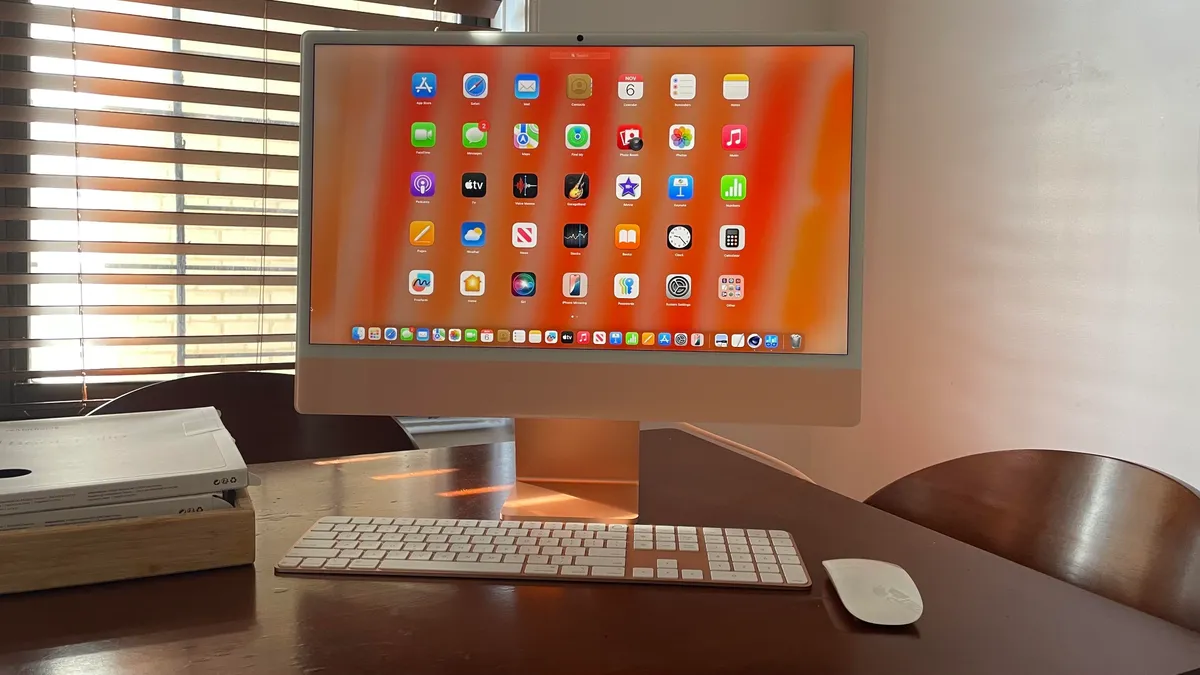
- Apple's M4 iMac takes the top spot for overall performance and display quality
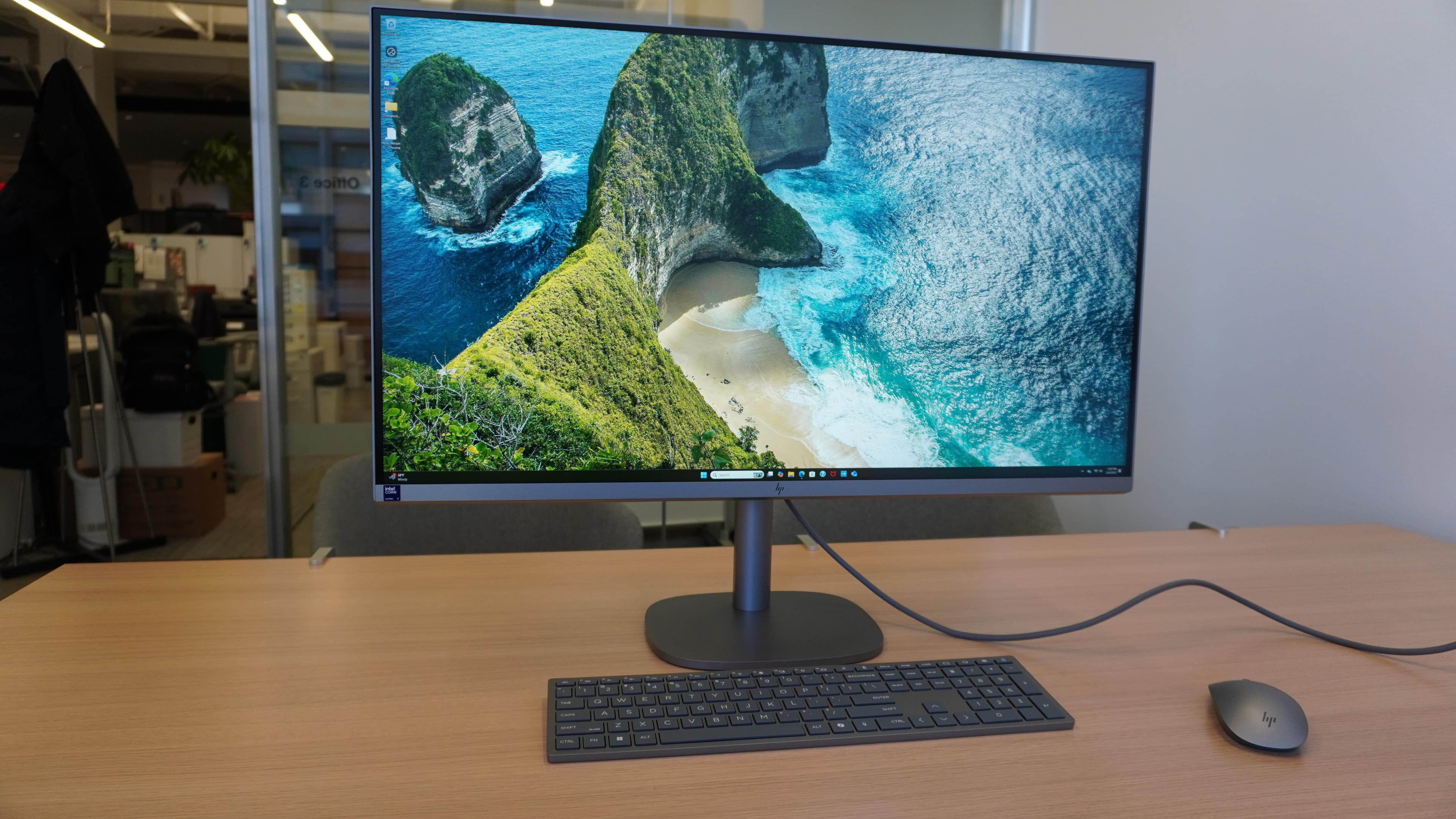
- HP's OmniStudio X 32 leads for large-screen work with its 31.5-inch display
- Budget buyers should look at the Acer Aspire C24, which delivers solid basics under $500
All-in-one computers pack a full desktop into a single monitor chassis, eliminating cable clutter and reclaiming desk space. ZDNET's July 2026 roundup tested 10 AIOs across price points from budget to premium, with Apple's 24-inch M4 iMac claiming the top spot for its combination of performance, display quality, and compact design.
The review adds one new entry this month: Dell's 24 AiO, a midrange machine aimed at families who need a shared home computer. But the real story remains the divergence between Apple's silicon advantage and Windows vendors fighting for differentiation through screen size, hinges, and enterprise features.
Which all-in-one computer should you buy?
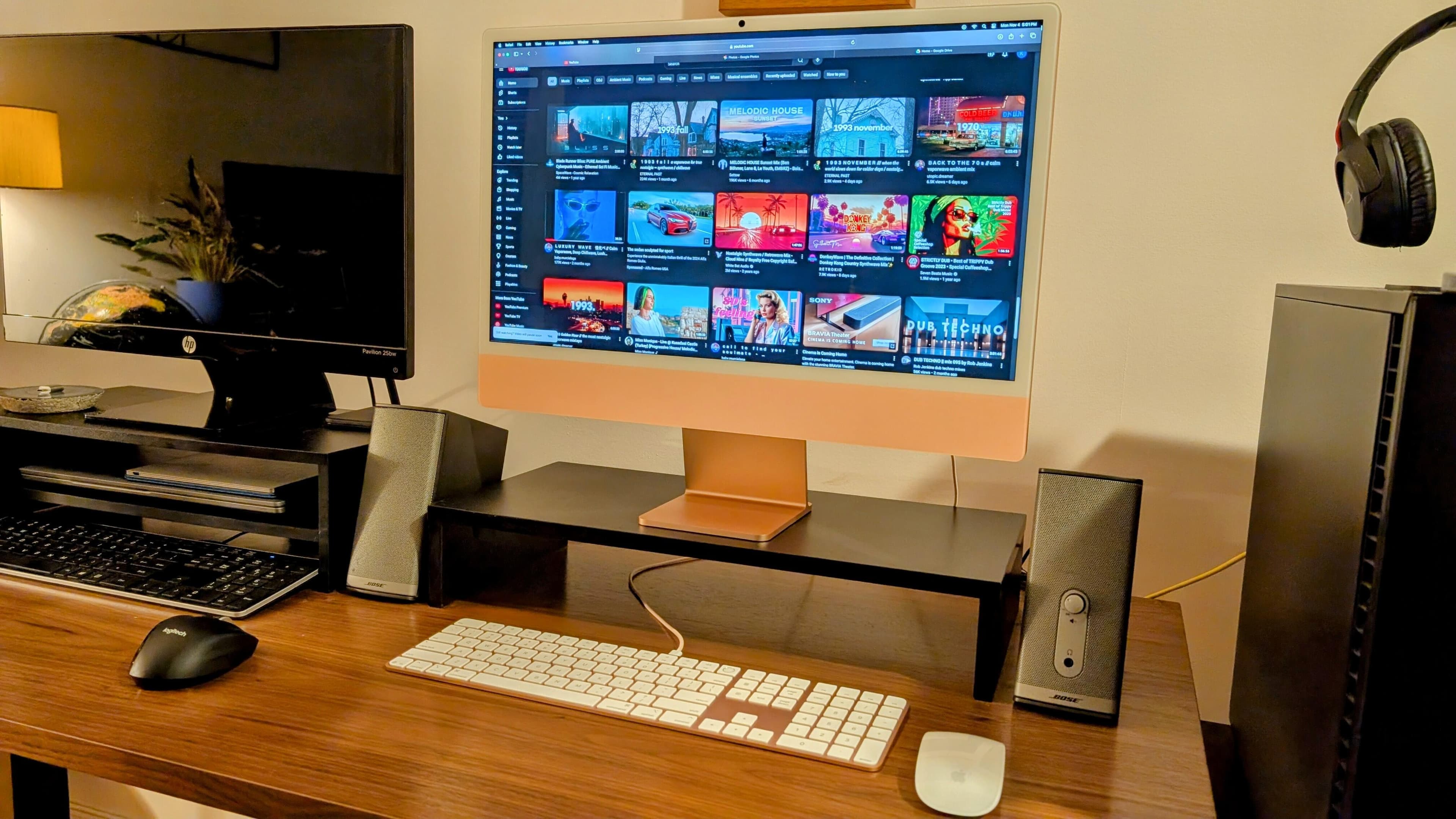
The answer depends on your workload and budget. Apple's M4 iMac dominates for creative professionals and anyone prioritizing display calibration and silent operation. Its M4 chip handles video editing, photo work, and software development without the fan noise that plagues Intel-based machines under load.
Windows users have stronger options in 2026 than they did two years ago. HP's OmniStudio X 32 offers a 31.5-inch 4K display, making it the pick for spreadsheet-heavy work or anyone who refuses to use multiple monitors. The smaller OmniStudio X 27 balances screen real estate with price, earning ZDNET's nod as the best Windows AIO overall.
The full 2026 AIO rankings
| Model | Best For | Screen Size | Starting Price |
|---|---|---|---|
| Apple iMac M4 | Overall performance | 24 inches | $1,299 |
| HP OmniStudio X 32 | Large-screen work | 31.5 inches | $1,499 |
| HP OmniStudio X 27 | Best Windows AIO | 27 inches | $999 |
| Dell 24 All-in-One | Midrange/families | 24 inches | $749 |
| Acer Aspire C24 | Budget buyers | 23.8 inches | $449 |
| Apple M3 iMac | Creative professionals | 24 inches | $1,099 |
| Lenovo Yoga AIO 9i | Content creators | 32 inches | $1,899 |
| Lenovo ThinkCentre M70a Gen 6 | Enterprise/IT | 23.8 inches | $899 |
| Dell 27 All-in-One | Windows alternative | 27 inches | $849 |
| HP 22-inch AIO | Budget alternative | 21.5 inches | $399 |
Why AIOs still make sense in 2026
The knock against all-in-ones has always been upgradeability. You cannot swap out the GPU or add more RAM after purchase on most models. That trade-off matters less now than it did five years ago. Integrated graphics on Apple silicon and Intel's latest chips handle tasks that once required discrete GPUs. And with 16GB or 32GB configurations available at purchase, most users will not hit memory ceilings during the machine's useful life.
Desk space savings remain the primary draw. An AIO eliminates the tower, the tangle of cables behind your desk, and the separate webcam and speakers. For home offices, shared family spaces, or corporate environments where IT standardizes deployments, that simplicity has real value.
Where Windows vendors are gaining ground
Lenovo's Yoga AIO 9i deserves attention for its rotating hinge. The screen tilts flat, turning the machine into a drawing surface when paired with a stylus. Content creators working in Photoshop, Illustrator, or video editing tools benefit from switching between upright and drafting-table positions without external hardware.
HP's OmniStudio line pushes display size where Apple has not followed. The 32-inch model delivers 4K across more screen real estate than any iMac, and its integrated speakers outperform most external desktop speakers in the same price range. For users who work primarily in spreadsheets, databases, or financial modeling, that extra screen width reduces horizontal scrolling and split-window friction.
Lenovo's ThinkCentre M70a Gen 6 targets IT departments with features home users will never notice: tool-free access for drive swaps, TPM 2.0 for enterprise security, and a modular webcam that pops out for privacy. Corporate buyers managing fleets of hundreds or thousands of machines care about those details.
Budget picks that actually work
Not every buyer needs a $1,500 machine. The Acer Aspire C24 starts under $450 and handles web browsing, document editing, and video calls without complaint. It will not edit 4K video smoothly, but for a student, a shared kitchen computer, or a reception desk, it does the job.
HP's 22-inch AIO drops even lower, closer to $400. The smaller screen limits productivity for anyone spending full workdays in front of it, but as a secondary machine or a first computer for a child, it represents the cheapest path into the AIO category from a major brand.
What the review does not cover
ZDNET's roundup focuses on general-purpose machines. It excludes Microsoft's Surface Studio line, which targets a narrower creative-professional audience at higher prices. It also omits gaming-focused AIOs, which remain rare and generally inferior to a proper desktop tower with a dedicated GPU.
Repairability scores do not appear in the review either. If you care about right-to-repair or plan to keep a machine running for a decade, AIOs present real challenges. Apple's iMac requires specialized tools and adhesive removal to access internals. HP and Dell models vary, but none approach the modularity of a traditional tower.
Logicity's Take
The AIO market in 2026 splits cleanly into three tiers. Apple owns the premium creative segment with the M4 iMac, and no Windows vendor has matched its thermal efficiency or display calibration. HP and Lenovo compete for enterprise and prosumer Windows buyers, differentiating through screen size and niche features like rotating hinges. Budget buyers get acceptable machines from Acer and HP, but should expect three to four years of useful life, not seven. If your team uses [Notion](https://logicity.in/r/notion) or [ClickUp](https://logicity.in/r/clickup) for project management and runs typical SaaS workloads, any midrange AIO will handle the work. Reserve the premium machines for video editors, developers compiling large codebases, or anyone who stares at a screen eight hours a day and values color accuracy.
Frequently Asked Questions
Are all-in-one computers good for gaming?
Most AIOs lack discrete GPUs, making them poor choices for demanding games. Casual titles and older games run fine, but serious gamers should stick with towers or gaming laptops.
Can you upgrade RAM or storage in an all-in-one computer?
Some models allow storage swaps, but RAM is often soldered. Check the specific model's specs before buying if you plan to upgrade later.
How long do all-in-one computers last?
Budget models typically remain usable for three to four years. Premium machines like the iMac can stretch to six or seven years with software updates and reasonable workloads.
Is the Apple iMac M4 worth the price over Windows AIOs?
For users in Apple's ecosystem or those prioritizing silent operation and display quality, yes. Windows users who need specific software compatibility or prefer larger screens may find better value elsewhere.
What screen size is best for an all-in-one computer?
27 inches hits the sweet spot for most users. 24 inches works for tight desks or secondary machines. 32 inches suits spreadsheet-heavy work but dominates smaller rooms.
Need Help Implementing This?
Logicity helps teams evaluate hardware decisions alongside the software stacks that run on them. If you're standardizing on new machines for your team, reach out for our procurement checklist and vendor comparison framework.
Source: Latest news
Huma Shazia
Senior AI & Tech Writer
Produced with AI assistance and reviewed by the Logicity editorial team. Learn more in our Editorial Policy.




