Windows 11 June Update Cuts App Launch Times by 40%
Key Takeaways
- The new Low Latency Profile spikes CPU clock speed briefly when opening system elements, cutting Start Menu load times by up to 70%
- Microsoft patched 198 security vulnerabilities in this single update
- Windows Search now starts returning results after just two characters
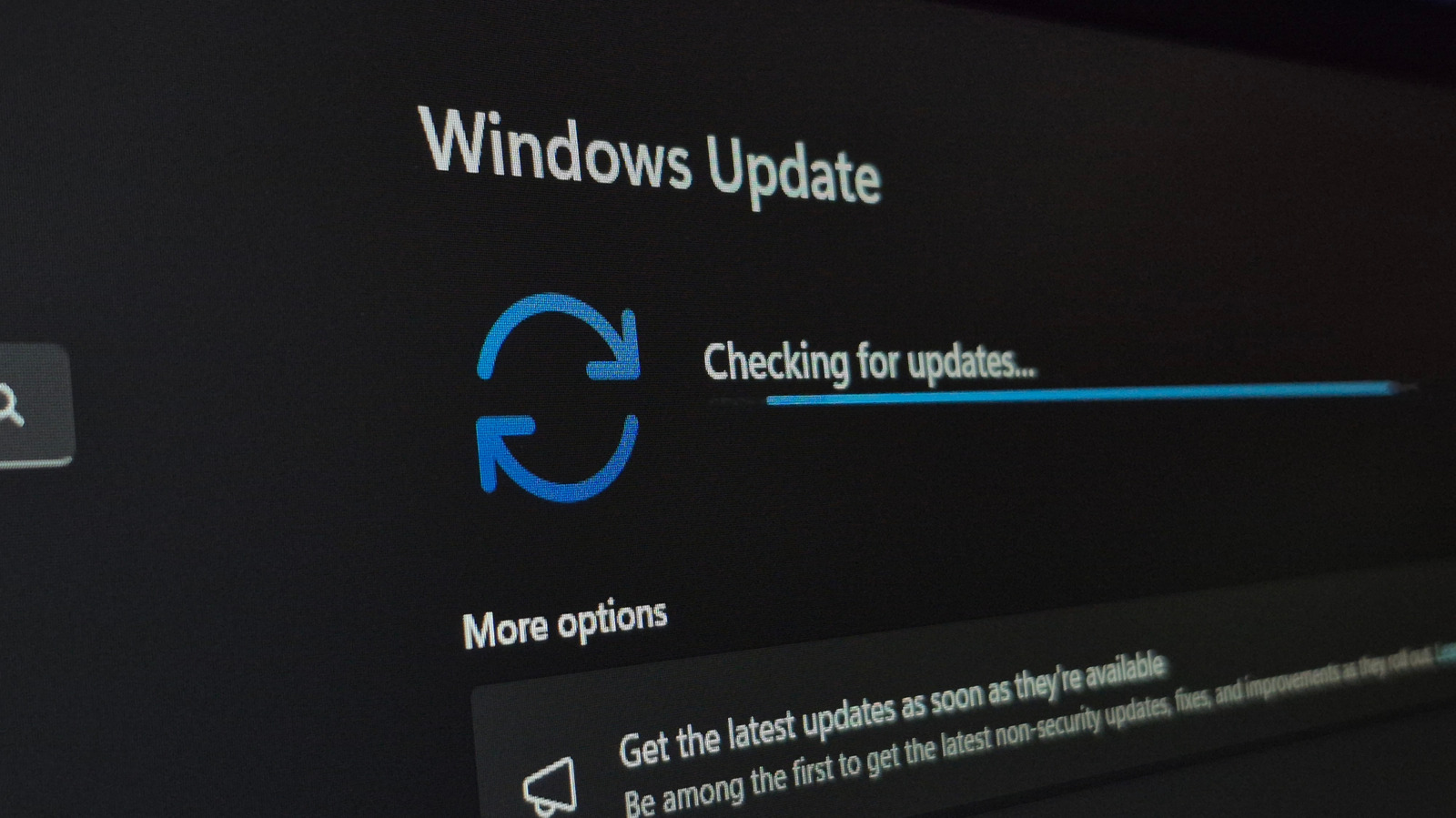
Microsoft's June 2026 Patch Tuesday update is one of the largest in recent memory. It introduces a Low Latency Profile designed to fix the sluggish feel that has plagued Windows 11 since launch, patches 198 security vulnerabilities, and speeds up Windows Search.
The update arrives as KB5094126 (OS Builds 26200.8655 and 26100.8655) in Windows Update. It marks a clear pivot from Microsoft: fewer Copilot buttons, more performance fixes.
How the Low Latency Profile Works
The concept is straightforward. When you click to open the Start Menu, Action Center, Search, or launch an app, the CPU immediately jumps to its maximum clock speed for one to three seconds. Then it drops back down. This provides enough headroom to speed up the launch without sustained power draw.
Previously, the CPU would ramp up gradually as load increased. This created a noticeable delay, especially on lower-powered machines. The new profile eliminates that wait.
The Low Latency Profile is included in the June update but won't be enabled for everyone immediately. You can check whether it's active by watching a live view of your CPU speed in Task Manager or a tool like HWiNFO64. If enabled, you'll see a brief spike in CPU activity when opening system flyout elements.
App Launch Speeds and Windows Store Fixes
The performance improvements extend beyond system UI. Native Windows applications now launch up to 40% faster. This applies even on high-end systems. The source author noted improvements on his gaming PC, which suggests the gains aren't limited to underpowered hardware.
Microsoft also fixed a long-standing annoyance: slow downloads from the Windows Store. Previously, downloading and installing updates for apps could be bafflingly slow for many users. That process should now be noticeably faster.
Windows Search Gets Faster
Windows Search now begins surfacing results after just two characters are entered. This is a meaningful improvement if you launch apps by typing their names. No more waiting for the third or fourth keystroke before results appear.
For users who want even faster file search than Windows offers
198 Security Patches
Beyond performance, the June update addresses 198 distinct security vulnerabilities. This makes it one of the heaviest security patches in Patch Tuesday history. Microsoft hasn't detailed which flaws were actively exploited, but the sheer volume suggests significant backlog work.
Context on why timely security patching matters
Start Menu Customization Coming Next
According to Neowin, a future public build will let users remove and add every section of the Start Menu. You'll be able to turn off everything, leaving only a notice that reads: "All Start sections are turned off." Actual user choice in Windows. In 2026.
“This update signals a shift from adding features for the sake of it, to actually listening to the 'sluggishness' complaints that have plagued Windows 11 since launch.”
— Sarah Jenkins, Lead OS Analyst at TechPulse Insights
Community Reaction: Cautious Optimism
On Reddit's r/Windows11 and r/tech communities, users report that the UI feels noticeably snappier, particularly on older hardware. The improvements aren't universal though. Some users note frustration with Microsoft's "Controlled Features" rollout, which means not everyone gets the same features at the same time.
Logicity's Take
Frequently Asked Questions
How do I check if Low Latency Profile is enabled on my PC?
Open Task Manager or HWiNFO64 and watch your CPU clock speed. If you see a brief spike to maximum speed when opening the Start Menu or Action Center, the feature is active.
What is the KB number for the June 2026 Windows 11 update?
The update is KB5094126, covering OS Builds 26200.8655 and 26100.8655.
How many security vulnerabilities does the June 2026 update fix?
Microsoft patched 198 distinct security vulnerabilities in this Patch Tuesday release.
Will the Start Menu customization be available immediately?
No. The ability to remove and add every section of the Start Menu is coming in a future public build, not the current June update.
Need Help Implementing This?
Source: Engadget
Manaal Khan
Tech & Innovation Writer
اقرأ أيضاً

رأي مغاير: كيف يؤثر اختراق الأمن الداخلي الأميركي على شركاتنا الخاصة؟
في ظل اختراق عقود الأمن الداخلي الأميركي مع شركات خاصة، نناقش تأثير هذا الاختراق على مستقبل الأمن السيبراني. نستعرض الإحصاءات الموثوقة ونناقش كيف يمكن للشركات الخاصة أن تتعامل مع هذا التهديد. استمتع بقراءة هذا التحليل العميق

الإنسان في زمن ما بعد الوجود البشري: نحو نظام للتعايش بين الإنسان والروبوت - Centre for Arab Unity Studies
في هذا المقال، سنناقش كيف يمكن للبشر والروبوتات التعايش في نظام متكامل. سنستعرض التحديات والحلول المحتملة التي تضعها شركات مثل جوجل وأمازون. كما سنلقي نظرة على التوقعات المستقبلية وفقًا لتقرير ماكنزي

إطلاق ناسا لمهمة مأهولة إلى القمر: خطوة تاريخية نحو استكشاف الفضاء
تعتبر المهمة الجديدة خطوة هامة نحو استكشاف الفضاء وتطوير التكنولوجيا. سوف تشمل المهمة إرسال رواد فضاء إلى سطح القمر لconducting تجارب علمية. ستسهم هذه المهمة في تطوير فهمنا للفضاء وتحسين التكنولوجيا المستخدمة في استكشاف الفضاء.