Windows 11 Gets Haptic Feedback, But 85% of Users Can't Feel It
Key Takeaways
- Windows 11 now supports native haptic feedback through 'Haptic Signals' for trackpads and mice
- Only about 15% of current Windows 11 laptops have haptic trackpads capable of using the feature
- Microsoft is starting with limited interactions like window snapping and PowerPoint alignment, with plans to expand
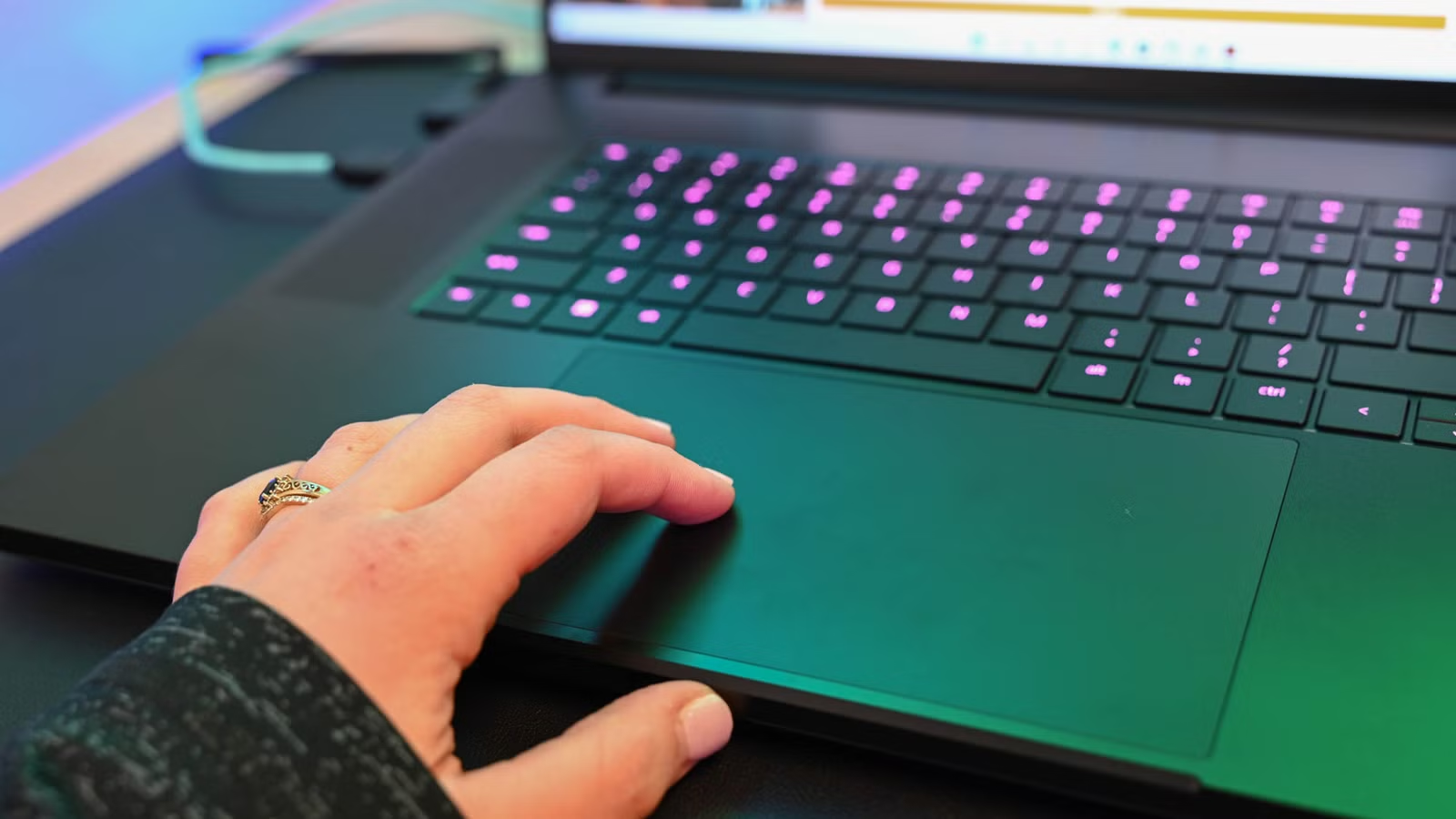
Microsoft has finally added native haptic feedback to Windows 11. The feature, called Haptic Signals, provides physical sensations through your laptop's trackpad when you perform certain actions. Window snapping, resizing, and aligning objects in PowerPoint now come with a subtle tactile confirmation.
There's just one problem: most Windows users can't experience any of it.
According to current estimates, only about 15% of Windows 11 laptops ship with haptic trackpads. The rest use traditional mechanical trackpads that physically click when pressed. Without the specialized hardware, Haptic Signals does nothing.
What Haptic Signals Actually Does
Haptic feedback uses tiny actuators in the trackpad to create vibrations or pulses you can feel. Instead of a mechanical click, the trackpad stays still while the actuator simulates the sensation of a click. This lets the system provide different feedback for different actions.
In Windows 11's implementation, Haptic Signals triggers during specific interactions. When you snap a window to the side of your screen, you feel a pulse confirming the snap. When you drag objects in PowerPoint and hit an alignment guide, you get tactile confirmation. The settings menu offers four intensity levels so you can adjust how strong the feedback feels.
Microsoft initially included haptic feedback when hovering over the close button on windows. That's been removed. Marcus Ash, who leads Design and Research for Windows, explained the change: "We are being cautious with the close button as it might feel too noisy."
“We're starting with a smaller set of high value interactions, like window layout, drag and drop, and alignment, where haptics clearly reinforce intent. The goal is to build a strong foundation and expand thoughtfully over time as devices release and we get more signal.”
— Marcus Ash, Leading Design and Research for Windows
A Decade Behind Apple
Apple introduced haptic trackpads on MacBooks in 2015. That's nearly eleven years of refinement. Apple's Force Touch trackpad doesn't physically move at all. The entire surface is solid glass, and the Taptic Engine creates the illusion of a click through precise vibrations.
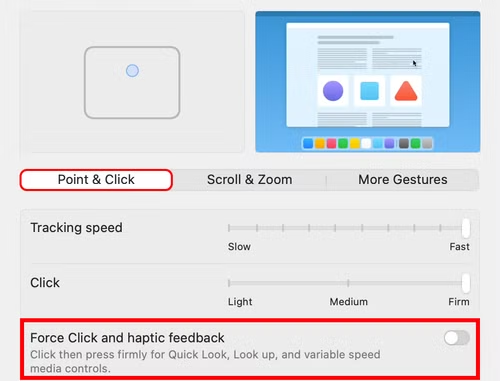
More importantly, every MacBook sold since 2015 has this hardware. Apple controls both the operating system and the hardware, so 100% of Mac laptop users can access haptic features. Microsoft doesn't have that luxury. Windows runs on hardware from dozens of manufacturers, most of whom haven't adopted haptic trackpads.
The Hardware Gap
Currently, haptic trackpads appear mostly on premium Windows laptops. Microsoft's own Surface line includes them. So do high-end gaming laptops from Razer and a handful of flagship business machines. But the vast majority of Windows laptops, from budget machines to mainstream business devices, still use mechanical trackpads.
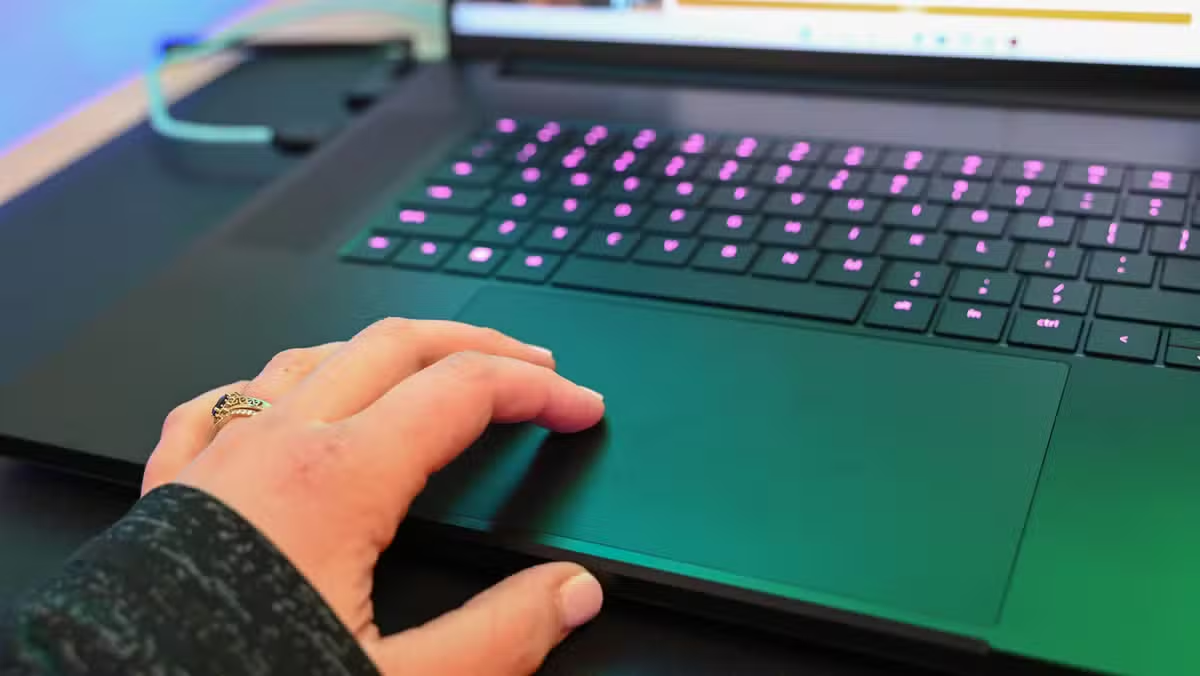
This creates an odd situation. Microsoft has built a feature that makes Windows feel more premium and responsive. But only users who already own premium hardware can experience it. Everyone else gets a settings menu for a feature they cannot use.
Community reaction has split along predictable lines. On Reddit's r/Windows11, users with compatible hardware praise the added "weight" the feature gives to the interface. Those without haptic trackpads are less impressed.
“It's a fantastic feature that makes the OS feel premium, but shipping it to 90% of users who can't use it feels like a slap in the face.”
— Anonymous Windows Insider moderator, r/Windows11
Microsoft's Broader Design Push
Haptic Signals fits into a larger pattern. Microsoft has been investing heavily in Windows 11's design and user experience. The operating system has received several visual updates, and this tactile layer adds another dimension to how Windows feels during everyday use.
At a recent BUILD keynote, CEO Satya Nadella spoke about moving "beyond simple visual feedback to tactile engagement, making digital interaction feel as physical as flipping a light switch." The ambition is clear. The hardware ecosystem just hasn't caught up.
What Comes Next
Microsoft's approach suggests patience. Starting with limited, high-value interactions lets them refine the feature before expanding it. As Ash noted, they plan to "expand thoughtfully over time as devices release."
The hope is that native OS support will encourage laptop manufacturers to adopt haptic trackpads more widely. When customers can feel the difference in a store demo, manufacturers have a reason to include the hardware. But that transition will take years, not months.
For now, Haptic Signals joins a list of Windows features that work best on specific hardware. If you're buying a new laptop and care about this feature, check the specs for haptic trackpad support. If you already own a laptop with a mechanical trackpad, you'll have to wait for your next upgrade.
More hidden Microsoft features worth exploring
Logicity's Take
Frequently Asked Questions
How do I know if my laptop has a haptic trackpad?
Check your laptop's specifications for terms like 'haptic trackpad,' 'Force Touch,' or 'precision haptic feedback.' If your trackpad physically clicks down when pressed, it's mechanical, not haptic.
Can I add haptic feedback to my existing laptop?
No. Haptic trackpads require specialized hardware built into the laptop. You cannot upgrade a mechanical trackpad to support haptic feedback.
Which Windows laptops support Haptic Signals?
Microsoft Surface devices, Razer Blade gaming laptops, and select premium business laptops include haptic trackpads. Check manufacturer specs before purchasing.
Does Haptic Signals work with external mice?
Microsoft says the feature supports mice, but this requires mice with haptic feedback capability, which are even rarer than haptic trackpads.
How do I enable Haptic Signals in Windows 11?
If you have compatible hardware, go to Settings > Bluetooth & devices > Touchpad > Haptic Signals. You can adjust intensity across four levels.
Need Help Implementing This?
Source: How-To Geek
Manaal Khan
Tech & Innovation Writer
اقرأ أيضاً

رأي مغاير: كيف يؤثر اختراق الأمن الداخلي الأميركي على شركاتنا الخاصة؟
في ظل اختراق عقود الأمن الداخلي الأميركي مع شركات خاصة، نناقش تأثير هذا الاختراق على مستقبل الأمن السيبراني. نستعرض الإحصاءات الموثوقة ونناقش كيف يمكن للشركات الخاصة أن تتعامل مع هذا التهديد. استمتع بقراءة هذا التحليل العميق

الإنسان في زمن ما بعد الوجود البشري: نحو نظام للتعايش بين الإنسان والروبوت - Centre for Arab Unity Studies
في هذا المقال، سنناقش كيف يمكن للبشر والروبوتات التعايش في نظام متكامل. سنستعرض التحديات والحلول المحتملة التي تضعها شركات مثل جوجل وأمازون. كما سنلقي نظرة على التوقعات المستقبلية وفقًا لتقرير ماكنزي

إطلاق ناسا لمهمة مأهولة إلى القمر: خطوة تاريخية نحو استكشاف الفضاء
تعتبر المهمة الجديدة خطوة هامة نحو استكشاف الفضاء وتطوير التكنولوجيا. سوف تشمل المهمة إرسال رواد فضاء إلى سطح القمر لconducting تجارب علمية. ستسهم هذه المهمة في تطوير فهمنا للفضاء وتحسين التكنولوجيا المستخدمة في استكشاف الفضاء.