Why I Still Pay for Microsoft 365 Despite Open-Source Options
Key Takeaways
- Microsoft 365's value lies in its ecosystem, not individual apps
- Cross-device sync and unified preferences create friction-free workflows
- Open-source tools cover basics but struggle with real-world integration
The Open-Source Promise vs. Daily Reality
The pitch for open-source office software sounds bulletproof. No subscription fees. Full control over your data. Software that belongs to you, not a corporation. On paper, tools like LibreOffice and Apache OpenOffice match Microsoft 365 feature for feature.
But Tony Phillips, a document producer and data manager with over ten years of experience in Microsoft Office, argues the reality is messier. After spending time in both camps, he still pays for Microsoft 365. His reasoning comes down to one word: ecosystem.
The Ecosystem Is the Product
The typical Microsoft 365 vs. open-source debate fixates on price. Why pay a monthly fee when LibreOffice Writer, Calc, and Impress handle documents, spreadsheets, and presentations for free?
Phillips acknowledges this logic works for some people. If you type a grocery list once a week, a subscription feels unnecessary. But treating Microsoft 365 as a bundle of apps misses the point. The real product is the unified environment that follows you across devices.
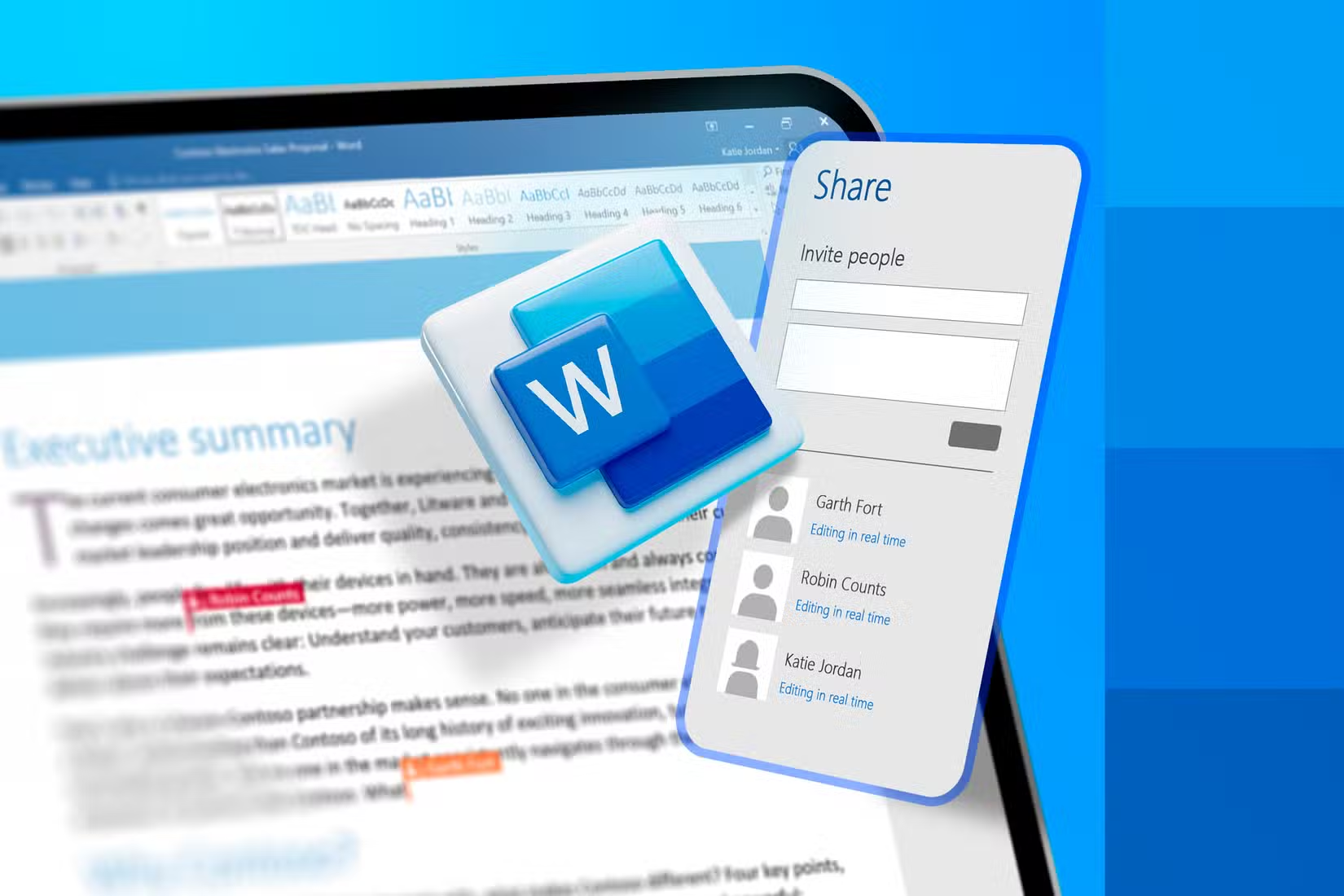
Start a document on your desktop PC. Open it later on your phone. It's exactly where you left off. Your recent files, preferences, and custom dictionaries sync automatically. You don't think about where the file lives or whether you saved the latest version.

This seamless sync becomes essential once you move between devices constantly. Most knowledge workers do. The friction of managing files manually, syncing folders, or wondering if you're editing the right version adds up fast.
Where LibreOffice Covers the Basics
LibreOffice is not a toy. Writer handles long-form documents. Calc supports pivot tables and formula-based analysis. Impress includes transitions and basic animation tools for presentations. For isolated tasks, these apps work.
The open-source community has also made strides in usability. The interface is cleaner than it was five years ago. File compatibility with Microsoft formats has improved, though edge cases still cause formatting headaches.
But LibreOffice is a local application. It does not sync your settings across machines. It does not remember your recent files on a different computer. It does not integrate with cloud storage in the same native way OneDrive does within Microsoft 365.
The Hidden Costs of 'Free'
Open-source software has no subscription fee. But it has costs. Time spent configuring. Time troubleshooting compatibility issues. Time re-doing work when a document opens incorrectly in a client's Microsoft Office installation.
“Migration is not a technical process; it's a psychological process. You need to explain to people that the software, not because it's free, has no value.”
— Italo Vignoli, Co-founder of The Document Foundation (LibreOffice)
Vignoli's point cuts both ways. Open-source software has real value. But the transition cost, including learning new interfaces, adapting workflows, and managing interoperability, is also real. For many users, that cost exceeds the subscription fee.
The AI Factor in 2026
Microsoft 365's integration of Copilot has shifted the value equation. The AI assistant now runs across Word, Excel, PowerPoint, and Outlook. According to Microsoft CEO Satya Nadella, Copilot has reached the same weekly usage level as Outlook.
“AI success is more about getting intense users and intense usage than seat counts.”
— Satya Nadella, CEO of Microsoft
Twenty million paid users have added the $30 per month Copilot tier. The AI handles drafting, data analysis, and presentation generation directly within the apps. Open-source alternatives have no equivalent integration at this scale.
Who Should Actually Use Open-Source
Open-source office suites make sense in specific contexts. Users with simple needs. Organizations prioritizing data sovereignty over integration. Developers who want to extend or customize their tools. Privacy-conscious individuals uncomfortable with cloud sync.
For everyone else, especially those who collaborate frequently, switch devices, or need reliability under deadline pressure, the Microsoft 365 subscription pays for itself in avoided friction.

Logicity's Take
Explores Microsoft's native automation capabilities
Shows where open-source AI tools do excel
Frequently Asked Questions
Is LibreOffice good enough to replace Microsoft Office?
For basic tasks like typing documents or simple spreadsheets, yes. For cross-device sync, collaboration, and enterprise integration, it falls short.
How much does Microsoft 365 cost compared to free alternatives?
Microsoft 365 Personal costs about $70 per year. Family plans run $100 per year for up to six users. Open-source alternatives like LibreOffice cost nothing upfront.
Does LibreOffice work with Microsoft Office files?
It opens and saves .docx, .xlsx, and .pptx files. But complex formatting, macros, and advanced features sometimes break or display incorrectly.
What does Microsoft 365 include that LibreOffice does not?
Cloud storage via OneDrive, cross-device sync, real-time collaboration, Copilot AI integration, and native mobile apps with full functionality.
Is Microsoft 365 worth it for personal use?
If you work across multiple devices or share documents with others using Office, yes. If your needs are basic and local, open-source may suffice.
Need Help Implementing This?
Source: How-To Geek
Huma Shazia
Senior AI & Tech Writer
مقالات ذات صلة
تصفح الكل
5 إعدادات في متصفحك تسرّب بياناتك حتى مع تفعيل VPN
ماذا لو أخبرتك أن متصفحك المفضل يسلّم عنوان IP الحقيقي وموقعك الفعلي وعادات تصفحك لأي موقع يطلبها، حتى مع تفعيل VPN؟ هذا بالضبط ما يحدث لملايين المستخدمين يومياً، ومنهم من يكتشف ذلك بالصدفة عند إجراء

كيف تعرض شاشة هاتف Android على التلفزيون مجاناً باستخدام Google Cast
هل تبحث عن طريقة لعرض شاشة هاتف Android على التلفزيون دون دفع أموال لتطبيقات مليئة بالإعلانات أو شراء كابلات HDMI؟ الحل موجود فعلياً داخل هاتفك: ميزة Google Cast المدمجة في نظام Android 16 تتيح لك بث

4 تطبيقات سامسونج تستحق البقاء على هاتفك Galaxy
يأتي هاتف Galaxy الجديد محملاً بأكثر من 50 تطبيقاً مُثبتاً مسبقاً، وليست جميعها ضرورية. لكن وسط هذا الكم من التطبيقات، تبرز أربعة تطبيقات سامسونج تستحق فعلاً أن تبقى على جهازك — بل قد تفضّلها على بدائ

استدعاءات يونيو 2026 للسيارات: Ford وHonda وToyota تسحب ملايين المركبات من الأسواق
سجّلت الهيئة الوطنية الأمريكية لسلامة المرور على الطرق السريعة NHTSA أكثر من 300 استدعاء للسلامة شملت أكثر من 100 شركة مصنّعة منذ بداية عام 2026، لكن استدعاءات يونيو 2026 للسيارات جاءت الأضخم والأخطر.
اقرأ أيضاً
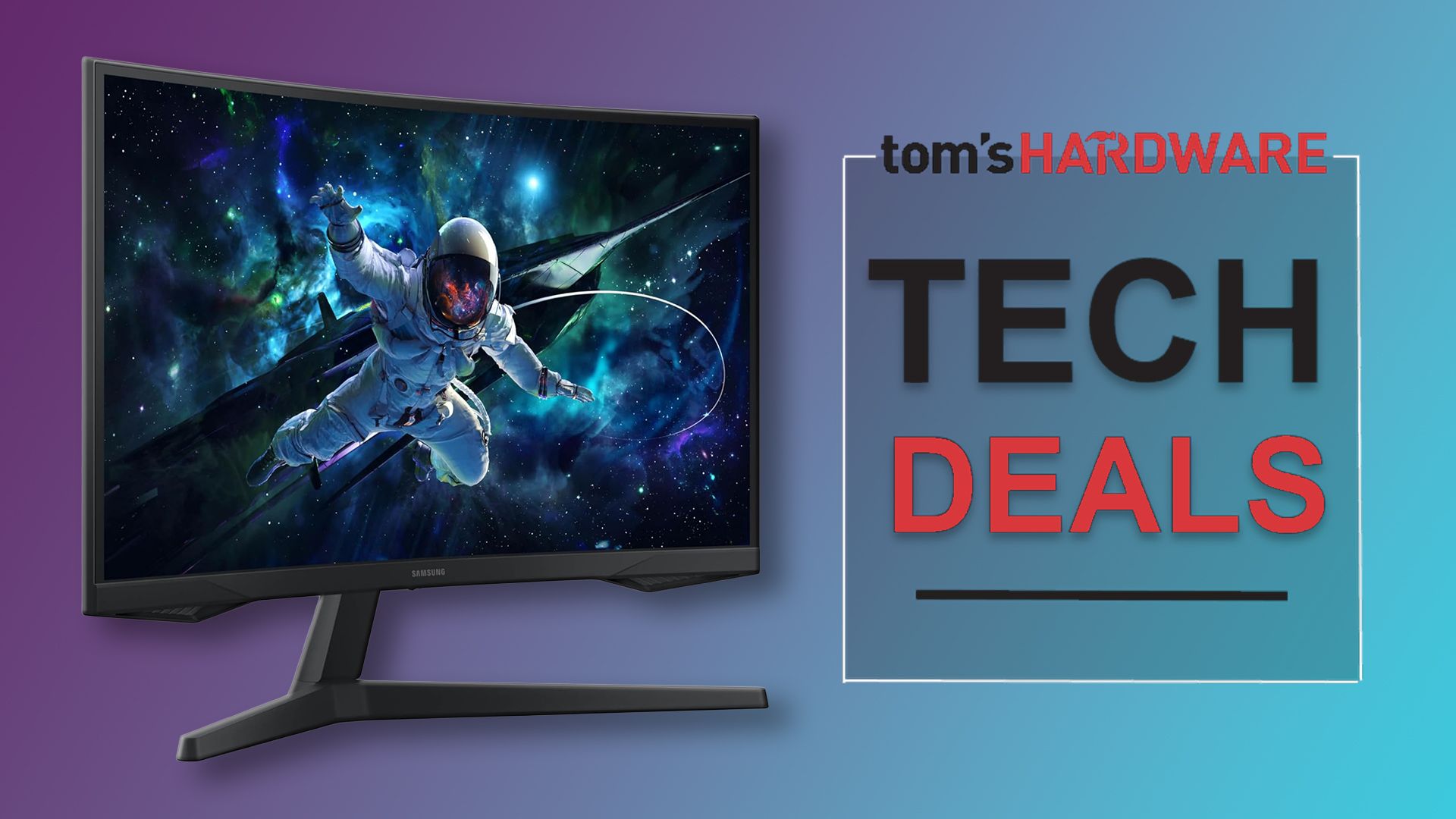
شاشة Samsung Odyssey G55C بسعر 190 دولاراً: هل هذا أفضل عرض لشاشة ألعاب 1440p في 2024؟
أصبحت شاشة ألعاب 1440p بمعدل تحديث مرتفع في متناول شريحة أوسع من اللاعبين، إذ وصل سعر شاشة Samsung Odyssey G55C إلى 189.99 دولاراً على Amazon، وهو أدنى سعر تسجله هذه الشاشة منذ إطلاقها بسعر 349.99 دول
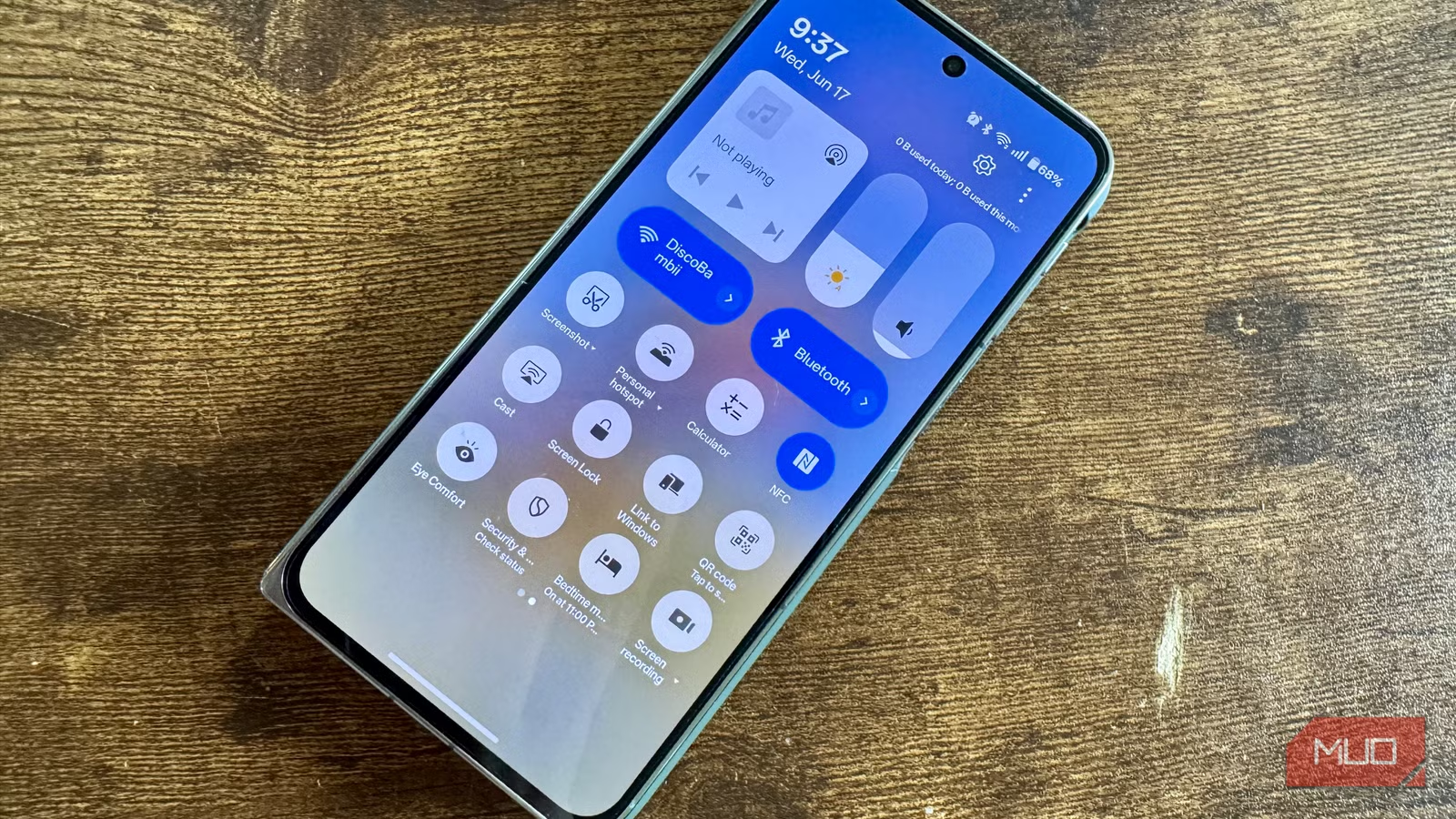
5 تطبيقات أندرويد احذفها فوراً: هاتفك يفعل كل هذا بالفعل
ابحث عن "ماسح QR" أو "مسجل شاشة" في متجر Google Play، وستجد نفسك تخوض في عشرات التطبيقات المتشابهة بأسماء غامضة وأذونات مريبة. بعضها يفرض اشتراكات مدفوعة لوظائف بسيطة، ما يكشف حجم الطلب على هذه الأدوا
6 مزايا خفية في ترجمة Google لا يعرفها معظم المسافرين
تحتفل خدمة ترجمة Google بعامها العشرين في 2026، وباتت تدعم نحو 250 لغة تغطي أكثر من 95% من سكان العالم. لكن رغم استخدام أكثر من مليار شخص لها شهرياً—بترجمة قرابة تريليون كلمة—يظل كثير من المسافرين حبي