Why Google Drive Is Not a Real Backup Solution
Key Takeaways
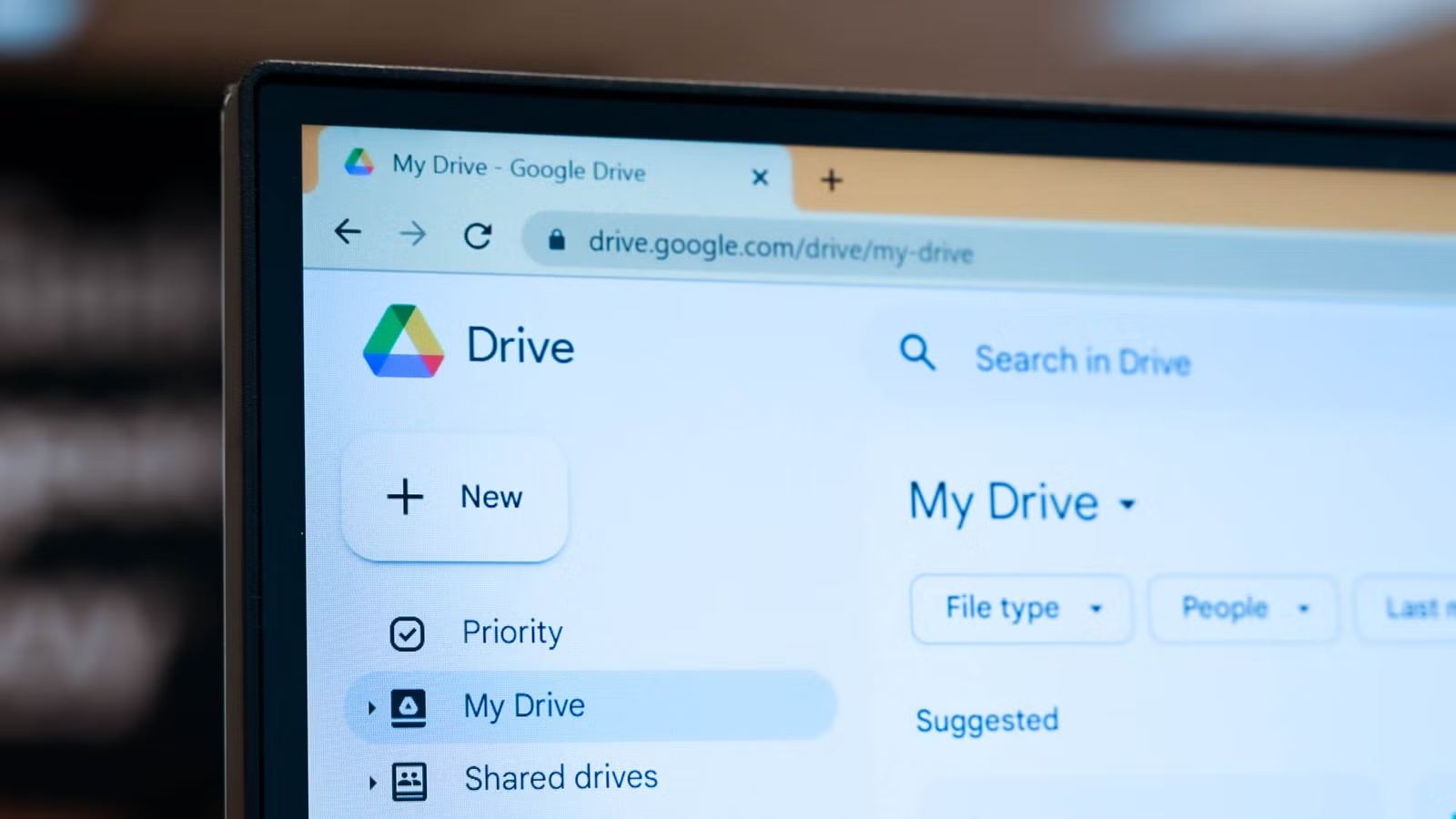
- Google Drive is a sync service, not a backup. Deleted local files are deleted in the cloud too.
- Drive keeps deleted files for only 30 days before permanent removal.
- The 3-2-1 backup rule (three copies, two media types, one offsite) remains the gold standard.
The Sync Trap: Why Your Files Aren't Safe
Google Drive feels like a safety net. Your files live in the cloud. If your laptop dies, you can log into Drive and download everything. That sense of security is partly an illusion.
The problem is simple: Google Drive is a sync service, not a backup service. These sound similar but behave very differently when things go wrong.
When you use the Google Drive desktop app, it creates a virtual folder on your computer. Add a file to that folder, and a copy uploads to the cloud. Edit the file, and the cloud version updates. Delete the file, and the cloud version disappears too.
That last part is the problem. A true backup preserves your files independently. A sync service mirrors your actions, including your mistakes.
The 30-Day Window Before Files Vanish Forever
Google Drive does offer some protection. When you delete a file, it moves to the Trash folder and stays there for 30 days. During that window, you can recover it.
After 30 days, the file is permanently purged. No recovery. No support ticket will help. If you accidentally deleted something six weeks ago and just noticed, it's gone.
This 30-day buffer helps with obvious mistakes you catch quickly. It doesn't help with gradual file corruption, ransomware that encrypts files (which then sync in their encrypted state), or deletions you don't notice until months later.
The 3-2-1 Rule: A Backup Strategy That Actually Works
The gold standard for data protection is the 3-2-1 rule. It's decades old and still valid. Here's what it requires:
- Three copies of your data (the original plus two backups)
- Two different storage types (like a local hard drive and cloud storage)
- One copy stored offsite (protecting against fire, theft, or local disasters)
Google Drive can serve as one piece of this puzzle. It's cloud storage, so it counts as offsite. But it can't be your only strategy because it doesn't create independent copies. It creates mirrors that reflect whatever state your local files are in.
What Actually Counts as Backup
A true backup solution creates snapshots of your files at specific points in time. If you accidentally delete something, you can roll back to yesterday's snapshot. If ransomware encrypts your files, you can restore from before the infection.
Services like Backblaze, Carbonite, and iDrive are built specifically for backup. They run in the background, continuously uploading copies of your files to secure servers. Critically, they maintain version history. A deleted file on your computer doesn't trigger deletion in your backup.
For local backup, Time Machine on Mac and File History on Windows create versioned snapshots on external drives. Combined with a cloud backup service, you get all three parts of the 3-2-1 rule covered.
When Google Drive Is Still Useful
None of this means you should stop using Google Drive. It's excellent for what it's designed to do: keeping files accessible across devices and enabling collaboration.
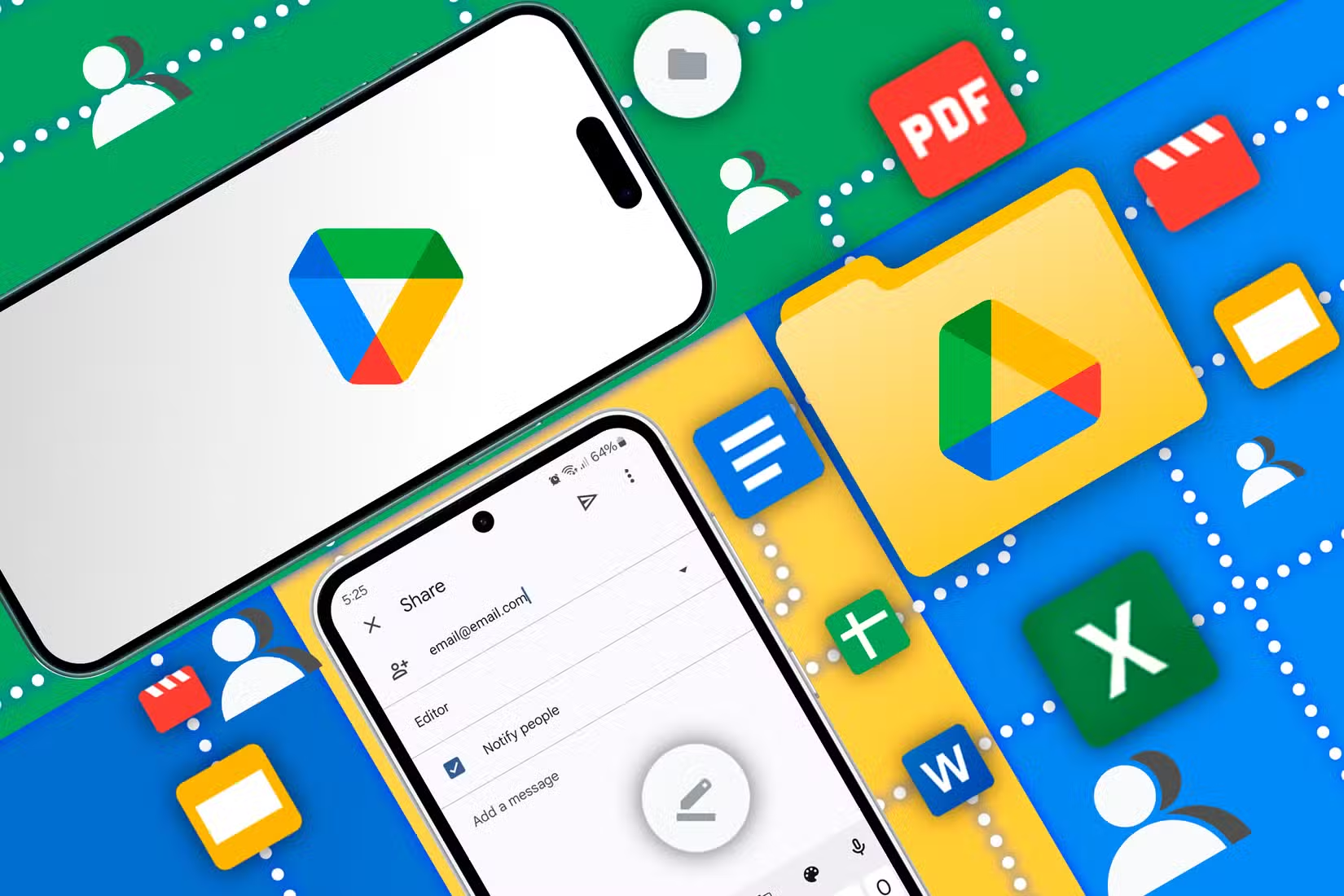
If you're working on a document from your laptop, phone, and office computer, Drive keeps everything in sync. If you're sharing a folder with colleagues, Drive handles permissions and real-time collaboration. These are valuable features.
Just don't treat it as your safety net. Think of Drive as your working file system that happens to live in the cloud. Then back up that file system with a proper backup tool.
A Practical Setup That Covers Your Bases
Here's a straightforward approach that satisfies the 3-2-1 rule without requiring a computer science degree:
- Keep your working files in Google Drive or Dropbox for sync and access.
- Run Time Machine (Mac) or File History (Windows) to an external drive for local backup.
- Subscribe to a cloud backup service like Backblaze ($7/month for unlimited storage) for offsite protection.
This gives you three copies: the original on your computer, a local backup on your external drive, and a cloud backup on Backblaze. You have two storage types: your local drive and cloud servers. And you have one offsite copy in the cloud.
If your laptop dies, you restore from Time Machine or File History. If your house floods, you restore from Backblaze. If you accidentally delete something three months ago, Backblaze's version history lets you recover it.
Logicity's Take
Compare productivity features across operating systems
Frequently Asked Questions
Does Google Drive count as a backup?
No. Google Drive is a sync service. When you delete a file locally, it also deletes in Drive. True backup maintains independent copies that survive accidental deletion.
How long does Google Drive keep deleted files?
Google Drive keeps deleted files in Trash for 30 days. After that, files are permanently purged with no recovery option.
What is the 3-2-1 backup rule?
The 3-2-1 rule recommends three copies of your data, stored on two different media types, with one copy kept offsite. This protects against hardware failure, theft, and local disasters.
What's the cheapest way to properly back up files?
Use your operating system's built-in backup (Time Machine or File History) to an external drive, plus a cloud service like Backblaze at $7/month for unlimited storage.
Can ransomware affect files synced to Google Drive?
Yes. If ransomware encrypts files on your computer, those encrypted versions sync to Drive, potentially overwriting good copies. A true backup service maintains version history to recover from this.
Need Help Implementing This?
Source: How-To Geek
Huma Shazia
Senior AI & Tech Writer
مقالات ذات صلة
تصفح الكل
5 إعدادات في متصفحك تسرّب بياناتك حتى مع تفعيل VPN
ماذا لو أخبرتك أن متصفحك المفضل يسلّم عنوان IP الحقيقي وموقعك الفعلي وعادات تصفحك لأي موقع يطلبها، حتى مع تفعيل VPN؟ هذا بالضبط ما يحدث لملايين المستخدمين يومياً، ومنهم من يكتشف ذلك بالصدفة عند إجراء

كيف تعرض شاشة هاتف Android على التلفزيون مجاناً باستخدام Google Cast
هل تبحث عن طريقة لعرض شاشة هاتف Android على التلفزيون دون دفع أموال لتطبيقات مليئة بالإعلانات أو شراء كابلات HDMI؟ الحل موجود فعلياً داخل هاتفك: ميزة Google Cast المدمجة في نظام Android 16 تتيح لك بث

4 تطبيقات سامسونج تستحق البقاء على هاتفك Galaxy
يأتي هاتف Galaxy الجديد محملاً بأكثر من 50 تطبيقاً مُثبتاً مسبقاً، وليست جميعها ضرورية. لكن وسط هذا الكم من التطبيقات، تبرز أربعة تطبيقات سامسونج تستحق فعلاً أن تبقى على جهازك — بل قد تفضّلها على بدائ

استدعاءات يونيو 2026 للسيارات: Ford وHonda وToyota تسحب ملايين المركبات من الأسواق
سجّلت الهيئة الوطنية الأمريكية لسلامة المرور على الطرق السريعة NHTSA أكثر من 300 استدعاء للسلامة شملت أكثر من 100 شركة مصنّعة منذ بداية عام 2026، لكن استدعاءات يونيو 2026 للسيارات جاءت الأضخم والأخطر.
اقرأ أيضاً
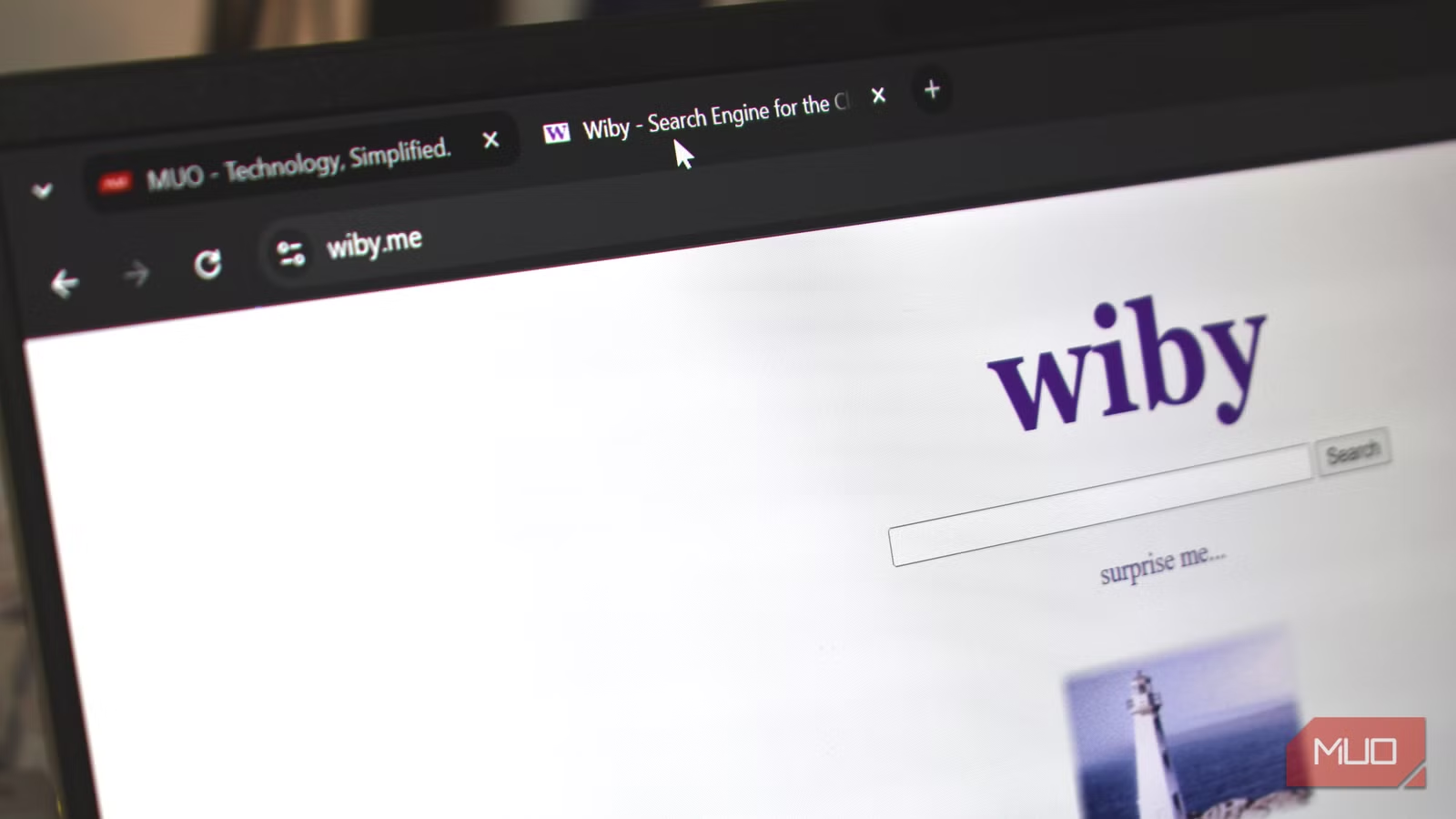
6 محركات بحث تكشف الإنترنت الذي دفنه Google
ما زال Google يتصدر سوق البحث بحصة تتجاوز 91%، لكن هذه الهيمنة جاءت بثمن: خوارزمياته باتت تُفضّل المحتوى المُحسَّن لـSEO والإعلانات على حساب الصفحات الشخصية والمدونات المستقلة والمشاريع الصغيرة. النتي
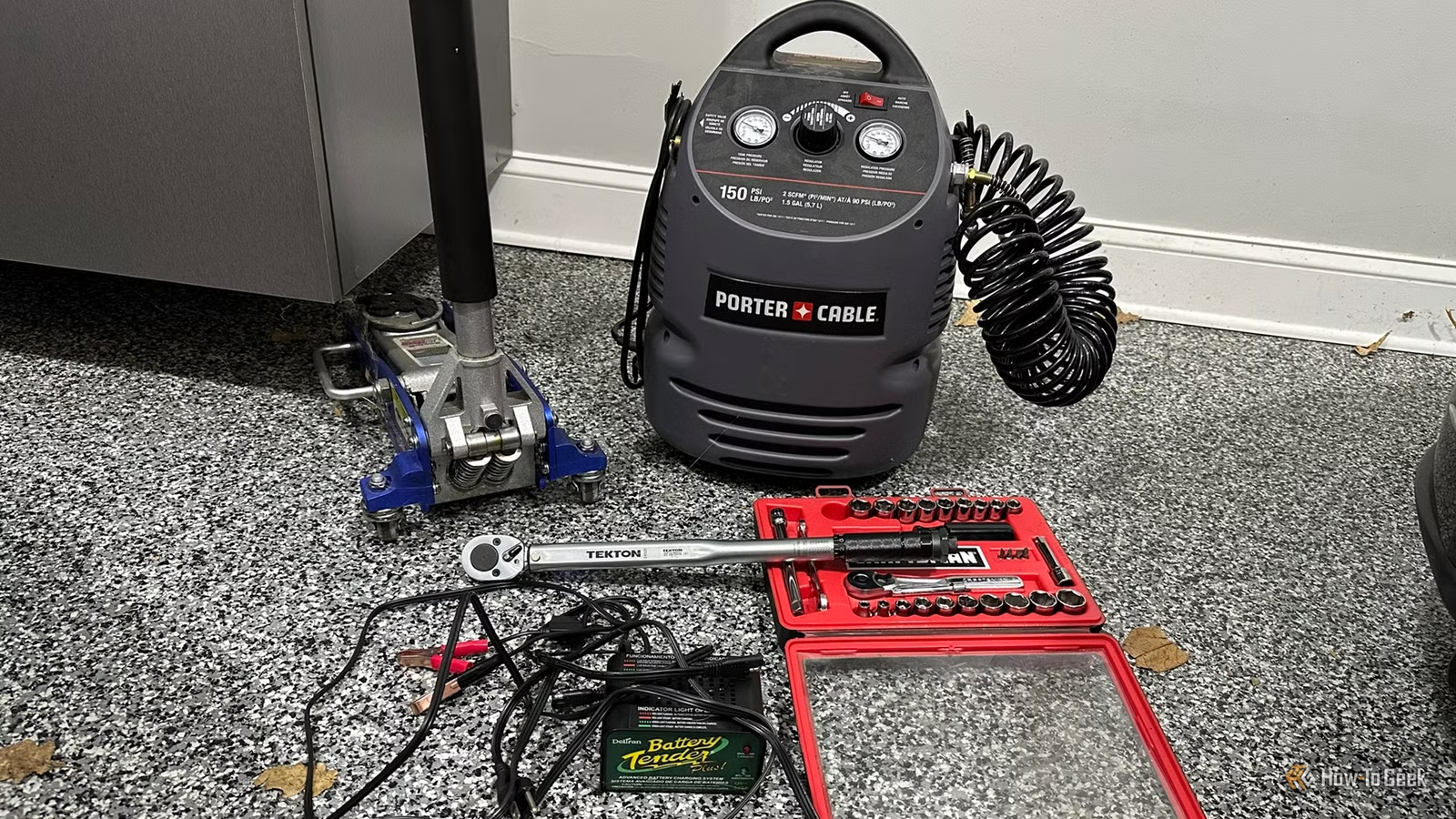
خمس أدوات أساسية تُمكّنك من صيانة سيارتك بنفسك في المنزل
باتت السيارات الحديثة أشبه بحواسيب متنقلة، ما قلّص قائمة المهام التي يستطيع المالك العادي إنجازها دون اللجوء إلى ورشة متخصصة. لكن الخبر السار أن كثيراً من أعمال الصيانة الدورية لا تزال في متناول أي شخ
epoll أم io_uring: أيهما الأفضل للإدخال والإخراج غير المتزامن في Linux؟
عندما تبني خادماً يتعامل مع آلاف الاتصالات المتزامنة، يصبح اختيار آلية الإدخال والإخراج غير المتزامن قراراً مصيرياً. في نظام Linux، يتنافس نموذجان رئيسيان على هذه المهمة: epoll العريق الذي خدم المطوري