Why Affinity 2 Beats Photoshop for Most Users
Key Takeaways
- Affinity 2 is now completely free following Canva's acquisition of Serif
- Adobe Photoshop costs $240/year with early cancellation penalties up to 50% of remaining balance
- Affinity combines photo editing, vector design, and publishing in one unified interface
Adobe Photoshop remains the standard for photo editing. The name itself has become a verb. But that dominance comes with a price: $240 per year, locked into a contract with cancellation penalties.
For years, casual users bounced between free tools and Canva, tolerating tradeoffs. That changed when Canva acquired Serif and made the entire Affinity suite free. After two decades of tinkering with alternatives, I finally found one that doesn't feel like a compromise.
The Adobe subscription trap
Photoshop's capabilities are not in question. It handles everything from basic crops to concept art for films and video games. Photographers can edit RAW files, touch up defects, and export to any format. Designers manipulate typography, blend images, and export assets for print or web.
The problem is Adobe's pricing model. The cheapest Photoshop subscription runs about $20 per month, or $240 annually. That subscription comes with strings attached: you agree to stay for the full year. Cancel early and you owe up to half the remaining balance.
For professionals billing clients, that cost disappears into overhead. For everyone else, casual users who need to edit photos a few times a month or create the occasional poster, it's hard to justify.
Canva fills a gap, but not the whole gap
Canva carved out territory by making design accessible. Templates, drag-and-drop editing, no learning curve. It works for social media graphics, presentations, and quick marketing materials.
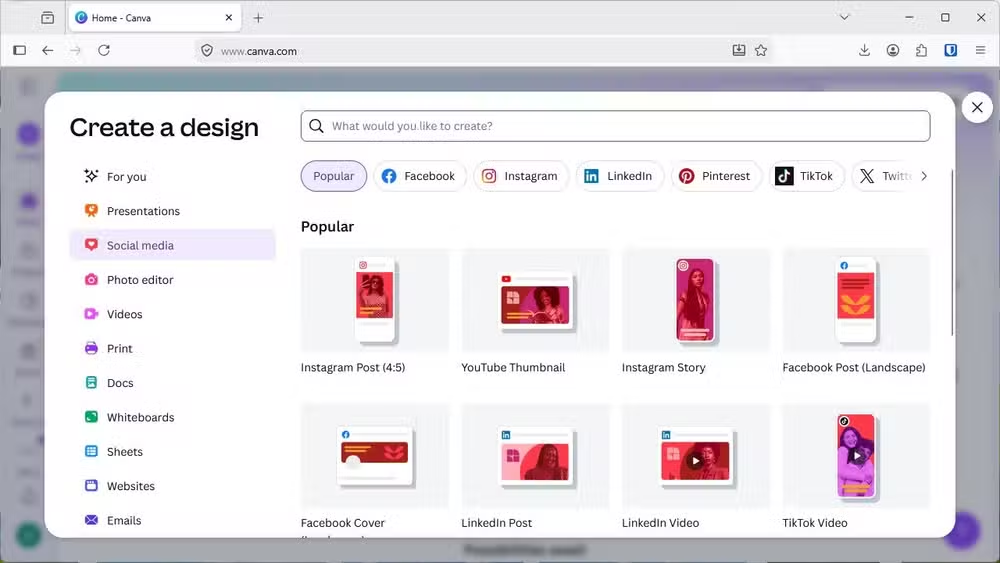
But Canva is not Photoshop. It's not trying to be. If you need layer masks, RAW processing, or fine pixel-level control, Canva won't get you there. It's a different tool for a different job.
Affinity 2: the free option that actually competes
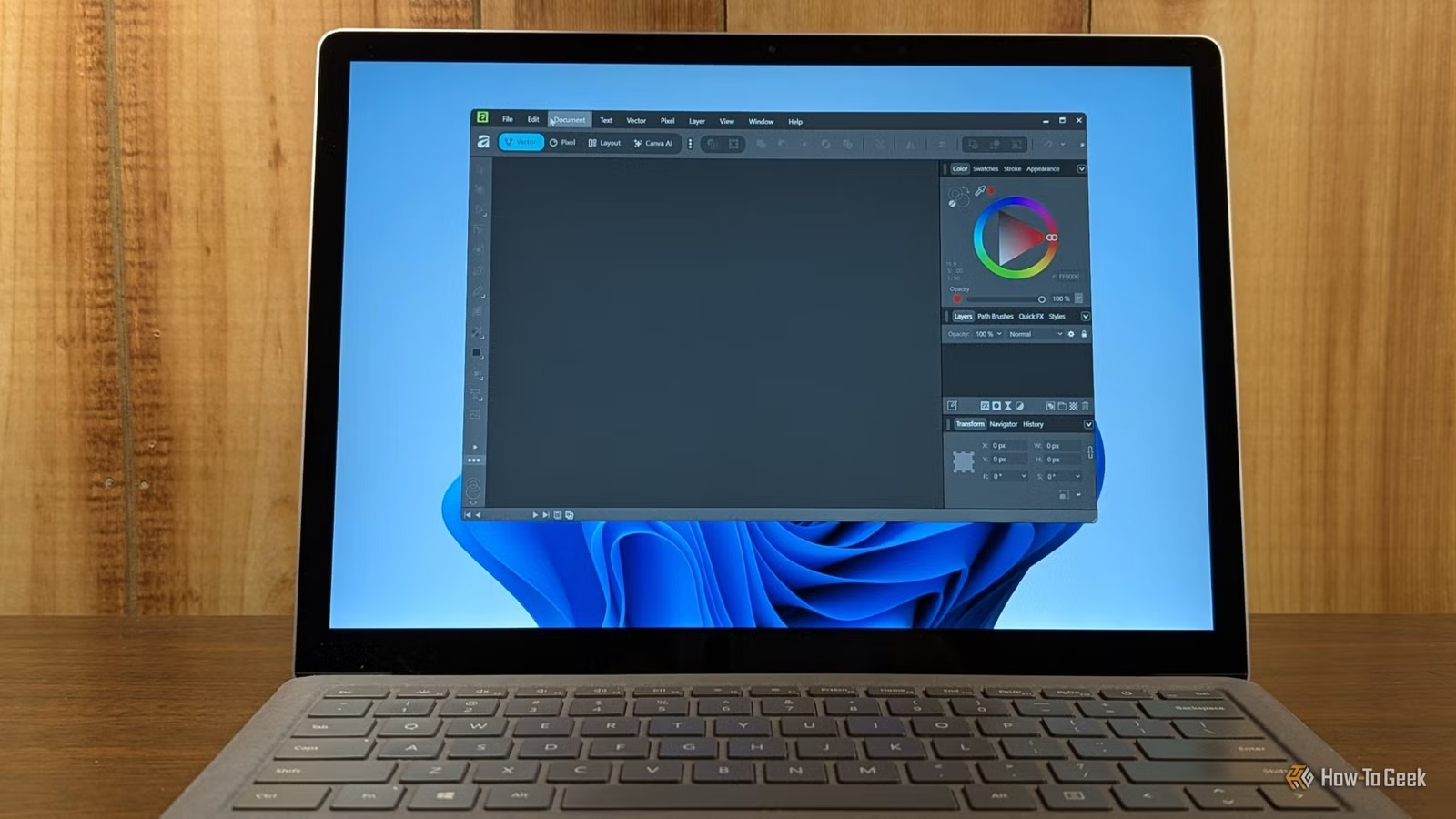
Serif built Affinity as a direct Photoshop competitor, not a simplified alternative. It has the layer system, the selection tools, the adjustment layers, the RAW processing. When Canva acquired Serif, the suite went from a one-time $70 purchase to completely free.
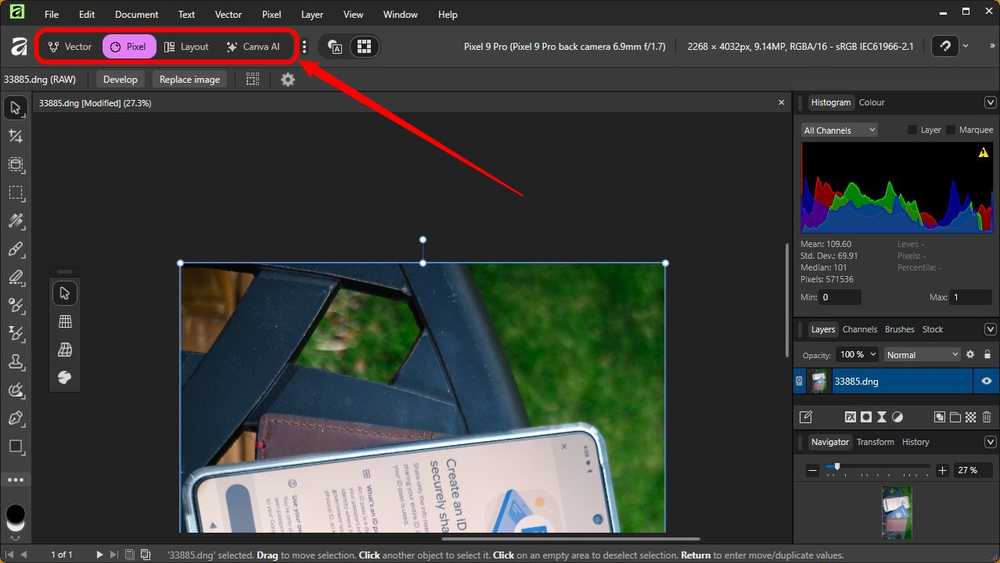
The Affinity suite includes three apps: Photo for image editing, Designer for vector graphics, and Publisher for layout work. On desktop, you can switch between all three modes within a single document. Start editing a photo, add vector elements, drop it into a page layout. No file exports, no app switching.
What makes Affinity work
The transition from Photoshop is not painless. Muscle memory takes time to rebuild. But the fundamentals are there.
- Non-destructive editing with adjustment layers and live filters
- Full RAW processing with exposure, color, and lens correction
- Layer masks, blend modes, and compositing tools
- Vector tools integrated into the same workspace
- Native file format plus PSD import/export
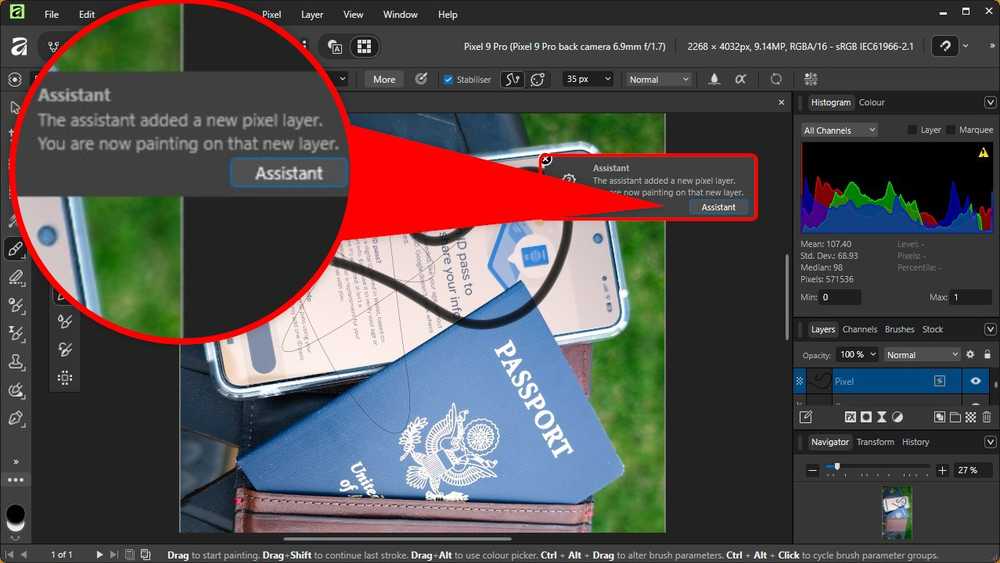
Affinity includes a built-in assistant that surfaces relevant tools and tutorials as you work. It's not intrusive, but it helps during the learning period.
Where Photoshop still wins
Affinity is not a perfect replacement. Adobe has years of development behind features like Content-Aware Fill, neural filters, and tight integration with Lightroom and the rest of Creative Cloud. If your workflow depends on those specific tools, Affinity will feel limited.
Third-party plugin support is another gap. Photoshop's ecosystem includes decades of specialized filters and extensions. Affinity supports some plugins, but the selection is smaller.
And if you're collaborating with a team that lives in Adobe, you'll hit friction. PSD files import well, but complex documents with custom fonts or unusual effects may need cleanup.
✅ Pros
- • Now completely free after Canva acquisition
- • Professional-grade features comparable to Photoshop
- • Unified Photo, Designer, and Publisher in one interface
- • No subscription, no cancellation penalties
- • One-time learning curve, then it just works
❌ Cons
- • Lacks some Adobe-specific AI features like Content-Aware Fill
- • Smaller third-party plugin ecosystem
- • Team collaboration with Adobe users can cause friction
- • Muscle memory from Photoshop takes time to retrain
Who should switch
If you're paying $240/year for Photoshop and using maybe 20% of its features, Affinity makes sense. Photographers editing personal work, designers handling occasional projects, anyone who needs real editing tools without the subscription overhead.
If you're a Canva user hitting its limits, wanting layer control and proper image editing, Affinity fills that gap without adding cost.
If Photoshop is central to your daily workflow and you bill clients at rates that absorb the subscription, keep what works. The switching cost isn't worth the savings.
More free alternatives to expensive software
Logicity's Take
Frequently Asked Questions
Is Affinity 2 really free now?
Yes. After Canva acquired Serif, the entire Affinity suite became free to download and use. No subscription, no trial period, no feature limits.
Can Affinity open Photoshop files?
Affinity supports PSD import and export. Most standard Photoshop files open correctly, though complex documents with unusual effects may need some adjustment.
What's the difference between Affinity Photo, Designer, and Publisher?
Photo handles raster image editing like Photoshop. Designer is for vector graphics like Illustrator. Publisher handles page layout like InDesign. On desktop, you can switch between all three modes in a single document.
Does Affinity work on Windows and Mac?
Affinity runs on Windows, macOS, and iPad. The desktop versions offer the most complete feature set.
Will Affinity stay free?
Canva has not announced any plans to charge for Affinity. However, business models can change, so there's no guarantee it will remain free indefinitely.
Need Help Implementing This?
Source: How-To Geek
Huma Shazia
Senior AI & Tech Writer
اقرأ أيضاً

رأي مغاير: كيف يؤثر اختراق الأمن الداخلي الأميركي على شركاتنا الخاصة؟
في ظل اختراق عقود الأمن الداخلي الأميركي مع شركات خاصة، نناقش تأثير هذا الاختراق على مستقبل الأمن السيبراني. نستعرض الإحصاءات الموثوقة ونناقش كيف يمكن للشركات الخاصة أن تتعامل مع هذا التهديد. استمتع بقراءة هذا التحليل العميق

الإنسان في زمن ما بعد الوجود البشري: نحو نظام للتعايش بين الإنسان والروبوت - Centre for Arab Unity Studies
في هذا المقال، سنناقش كيف يمكن للبشر والروبوتات التعايش في نظام متكامل. سنستعرض التحديات والحلول المحتملة التي تضعها شركات مثل جوجل وأمازون. كما سنلقي نظرة على التوقعات المستقبلية وفقًا لتقرير ماكنزي

إطلاق ناسا لمهمة مأهولة إلى القمر: خطوة تاريخية نحو استكشاف الفضاء
تعتبر المهمة الجديدة خطوة هامة نحو استكشاف الفضاء وتطوير التكنولوجيا. سوف تشمل المهمة إرسال رواد فضاء إلى سطح القمر لconducting تجارب علمية. ستسهم هذه المهمة في تطوير فهمنا للفضاء وتحسين التكنولوجيا المستخدمة في استكشاف الفضاء.