Shotcut: A Free Video Editor That Handles 4K Without Fees
Key Takeaways
- Adobe Premiere Pro's subscription model can cost more than your computer over time, with a 50% early termination fee if you cancel mid-year
- Free alternatives like CapCut and InShot often add watermarks or lock 4K exports behind paywalls
- Shotcut is open-source, exports 4K without restrictions, and uses familiar timeline-based editing
Adobe Premiere Pro is the industry standard for video editing. It is also a rental trap. The subscription model means you pay perpetually for tools you might use a few times a year. Stop paying, and you lose access to your own project files.
One tech writer calculated that his Adobe subscription ended up costing more than his computer. He was on the highest tier, editing home movies and small projects. When Adobe added AI features and raised prices further, he canceled. His replacement? Shotcut, a free, open-source editor that handles 4K video without any of the subscription baggage.
The Real Cost of Subscription Video Editors
Adobe Creative Cloud's pricing varies by tier, but the pattern is the same. You rent access. You commit to a year. If you try to leave mid-contract, Adobe charges a 50% early termination fee. For someone editing family vacation footage or personal projects, this math gets absurd fast.
The subscription model also creates a dependency problem. Your project files live inside Adobe's ecosystem. Stop paying, and those files become inaccessible. You are renting your own creative work.
Many people escape subscription fatigue by turning to free mobile or desktop apps. CapCut and InShot offer free editing, but they have their own traps. High-resolution exports trigger upgrade prompts. Professional assets cost extra. Some apps stamp watermarks on your final video unless you pay.
These programs hold your finished product hostage. You do the editing work, but the app controls whether your output looks professional or carries someone else's branding.
Why Shotcut Works for Casual Creators
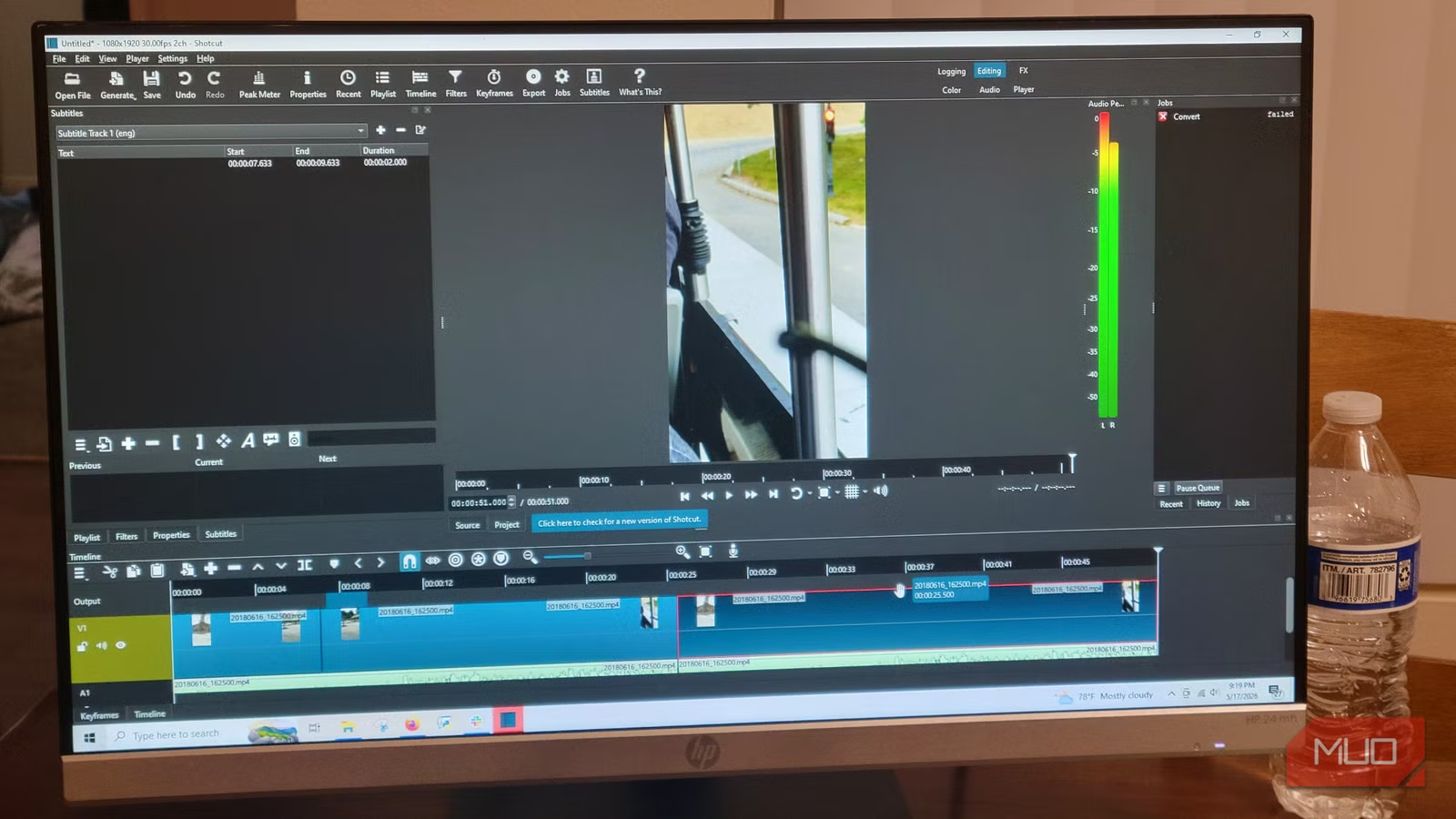
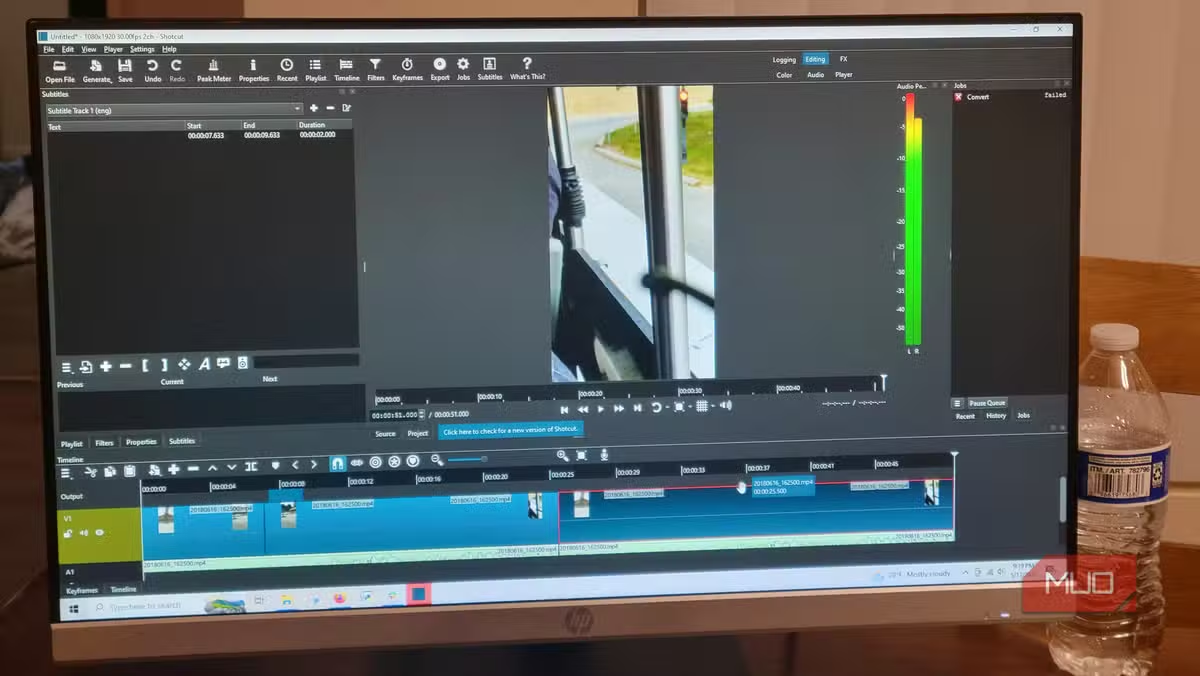
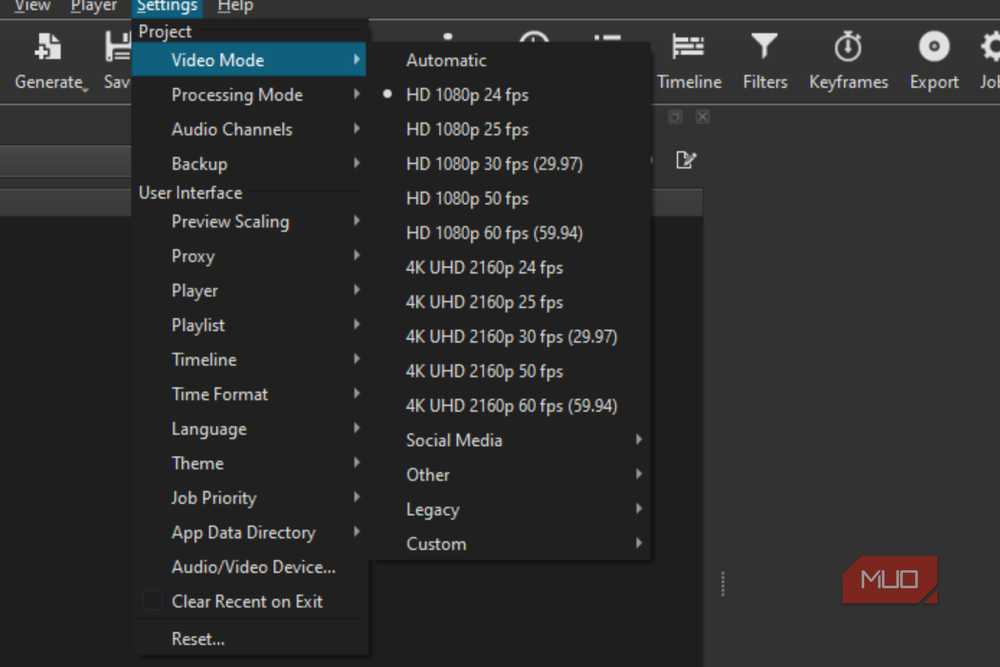
Shotcut is open-source software. No subscription. No watermarks. No artificial limits on export resolution. It handles 4K video editing on standard hardware, and the interface follows the same timeline-based workflow that Premiere and other professional editors use.
This matters for usability. If you have ever used any modern video editor, Shotcut's layout will feel familiar. You drag clips to a timeline. You trim. You add transitions. You export. The learning curve is minimal for anyone with basic editing experience.
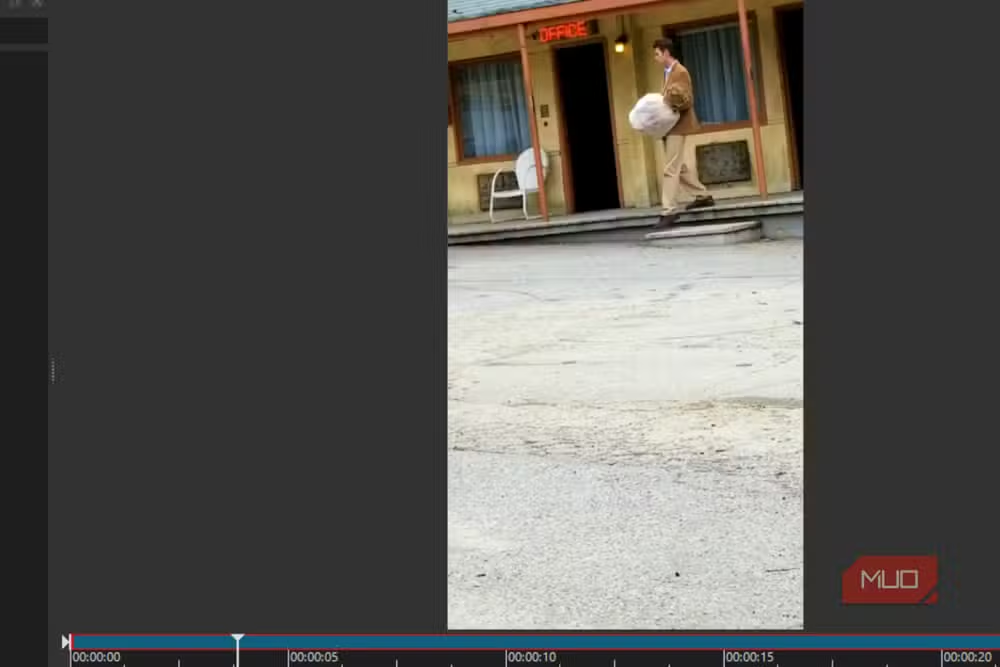
For tasks like trimming clips, adding background music, and applying simple transitions, Shotcut does everything Premiere does. The difference is you pay nothing, and you keep full control of your project files.
What You Give Up
Shotcut is not a full Premiere Pro replacement for professional workflows. It lacks some advanced features: motion graphics templates, deep integration with After Effects, and some of the AI-powered tools Adobe has been adding. The plugin ecosystem is smaller.
For professional editors working on client projects with tight deadlines and complex requirements, Adobe's toolset has real advantages. But that is a small percentage of people who edit video. Most people need basic editing for personal use. For that audience, Shotcut does the job without the monthly bill.
✅ Pros
- • Completely free with no hidden costs or tiers
- • No watermarks or export restrictions on any resolution
- • Open-source, so no vendor lock-in on project files
- • Familiar timeline-based interface for quick learning
❌ Cons
- • Lacks advanced motion graphics and AI features
- • Smaller plugin ecosystem than Adobe
- • Less polished UI compared to commercial options
- • No mobile version for on-the-go editing
Who Should Switch
If you edit a handful of videos per year, trimming clips and adding music for personal use, paying hundreds annually for Premiere Pro makes no sense. Shotcut handles these tasks without cost or restrictions.
If you are a professional editor with complex client work, Adobe's ecosystem still has advantages. But even professionals might benefit from Shotcut for personal projects, avoiding the need to pay for two use cases with one overpriced subscription.
Logicity's Take
How to Get Started
- Download Shotcut from the official website (shotcut.org). It is available for Windows, Mac, and Linux.
- Import your video files by dragging them into the project window.
- Drag clips to the timeline and use the trim tools to cut unwanted sections.
- Add transitions by overlapping clips slightly on the timeline.
- Export your finished video using the Export panel. Select your resolution and format.
The process mirrors what you would do in Premiere or any other timeline editor. If you can use one, you can use the other.
More ways to maximize value from your software subscriptions
Frequently Asked Questions
Can Shotcut really edit 4K video smoothly?
Yes. Shotcut supports 4K editing and export on standard hardware. Performance depends on your computer's specs, but the software itself has no resolution restrictions.
Does Shotcut add watermarks to exported videos?
No. Shotcut is open-source and free. There are no watermarks, no premium tiers, and no hidden costs for high-resolution exports.
Is Shotcut hard to learn if I've used Premiere Pro?
No. Both use timeline-based editing. The interface layout differs slightly, but the core workflow of importing, trimming, adding transitions, and exporting works the same way.
What does Shotcut lack compared to Premiere Pro?
Advanced motion graphics, AI-powered editing tools, deep integration with After Effects, and a large plugin ecosystem. For basic editing tasks, these differences rarely matter.
Is Shotcut safe to download?
Yes. Download from the official site, shotcut.org. It is open-source software with a transparent development process and no bundled adware.
Need Help Implementing This?
Source: MakeUseOf
Huma Shazia
Senior AI & Tech Writer
اقرأ أيضاً

رأي مغاير: كيف يؤثر اختراق الأمن الداخلي الأميركي على شركاتنا الخاصة؟
في ظل اختراق عقود الأمن الداخلي الأميركي مع شركات خاصة، نناقش تأثير هذا الاختراق على مستقبل الأمن السيبراني. نستعرض الإحصاءات الموثوقة ونناقش كيف يمكن للشركات الخاصة أن تتعامل مع هذا التهديد. استمتع بقراءة هذا التحليل العميق

الإنسان في زمن ما بعد الوجود البشري: نحو نظام للتعايش بين الإنسان والروبوت - Centre for Arab Unity Studies
في هذا المقال، سنناقش كيف يمكن للبشر والروبوتات التعايش في نظام متكامل. سنستعرض التحديات والحلول المحتملة التي تضعها شركات مثل جوجل وأمازون. كما سنلقي نظرة على التوقعات المستقبلية وفقًا لتقرير ماكنزي

إطلاق ناسا لمهمة مأهولة إلى القمر: خطوة تاريخية نحو استكشاف الفضاء
تعتبر المهمة الجديدة خطوة هامة نحو استكشاف الفضاء وتطوير التكنولوجيا. سوف تشمل المهمة إرسال رواد فضاء إلى سطح القمر لconducting تجارب علمية. ستسهم هذه المهمة في تطوير فهمنا للفضاء وتحسين التكنولوجيا المستخدمة في استكشاف الفضاء.