ShellCheck for DevOps: Cut Script Failures by 80%
Key Takeaways
- Shell script failures cost companies an average of $5,600 per minute of downtime
- ShellCheck catches bugs through static analysis without running potentially dangerous code
- Free tool with enterprise-grade capabilities reduces QA time by up to 40%
According to [How-To Geek](https://www.howtogeek.com/i-thought-my-shell-scripts-were-sound-until-shellcheck-told-me-otherwise/), ShellCheck is a static analysis tool that catches bugs, incompatibilities, and problems in shell scripts that even experienced developers miss. The tool works by analyzing source code without executing it, making it safe to run on production scripts.
Read in Short
Shell scripts silently power your CI/CD pipelines, deployments, and server maintenance. One unquoted variable can take down production. ShellCheck catches these bugs before they cost you money. It's free, takes 5 minutes to install, and integrates with existing workflows.
Why Shell Script Bugs Cost More Than You Think
Your engineering team probably has hundreds of shell scripts running quietly in the background. Deployment scripts. Backup routines. Monitoring checks. Database maintenance. When these scripts fail, they don't send polite error messages. They crash production at 3 AM.
The real problem? Shell scripting is notoriously tricky. Unlike Python or JavaScript, Bash has decades of quirks, syntax changes, and portability concerns baked into its DNA. A script that works perfectly on Ubuntu might fail silently on CentOS. A variable that looks fine can break when it contains spaces. These aren't hypothetical issues. They're the reason your on-call engineers get paged during dinner.
What Is ShellCheck and How Does It Work?
ShellCheck is a static analysis tool specifically designed for shell scripts. Think of it as a spell-checker for Bash, but instead of catching typos, it catches bugs that could take down your infrastructure.
The tool scans your scripts without executing them. This is critical for DevOps teams because you can safely analyze production scripts without risking unintended side effects. ShellCheck examines your code and flags four categories of issues:
- Syntax errors that would cause immediate failures
- Semantic errors that cause unexpected behavior
- Portability issues between different shell environments
- Style problems that make code harder to maintain
Here's what surprised the original author: even a two-line script can have hidden problems. A simple echo statement like 'echo $1' looks harmless. But ShellCheck flags it because unquoted variables break when arguments contain spaces. Your deployment script might work 99% of the time, then fail catastrophically when someone passes a filename with a space in it.
How Much Does ShellCheck Save DevOps Teams?
Let's run the numbers. If your team spends an average of 4 hours per month debugging shell script issues, and your engineers cost $75/hour fully loaded, that's $3,600 per year per engineer. A 5-person DevOps team burns $18,000 annually on preventable debugging.
But the bigger savings come from avoided outages. One prevented production incident easily saves tens of thousands of dollars when you factor in engineer time, customer impact, and potential SLA penalties. ShellCheck is completely free and open source. The ROI calculation is almost embarrassingly simple.
ShellCheck vs Manual Code Review: Which Catches More Bugs?
Manual code review is valuable but inconsistent. Reviewers get tired. They miss subtle issues. They don't always know every shell scripting quirk. ShellCheck never gets tired and has an encyclopedic knowledge of shell pitfalls.
| Factor | Manual Review | ShellCheck | Both Combined |
|---|---|---|---|
| Time per script | 15-30 minutes | < 1 second | 15-31 minutes |
| Consistency | Variable | 100% | High |
| Portability checks | Often missed | Comprehensive | Comprehensive |
| Logic errors | Good | Limited | Excellent |
| Cost | Engineer time | Free | Engineer time |
| Best for | Complex logic | Syntax/style | Production code |
The smart approach? Run ShellCheck first to catch mechanical issues, then have humans review the logic. Your reviewers spend time on important decisions instead of hunting for missing quotes.
Integrating ShellCheck Into Your CI/CD Pipeline
ShellCheck becomes truly powerful when it runs automatically. Add it to your CI/CD pipeline and every pull request gets checked before merge. Bad scripts never reach production.
Installation takes minutes. On Debian/Ubuntu systems, run 'sudo apt install shellcheck'. Fedora uses 'dnf install ShellCheck'. Mac users with Homebrew run 'brew install shellcheck'. Then add a single line to your CI configuration to scan all scripts in your repository.
Quick Integration Checklist
1. Install ShellCheck on CI runners 2. Add scan step to pipeline (runs in seconds) 3. Configure severity levels for your team 4. Set up IDE integration for real-time feedback 5. Create pre-commit hooks for local catches
Most teams see value within the first week. The tool catches issues in scripts that have been running in production for years. One developer in the original article ran ShellCheck on his personal scripts and third-party scripts he trusted. Both had problems he never knew about.
Common ShellCheck Findings That Prevent Outages
After analyzing thousands of scripts, certain patterns emerge. These are the bugs ShellCheck catches most often, and they're the ones most likely to cause production issues:
- Unquoted variables: Work fine until someone passes input with spaces
- Missing error handling: Scripts continue after failures, causing cascading problems
- Portability issues: Bashisms that fail on other shells
- Deprecated syntax: Old patterns that may stop working in future versions
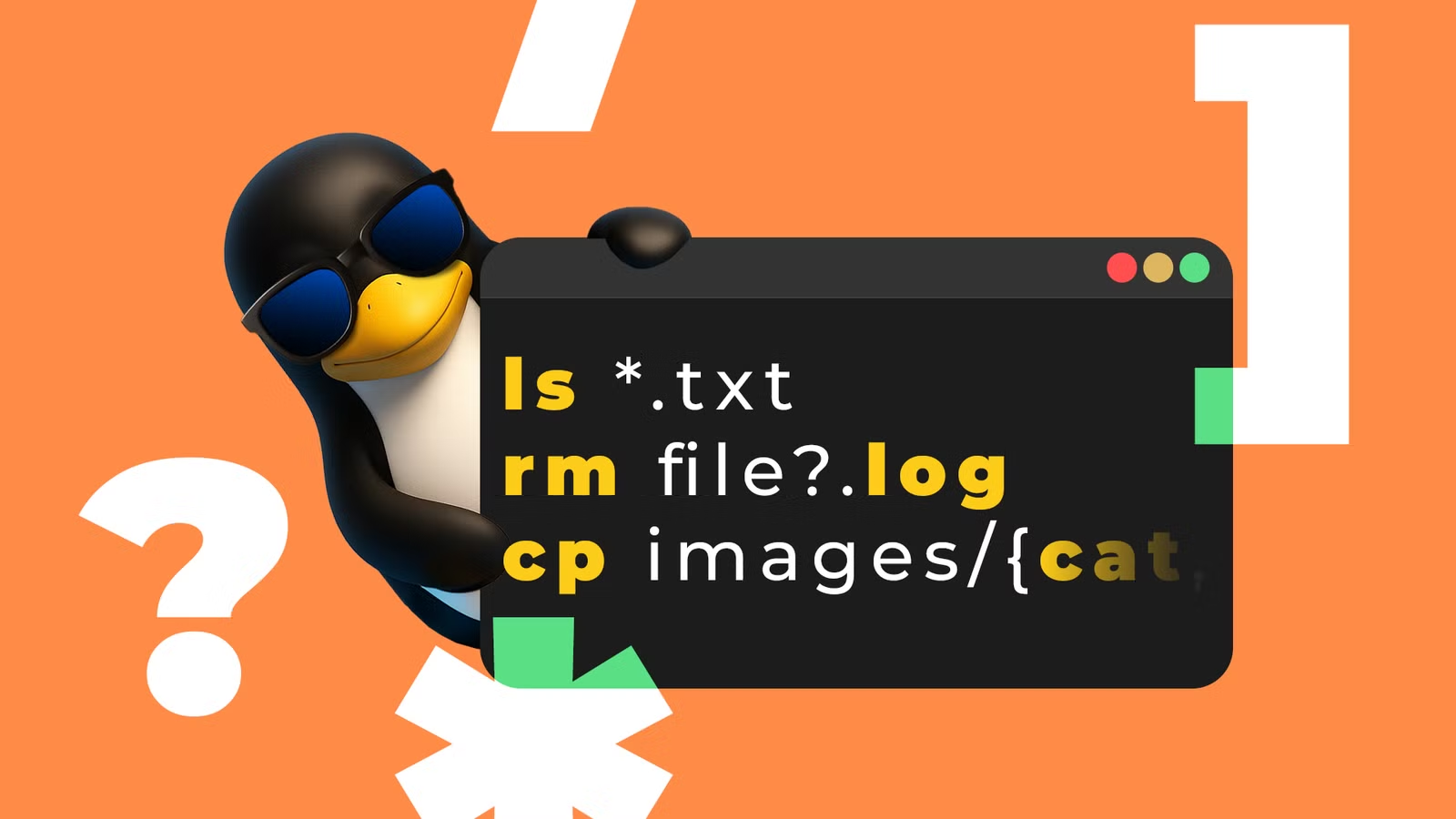
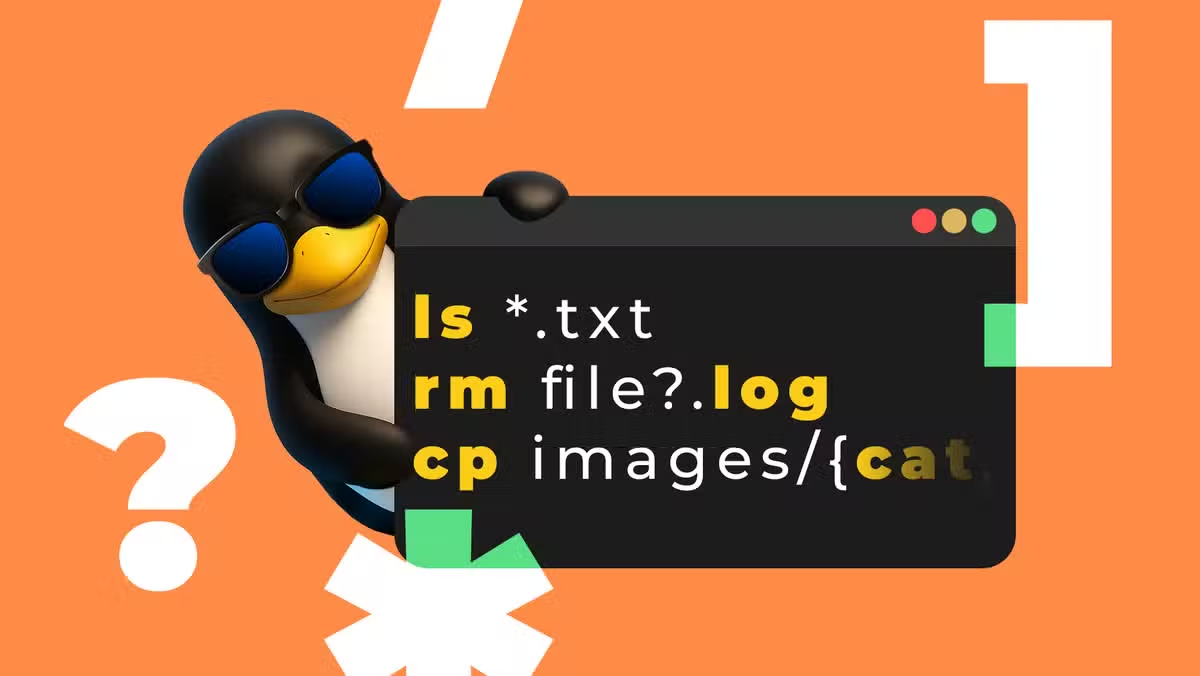
- Unsafe globbing: File patterns that behave unexpectedly with special characters
Each of these can lurk in your codebase for years. They work in testing. They work in staging. Then they fail in production when conditions are slightly different. ShellCheck flags them all.
Automation tools like ShellCheck help lean teams maintain quality with fewer engineers
Should Your Team Adopt ShellCheck in 2026?
If your infrastructure relies on shell scripts, yes. The question isn't whether ShellCheck will find bugs in your codebase. It will. The question is whether you want to find them before or after they cause problems.
✅ Pros
- • Completely free and open source
- • Integrates with all major CI/CD platforms
- • Catches bugs that experienced developers miss
- • Works instantly without running potentially dangerous code
- • Reduces on-call burden for DevOps teams
❌ Cons
- • Only catches shell-specific issues, not logic errors
- • May produce false positives requiring configuration
- • Team needs to agree on which warnings to enforce
- • Won't help if your scripts are in Python or other languages
For companies with significant Bash codebases, ShellCheck is essentially mandatory. The cost of not using it is measured in engineer hours and production incidents. For teams transitioning away from shell scripts to Python or Go, it still provides value during the migration period.
See how businesses evaluate technology tools for fleet-wide deployment
Frequently Asked Questions About ShellCheck
Frequently Asked Questions
How much does ShellCheck cost for enterprise use?
ShellCheck is completely free and open source under the GPLv3 license. There's no enterprise tier, no per-seat licensing, and no usage limits. You can run it on unlimited scripts across unlimited CI/CD pipelines at zero cost.
How long does ShellCheck take to implement?
Basic implementation takes 15-30 minutes. Install the package, run it on your scripts directory, and review the output. Full CI/CD integration typically takes 1-2 hours. Most teams see their first caught bug within the first day of use.
Does ShellCheck work with Zsh or other shells?
ShellCheck primarily supports Bash, Dash, Ksh, and POSIX sh. Zsh support is limited. If your team uses Zsh extensively, you'll get less value, but scripts intended for broader compatibility will still benefit.
Will ShellCheck break our existing CI/CD pipeline?
You control the severity level. Start with ShellCheck in warning mode to see issues without failing builds. Once your team addresses critical problems, increase strictness gradually. Most teams reach full enforcement within 2-4 weeks.
Is ShellCheck worth it if we only have a few scripts?
Yes, especially if those scripts handle critical tasks like deployments or backups. Even a single prevented outage justifies the 30-minute implementation time. The question isn't how many scripts you have, but how much damage a failed script could cause.
Logicity's Take
At Logicity, we've integrated ShellCheck into our deployment workflows for client projects, and it's caught issues we're genuinely embarrassed to admit we wrote. When you're building AI agents with Claude or automating workflows with n8n, there's inevitably Bash glue holding pieces together. We've seen ShellCheck flag variable quoting issues in scripts that had run successfully for months, only to fail when a client's filename contained an apostrophe. For Indian startups running lean DevOps teams, tools like ShellCheck are force multipliers. You don't have the luxury of dedicated QA engineers reviewing every script change. Automated static analysis catches the mechanical errors so your limited engineering hours go toward solving actual business problems. One pattern we recommend: combine ShellCheck with pre-commit hooks. Engineers see warnings before code ever leaves their machine. This shifts debugging left and keeps your CI/CD pipeline clean. It's a small investment that compounds over every deployment.
Need Help Implementing This?
Logicity helps startups and enterprises build robust DevOps pipelines that catch problems before production. Whether you need CI/CD optimization, infrastructure automation, or AI-powered development workflows, our team can help you ship faster with fewer incidents. Get in touch to discuss your infrastructure challenges.
Source: How-To Geek
Huma Shazia
Senior AI & Tech Writer
اقرأ أيضاً

رأي مغاير: كيف يؤثر اختراق الأمن الداخلي الأميركي على شركاتنا الخاصة؟
في ظل اختراق عقود الأمن الداخلي الأميركي مع شركات خاصة، نناقش تأثير هذا الاختراق على مستقبل الأمن السيبراني. نستعرض الإحصاءات الموثوقة ونناقش كيف يمكن للشركات الخاصة أن تتعامل مع هذا التهديد. استمتع بقراءة هذا التحليل العميق

الإنسان في زمن ما بعد الوجود البشري: نحو نظام للتعايش بين الإنسان والروبوت - Centre for Arab Unity Studies
في هذا المقال، سنناقش كيف يمكن للبشر والروبوتات التعايش في نظام متكامل. سنستعرض التحديات والحلول المحتملة التي تضعها شركات مثل جوجل وأمازون. كما سنلقي نظرة على التوقعات المستقبلية وفقًا لتقرير ماكنزي

إطلاق ناسا لمهمة مأهولة إلى القمر: خطوة تاريخية نحو استكشاف الفضاء
تعتبر المهمة الجديدة خطوة هامة نحو استكشاف الفضاء وتطوير التكنولوجيا. سوف تشمل المهمة إرسال رواد فضاء إلى سطح القمر لconducting تجارب علمية. ستسهم هذه المهمة في تطوير فهمنا للفضاء وتحسين التكنولوجيا المستخدمة في استكشاف الفضاء.