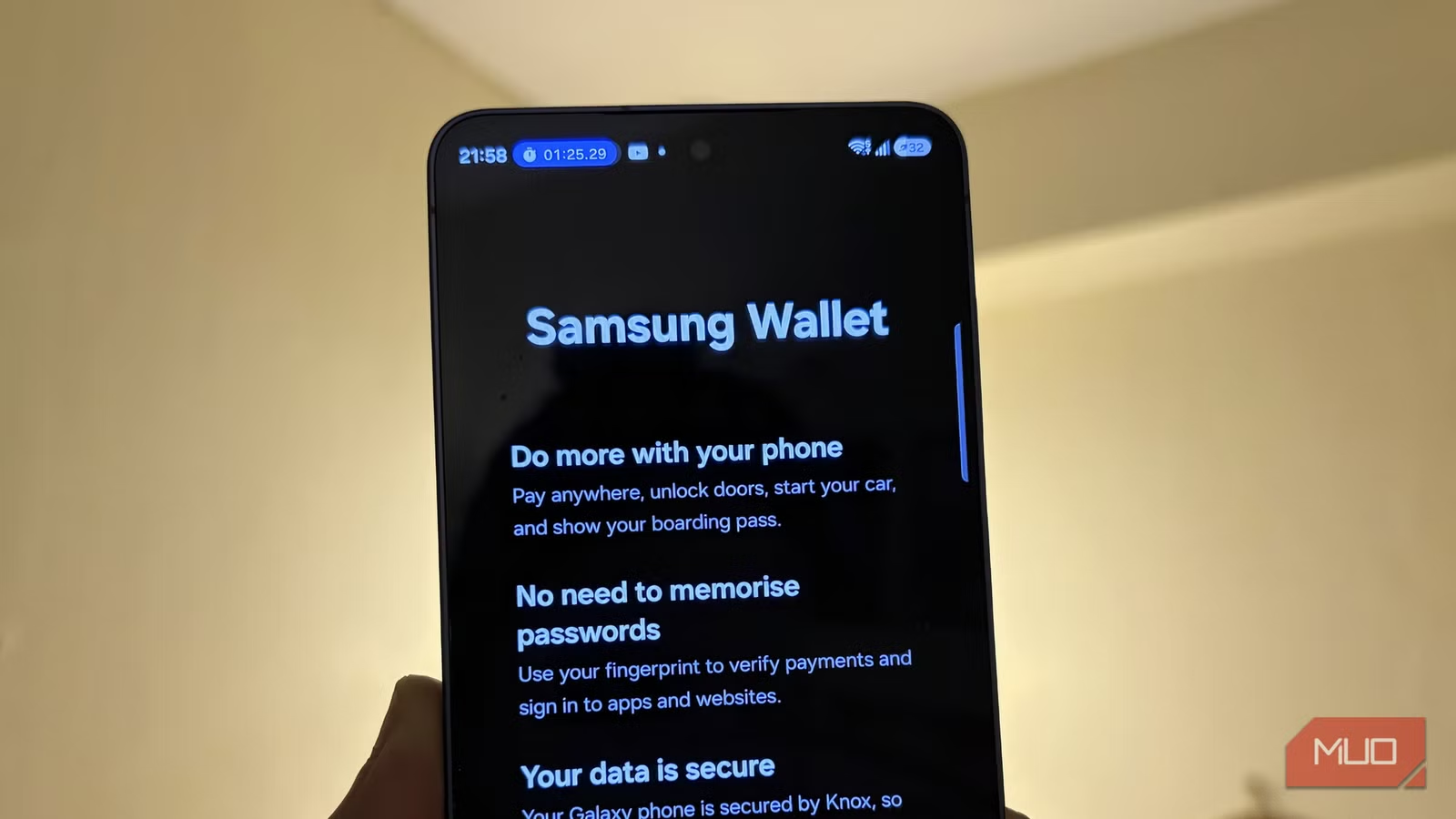
Samsung Wallet's New Trips Feature Beats Google Wallet for Travel
Key Takeaways
- Samsung Wallet's Trips feature aggregates boarding passes, hotel reservations, and car rentals into one chronological view
- The feature includes real-time flight tracking and surfaces documents when you need them
- A built-in memos section lets you store Airbnb codes, parking spots, and other travel notes directly in your timeline
The Problem With Google Wallet for Travelers
If you own a Samsung Galaxy phone, you probably have both Google Wallet and Samsung Wallet installed. Most people default to Google Wallet because it feels universal. It works on any Android device. It syncs across platforms. It's the path of least resistance.
But for frequent travelers, Google Wallet has a problem. It's a vertical stack of cards, tickets, and boarding passes that grows messier over time. Expired passes pile up. Finding the right document means scrolling through everything. Adding new items often requires multiple steps, even when there's an 'Add to Google Wallet' button.
Samsung's new Trips feature in Samsung Wallet takes a different approach. Instead of a card stack, it organizes everything by trip in a chronological timeline.
What Samsung Wallet Trips Actually Does
Trips is a dedicated section within Samsung Wallet designed to handle travel documents. It pulls together your boarding passes, hotel reservations, and car rental confirmations into a single view organized by when you'll need them.
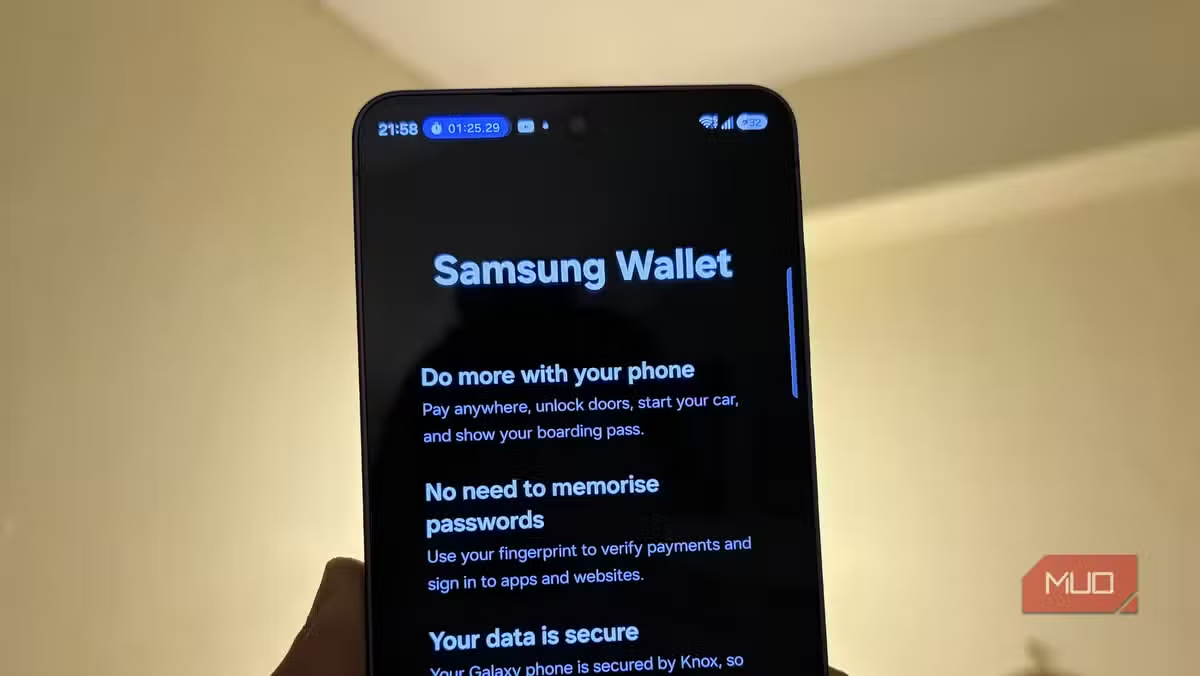
The feature tracks your flights in real-time and surfaces the right document at the moment you need it. Arriving at the airport? Your boarding pass is ready. Checking into your hotel? The reservation appears. You don't have to dig through a stack of cards.
There's also a memos section where you can type notes directly into your travel timeline. Airbnb gate codes, parking spot numbers, anything you'd normally save in a separate notes app can live alongside your travel documents.
Why the Timeline View Matters
The difference between a timeline and a card stack seems small until you're standing at a hotel desk with impatient people behind you, scrolling through dozens of cards to find your reservation confirmation.
Google Wallet treats every document the same. A boarding pass from 2023 sits alongside today's hotel booking. You're left to manually delete old passes or live with the clutter.
Samsung's timeline groups documents by trip and orders them chronologically. When you're traveling, you see what's relevant now. When you're planning, you see what's coming up. The interface assumes you have context. It's a small design choice with a meaningful impact on daily use.
Logicity's Take
How to Try Trips on Your Samsung Galaxy
The Trips feature is available now on most modern Samsung Galaxy devices. To access it, make sure Samsung Wallet is updated to the latest version through the Galaxy Store.
- Open the Galaxy Store on your Samsung device
- Search for Samsung Wallet and check for updates
- Open Samsung Wallet after updating
- Look for the Trips section in the main navigation
Once you've added travel documents, the timeline view should populate automatically. You can also manually add memos to any trip for details that don't come through email confirmations.
Samsung Wallet vs Google Wallet: The Trade-offs
Switching from Google Wallet to Samsung Wallet isn't a pure upgrade. There are trade-offs to consider.
✅ Pros
- • Timeline view organizes travel documents chronologically
- • Real-time flight tracking surfaces documents when needed
- • Built-in memos section for Airbnb codes, parking spots, and notes
- • Better automation for adding travel items
❌ Cons
- • Only works on Samsung Galaxy devices
- • No cross-platform sync if you switch phones
- • Google Wallet has broader third-party integration
- • Requires maintaining a separate app from Google's ecosystem
For Samsung users who don't plan to leave the Galaxy ecosystem, the trade-offs lean heavily in Samsung Wallet's favor. For anyone who might switch to a Pixel or other Android phone, staying with Google Wallet preserves flexibility.
Who This Feature Is Actually For
Trips isn't for everyone. If you travel once or twice a year, the clutter in Google Wallet probably doesn't bother you. The occasional scroll through old boarding passes is annoying but not worth switching apps.
But if you're a road warrior, someone who flies weekly or manages multiple trips simultaneously, the organizational benefit compounds quickly. Having memos attached to specific trips means you're not searching through a notes app to remember which parking garage you're in.
The feature also helps anyone who travels with multiple bookings per trip. Business travelers who book flights, hotels, and rental cars separately will appreciate having everything in one chronological view rather than three separate card entries.
If you're organizing your travel documents digitally, here's why your passport should be in the mix
Frequently Asked Questions
Is Samsung Wallet Trips available on all Samsung phones?
Trips is available on most modern Samsung Galaxy devices. Check for the latest Samsung Wallet update in the Galaxy Store to access the feature.
Can I use Samsung Wallet Trips with Google Wallet?
Yes, you can use both apps simultaneously. Many Samsung users keep Google Wallet for payments and use Samsung Wallet's Trips feature specifically for travel organization.
Does Samsung Wallet Trips work with all airlines and hotels?
Trips aggregates boarding passes, hotel reservations, and car rental details that are emailed to you or added via compatible apps. Most major airlines and booking platforms are supported.
Can I add notes to my trips in Samsung Wallet?
Yes. The Trips feature includes a memos section where you can type anything from Airbnb gate codes to parking spot numbers directly into your travel timeline.
Need Help Implementing This?
Source: MakeUseOf
Huma Shazia
Senior AI & Tech Writer
اقرأ أيضاً

رأي مغاير: كيف يؤثر اختراق الأمن الداخلي الأميركي على شركاتنا الخاصة؟
في ظل اختراق عقود الأمن الداخلي الأميركي مع شركات خاصة، نناقش تأثير هذا الاختراق على مستقبل الأمن السيبراني. نستعرض الإحصاءات الموثوقة ونناقش كيف يمكن للشركات الخاصة أن تتعامل مع هذا التهديد. استمتع بقراءة هذا التحليل العميق

الإنسان في زمن ما بعد الوجود البشري: نحو نظام للتعايش بين الإنسان والروبوت - Centre for Arab Unity Studies
في هذا المقال، سنناقش كيف يمكن للبشر والروبوتات التعايش في نظام متكامل. سنستعرض التحديات والحلول المحتملة التي تضعها شركات مثل جوجل وأمازون. كما سنلقي نظرة على التوقعات المستقبلية وفقًا لتقرير ماكنزي

إطلاق ناسا لمهمة مأهولة إلى القمر: خطوة تاريخية نحو استكشاف الفضاء
تعتبر المهمة الجديدة خطوة هامة نحو استكشاف الفضاء وتطوير التكنولوجيا. سوف تشمل المهمة إرسال رواد فضاء إلى سطح القمر لconducting تجارب علمية. ستسهم هذه المهمة في تطوير فهمنا للفضاء وتحسين التكنولوجيا المستخدمة في استكشاف الفضاء.