Jan AI: Open Source LLM Tool That Beats LM Studio
Key Takeaways
- Jan eliminates licensing surprises that could disrupt AI workflows mid-project
- Zero cost difference with full source code access on GitHub
- Same model compatibility as LM Studio with cleaner migration path
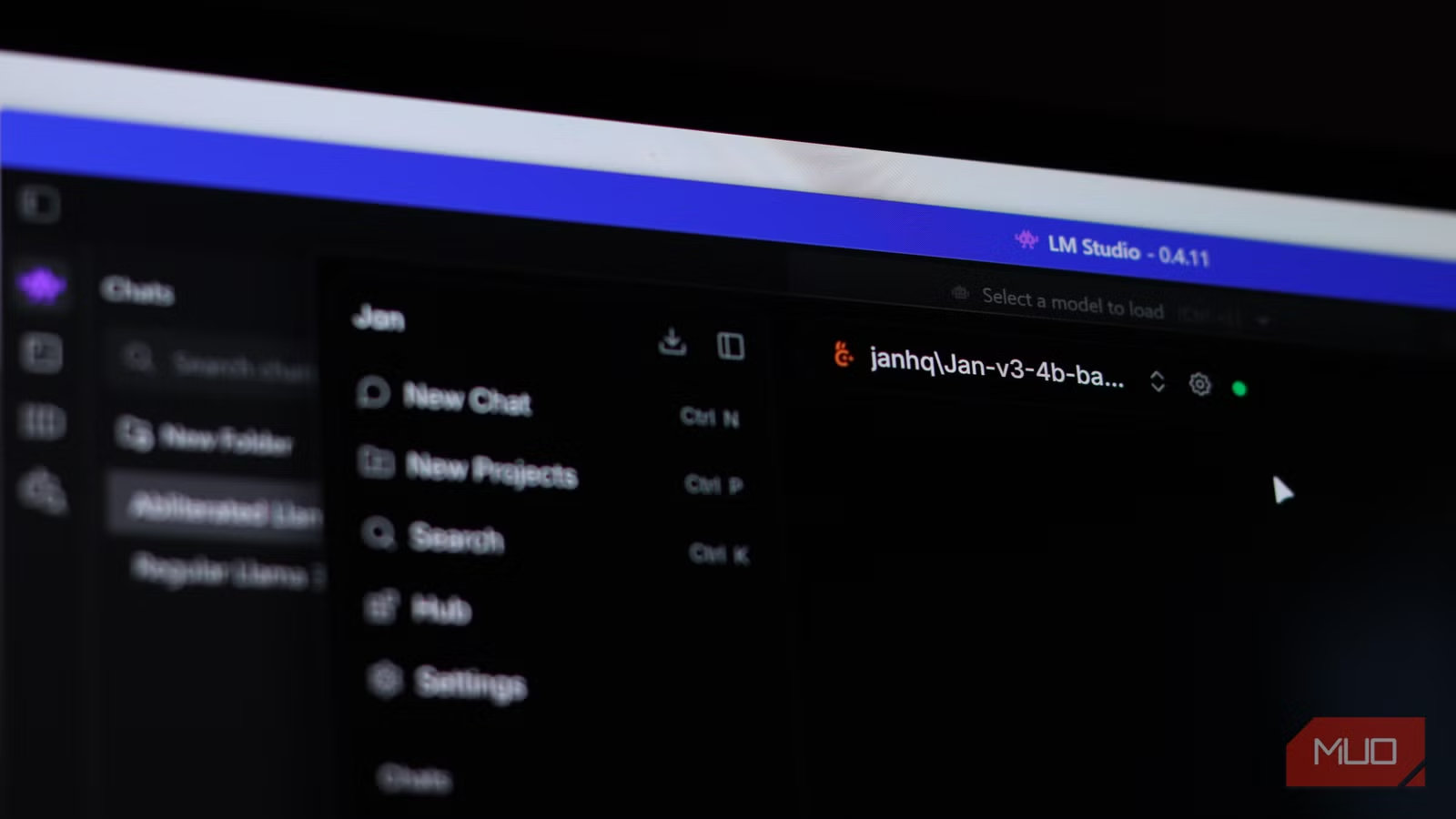
According to [MakeUseOf](https://www.makeuseof.com/stopped-using-lm-studio-found-open-source-alternative/), the open-source desktop application Jan has emerged as a compelling replacement for LM Studio, offering identical local LLM capabilities without the proprietary licensing concerns that make enterprise deployment risky.
Read in Short
Jan is a free, fully open-source alternative to LM Studio for running local AI models. It supports all major models (Llama, Gemma, Mistral, Qwen, DeepSeek), has a ChatGPT-like interface, and eliminates the vendor lock-in risk that comes with proprietary tools sitting at the core of your AI infrastructure.
Why Open Source Matters for Local AI Deployment
Here's the business problem most CTOs don't see coming: you've built critical workflows around a local AI tool, trained your team on it, integrated it into your development pipeline. Then the vendor changes their licensing terms. It happened with Redis. It happened with Terraform. It will happen again.
LM Studio is excellent software. The UI is polished. Setup takes minutes. But it's proprietary. The source code isn't available for audit. Your legal team can't verify what data the application handles. And if the parent company decides to monetize aggressively in 2027, you're locked in or starting over.
Jan eliminates this risk entirely. Every line of code is on GitHub. You can fork it, audit it, modify it, and host it internally. If the project direction changes, your engineering team can maintain your version indefinitely. This isn't philosophical open-source advocacy. It's risk management for tools that touch your AI infrastructure.
Jan AI vs LM Studio: What's the Real Difference?
Let's cut to what matters for a technology decision. Both tools do the same core job: download and run local LLMs on your hardware without cloud dependencies. The differences are in licensing, ecosystem, and long-term viability.
| Feature | Jan | LM Studio |
|---|---|---|
| Licensing | Fully open source (Apache 2.0) | Proprietary (free tier) |
| Source Code Access | Complete GitHub repository | Partial (CLI tools only) |
| Model Support | Llama, Gemma, Mistral, Qwen, DeepSeek | Same model ecosystem |
| UI Design | ChatGPT-style interface | Custom polished interface |
| Enterprise Audit | Full code review possible | Not available |
| Offline Capability | 100% offline operation | 100% offline operation |
| Cost | Free | Free (current tier) |
| Vendor Lock-in Risk | None | Moderate |
The model compatibility is essentially identical. Both tools tap into the same ecosystem of open-weight models. If your team is using Llama 3.2 or Mistral in LM Studio today, you'll find the same models in Jan's hub. Migration isn't starting from scratch. It's changing the interface.
What Does Jan AI Cost for Enterprise Teams?
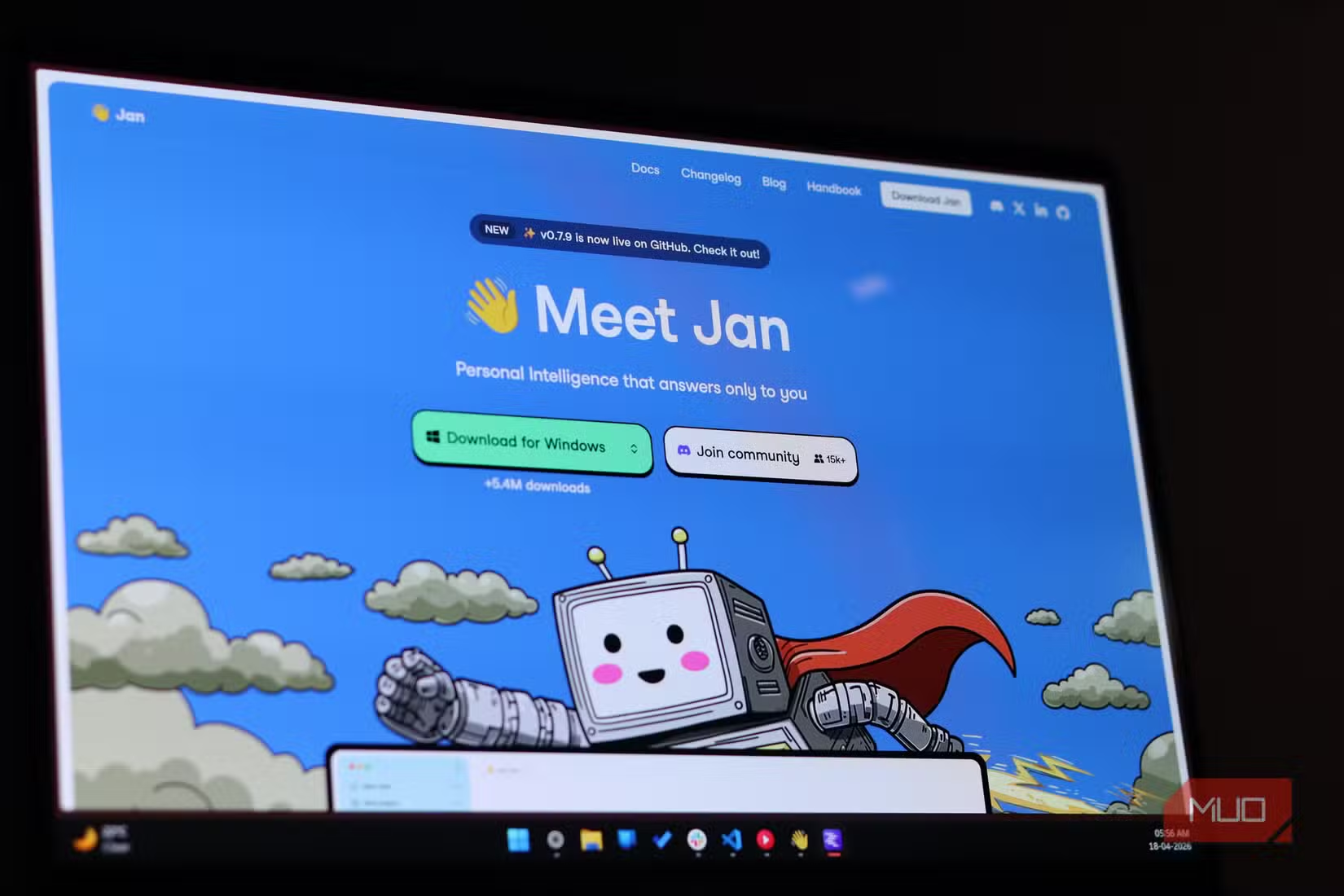
Jan is free. Not freemium. Not free with usage limits. Fully free with source code you own. But "free" in enterprise context means something different. Let's break down the actual costs.
- Software licensing: $0 (perpetual, no per-seat fees)
- Hardware requirements: Same as LM Studio (GPU with 8GB+ VRAM recommended)
- Integration time: 2-4 hours for developer setup, 1-2 days for team deployment
- Training: Minimal (ChatGPT-like interface reduces learning curve)
- Ongoing maintenance: Internal team responsibility (open source trade-off)
The hidden cost with any open-source tool is maintenance responsibility. If Jan's maintainers stop updating the project, your team needs capacity to fork and maintain. For most organizations, this is an acceptable trade-off against the alternative: being dependent on a vendor's goodwill.
GPU selection is the biggest hardware decision for local AI deployment. Get it wrong and you've wasted your budget.
How Long Does Jan AI Take to Deploy?
Individual developer setup: 15 minutes. Download the application, install it, pick a model from the hub. That's it. Jan was designed for people who've never used a terminal. The interface walks you through model selection and handles the technical complexity.
Team deployment takes longer because you're making decisions: which models to standardize on, how to handle updates, whether to customize the configuration. Budget 1-2 days for a proper rollout with documentation.
- Download Jan from the official website (Windows, Mac, Linux supported)
- Run the installer (no dependencies required)
- Open the model hub and select your preferred LLM
- Wait for the model download (size varies: 4GB to 70GB depending on model)
- Start chatting with fully local, offline AI
If you're migrating from LM Studio, the process is even faster. You already understand the concept. You may already have models downloaded that Jan can recognize. The learning curve is measured in minutes, not days.

Is Jan AI Worth Switching From LM Studio?
This depends on your organization's risk tolerance and infrastructure philosophy. If you're a solo developer running experiments, LM Studio's polish might win. If you're building production workflows that need to run for years, Jan's licensing clarity is worth the switch.
✅ Pros
- • Complete source code access for security audits
- • No licensing surprises ever
- • Community-driven development with active GitHub
- • ChatGPT-familiar interface reduces training needs
- • Same model compatibility as proprietary alternatives
❌ Cons
- • Interface less polished than LM Studio in some areas
- • Smaller company backing (community vs. VC-funded)
- • Documentation still maturing
- • No guaranteed long-term support (open source reality)
The strategic question isn't about features. Both tools download and run the same models. The question is: do you want a vendor relationship or do you want ownership? For tools touching AI infrastructure, ownership increasingly makes business sense.
Security and Compliance Considerations
Local LLM deployment exists because cloud AI APIs create data exposure. Every prompt to ChatGPT or Claude goes to external servers. For legal documents, healthcare data, financial analysis, that's often unacceptable. Jan keeps everything on your hardware.
But "local" isn't automatically "secure." Your security team should still audit the application. With Jan, they can. The source code is available. Your team can verify network calls, data handling, and model loading procedures. Try that with proprietary software.
Compliance Advantage
For HIPAA, GDPR, and SOC 2 compliance, auditors increasingly require evidence of data containment. Open-source tools with auditable code provide documentation that proprietary tools can't match. Your compliance team will thank you.
Recent breaches highlight why control over your infrastructure matters. Local AI reduces your attack surface.
Building Local AI Infrastructure That Lasts
The broader pattern here matters more than any single tool. Enterprise AI infrastructure is maturing. The early days of "just use ChatGPT for everything" are ending as organizations realize the cost, security, and control implications.
Local LLM deployment is becoming a standard capability, not an experiment. The tools you choose today will be embedded in workflows for years. Choosing open-source foundations isn't idealism. It's the same logic that drove Linux adoption in datacenters: vendor independence scales better than vendor relationships.
Jan represents this shift. It's not revolutionary technology. It's stable, boring, auditable infrastructure for running AI locally. That's exactly what enterprise deployments need.
Another example of open-source alternatives gaining enterprise traction over polished proprietary options.

Frequently Asked Questions
Frequently Asked Questions
Is Jan AI really free for commercial use?
Yes. Jan is licensed under Apache 2.0, which permits commercial use without fees, royalties, or attribution requirements beyond the license notice. Your legal team can verify this directly in the GitHub repository.
Can Jan run the same AI models as LM Studio?
Yes. Both tools support the same ecosystem of open-weight models including Llama, Gemma, Mistral, Qwen, and DeepSeek. Model compatibility isn't a differentiator between these tools.
What hardware does Jan require to run local LLMs?
Minimum requirements depend on model size. For 7B parameter models, you need 8GB RAM and a GPU with 6GB VRAM. For larger models (70B parameters), expect 64GB RAM and 24GB+ VRAM. Consumer GPUs like RTX 4070 handle most common models.
How does Jan compare to cloud AI services for cost?
After hardware investment, Jan's per-query cost approaches zero. Organizations processing 10,000+ AI queries monthly typically see ROI within 6-12 months versus cloud API pricing. The break-even calculation depends on your query volume.
What support is available for Jan in enterprise environments?
Jan is community-supported via GitHub issues and Discord. There's no enterprise support tier. For organizations requiring SLAs, this is a trade-off against the licensing flexibility. Many companies pair open-source tools with internal support capacity.
Logicity's Take
We've deployed local LLM infrastructure for clients who can't send sensitive data to cloud APIs. The pattern we see: teams start with LM Studio because it's polished, then hit licensing questions when legal reviews their AI stack. Jan solves the right problem for production deployments. From our experience building AI agent systems on Claude and integrating n8n automation workflows, the tool itself matters less than the architecture decisions around it. Whether you choose Jan or LM Studio, the harder questions are: which models fit your use case? How do you version and update them? What happens when a new model generation drops? For Indian startups especially, local LLM deployment makes financial sense faster than in US markets. Cloud API costs in dollars hurt when your revenue is in rupees. A one-time GPU investment (check the used market carefully) plus free software like Jan creates AI capabilities without recurring cloud bills. We've seen early-stage companies cut their AI infrastructure costs by 60-70% this way. One caution: open-source doesn't mean zero maintenance. Budget internal capacity to monitor updates, handle model management, and troubleshoot issues. The total cost of ownership is lower, but it's not zero.
Need Help Implementing This?
Logicity helps businesses deploy local AI infrastructure that scales. From GPU selection to model optimization to integration with existing workflows, we've built these systems for clients across healthcare, legal, and fintech. If your team is evaluating local LLM deployment, let's talk about what makes sense for your specific use case.
Source: MakeUseOf
Manaal Khan
Tech & Innovation Writer
اقرأ أيضاً

رأي مغاير: كيف يؤثر اختراق الأمن الداخلي الأميركي على شركاتنا الخاصة؟
في ظل اختراق عقود الأمن الداخلي الأميركي مع شركات خاصة، نناقش تأثير هذا الاختراق على مستقبل الأمن السيبراني. نستعرض الإحصاءات الموثوقة ونناقش كيف يمكن للشركات الخاصة أن تتعامل مع هذا التهديد. استمتع بقراءة هذا التحليل العميق

الإنسان في زمن ما بعد الوجود البشري: نحو نظام للتعايش بين الإنسان والروبوت - Centre for Arab Unity Studies
في هذا المقال، سنناقش كيف يمكن للبشر والروبوتات التعايش في نظام متكامل. سنستعرض التحديات والحلول المحتملة التي تضعها شركات مثل جوجل وأمازون. كما سنلقي نظرة على التوقعات المستقبلية وفقًا لتقرير ماكنزي

إطلاق ناسا لمهمة مأهولة إلى القمر: خطوة تاريخية نحو استكشاف الفضاء
تعتبر المهمة الجديدة خطوة هامة نحو استكشاف الفضاء وتطوير التكنولوجيا. سوف تشمل المهمة إرسال رواد فضاء إلى سطح القمر لconducting تجارب علمية. ستسهم هذه المهمة في تطوير فهمنا للفضاء وتحسين التكنولوجيا المستخدمة في استكشاف الفضاء.