Inbox Zero: Open-Source AI Email Cleaner You Can Self-Host
Key Takeaways
- Inbox Zero is open-source and can be self-hosted at no cost if you have the hardware
- The cloud version costs $20/month but is SOC 2 Type 2 certified
- Unlike free alternatives like CleanFox, Inbox Zero doesn't sell your email data for market research
The Email Problem Most of Us Ignore
If you've had the same email address for a decade or longer, you probably have thousands of unread messages. Newsletters you forgot to cancel. Promotions from companies you bought from once in 2018. Receipts buried under marketing spam. The author of the source article reports roughly 20,000 unread emails in his inbox. That's not unusual.
Most people don't clean up their inbox because it takes forever and feels pointless. AI-powered email cleaners exist, but many of them have a catch. Free tools like CleanFox scan your emails and sell the data to build market research reports. You pay with your privacy instead of your wallet.
Inbox Zero takes a different approach. It's an open-source AI assistant designed to organize and clean your email. The code is publicly available for anyone to audit. And if you have a spare computer or server, you can run it yourself at no cost.
What Inbox Zero Actually Does
Inbox Zero connects to your email account and uses AI to categorize, filter, and help you bulk-manage messages. The goal is what the name suggests: getting your inbox to zero unread messages, or at least to a manageable state.
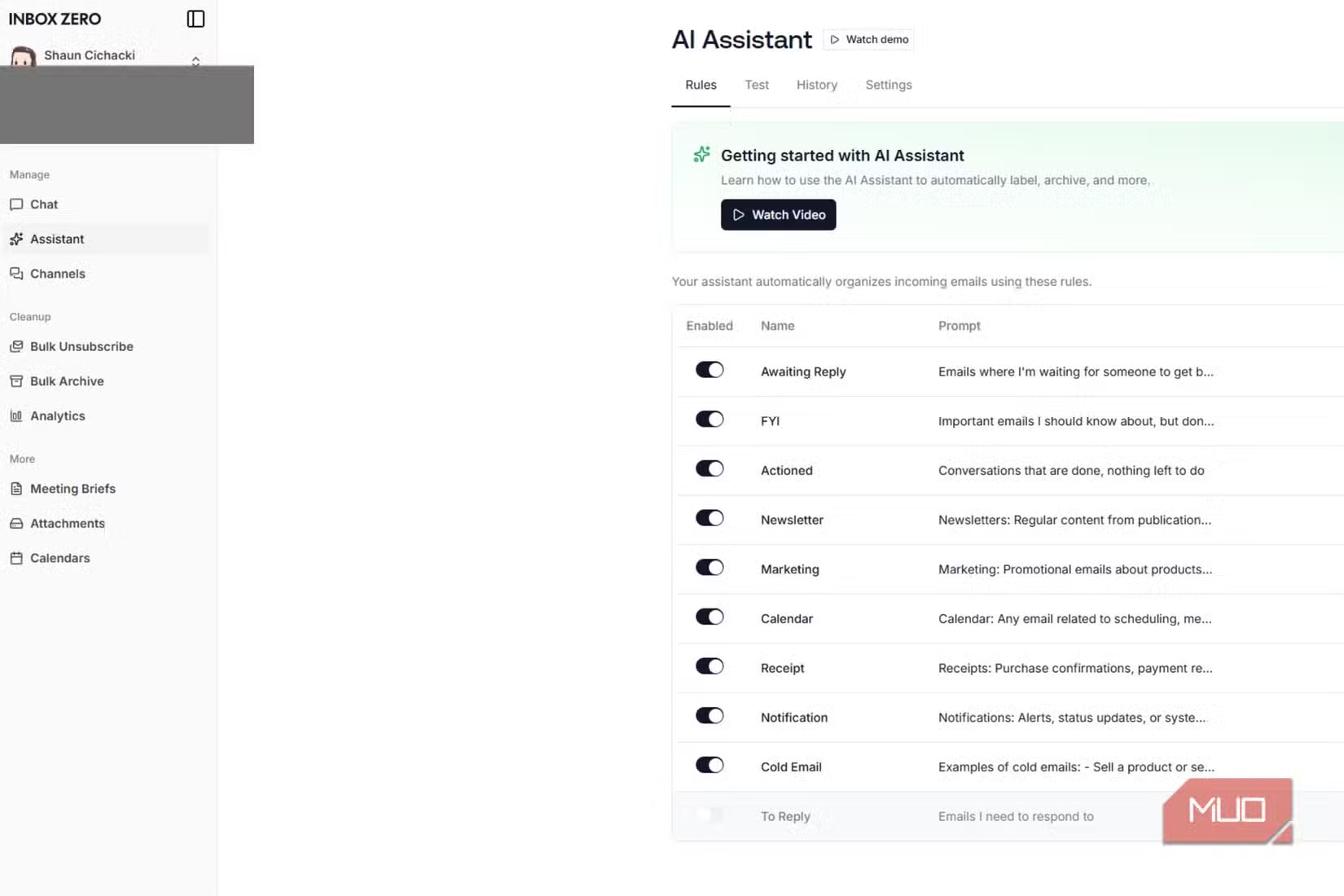
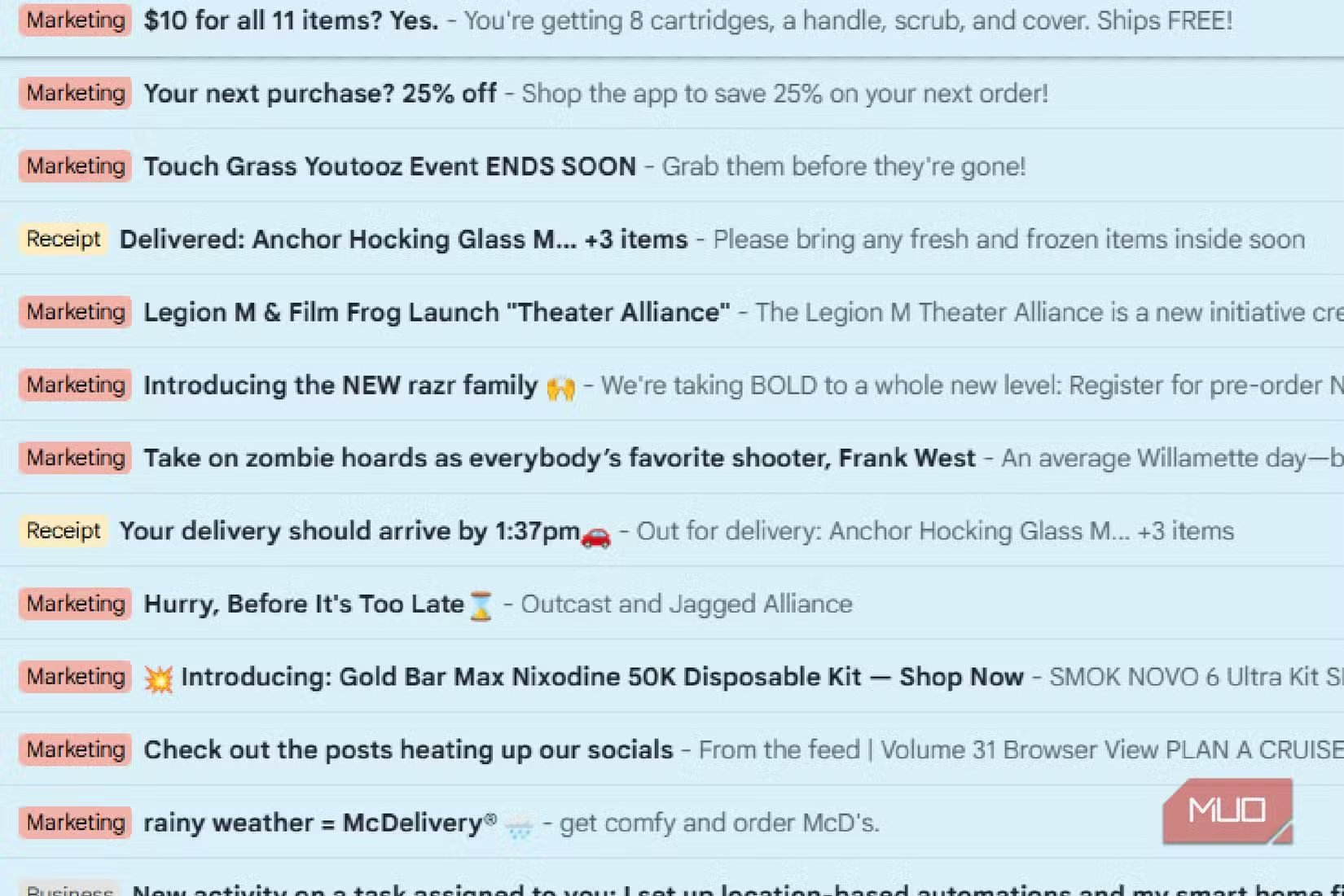
The tool can identify newsletters, marketing emails, and receipts. It lets you unsubscribe from mailing lists in bulk rather than clicking through dozens of individual emails. For anyone drowning in promotional messages, this alone could save hours.
Two Ways to Use It: Self-Hosted or Cloud
Inbox Zero offers two paths. The first is self-hosting. If you have a Mini-PC, home server, or any always-on computer, you can run your own Inbox Zero instance. The source author already uses a Mini-PC to host game servers, so adding Inbox Zero to the mix was straightforward. Self-hosting costs nothing beyond the electricity and hardware you already have.
The second option is the cloud version. This costs roughly $20 per month. For that price, you get the same features without needing to maintain any infrastructure. The cloud version is SOC 2 Type 2 certified, meaning it has passed independent security audits for how it manages customer data.
✅ Pros
- • Open-source code available for public audit
- • Self-hosting option costs nothing if you have hardware
- • SOC 2 Type 2 certification on cloud version
- • Does not sell your data to third parties
❌ Cons
- • Cloud version costs $20/month
- • Self-hosting requires technical know-how and spare hardware
- • Gmail-focused (may not support all email providers equally)
Why Open Source Matters for Email Tools
Email is sensitive. It contains receipts, passwords, personal conversations, business communications, and everything in between. Giving an app access to your inbox requires trust.
With closed-source tools, you have to trust the company's word that they won't misuse your data. With open-source tools like Inbox Zero, anyone can read the code. Security researchers can verify there's nothing "phoning home" or scraping data for sale. The transparency creates accountability.
The SOC 2 Type 2 certification adds another layer. This isn't a self-certification. It means an independent auditor reviewed how the company handles security, availability, and confidentiality. Not every email tool bothers with this.
How to Set Up Self-Hosting
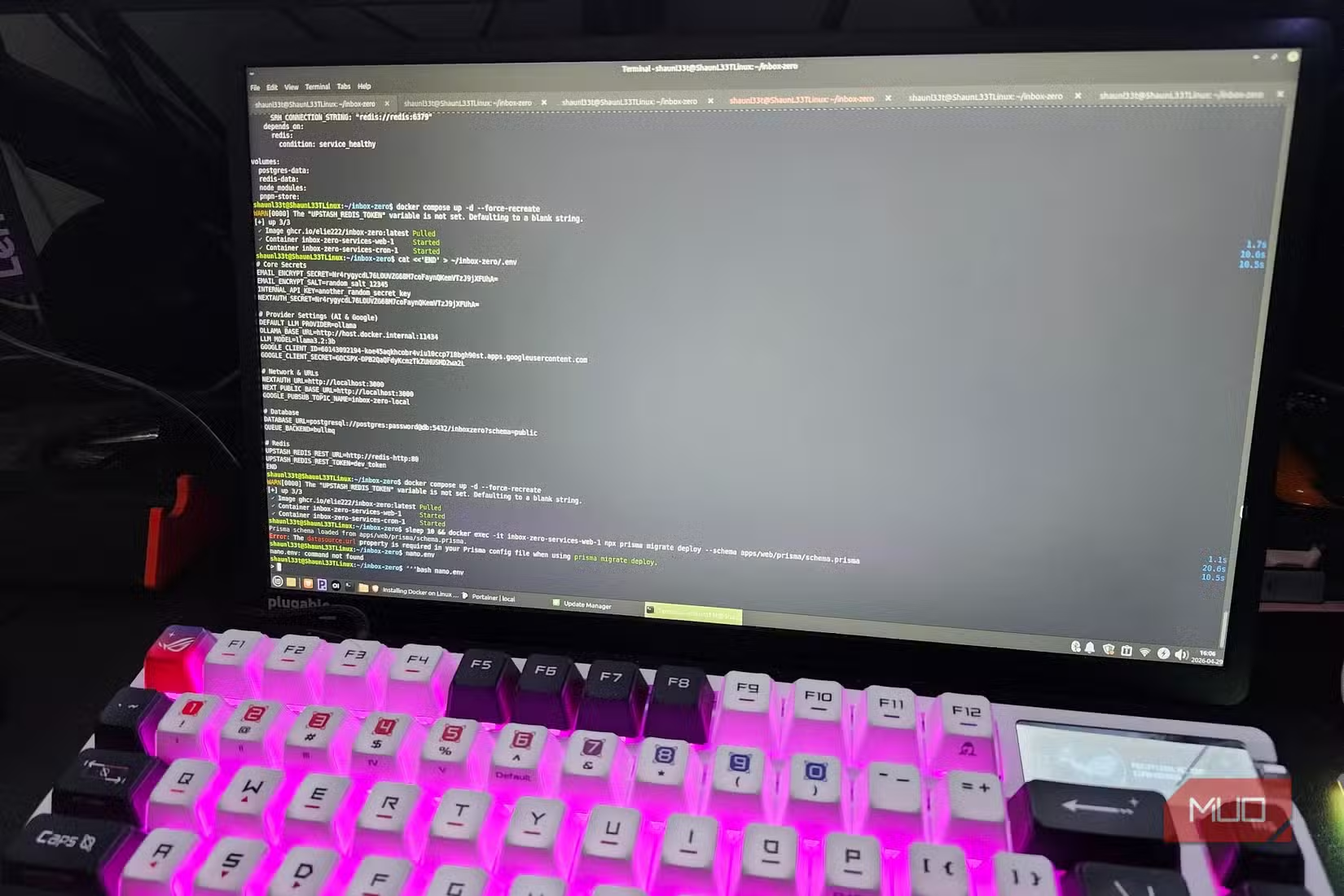
Self-hosting Inbox Zero requires some technical comfort. You'll need a computer that can stay on, basic command-line skills, and the ability to follow installation instructions. The project's GitHub repository contains documentation for getting started.
For most people who already run home servers for media, game hosting, or other projects, adding Inbox Zero is just another container or service. For those who've never self-hosted anything, the learning curve might be steep. The cloud option exists precisely for that audience.
Who Should Consider This
Inbox Zero makes sense for two groups. First, privacy-conscious users who don't want their email scanned and sold. If you've avoided email cleaners because of data concerns, this solves that problem. Second, people with existing home server infrastructure who want to add another useful service without paying monthly fees.
The $20/month cloud option is harder to justify for casual users. But for professionals who receive hundreds of emails daily and value the time savings, it could pay for itself quickly.
Logicity's Take
More ways to automate tedious work with AI and built-in tools
Important security context for anyone running self-hosted Linux services
Frequently Asked Questions
Is Inbox Zero completely free?
Yes, if you self-host. The cloud version costs $20/month.
Does Inbox Zero sell my email data?
No. The code is open-source and auditable, and the cloud version is SOC 2 Type 2 certified.
What email providers does Inbox Zero support?
The source article focuses on Gmail integration, but the open-source nature means other providers may be supported or added.
What hardware do I need to self-host Inbox Zero?
Any always-on computer works. The source author uses a Mini-PC that already hosts game servers.
How is Inbox Zero different from CleanFox?
CleanFox is free but sells your email data for market research. Inbox Zero doesn't monetize your data.
Need Help Implementing This?
Source: MakeUseOf
Huma Shazia
Senior AI & Tech Writer
مقالات ذات صلة
تصفح الكل
5 إعدادات في متصفحك تسرّب بياناتك حتى مع تفعيل VPN
ماذا لو أخبرتك أن متصفحك المفضل يسلّم عنوان IP الحقيقي وموقعك الفعلي وعادات تصفحك لأي موقع يطلبها، حتى مع تفعيل VPN؟ هذا بالضبط ما يحدث لملايين المستخدمين يومياً، ومنهم من يكتشف ذلك بالصدفة عند إجراء

كيف تعرض شاشة هاتف Android على التلفزيون مجاناً باستخدام Google Cast
هل تبحث عن طريقة لعرض شاشة هاتف Android على التلفزيون دون دفع أموال لتطبيقات مليئة بالإعلانات أو شراء كابلات HDMI؟ الحل موجود فعلياً داخل هاتفك: ميزة Google Cast المدمجة في نظام Android 16 تتيح لك بث

4 تطبيقات سامسونج تستحق البقاء على هاتفك Galaxy
يأتي هاتف Galaxy الجديد محملاً بأكثر من 50 تطبيقاً مُثبتاً مسبقاً، وليست جميعها ضرورية. لكن وسط هذا الكم من التطبيقات، تبرز أربعة تطبيقات سامسونج تستحق فعلاً أن تبقى على جهازك — بل قد تفضّلها على بدائ

استدعاءات يونيو 2026 للسيارات: Ford وHonda وToyota تسحب ملايين المركبات من الأسواق
سجّلت الهيئة الوطنية الأمريكية لسلامة المرور على الطرق السريعة NHTSA أكثر من 300 استدعاء للسلامة شملت أكثر من 100 شركة مصنّعة منذ بداية عام 2026، لكن استدعاءات يونيو 2026 للسيارات جاءت الأضخم والأخطر.
اقرأ أيضاً

5 ميزات ذكاء اصطناعي في iOS 27 تعمل دون الحاجة للتحدث مع Siri
لم تكن ترقية Siri بالذكاء الاصطناعي الإعلان الوحيد المهم في مؤتمر WWDC هذا العام، بل إن استراتيجية Apple الأوسع للذكاء الاصطناعي تتجلى عبر سلسلة من ميزات الذكاء الاصطناعي في iOS 27 المدمجة في التطبيقا

مؤسس OnFinance AI ينتقد شركة استثمارية علناً ثم يعتذر خلال ساعات: دروس في إدارة العلاقات مع المستثمرين
في مشهد يعكس التوترات الخفية بين مؤسسي الشركات الناشئة وشركات رأس المال الجريء، اعتذر أنوج سريفاستافا، الرئيس التنفيذي لشركة OnFinance AI الناشئة في بنغالور، بعد ساعات قليلة من انتقاده العلني لشركة Al

Gemini على Android يحتاج وضعاً «بسيطاً» للمهام اليومية
يُبهرك Gemini حين تطلب منه تلخيص بريد إلكتروني طويل أو صياغة رد دبلوماسي، لكنه يُحبطك حين يعجز عن ضبط مؤقت لخمس دقائق من المحاولة الأولى. هذا التناقض يُلخّص أزمة المساعد الذكي على هواتف Android: ذكاء