How to Start Using Git and GitHub in VS Code
Key Takeaways
- VS Code's Source Control tab lets beginners use Git without memorizing commands
- 70% of professional developers now use IDE-integrated Git tools instead of CLI
- GitHub added 36 million new developers in 2025, averaging one new user per second
Learning Git has long meant memorizing terminal commands. Clone, commit, push, pull, merge, rebase. For many developers, this steep learning curve delays their first contribution to a real project by weeks or months.
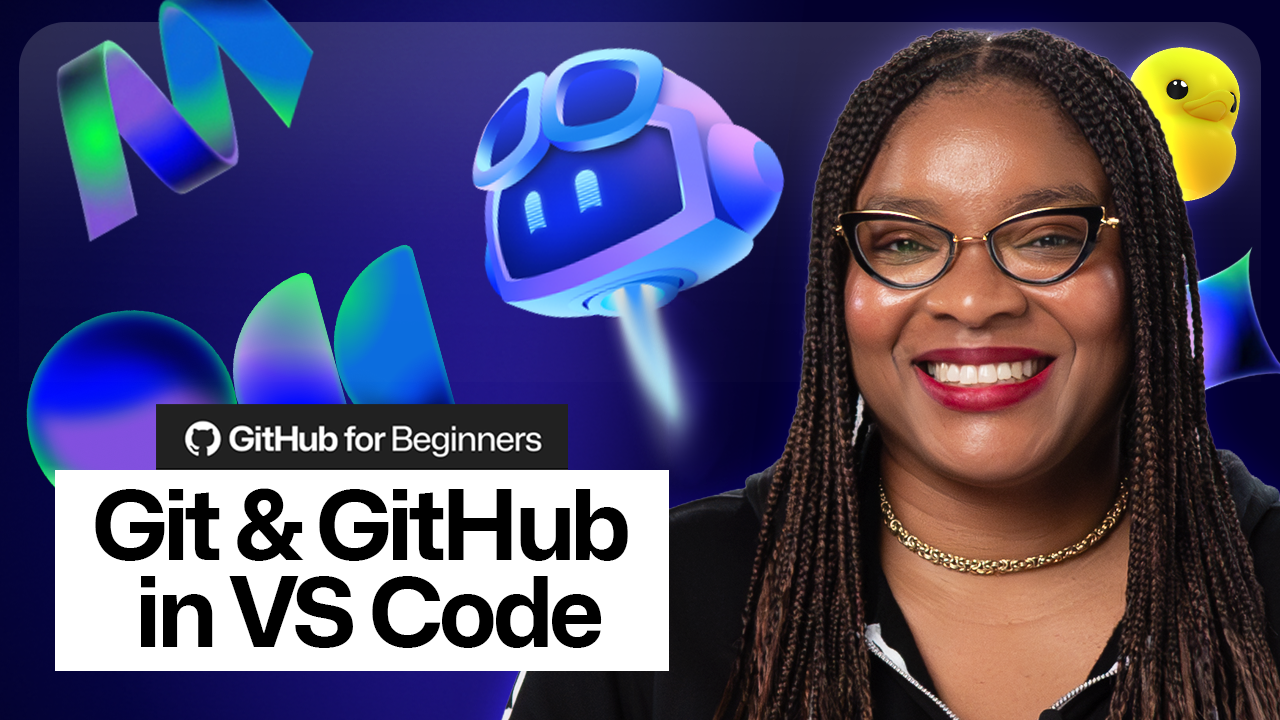
GitHub's Developer Advocate Kedasha Kerr published a beginner's guide that takes a different approach. Instead of starting with the command line, it teaches Git through VS Code's visual interface. The Source Control tab handles staging, commits, and pushes with clicks instead of typed commands.
“The best time to learn Git is yesterday; the second best time is today. We've integrated it into VS Code to remove the friction for beginners.”
— Kedasha Kerr, Developer Advocate at GitHub
Why the Shift Away from CLI
The numbers tell the story. About 70% of professional developers now use integrated Git tools inside their IDE rather than the command line. VS Code leads this shift with an estimated 14 million monthly active users.
For beginners, the visual approach has clear advantages. You can see which files changed. You can review diffs before committing. You can undo mistakes without searching Stack Overflow for the right incantation.
The command line still matters for advanced workflows. Rebasing, cherry-picking, and complex merge conflict resolution often work better in a terminal. But most daily Git tasks, the ones beginners need first, work fine through VS Code's interface.
What the Guide Covers
Kerr's tutorial walks through the essentials: initializing a repository, staging changes, writing commit messages, and pushing to GitHub. Each step shows both the VS Code method and the equivalent terminal command, so learners can connect the visual action to the underlying Git operation.
- Opening the Source Control panel in VS Code
- Staging individual files or all changes at once
- Writing meaningful commit messages
- Connecting a local repo to GitHub
- Pushing and pulling changes
GitHub's Growth Context
The tutorial arrives as GitHub hits 180 million total developers. The platform added 36 million new users in 2025 alone. That works out to more than one new developer joining every second.
Many of these newcomers are self-taught or come from bootcamps where Git instruction varies widely. A visual-first approach meets them where they are: already comfortable with graphical interfaces, not yet fluent in terminal commands.
When to Graduate to the Command Line
VS Code's Git integration handles 80% of what most developers need. But some operations require the terminal or benefit from it.
Interactive rebasing, stashing with specific options, and bisecting to find bugs all work better from the command line. So does scripting Git operations in CI/CD pipelines.
The guide acknowledges this. It treats VS Code as a starting point, not a permanent crutch. Once the concepts click, the transition to CLI becomes learning syntax rather than learning logic.
Logicity's Take
Getting Started
The full guide lives on GitHub's blog. It requires VS Code (free), a GitHub account (free), and about 30 minutes of focused time.
For those who prefer video, VS Code's official YouTube channel has a companion tutorial that covers the same ground with screencasts.
Frequently Asked Questions
Do I need to know the command line to use Git?
No. VS Code's Source Control tab provides a visual interface for all common Git operations. You can learn CLI commands later once you understand the concepts.
Is VS Code's Git integration as powerful as the command line?
For daily tasks like commits, pushes, and pulls, yes. Advanced operations like interactive rebasing still work better in the terminal.
What's the difference between Git and GitHub?
Git is the version control system that tracks changes locally. GitHub is a cloud platform that hosts Git repositories and adds collaboration features like pull requests and issues.
How long does it take to learn Git basics?
With a visual interface like VS Code, most beginners can make their first commit and push to GitHub within 30 minutes. Fluency with branching and merging takes a few weeks of practice.
AI coding assistants can help debug Git issues and explain error messages
Need Help Implementing This?
Source: The GitHub Blog / Kedasha Kerr
Huma Shazia
Senior AI & Tech Writer
اقرأ أيضاً

رأي مغاير: كيف يؤثر اختراق الأمن الداخلي الأميركي على شركاتنا الخاصة؟
في ظل اختراق عقود الأمن الداخلي الأميركي مع شركات خاصة، نناقش تأثير هذا الاختراق على مستقبل الأمن السيبراني. نستعرض الإحصاءات الموثوقة ونناقش كيف يمكن للشركات الخاصة أن تتعامل مع هذا التهديد. استمتع بقراءة هذا التحليل العميق

الإنسان في زمن ما بعد الوجود البشري: نحو نظام للتعايش بين الإنسان والروبوت - Centre for Arab Unity Studies
في هذا المقال، سنناقش كيف يمكن للبشر والروبوتات التعايش في نظام متكامل. سنستعرض التحديات والحلول المحتملة التي تضعها شركات مثل جوجل وأمازون. كما سنلقي نظرة على التوقعات المستقبلية وفقًا لتقرير ماكنزي

إطلاق ناسا لمهمة مأهولة إلى القمر: خطوة تاريخية نحو استكشاف الفضاء
تعتبر المهمة الجديدة خطوة هامة نحو استكشاف الفضاء وتطوير التكنولوجيا. سوف تشمل المهمة إرسال رواد فضاء إلى سطح القمر لconducting تجارب علمية. ستسهم هذه المهمة في تطوير فهمنا للفضاء وتحسين التكنولوجيا المستخدمة في استكشاف الفضاء.