A $16 Raspberry Pi runs my entire home network VPN
Key Takeaways
- A Raspberry Pi Zero 2 W draws just 1.2 watts and handles WireGuard VPN duties for an entire home network
- WireGuard reduces CPU overhead by 5x compared to OpenVPN on ARM hardware, making low-power Pi boards viable
- Self-hosting a VPN eliminates reliance on subscription services and keeps your homelab accessible without exposing ports
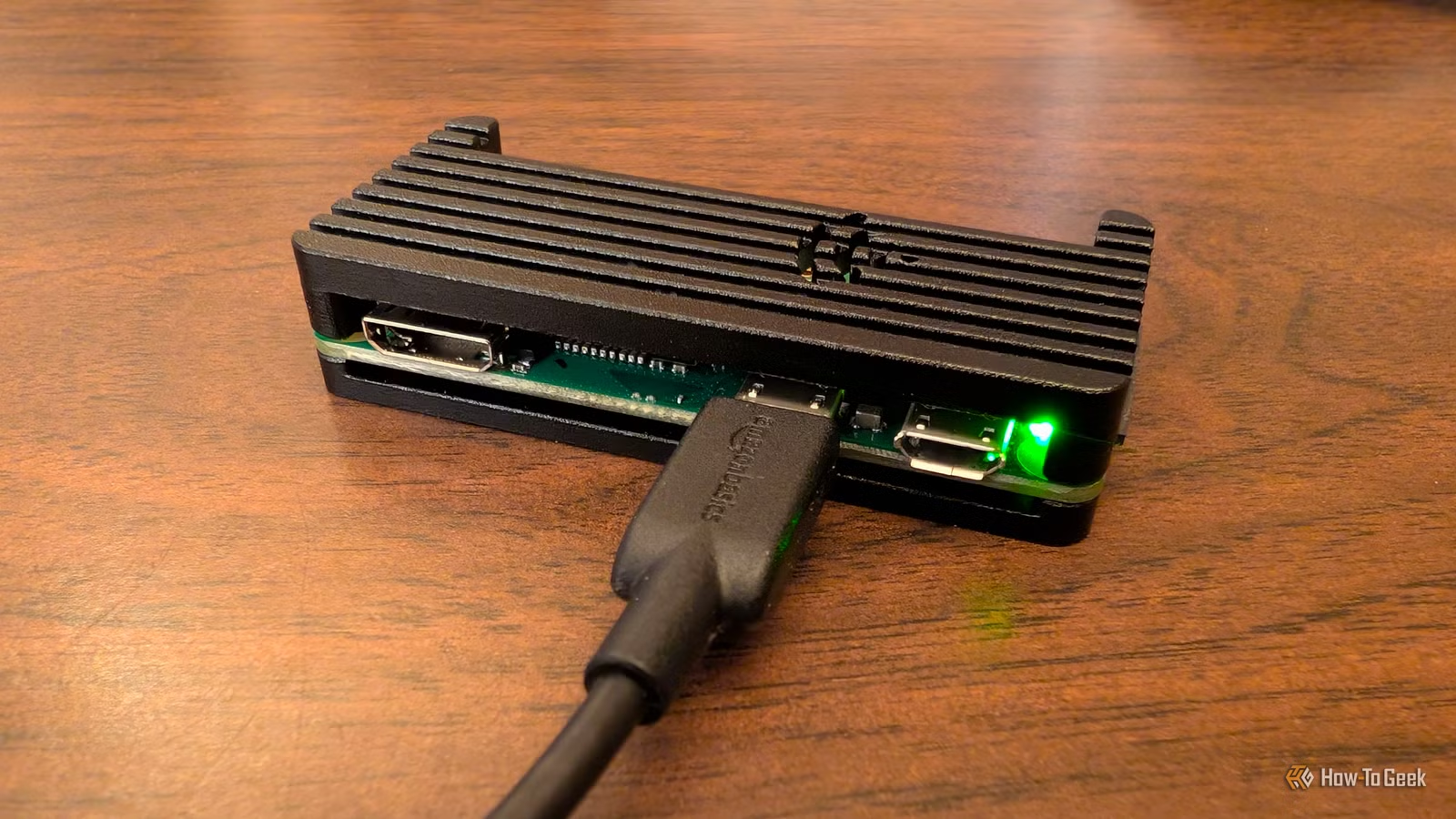
Nick Lewis, an editor at How-To Geek, makes a compelling case: his Raspberry Pi WireGuard VPN has become more useful than his desktop PC. The $16 Pi Zero 2 W runs around the clock, draws 1.2 watts, and provides encrypted access to his entire homelab from anywhere. No subscription fees. No third-party trust issues. Just a tiny board tucked behind his router.
The setup solves a problem that plagues anyone who self-hosts services at home. You want remote access to your media server, file backups, and dashboards. But exposing a dozen ports to the internet invites bot attacks. Commercial VPNs route traffic through someone else's infrastructure, cost money every month, and can change terms or shut down. WireGuard on a Pi gives you a single encrypted entry point that you control.
Why WireGuard instead of OpenVPN?
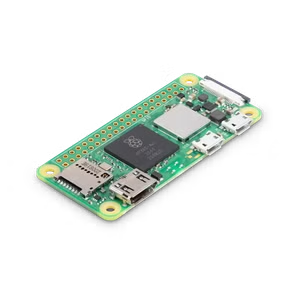
WireGuard is a modern VPN protocol that's smaller, faster, and simpler to configure than older options like OpenVPN or IPsec. On ARM-based Raspberry Pi hardware, WireGuard typically reduces CPU overhead by 5x compared to OpenVPN. That matters when your server is a $16 board with a quad-core ARM Cortex-A53 chip.
The protocol has moved well past experimental status. In 2026, WireGuard commands an estimated 70-80% market share for new Raspberry Pi VPN setups. It's baked into the Linux kernel and supported across iOS, Android, Windows, and macOS. The codebase is roughly 4,000 lines, a fraction of OpenVPN's size, which makes it easier to audit for security vulnerabilities.
What hardware do you actually need?
Even the cheapest Pi handles this job. The Pi Zero 2 W costs $16 at CanaKit, draws minimal power, and has enough horsepower for basic VPN usage. If you need more throughput, the Pi 4 or Pi 5 can saturate most residential internet connections. But for typical home use, checking files from your phone or streaming media over cellular, the Zero 2 W is plenty.
Running WireGuard on a desktop makes little sense. A desktop draws significant power at idle, takes up space, and generates noise. The Pi runs 24/7 for pennies a month in electricity. Lewis estimates his setup costs less than $1 per year to operate.
How a Pi VPN replaces subscription services
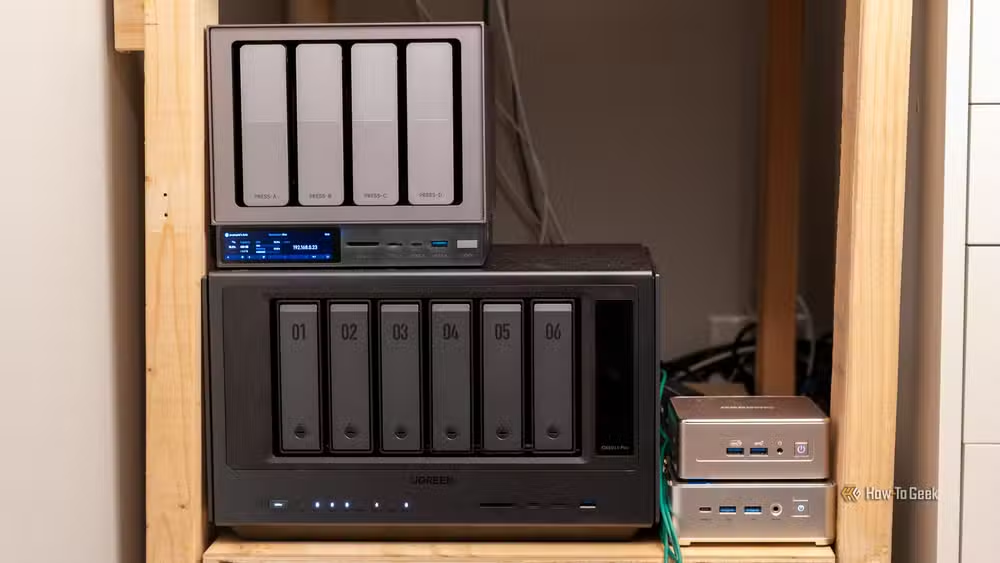
The practical benefit extends beyond security. By self-hosting a VPN tunnel, you can stop paying for cloud storage just to access files remotely. You can run a Jellyfin media server at home and stream your own music and video library from anywhere. You can use a Pi-hole instance for network-wide ad blocking, even on public Wi-Fi, because your phone's traffic tunnels back through your home network.
Lewis uses his setup to avoid multiple subscription services. His Jellyfin server replaced Spotify Premium. His NextCloud instance handles file sync. When he needs the full power of his desktop, he connects via WireGuard and then uses remote desktop software. The VPN is the single key that unlocks everything.
Setting up WireGuard on a Raspberry Pi
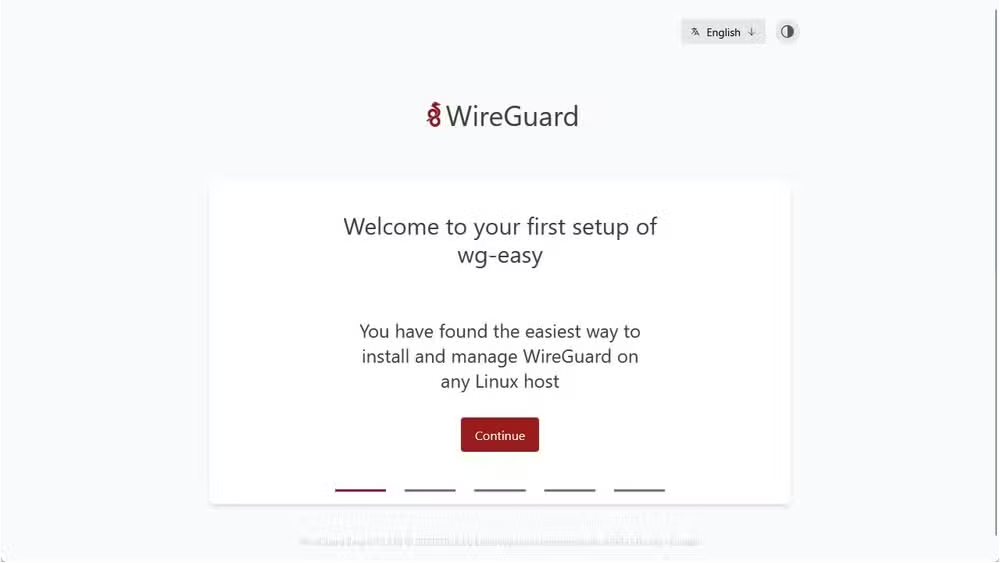
The process starts with flashing Raspberry Pi OS Lite onto a microSD card. Enable SSH or Raspberry Pi Connect so you can configure the board headlessly. From there, WireGuard installation takes just a few commands. Tools like PiVPN or WG-Easy provide a guided setup that handles key generation and client configuration.
You'll need to forward one UDP port on your router, typically 51820, to the Pi's local IP address. That's the only port you expose. Once connected to the tunnel, your phone or laptop behaves as if it were sitting on your home network. Internal dashboards, file shares, and local services all work exactly as they would at home.
The trade-off: convenience vs. control
Raspberry Pi's official Connect tool offers an easier remote access option. You don't need to configure port forwarding or manage keys. But Connect routes traffic through Raspberry Pi's infrastructure, which reintroduces third-party trust. Community discussions on Reddit and Hacker News consistently favor WireGuard for users who want full encrypted control over their data.

The WireGuard approach also works better on mobile data. Your phone can roam between networks, switching from Wi-Fi to cellular, and the tunnel reconnects automatically. Commercial VPN apps do this too, but they add another subscription and another company with access to your traffic metadata.

Is this setup right for you?
If you already self-host services, a Pi VPN is close to mandatory. It's the simplest way to access your homelab securely without exposing individual ports. If you travel frequently and want consistent ad-blocking and privacy on public Wi-Fi, the 1.2-watt Pi Zero 2 W is light enough to bring with you as a portable gateway.

For users who just want to access a few files occasionally, the setup might be overkill. Cloud sync services handle that case with less friction. But the moment you're running multiple services at home, media servers, note apps, dashboards, the Pi VPN becomes the hub that ties everything together.
Another technical tweak that delivers outsized performance gains with minimal effort
Logicity's Take
The $16 Pi Zero 2 W has quietly become the most cost-effective privacy appliance available. What's striking isn't the technology itself, WireGuard has been stable for years, but the cultural shift it represents. In 2026, running your own VPN stopped being a hobbyist flex and became practical infrastructure. The question isn't whether home sovereignty projects will grow, but how long until router manufacturers start bundling WireGuard support by default.
Frequently Asked Questions
Can a Raspberry Pi Zero 2 W handle VPN speeds for streaming video?
Yes. The Pi Zero 2 W handles typical residential streaming without issues. WireGuard's low CPU overhead means even 1080p video streams smoothly through the tunnel.
Is WireGuard secure enough for sensitive data?
WireGuard uses modern cryptographic primitives like ChaCha20 and Curve25519. Its small codebase, around 4,000 lines, makes security audits practical. It's been in the Linux kernel since 2020.
Do I need a static IP address to run a home VPN?
No. Dynamic DNS services let you connect to your home network even when your ISP changes your public IP. Most routers support DDNS configuration.
How much does it cost to run a Raspberry Pi VPN 24/7?
A Pi Zero 2 W draws about 1.2 watts. At average US electricity rates, that's under $1.50 per year.
Can I use this setup alongside a commercial VPN?
Yes. You can run WireGuard on your Pi for homelab access and still use a commercial VPN when you want to mask your IP or access geo-restricted content.
Need Help Implementing This?
Setting up a Raspberry Pi WireGuard VPN requires basic Linux comfort and access to your router's port forwarding settings. If you're building a homelab and want to ensure your setup follows security best practices, reach out to Logicity for consulting on self-hosted infrastructure architecture.
Source: How-To Geek
Huma Shazia
Senior AI & Tech Writer
اقرأ أيضاً

رأي مغاير: كيف يؤثر اختراق الأمن الداخلي الأميركي على شركاتنا الخاصة؟
في ظل اختراق عقود الأمن الداخلي الأميركي مع شركات خاصة، نناقش تأثير هذا الاختراق على مستقبل الأمن السيبراني. نستعرض الإحصاءات الموثوقة ونناقش كيف يمكن للشركات الخاصة أن تتعامل مع هذا التهديد. استمتع بقراءة هذا التحليل العميق

الإنسان في زمن ما بعد الوجود البشري: نحو نظام للتعايش بين الإنسان والروبوت - Centre for Arab Unity Studies
في هذا المقال، سنناقش كيف يمكن للبشر والروبوتات التعايش في نظام متكامل. سنستعرض التحديات والحلول المحتملة التي تضعها شركات مثل جوجل وأمازون. كما سنلقي نظرة على التوقعات المستقبلية وفقًا لتقرير ماكنزي

إطلاق ناسا لمهمة مأهولة إلى القمر: خطوة تاريخية نحو استكشاف الفضاء
تعتبر المهمة الجديدة خطوة هامة نحو استكشاف الفضاء وتطوير التكنولوجيا. سوف تشمل المهمة إرسال رواد فضاء إلى سطح القمر لconducting تجارب علمية. ستسهم هذه المهمة في تطوير فهمنا للفضاء وتحسين التكنولوجيا المستخدمة في استكشاف الفضاء.