7 Windows Apps That PowerToys Now Replaces
Key Takeaways
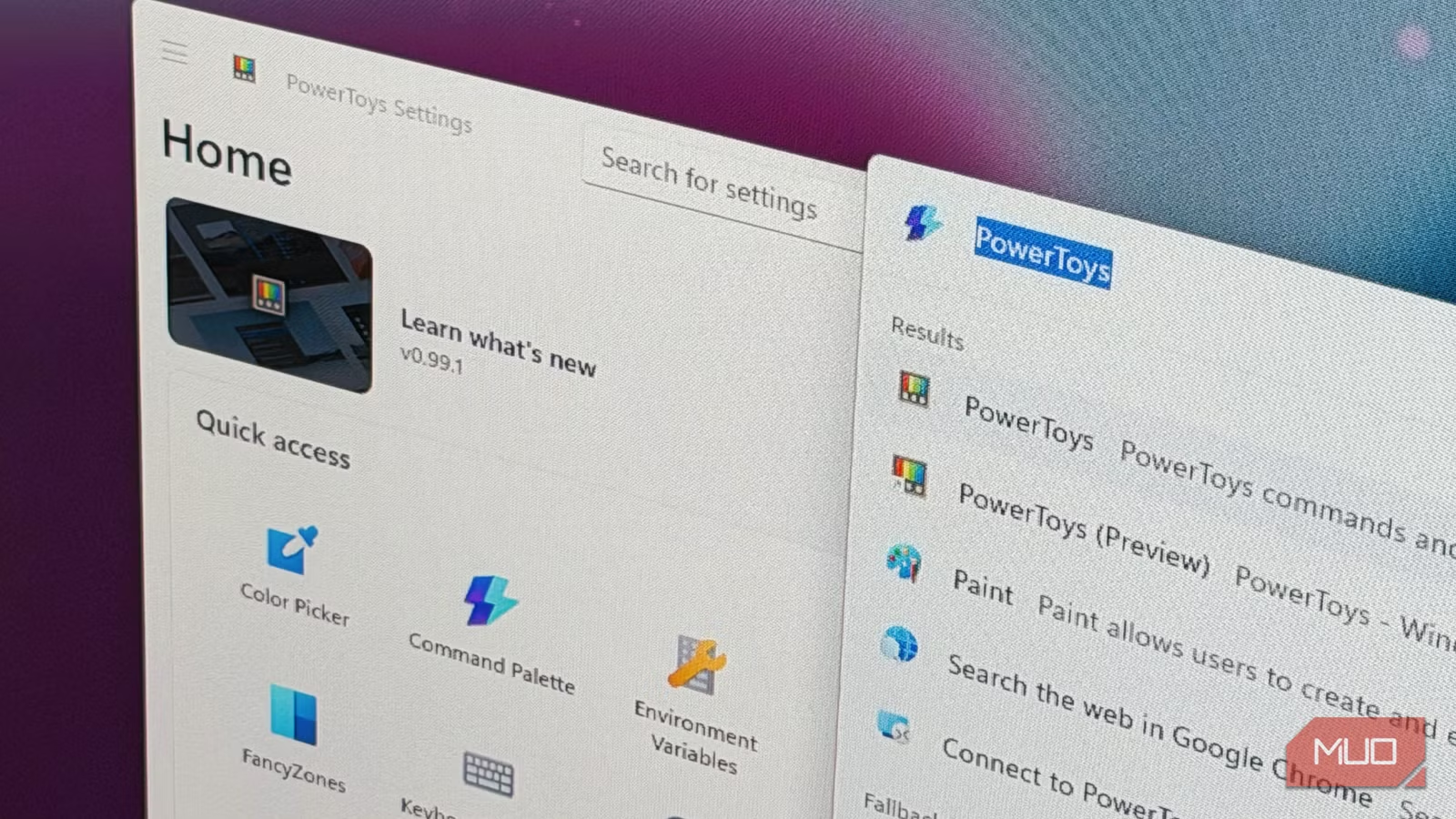
- PowerToys 0.99 added Power Display, replacing TwinkleTray for monitor brightness control
- Command Palette now rivals Flow Launcher and Listary as a Start menu replacement
- Microsoft's official tool integrates better with Windows than most third-party alternatives
PowerToys Has Been Quietly Catching Up
You know that feeling when you find a Windows utility so good you wonder why Microsoft never built it in? PowerToys is Microsoft's answer to that question. The free app bundles dozens of utilities that fill gaps Windows has ignored for years.
Because PowerToys comes from Microsoft, it plays nicely with Windows instead of fighting it like some third-party tools do. That advantage has let the PowerToys team systematically absorb features from popular standalone apps. The result: several utilities you once had to download separately are now redundant.
1. TwinkleTray: Replaced by Power Display
TwinkleTray solved a real problem. Windows has never offered a clean way to adjust external monitor brightness without reaching for the physical buttons on your display. TwinkleTray reads DDC/CI signals over the display cable to let you control brightness, contrast, and volume from the system tray.
PowerToys 0.99 changed that with Power Display. It does exactly the same thing: sits in your system tray, talks to your monitors over DDC/CI, and gives you a flyout to adjust brightness, contrast, volume, input source, and color temperature.
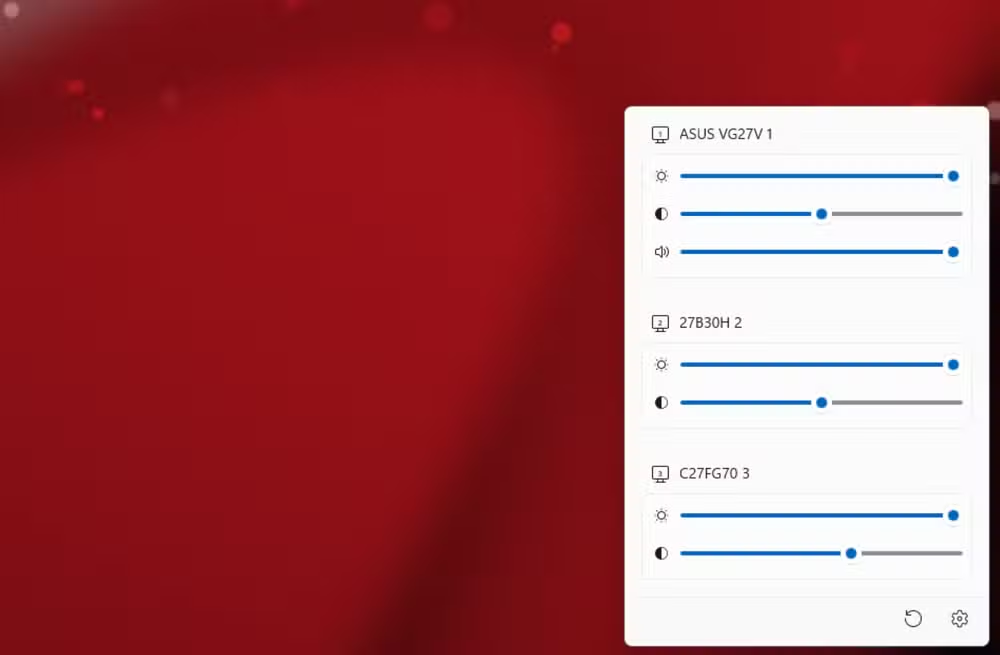
TwinkleTray still works fine. It was there first. But for most users, having this feature baked into PowerToys means one less app to install and maintain.
2. Flow Launcher and Listary: Replaced by Command Palette
The Windows Start menu is bad. So bad that it spawned an entire category of apps: quick launchers. Tools like Flow Launcher and Listary filled that gap beautifully. They are fast, extensible, and keyboard-driven.
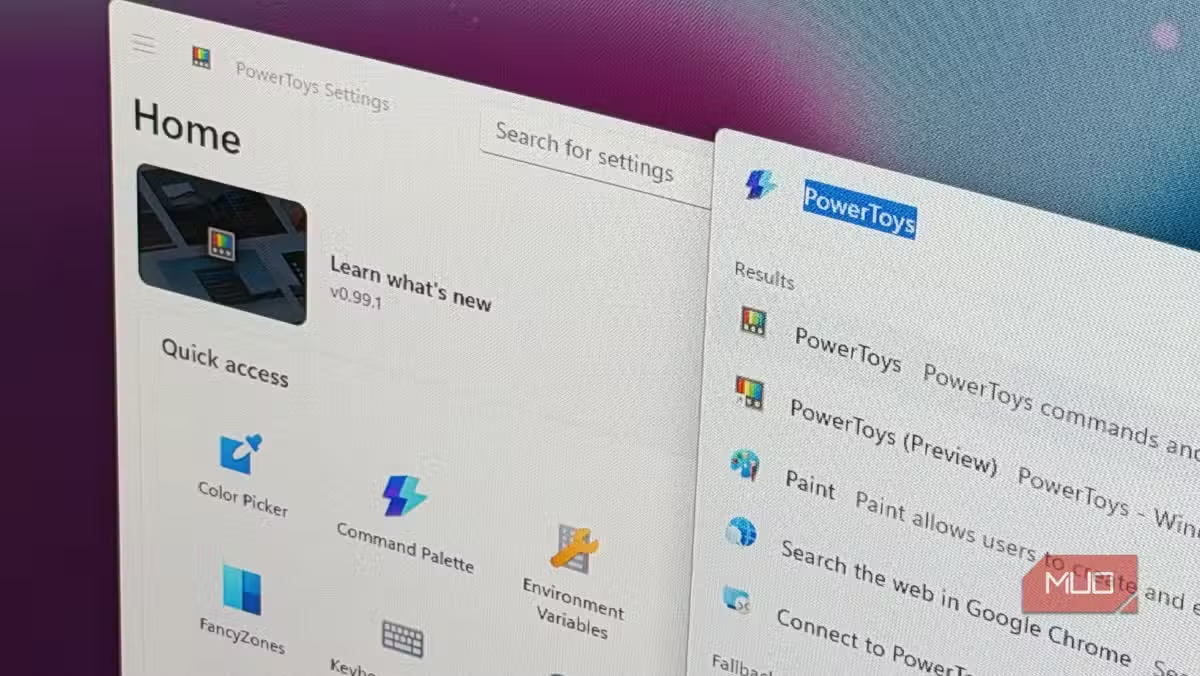
PowerToys now includes Command Palette, which brings macOS Spotlight-style functionality to Windows. Press a keyboard shortcut, type what you want, and get instant results. Apps, files, calculations, web searches. It handles the basics that made Flow Launcher and Listary essential.
Power users who rely on Flow Launcher's plugin ecosystem may still prefer it. But casual users who just want faster app launching can skip the third-party download.
3. Peek: Quick File Preview Without Opening Apps
macOS users have had Quick Look for years. Select a file, press Space, and see a preview without opening the full app. Windows never copied this obvious feature.
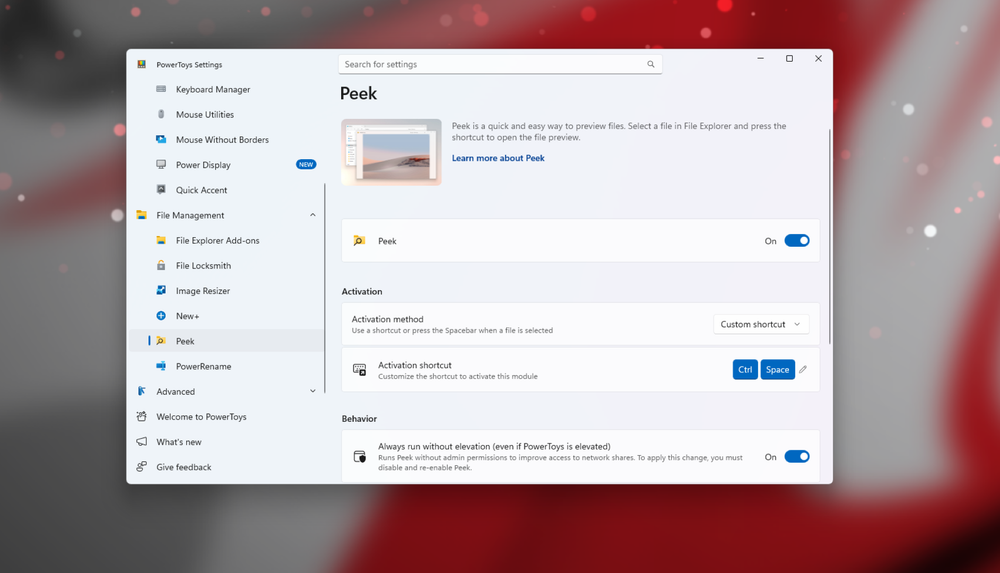
Third-party tools like QuickLook filled the gap. Now PowerToys includes Peek, which does the same thing. Select a file, press a shortcut, and see the contents. It works with images, PDFs, text files, and more.
4. Advanced Paste: Clipboard Tools Built In
Clipboard managers have been a staple of Windows power users for decades. Tools like Ditto and ClipboardFusion offered paste history, formatting options, and text transformations.
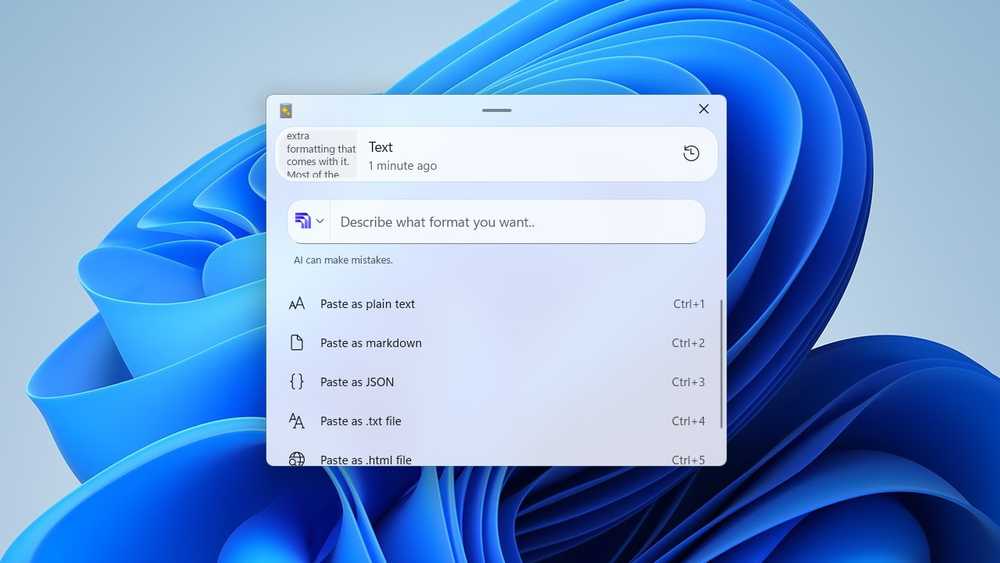
PowerToys Advanced Paste brings some of these features into the bundle. You can paste as plain text, paste with transformations, and access clipboard history. It is not as feature-rich as dedicated clipboard managers, but it covers the most common use cases.
5. Grab and Move: Window Management Without Third-Party Tools
Linux users have long enjoyed the ability to grab a window from anywhere on its surface and drag it around. Windows requires you to click precisely on the title bar. Third-party tools added this Linux-style behavior.
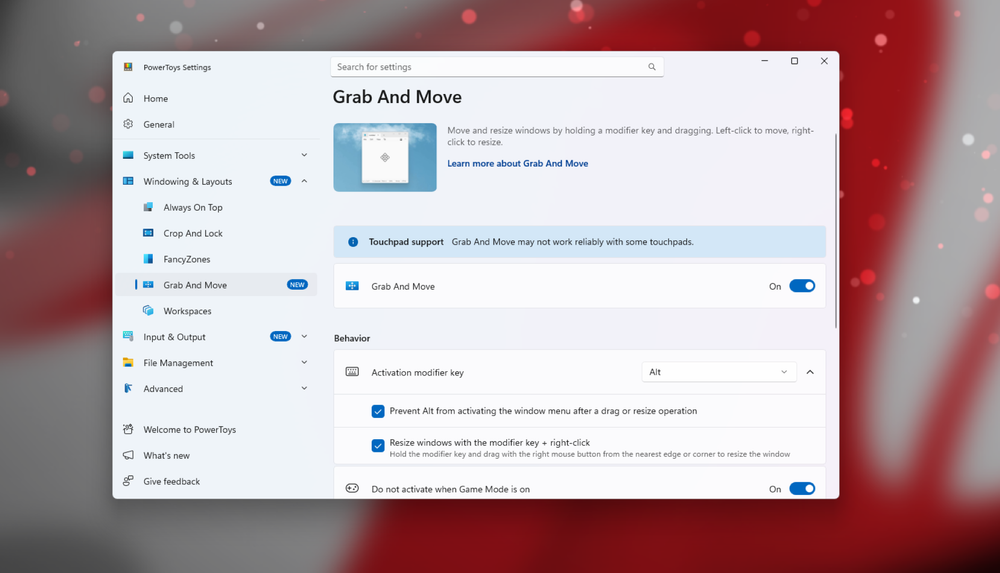
PowerToys Grab and Move now includes this feature. Hold a modifier key, click anywhere on a window, and drag. Simple, but it saves micro-frustrations throughout the day.
Why This Matters for Windows Users
The third-party tools that PowerToys replaces are not bad. Many of them got there first and still offer features PowerToys lacks. But for most users, PowerToys offers a simpler answer: one download, one update cycle, and guaranteed Windows compatibility.
Microsoft has been on a streak of listening to users lately. PowerToys represents the best of that approach. It takes the features Windows always felt like it should have and delivers them without breaking existing workflows.
Another tool that simplifies everyday computing tasks
Should You Switch?
If you already have TwinkleTray or Flow Launcher installed and working, there is no rush to switch. These tools remain excellent. But if you are setting up a new Windows machine or helping someone else configure theirs, PowerToys now handles most of what those apps do.
PowerToys is free, open source, and available from the Microsoft Store or GitHub. Install it once, enable the utilities you want, and forget about it.
Logicity's Take
Frequently Asked Questions
Is PowerToys free?
Yes. PowerToys is free, open source, and developed by Microsoft. You can download it from the Microsoft Store or GitHub.
Does PowerToys slow down Windows?
PowerToys runs individual utilities only when enabled. You can turn off features you don't use to minimize resource consumption.
Can I still use TwinkleTray with PowerToys installed?
Yes. Both apps can coexist, though running both simultaneously may cause conflicts when controlling monitor settings.
What Windows version does PowerToys require?
PowerToys requires Windows 10 version 2004 or later, or Windows 11. Some features may require newer Windows builds.
Is Flow Launcher still worth using over PowerToys Command Palette?
Flow Launcher offers a larger plugin ecosystem and more customization. If you need advanced features, it remains the better choice. For basic quick launching, Command Palette is sufficient.
Need Help Implementing This?
Source: MakeUseOf
Huma Shazia
Senior AI & Tech Writer
اقرأ أيضاً

رأي مغاير: كيف يؤثر اختراق الأمن الداخلي الأميركي على شركاتنا الخاصة؟
في ظل اختراق عقود الأمن الداخلي الأميركي مع شركات خاصة، نناقش تأثير هذا الاختراق على مستقبل الأمن السيبراني. نستعرض الإحصاءات الموثوقة ونناقش كيف يمكن للشركات الخاصة أن تتعامل مع هذا التهديد. استمتع بقراءة هذا التحليل العميق

الإنسان في زمن ما بعد الوجود البشري: نحو نظام للتعايش بين الإنسان والروبوت - Centre for Arab Unity Studies
في هذا المقال، سنناقش كيف يمكن للبشر والروبوتات التعايش في نظام متكامل. سنستعرض التحديات والحلول المحتملة التي تضعها شركات مثل جوجل وأمازون. كما سنلقي نظرة على التوقعات المستقبلية وفقًا لتقرير ماكنزي

إطلاق ناسا لمهمة مأهولة إلى القمر: خطوة تاريخية نحو استكشاف الفضاء
تعتبر المهمة الجديدة خطوة هامة نحو استكشاف الفضاء وتطوير التكنولوجيا. سوف تشمل المهمة إرسال رواد فضاء إلى سطح القمر لconducting تجارب علمية. ستسهم هذه المهمة في تطوير فهمنا للفضاء وتحسين التكنولوجيا المستخدمة في استكشاف الفضاء.