6 Games That Will Crush Your 8GB GPU (and How to Fix It)
Key Takeaways
- Texture quality is the biggest VRAM consumer and should be the first setting to lower on 8GB cards
- DLSS and FSR upscalers can significantly boost performance by running games at lower internal resolutions
- Resolution, anti-aliasing, shadow quality, and texture quality are the four main settings to reduce for VRAM-limited GPUs
The 8GB VRAM Problem Is Real
Not everyone can afford an RTX 5090 with its 32GB of VRAM. Most PC gamers are working with cards in the 8GB range, including variants of the Nvidia RTX 5060 and AMD RX 7600. That was fine a few years ago. It's becoming a problem now.
Modern AAA games, especially those with path tracing, push VRAM usage to uncomfortable levels. Without adjusting settings, you'll experience stuttering, frame drops, and performance that feels like flipping through a flip book. The good news: specific tweaks can make these games playable without buying new hardware.
The Four Settings to Lower First
When VRAM usage spikes, four settings are usually responsible. Lowering them in the right order gives you the best balance between visuals and performance.
- Texture quality: This is the biggest VRAM consumer. Lower it first on an 8GB card. The visual difference between Ultra and High is often subtle, but the VRAM savings are substantial.
- Shadow quality: High-resolution shadows eat memory. Medium shadows look nearly identical in motion.
- Anti-aliasing: TAA and other AA methods consume VRAM. Lowering AA or using upscaler-based AA alternatives helps.
- In-game resolution: Running at native 4K on 8GB is asking for trouble. Drop to 1440p or use upscaling.
Why You Should Skip Ultra Settings
Ultra settings exist for marketing screenshots and GPU stress tests. They rarely provide visual improvements worth the performance cost. On an 8GB card, Ultra is often the difference between 60fps and 30fps, with minimal visible benefit.
The visual gap between High and Ultra textures is hard to spot during actual gameplay. Your eyes are tracking movement, enemies, and objectives. That extra texture detail? It disappears into peripheral vision.
Upscalers Are Your Best Friend
Nvidia DLSS and AMD FSR have become essential tools for VRAM-limited GPUs. These upscalers run games at lower internal resolutions, then reconstruct the image to look nearly as sharp as native rendering. The result: significantly lower VRAM usage with image quality that's often indistinguishable from native in motion.
DLSS Quality mode, for example, renders at roughly 67% of your target resolution. That means a 4K output is actually running closer to 1440p internally. VRAM usage drops accordingly, and frame rates improve.
The Most Demanding Games for 8GB Cards
Some games are particularly brutal on limited VRAM. Path tracing is the main culprit. When enabled, ray-traced lighting and reflections require massive amounts of video memory.

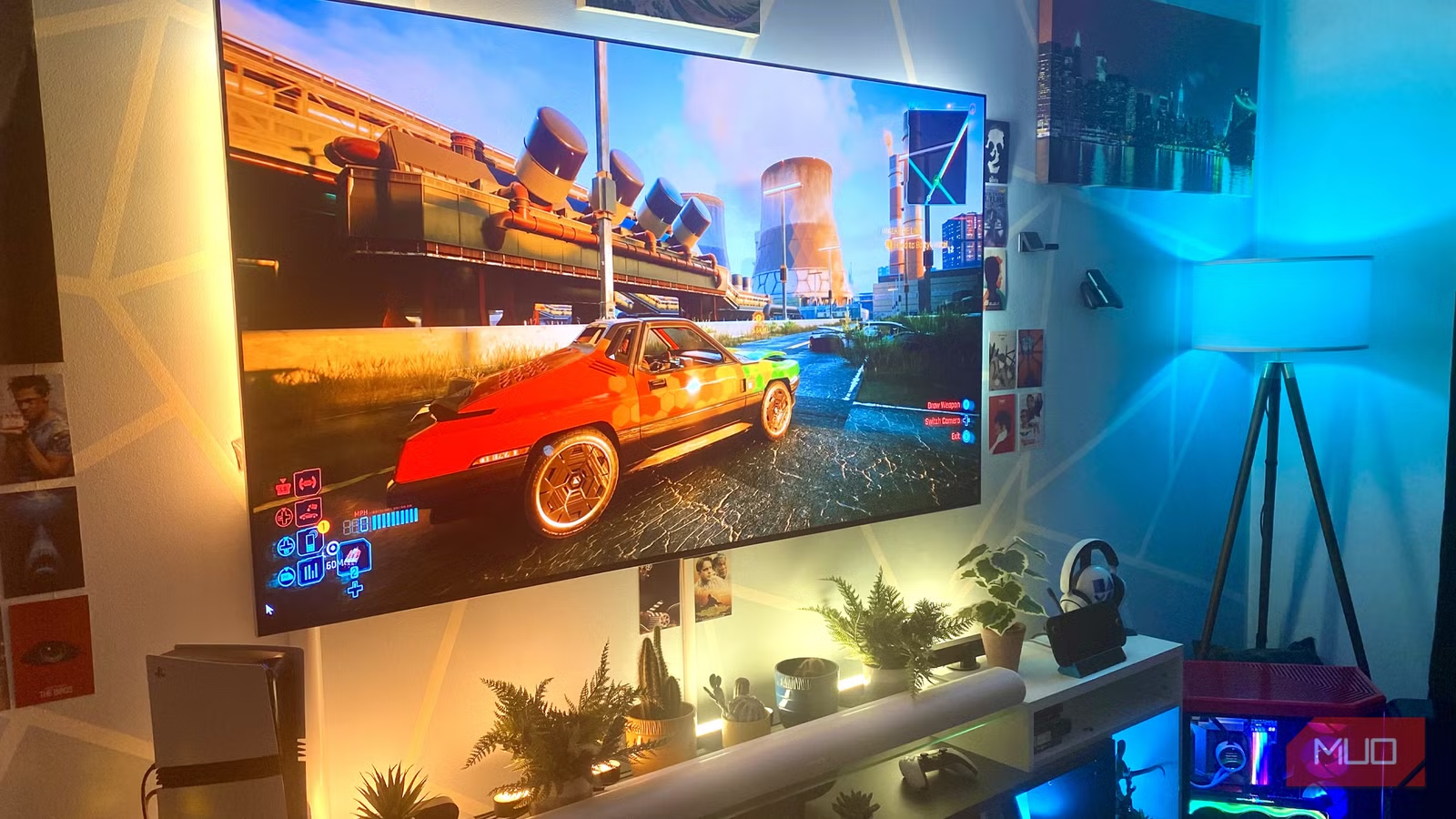
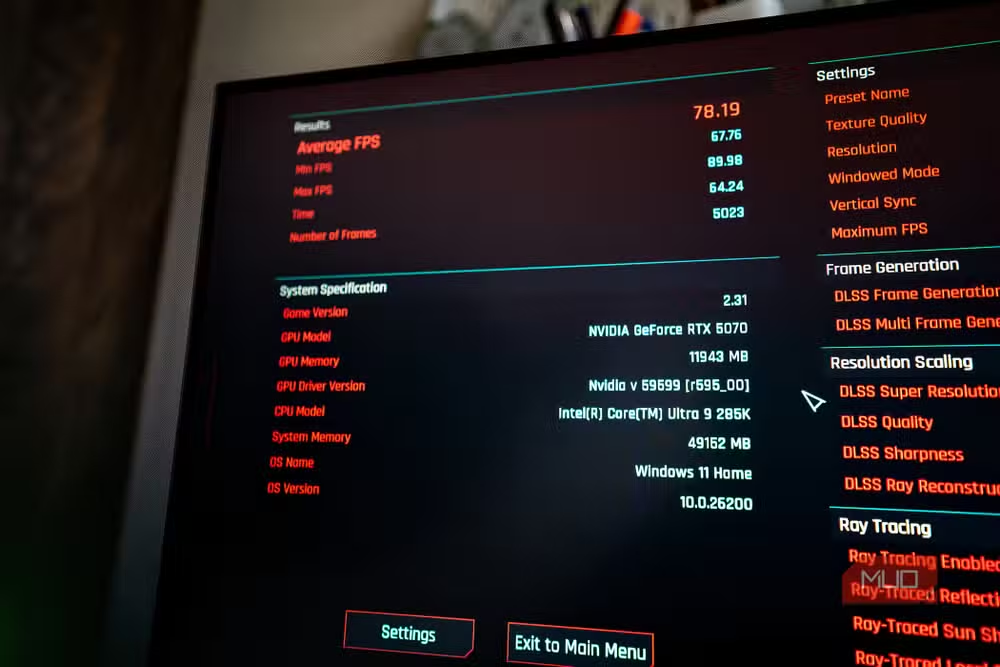
Cyberpunk 2077 with path tracing enabled is one of the most demanding configurations in PC gaming. The game looks stunning, but 8GB cards struggle badly without aggressive optimization. Alan Wake 2 and The Callisto Protocol also push VRAM limits hard, even with ray tracing disabled.

Cloud Gaming as a Backup Plan
If your hardware just can't handle a specific title, cloud gaming services like Nvidia GeForce Now offer an alternative. GeForce Now Ultimate tier runs games on RTX 4080-class hardware in the cloud, streaming the result to your PC. You get the visual quality of high-end hardware without owning it.
This requires stable internet and introduces some input latency. For single-player games with demanding visuals, the tradeoff is often worth it. For competitive multiplayer, local hardware still wins.
Logicity's Take
Related look at PC gaming habits and investment
The Bottom Line
8GB of VRAM isn't ideal for modern AAA gaming at 4K. But it's far from useless. Lowering texture quality first, using DLSS or FSR, and avoiding Ultra presets can transform unplayable stuttering into smooth gameplay. The visual compromises are smaller than you'd expect. The performance gains are real.
Frequently Asked Questions
Is 8GB VRAM enough for gaming in 2024?
For 1080p and 1440p gaming, 8GB remains viable with proper settings optimization. 4K gaming at high settings will struggle, but upscalers like DLSS help significantly.
Which setting uses the most VRAM?
Texture quality is typically the biggest VRAM consumer. Lowering textures from Ultra to High is often the single most effective change for VRAM-limited cards.
Does DLSS reduce VRAM usage?
Yes. DLSS renders at a lower internal resolution, which reduces VRAM requirements. The image is then upscaled to your target resolution with AI reconstruction.
Should I disable ray tracing on an 8GB GPU?
Ray tracing, especially path tracing, dramatically increases VRAM usage. Disabling it is often necessary on 8GB cards for demanding titles like Cyberpunk 2077 and Alan Wake 2.
Is cloud gaming better than optimizing local settings?
Cloud gaming eliminates hardware limitations but requires fast internet and introduces latency. It's a good option for visually demanding single-player games when local optimization isn't enough.
Need Help Implementing This?
Source: MakeUseOf
Huma Shazia
Senior AI & Tech Writer
اقرأ أيضاً

رأي مغاير: كيف يؤثر اختراق الأمن الداخلي الأميركي على شركاتنا الخاصة؟
في ظل اختراق عقود الأمن الداخلي الأميركي مع شركات خاصة، نناقش تأثير هذا الاختراق على مستقبل الأمن السيبراني. نستعرض الإحصاءات الموثوقة ونناقش كيف يمكن للشركات الخاصة أن تتعامل مع هذا التهديد. استمتع بقراءة هذا التحليل العميق

الإنسان في زمن ما بعد الوجود البشري: نحو نظام للتعايش بين الإنسان والروبوت - Centre for Arab Unity Studies
في هذا المقال، سنناقش كيف يمكن للبشر والروبوتات التعايش في نظام متكامل. سنستعرض التحديات والحلول المحتملة التي تضعها شركات مثل جوجل وأمازون. كما سنلقي نظرة على التوقعات المستقبلية وفقًا لتقرير ماكنزي

إطلاق ناسا لمهمة مأهولة إلى القمر: خطوة تاريخية نحو استكشاف الفضاء
تعتبر المهمة الجديدة خطوة هامة نحو استكشاف الفضاء وتطوير التكنولوجيا. سوف تشمل المهمة إرسال رواد فضاء إلى سطح القمر لconducting تجارب علمية. ستسهم هذه المهمة في تطوير فهمنا للفضاء وتحسين التكنولوجيا المستخدمة في استكشاف الفضاء.