6 Android apps you can delete because the feature is built in
Key Takeaways
- Stock file managers on Pixel and Samsung now handle duplicates, network drives, and compressed files
- Every modern Android camera can scan QR codes without a third-party app
- Flashlight toggles have lived in Quick Settings since Android 5.0, making flashlight apps obsolete
Android's built-in apps have caught up with third-party alternatives, and that crowded app drawer on your phone probably contains duplicates you no longer need. File managers, QR scanners, flashlight apps, and RAM boosters once filled gaps in the OS. Those gaps are closed.
MakeUseOf's Sagar Naresh published a breakdown of six app categories that can be safely uninstalled from most Android phones running recent software. The reasoning is straightforward: Google and major OEMs like Samsung have quietly shipped native versions of these utilities, often with better integration and fewer ads.
Why third-party file managers are no longer essential
Stock file managers used to be an afterthought. They couldn't handle compressed archives, couldn't connect to network drives, and made basic navigation a chore. Apps like ES File Explorer, Total Commander, and Astro filled that void and built loyal user bases.
That situation has changed. On Pixel devices, Files by Google now detects duplicate files, identifies junk, organizes content by category, and includes a PIN-protected safe folder for sensitive documents. It handles file sharing without needing third-party apps.
Samsung's My Files app has kept pace. It displays remaining storage in a pill-shaped indicator and offers a Manage Storage screen that surfaces duplicates, flags large files consuming space, and suggests cleanup actions. External storage and network drives work without friction.
For most users, these stock options eliminate the need for a paid or ad-supported third-party file manager.
QR code scanners: the camera app already does this
QR codes exploded during the pandemic. Menus, tickets, Wi-Fi logins, and payment prompts all shifted to those square barcodes. In India, where digital payments scaled faster than anywhere else, QR scanning became a daily habit.
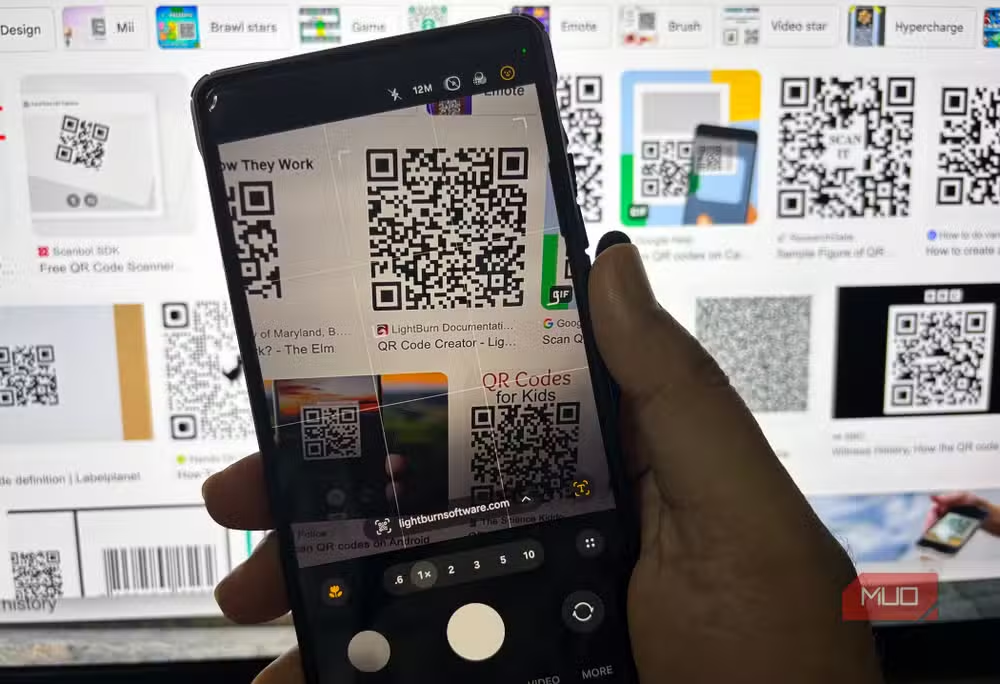
For years, dedicated QR scanner apps were the only reliable option. That's no longer true. Every modern Android phone can scan QR codes directly from the default camera app. Point the lens at a code, and the system surfaces a link or action. No extra download required.
You'll still need dedicated payment apps to complete transactions, but the scanning step itself is now native.
Flashlight apps are obsolete
This one is simple. Since Android 5.0, the flashlight toggle has lived in the Quick Settings panel. Swipe down, tap the icon, done. Third-party flashlight apps added ads, bloat, and occasionally suspicious permissions for a function the OS handles in one tap.
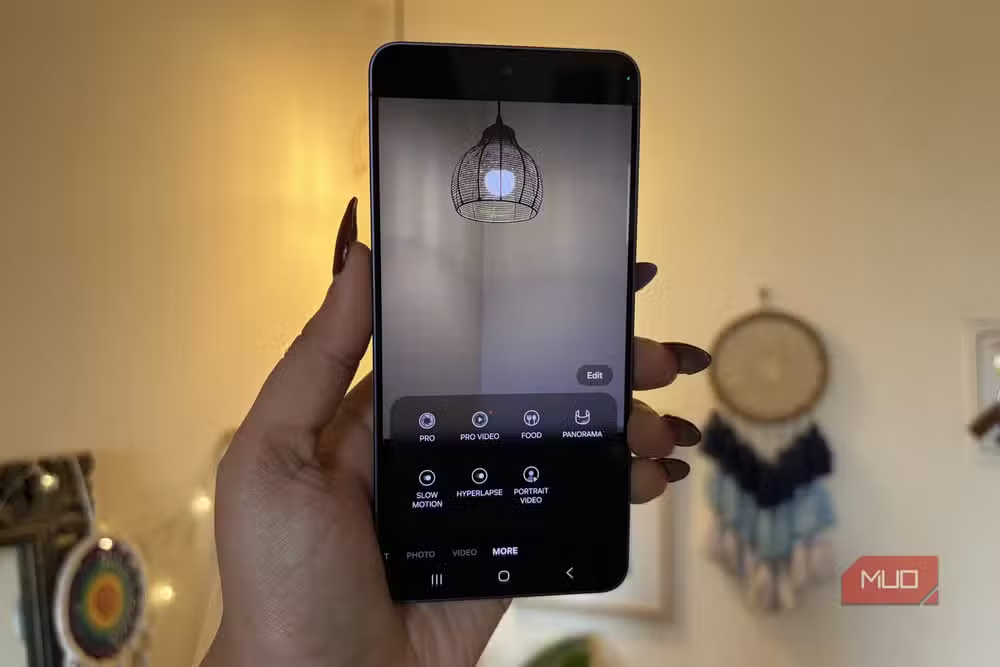
If you still have a flashlight app installed, it's taking up space for no benefit.
RAM boosters and cleaners: more harm than help
RAM booster apps promised to speed up your phone by clearing memory. The premise was flawed from the start. Android's memory management is designed to keep frequently used apps in RAM for faster access. Forcibly clearing memory just means those apps reload from scratch, wasting battery and time.
Modern Android handles memory allocation automatically. If an app genuinely misbehaves, the system kills it. A third-party booster adds overhead without improving performance.
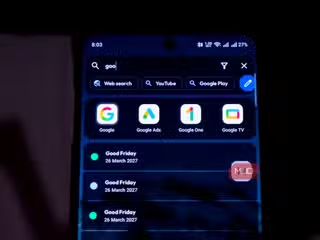
What else can you safely remove?
The same logic applies to several other categories. Screen recording, call recording (where legal), and screen capture tools are now baked into most Android skins. Samsung, OnePlus, and Pixel devices all include native screen recorders with no watermarks.

Battery saver modes have also matured. The stock Battery settings on most phones offer adaptive controls that outperform third-party battery apps, which often ran background services that drained the battery they claimed to save.
How to audit your app drawer
Open your phone's Settings, go to Apps, and sort by storage or last used. Any utility app you haven't opened in months is a candidate for removal. Check whether a stock app now handles the same task. In most cases, it does.
Removing unused apps frees storage, reduces background activity, and shrinks your attack surface. Fewer apps mean fewer permissions to manage.
Another example of built-in OS features replacing third-party tools
Logicity's Take
This trend reflects a broader shift in mobile OS strategy. Google and Samsung have been absorbing the most popular third-party utility functions for years, and the pace is accelerating. For developers building simple utility apps, the runway is shrinking. For users, the upside is clear: fewer apps to maintain, fewer ads to dodge, and tighter integration with the rest of the system.
Frequently Asked Questions
Can I delete third-party file managers on Android?
Yes. Files by Google on Pixel and My Files on Samsung now handle duplicates, network drives, compressed files, and secure folders natively.
Do I still need a QR code scanner app?
No. Every modern Android camera app can scan QR codes directly. Point the camera at the code and tap the link that appears.
Are RAM booster apps useful on Android?
No. Android manages memory automatically. RAM boosters often hurt performance by forcing apps to reload from scratch.
When did Android add a built-in flashlight?
Android 5.0, released in 2014, added flashlight toggles to the Quick Settings panel.
How do I find unused apps on my Android phone?
Go to Settings > Apps and sort by last used or storage size. Remove anything you haven't opened in months.
Need Help Implementing This?
If your team is building mobile apps or managing enterprise Android deployments, understanding which native features to rely on can streamline your stack. Reach out to discuss Android development strategy or device management best practices.
Source: MakeUseOf
Manaal Khan
Tech & Innovation Writer
اقرأ أيضاً

رأي مغاير: كيف يؤثر اختراق الأمن الداخلي الأميركي على شركاتنا الخاصة؟
في ظل اختراق عقود الأمن الداخلي الأميركي مع شركات خاصة، نناقش تأثير هذا الاختراق على مستقبل الأمن السيبراني. نستعرض الإحصاءات الموثوقة ونناقش كيف يمكن للشركات الخاصة أن تتعامل مع هذا التهديد. استمتع بقراءة هذا التحليل العميق

الإنسان في زمن ما بعد الوجود البشري: نحو نظام للتعايش بين الإنسان والروبوت - Centre for Arab Unity Studies
في هذا المقال، سنناقش كيف يمكن للبشر والروبوتات التعايش في نظام متكامل. سنستعرض التحديات والحلول المحتملة التي تضعها شركات مثل جوجل وأمازون. كما سنلقي نظرة على التوقعات المستقبلية وفقًا لتقرير ماكنزي

إطلاق ناسا لمهمة مأهولة إلى القمر: خطوة تاريخية نحو استكشاف الفضاء
تعتبر المهمة الجديدة خطوة هامة نحو استكشاف الفضاء وتطوير التكنولوجيا. سوف تشمل المهمة إرسال رواد فضاء إلى سطح القمر لconducting تجارب علمية. ستسهم هذه المهمة في تطوير فهمنا للفضاء وتحسين التكنولوجيا المستخدمة في استكشاف الفضاء.