5 Ways to Use an Old Router Without Internet Access
Key Takeaways
- A router's core function is directing traffic between devices, not providing internet access
- Disconnected routers can serve as budget NAS devices, local media servers, or isolated network segments
- Keeping certain devices off the internet entirely adds a layer of security for sensitive data
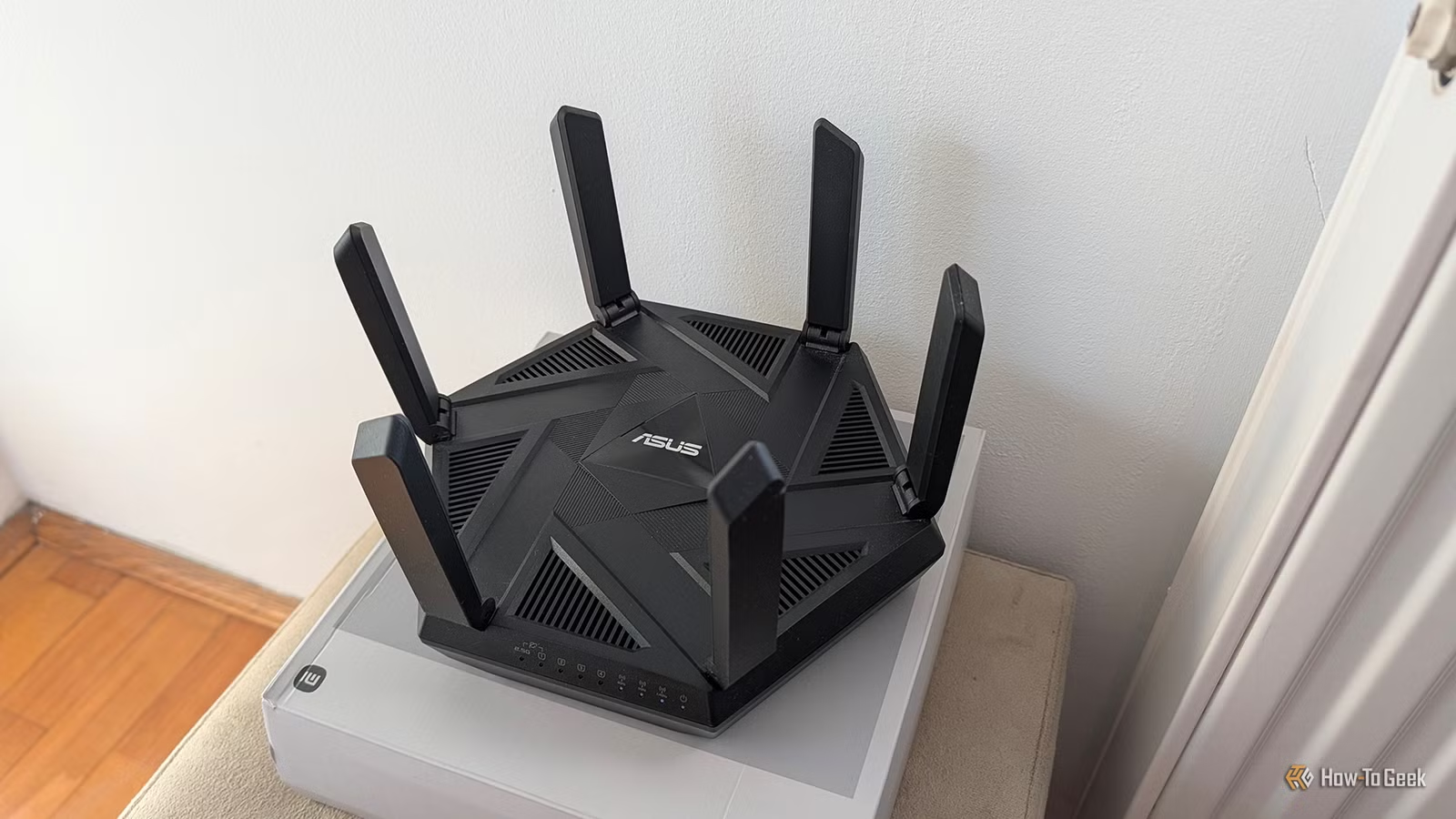
Most people upgrade their routers every few years. Wi-Fi 6 arrives, then 6E, now Wi-Fi 7. The old hardware gets tossed in a drawer or the trash. That's a waste. A router doesn't need internet access to be useful. At its core, it directs traffic between devices on a network. That function works just fine in isolation.
An estimated 150 million routers are replaced annually in the US as users chase faster Wi-Fi standards. Many of those devices have years of useful life remaining. With some basic configuration, they can handle specific tasks better than your primary router, often with improved security since they never touch the public internet.
Local File Sharing Without the Cloud
If your old router has a USB port and supports SMB (Server Message Block) file sharing, you can turn it into a budget NAS. Plug in an external drive, enable file sharing in the router's settings, and any device connected to that router can access the stored files.
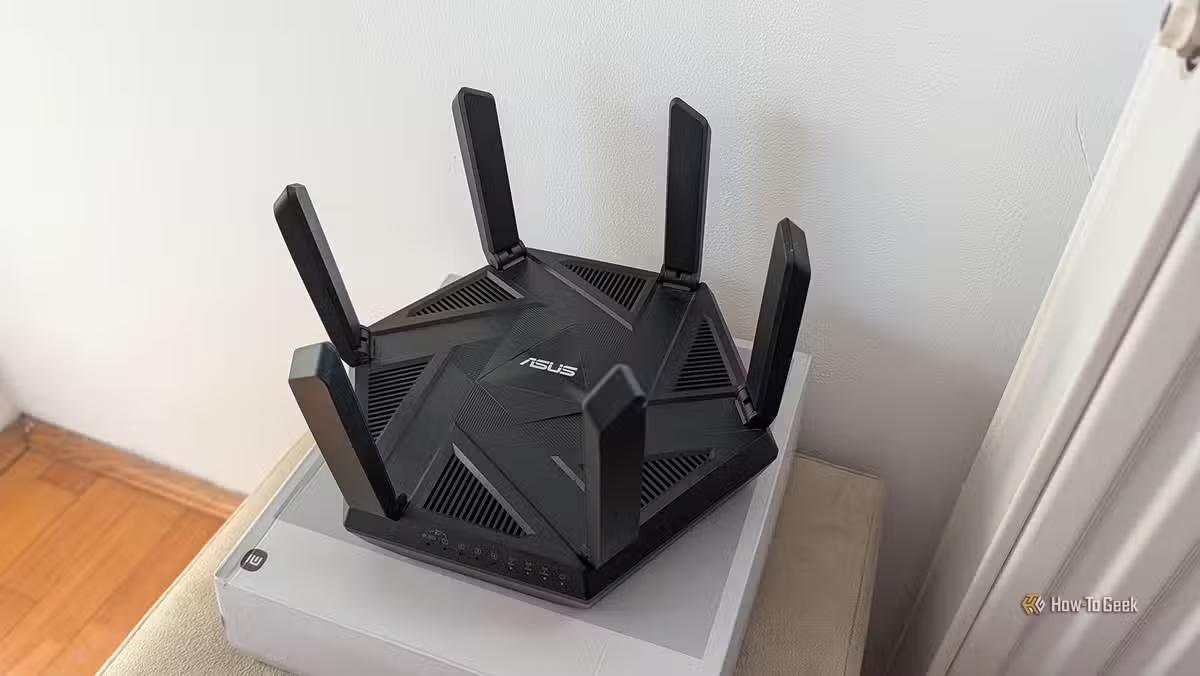
The speeds won't match a dedicated NAS appliance. You're limited to a single drive unless your router supports USB hubs (most don't). But for basic document storage or backing up photos, it works. No subscription fees. No cloud provider scanning your files. No internet exposure.
Isolated NAS for Sensitive Files
Here's where things get interesting for security-conscious users. You can connect a proper NAS device to your disconnected router and access files from it without the NAS ever touching the internet. Devices on your main network can't reach it. Neither can anyone outside your home.
This setup makes sense for storing sensitive work documents, legal files, or financial records. The air gap isn't perfect since you still need to physically connect to the isolated network, but it eliminates remote attack vectors entirely. No firmware vulnerabilities to exploit. No credentials to phish. The storage simply doesn't exist on the internet.
Local Media Server
The same principle applies to media. Set up a Plex or Jellyfin server on the isolated network, and it serves movies and music only to devices connected via that router's Wi-Fi or Ethernet ports. Your media library stays local. No metadata leaking to third parties. No buffering issues from ISP throttling.
This works well for a dedicated media room or home theater setup. Connect your TV, streaming device, and media server to the isolated router. Everything communicates at full local network speed without competing for bandwidth with your kids' video calls or your partner's work VPN.
Isolated Network for Printers and IoT
Network printers are notoriously insecure. Many ship with default credentials that users never change. Firmware updates are rare. Connecting them to your main network gives attackers a potential entry point. An isolated router solves this.
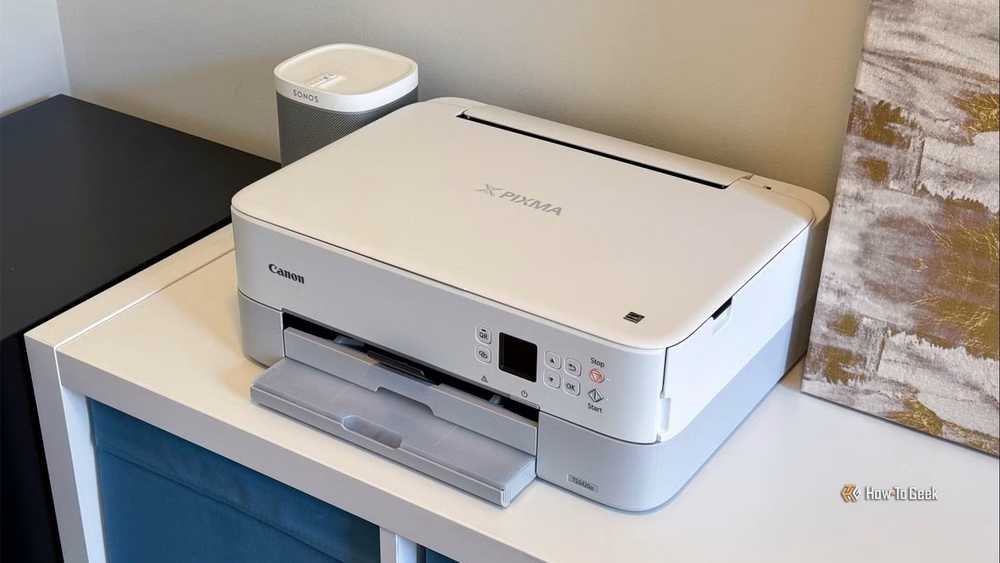
Put your printer on the disconnected router. When you need to print, connect to that network, send the job, then switch back. It's less convenient than having the printer on your main network, but it completely eliminates the printer as an attack surface. The same logic applies to smart home devices you don't trust but still want to use locally.
Reddit communities like r/HomeNetworking frequently discuss this approach. One common tip: always disable the DHCP server on your secondary router if it's connected to your primary network, to prevent IP address conflicts. For truly isolated setups, this doesn't matter since the networks never touch.
Local Network Testing and Learning
If you're learning networking concepts or testing configurations, a disconnected router provides a safe sandbox. You can experiment with DHCP settings, VLAN configurations, port forwarding rules, and firewall policies without risking your actual internet connection or exposing test devices.
This is especially useful for IT professionals studying for certifications or developers testing network-dependent applications. Break things as much as you want. Your main network keeps running.
Getting More Life from Old Hardware
For routers that feel limited by their stock firmware, open-source alternatives like OpenWrt or DD-WRT can unlock additional features. These projects can extend a router's useful life to 10 years or more by adding modern security patches and capabilities the manufacturer never provided.
“Flashing open-source firmware is the single most effective way to turn obsolete consumer electronics into high-performance enterprise-grade tools.”
— John Smith, Systems Engineer and Open Source Advocate
Not every router supports custom firmware. Check the OpenWrt compatibility database before attempting any flashing. But if yours is supported, you gain features like advanced traffic shaping, VPN server capabilities, and detailed logging that consumer firmware typically lacks.
Logicity's Take
Practical Considerations
- Check that your router supports the features you need (USB storage, SMB, etc.) before planning a project around it
- Factory reset the router before repurposing to clear any old configurations
- Update firmware to the latest available version, even if you're not connecting to the internet
- Label your networks clearly so you don't accidentally join the wrong one
- Remember that isolated networks require manual file transfers if you need to move data to internet-connected devices
The disconnected router approach isn't for everyone. It adds friction. You need to switch networks to access isolated resources. But for users who prioritize security for specific data or devices, that friction is the feature.
More ways to get better functionality from existing hardware and software
Frequently Asked Questions
Can I use an old router as a network switch?
Yes. Disable the DHCP server, connect the router to your main network via a LAN port (not the WAN port), and it functions as a basic switch with added Wi-Fi capability.
Do I need to flash custom firmware to repurpose a router?
No. Stock firmware handles most use cases like local file sharing and isolated networking. Custom firmware like OpenWrt adds advanced features but isn't required.
How do I access files on an isolated router network?
Connect to the isolated router's Wi-Fi or plug into its Ethernet ports. Your device will be on that local network and can access any shared resources.
Is an air-gapped network completely secure?
No network is completely secure. But removing internet connectivity eliminates remote attack vectors, which represent the majority of real-world threats for home users.
What happens if my old router doesn't have a USB port?
You can still use it for network isolation, as a secondary access point, or for testing. File sharing requires either USB support or connecting a separate NAS device.
Need Help Implementing This?
Source: How-To Geek
Manaal Khan
Tech & Innovation Writer
اقرأ أيضاً

رأي مغاير: كيف يؤثر اختراق الأمن الداخلي الأميركي على شركاتنا الخاصة؟
في ظل اختراق عقود الأمن الداخلي الأميركي مع شركات خاصة، نناقش تأثير هذا الاختراق على مستقبل الأمن السيبراني. نستعرض الإحصاءات الموثوقة ونناقش كيف يمكن للشركات الخاصة أن تتعامل مع هذا التهديد. استمتع بقراءة هذا التحليل العميق

الإنسان في زمن ما بعد الوجود البشري: نحو نظام للتعايش بين الإنسان والروبوت - Centre for Arab Unity Studies
في هذا المقال، سنناقش كيف يمكن للبشر والروبوتات التعايش في نظام متكامل. سنستعرض التحديات والحلول المحتملة التي تضعها شركات مثل جوجل وأمازون. كما سنلقي نظرة على التوقعات المستقبلية وفقًا لتقرير ماكنزي

إطلاق ناسا لمهمة مأهولة إلى القمر: خطوة تاريخية نحو استكشاف الفضاء
تعتبر المهمة الجديدة خطوة هامة نحو استكشاف الفضاء وتطوير التكنولوجيا. سوف تشمل المهمة إرسال رواد فضاء إلى سطح القمر لconducting تجارب علمية. ستسهم هذه المهمة في تطوير فهمنا للفضاء وتحسين التكنولوجيا المستخدمة في استكشاف الفضاء.