5 Samsung Apps to Disable for a Faster, Cleaner Phone
Key Takeaways
- Samsung Galaxy phones come with 180-190 pre-installed packages, many of which run background services
- Disabling apps like Bixby, Gaming Hub, and Samsung Global Goals reduces clutter without affecting core functionality
- 58% of users in a 2026 survey found bloatware on premium flagships unacceptable
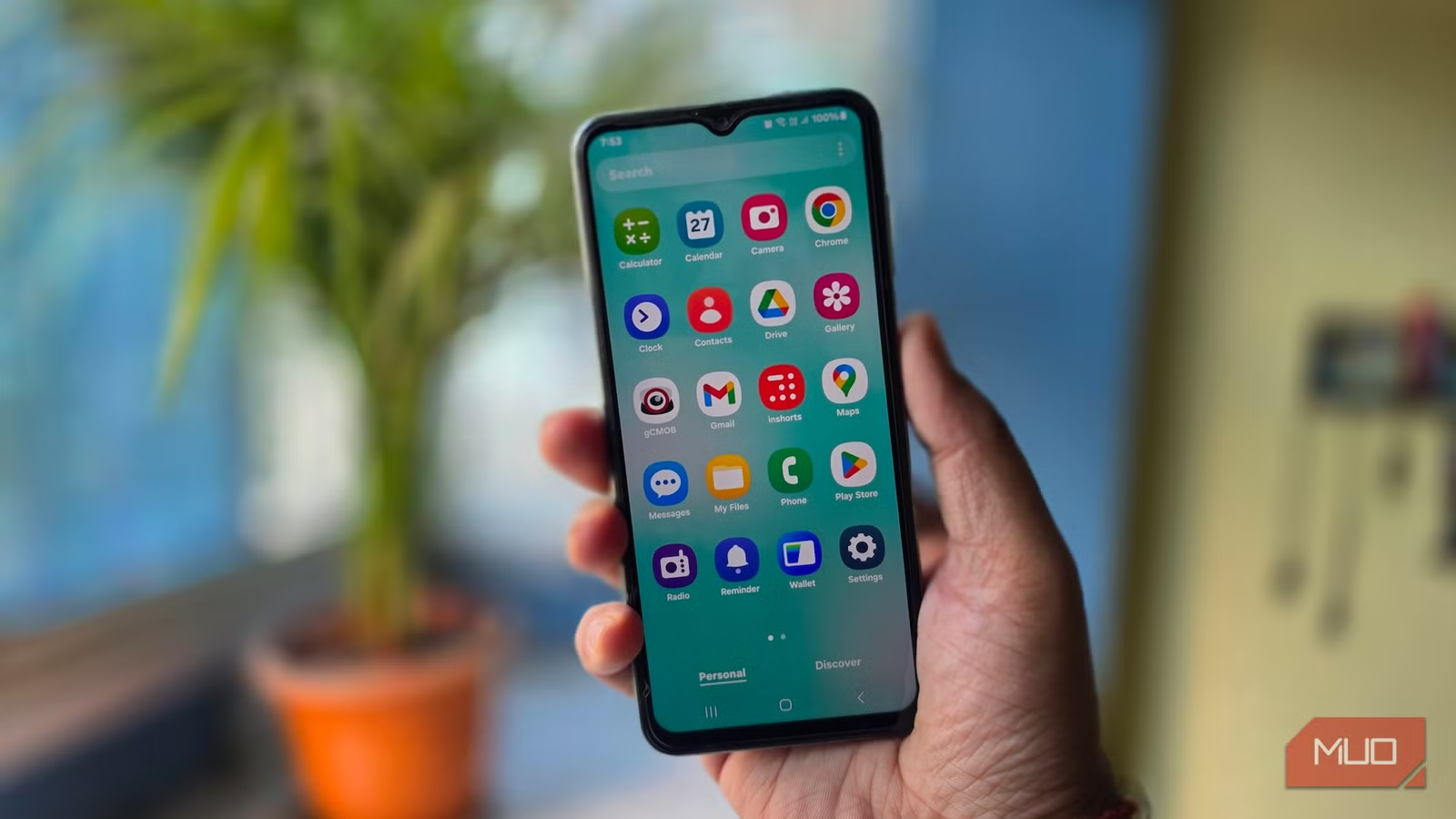
Samsung makes excellent hardware. The displays are sharp, the cameras are competitive, and the build quality is solid. But every Samsung phone ships with a pile of software that most people never touch. A typical Galaxy S26 Ultra comes with 180 to 190 pre-installed packages. That's a lot of code running in the background before you've even opened the Play Store.
Tech journalist Pankil Shah recently audited his Samsung phone and disabled several apps he found redundant. The result? A phone that feels less cluttered and more responsive. You can do the same in about ten minutes.
Why Disabling Beats Deleting
Samsung doesn't let you fully uninstall most pre-loaded apps. They live on a protected system partition. But you can disable them through Settings, which stops them from running, removes them from your app drawer, and prevents background activity. The app files still exist on your phone, but they're dormant.
For power users who want complete removal, tools like Universal Android Debloater or Shizuku with Canta can bypass these restrictions using ADB commands. That's a more involved process, but it frees up actual storage space.
Bixby: The Assistant Nobody Asked For
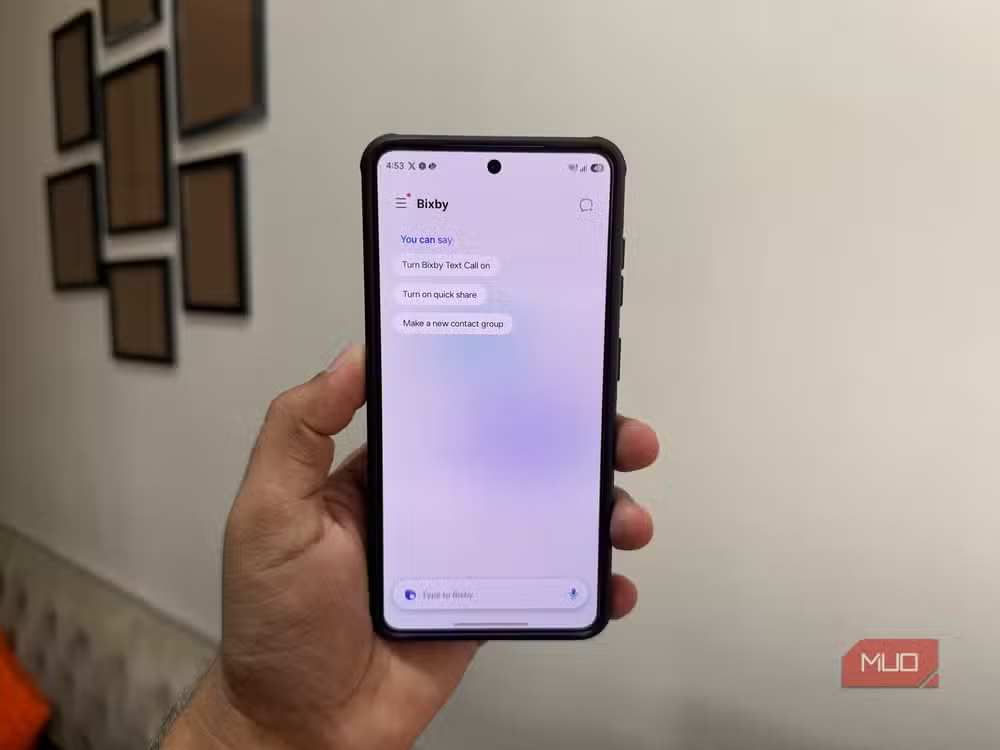
Bixby has always trailed Google Assistant. With Gemini now the default on most Android phones, the gap has widened. Bixby handles on-device commands well. It can open apps, skip songs, and toggle settings. But Gemini does all that while also connecting to your Google services: Drive, Gmail, Keep, Photos.
If you're already in Google's ecosystem, Bixby feels redundant. You can disable it through Settings > Apps > Bixby Voice. The physical Bixby button (if your phone has one) can be remapped to launch something else.
How Google's AI assistant is evolving beyond basic queries
Samsung Global Goals: Good Intentions, Bad Execution
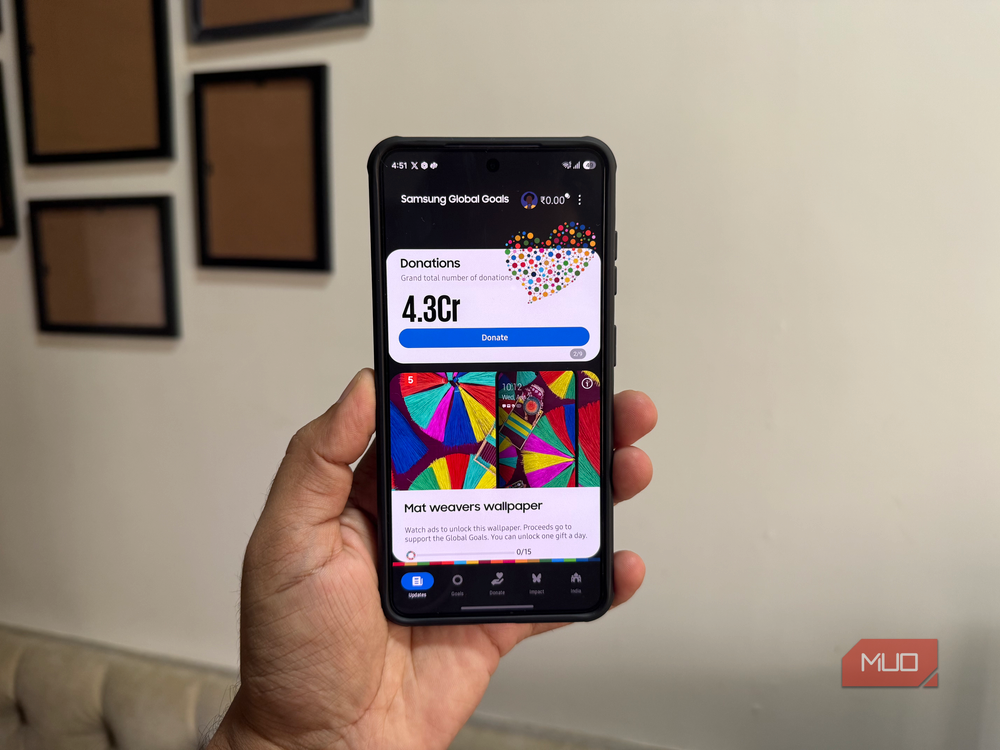
Samsung partnered with the United Nations Development Programme to create Global Goals. The app educates users about sustainable development and displays ads on your lock screen. Revenue goes to charity. It's a genuine effort to do something positive.
But ads on a lock screen feel intrusive, especially on a phone that cost $1,200. If you want to support the UN's goals, you can donate directly. Disabling Global Goals removes the lock screen ads immediately.
Gaming Hub: An Advertising Platform in Disguise
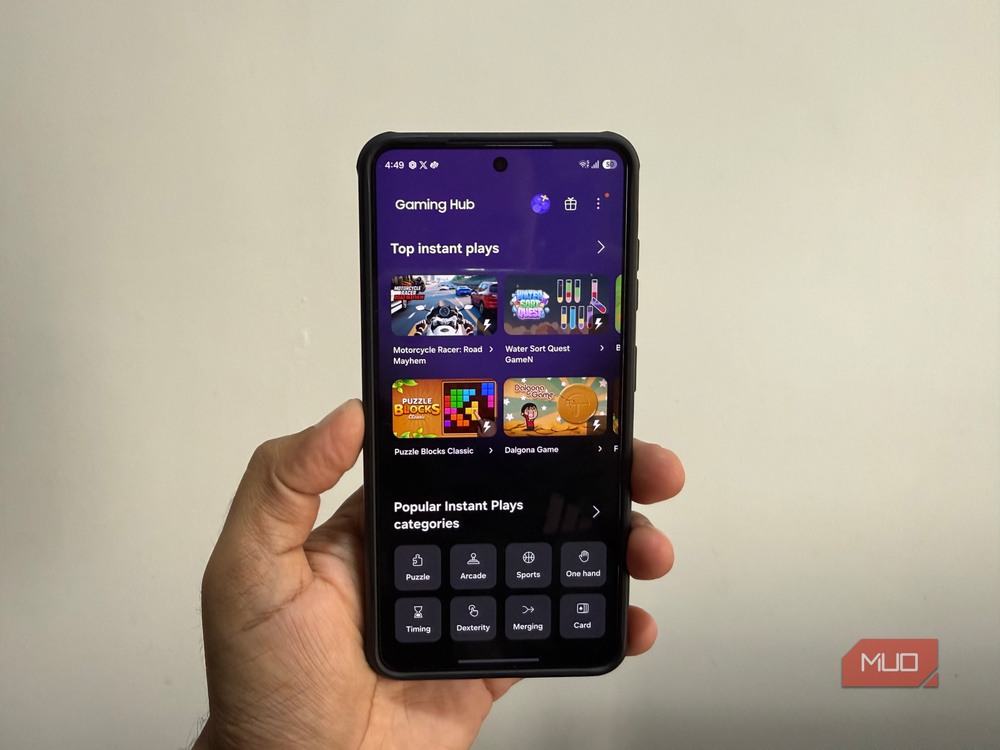
Gaming Hub is supposed to be a central place for all your installed games. In practice, it's mostly a storefront for promoted titles. The app drawer already shows your games. You don't need a separate hub that prioritizes Samsung's advertising partners.
Disabling Gaming Hub has no effect on your actual games. They continue to work normally. You just lose a launcher you probably weren't using anyway.
Samsung Shop and My Galaxy: Duplicate Storefronts
Samsung Shop and My Galaxy both exist to sell you Samsung products and services. Samsung Shop focuses on hardware and accessories. My Galaxy offers deals, tips, and promotions tied to your device. If you're not actively shopping for Samsung gear, neither app provides value.
Both can be disabled without affecting your phone's core functions. You can always visit Samsung's website if you need to buy something.
The Broader Bloatware Problem
Samsung isn't alone here. Most Android manufacturers pre-load apps from advertising partners. Carriers add their own layers too. But Samsung's approach stands out because of sheer volume. A 2026 survey found that 58% of users consider bloatware on premium flagships unacceptable.
“The decision to include dozens of pre-loaded apps is a trade-off; it offers utility for some, but limits control for the power user.”
— Pankil Shah, Tech Journalist
Reddit communities remain split on this. Some long-term Samsung fans accept the extra apps as the cost of superior hardware. Others have switched to Pixel devices specifically for a cleaner software experience. Neither position is wrong. It depends on what you value.
How to Disable These Apps
- Open Settings and tap Apps
- Find the app you want to disable (Bixby, Gaming Hub, etc.)
- Tap the app name, then tap Disable
- Confirm when prompted
For users who want to go further, Shizuku combined with the Canta app allows removal without a PC. This method uses ADB over wireless and works on unrooted devices.
What to Keep
Not all Samsung apps deserve the disable treatment. Samsung Internet is a capable browser with built-in ad blocking. Samsung Keyboard supports swipe typing and integrates well with Samsung Pass. My Files is a solid file manager. The Gallery app syncs with OneDrive if you pay for Samsung's cloud.
The goal isn't to strip everything Samsung-made. It's to remove the apps that add nothing to your daily use while consuming resources.
Logicity's Take
Frequently Asked Questions
Will disabling Samsung apps break my phone?
No. Disabling apps through Settings is safe. The phone won't let you disable anything critical to system function. You can always re-enable apps later.
Does disabling apps free up storage space?
Not significantly. Disabled apps remain on the system partition. For actual storage recovery, you need to use ADB tools to fully remove them.
Can I replace Bixby with Google Assistant?
Yes. After disabling Bixby, set Google Assistant as your default assistant in Settings > Apps > Default Apps > Digital Assistant App.
Will Samsung push these apps back after updates?
Sometimes. Major One UI updates occasionally re-enable disabled apps. You may need to disable them again after system updates.
Is rooting required to remove Samsung bloatware?
No. Tools like Shizuku and Universal Android Debloater work without root. They use ADB commands, which Samsung allows on all devices with Developer Options enabled.
Need Help Implementing This?
Source: MakeUseOf
Manaal Khan
Tech & Innovation Writer
اقرأ أيضاً

رأي مغاير: كيف يؤثر اختراق الأمن الداخلي الأميركي على شركاتنا الخاصة؟
في ظل اختراق عقود الأمن الداخلي الأميركي مع شركات خاصة، نناقش تأثير هذا الاختراق على مستقبل الأمن السيبراني. نستعرض الإحصاءات الموثوقة ونناقش كيف يمكن للشركات الخاصة أن تتعامل مع هذا التهديد. استمتع بقراءة هذا التحليل العميق

الإنسان في زمن ما بعد الوجود البشري: نحو نظام للتعايش بين الإنسان والروبوت - Centre for Arab Unity Studies
في هذا المقال، سنناقش كيف يمكن للبشر والروبوتات التعايش في نظام متكامل. سنستعرض التحديات والحلول المحتملة التي تضعها شركات مثل جوجل وأمازون. كما سنلقي نظرة على التوقعات المستقبلية وفقًا لتقرير ماكنزي

إطلاق ناسا لمهمة مأهولة إلى القمر: خطوة تاريخية نحو استكشاف الفضاء
تعتبر المهمة الجديدة خطوة هامة نحو استكشاف الفضاء وتطوير التكنولوجيا. سوف تشمل المهمة إرسال رواد فضاء إلى سطح القمر لconducting تجارب علمية. ستسهم هذه المهمة في تطوير فهمنا للفضاء وتحسين التكنولوجيا المستخدمة في استكشاف الفضاء.