5 Network Mistakes That Are Killing Your Internet Speed
Key Takeaways
- A router placed against an outside wall loses roughly half its signal to the outdoors
- Old Cat5 cables cap your Gigabit connection at 100 Mbps
- Cheap Wi-Fi extenders can cut your effective bandwidth by 50%
Your Router Is in the Wrong Spot
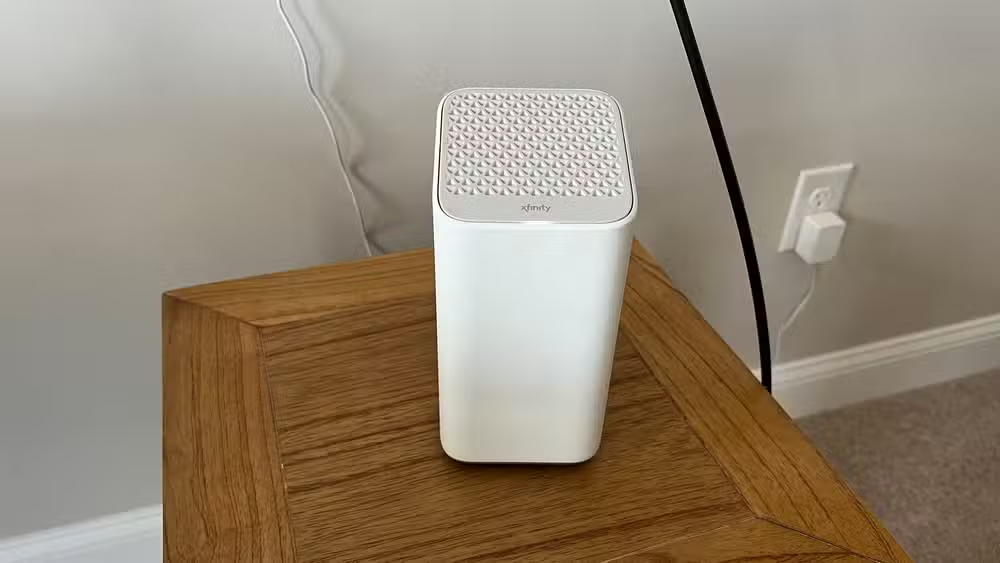
The easiest place for your ISP to install a router is rarely the best one. Technicians run cable to wherever is most convenient. That's often a corner of your house, near the point where the line enters from the street.
Wi-Fi signals radiate in a circle around the router. When you place your router against an outside wall, roughly half of that signal radiates outside your home. The other half has to travel through every wall between the router and your device.
“The best router in the world won't save you if it's tucked away inside a metal cabinet in the corner of your basement.”
— Patrick Campanale, Editor at How-To Geek
The fix sounds simple but can be inconvenient. Move your router to a central location in your home. Campanale bought 50 feet of fiber optic cable to relocate his own ISP router from its original installation spot to somewhere more useful. If running cable isn't practical, this is where mesh systems earn their price.
Old Networking Gear Creates Hard Limits
That old network switch you found in a closet might work, but it could be capping your speeds. Networking hardware has generations, and older gear simply cannot pass traffic at modern speeds.
A 10/100 Mbps switch in your network acts as a hard ceiling. It doesn't matter if you're paying for Gigabit internet. Every device connected through that switch will max out at 100 Mbps. The same applies to older routers, access points, and even the ports on your modem.
Check the specs on every piece of hardware in your network path. If anything says "10/100" instead of "10/100/1000" or "Gigabit," that's your bottleneck. Replacing a single $15 switch can unlock speeds you've been paying for but never receiving.
Your Ethernet Cables Are Outdated
Not all Ethernet cables are equal. Cat5 cables, common in homes wired before 2010, top out at 100 Mbps. You could have the fastest router and the best ISP plan available, and that old cable running through your wall would still limit you to a tenth of what you're paying for.
Cat5e and Cat6 cables support Gigabit speeds. Cat6a and Cat7 handle 10 Gbps if you're looking ahead. Check the printing on your existing cables. If they say "Cat5" without the "e," they're limiting your network. Replacing patch cables is cheap. Replacing in-wall runs is more work, but it's often the hidden cause of "my ISP is slow" complaints.
Cheap Wi-Fi Extenders Are Making Things Worse
Wi-Fi extenders seem like an easy fix for dead zones. They're affordable, plug into any outlet, and promise to "boost" your signal. The problem is how they work.
Basic extenders receive your Wi-Fi signal, then rebroadcast it. They use the same radio to do both jobs. This cuts your effective bandwidth roughly in half. Your devices show full signal bars, but the actual throughput is a fraction of what you'd get from a direct connection to your router.
Mesh systems handle this differently. True mesh nodes use dedicated backhaul channels, separate from the radio serving your devices. The result is consistent speeds throughout your home without the hidden performance tax.
“Mesh systems have fundamentally changed the reliability of home networking, effectively eliminating the 'dead zone' tax paid by older single-router setups.”
— Industry Analyst

You're Not Testing in the Right Places
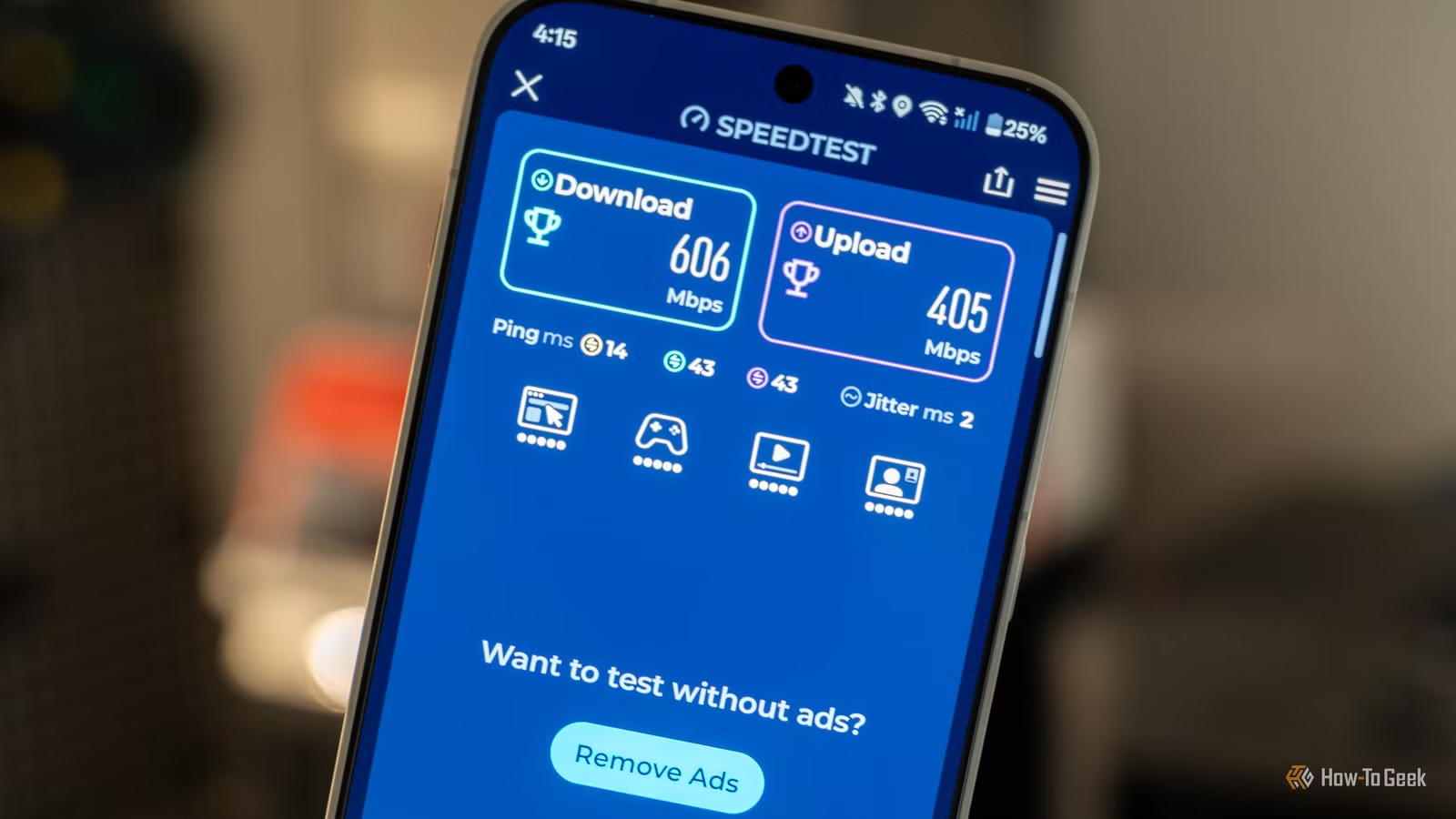
Speed tests measure the connection between your device and a test server. Run the test next to your router on Wi-Fi, and you'll get one number. Run it from the room where you actually use your laptop, and you'll often see a very different result.
The most useful speed test is one that reflects your actual usage. Test from the spots where you work, stream, or game. Test at different times of day. Test on different devices. A phone might get excellent speeds while an older laptop with a weaker Wi-Fi chip struggles in the same room.

For the most accurate baseline, connect a device directly to your router with an Ethernet cable and run a test. That tells you what your ISP is actually delivering to your home. Any speed below that number on other devices points to a problem inside your network, not with your provider.
What the Community Says
Reddit's r/HomeNetworking community consistently reports that switching from basic extenders to mesh systems or wired access points produces noticeable improvements for gaming and streaming. Latency drops, buffering disappears, and video calls stop freezing.
On Hacker News, the discussion often turns to software configuration. SQM, or Smart Queue Management, addresses "bufferbloat," where a saturated connection causes latency spikes even when raw bandwidth is available. Properly configured QoS can improve perceived speed more than expensive hardware upgrades.
Logicity's Take
Frequently Asked Questions
How do I know if my Ethernet cable is limiting my speed?
Check the text printed on the cable jacket. If it says "Cat5" without an "e," it's capped at 100 Mbps. Cat5e and above support Gigabit speeds.
Is a mesh system worth the cost over a cheap extender?
For most homes, yes. Cheap extenders cut your effective bandwidth by roughly half. Mesh systems maintain full speeds using dedicated backhaul channels.
Where should I place my router for best coverage?
As close to the center of your home as possible. Avoid corners, closets, and locations against outside walls where half your signal escapes the building.
Can old equipment cause slow speeds even with a fast ISP plan?
Yes. Any device in your network path that only supports 10/100 Mbps will cap your entire connection at that speed, regardless of what you're paying for.
What's the most accurate way to test my internet speed?
Connect a device directly to your router with an Ethernet cable and run a speed test. This shows what your ISP delivers. Compare against Wi-Fi tests to identify internal bottlenecks.
If you're optimizing your home network, you might also want to self-host your own tools
Need Help Implementing This?
Source: How-To Geek
Manaal Khan
Tech & Innovation Writer
اقرأ أيضاً

رأي مغاير: كيف يؤثر اختراق الأمن الداخلي الأميركي على شركاتنا الخاصة؟
في ظل اختراق عقود الأمن الداخلي الأميركي مع شركات خاصة، نناقش تأثير هذا الاختراق على مستقبل الأمن السيبراني. نستعرض الإحصاءات الموثوقة ونناقش كيف يمكن للشركات الخاصة أن تتعامل مع هذا التهديد. استمتع بقراءة هذا التحليل العميق

الإنسان في زمن ما بعد الوجود البشري: نحو نظام للتعايش بين الإنسان والروبوت - Centre for Arab Unity Studies
في هذا المقال، سنناقش كيف يمكن للبشر والروبوتات التعايش في نظام متكامل. سنستعرض التحديات والحلول المحتملة التي تضعها شركات مثل جوجل وأمازون. كما سنلقي نظرة على التوقعات المستقبلية وفقًا لتقرير ماكنزي

إطلاق ناسا لمهمة مأهولة إلى القمر: خطوة تاريخية نحو استكشاف الفضاء
تعتبر المهمة الجديدة خطوة هامة نحو استكشاف الفضاء وتطوير التكنولوجيا. سوف تشمل المهمة إرسال رواد فضاء إلى سطح القمر لconducting تجارب علمية. ستسهم هذه المهمة في تطوير فهمنا للفضاء وتحسين التكنولوجيا المستخدمة في استكشاف الفضاء.